A Melbourne fintech team built an MCP server last quarter. They exposed their internal CRM and document management APIs as tools, one endpoint per tool, named after HTTP verbs and resource types. Forty tools total: post_document, get_document, put_document, post_policy, get_policy.
Their Claude agent stalled on the second task it attempted.
Anthropic's guidance on tool design makes a point that's easy to miss: tools for agents are not API wrappers. They are task descriptions for a system that reads plainly but cannot infer from convention or context. An agent doesn't consult documentation or ask a colleague what post_document does versus post_policy. It reads the name, reads the description, and makes a decision. If that information is ambiguous or absent, the decision will be wrong. Most MCP servers get built like APIs anyway. It's the mental model the builder carried in.
Four principles separate MCP tools that work from MCP tools that don't.
Name tools for the task, not the operation
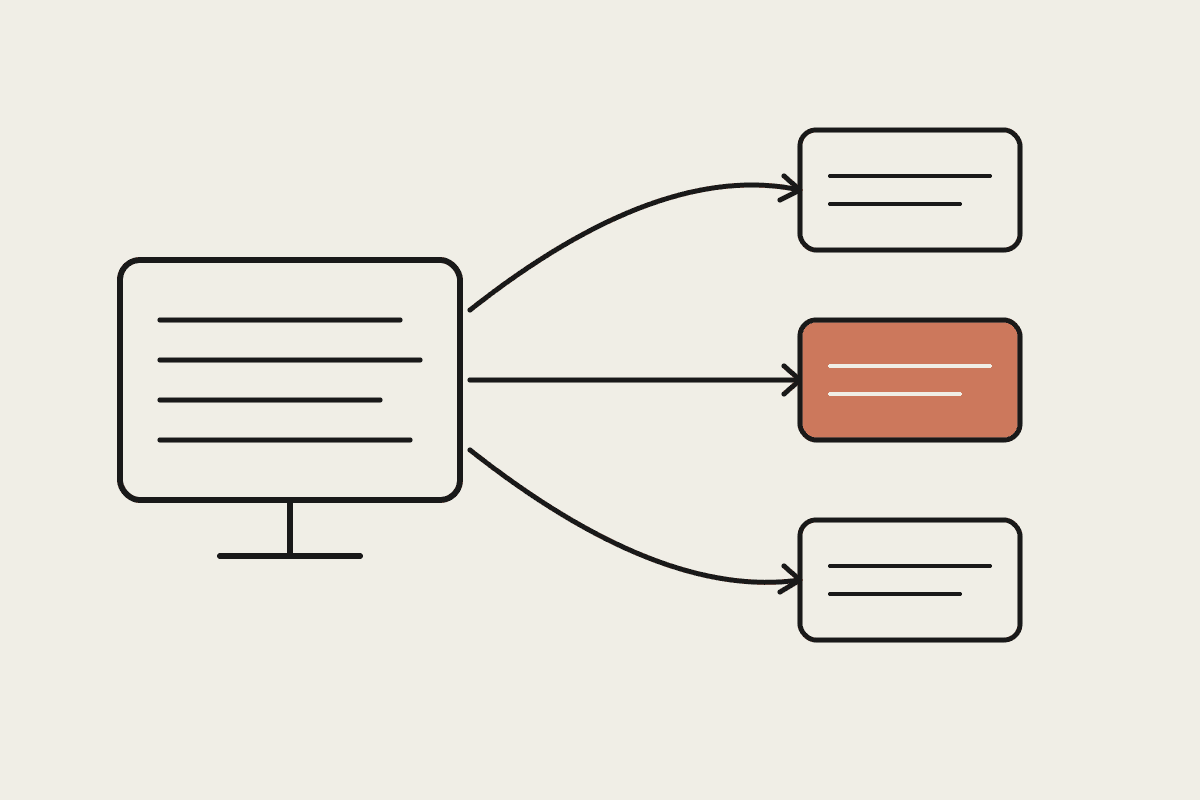
An API endpoint is named for the technical operation: POST /documents/, GET /policies/{id}. A tool should be named for what an agent would want to accomplish: draft_new_policy_from_template, retrieve_active_policy_by_client_id. The difference is not cosmetic. The model selects tools by matching the task it has been given against tool names and descriptions. A tool named post_document leaves the model uncertain whether it is relevant to "generating a renewal notice." A tool named generate_renewal_notice does not.
This reframing usually reduces the number of tools. A CRM with 40 API endpoints probably needs 8 to 12 MCP tools shaped around the tasks an agent would actually perform, not the full CRUD surface. Fewer tools means faster, more accurate selection. It also means the tool set is easier to maintain and easier to reason about when something goes wrong.
One practical test: read every tool name aloud to a non-technical colleague and ask them to predict what each tool does. Where they guess wrong, the name needs work.
Descriptions carry more weight than parameters
Most MCP implementations spend design time on parameter validation schemas and almost none on the tool description. That's the wrong investment. Parameters matter once a tool has been selected. Descriptions determine whether the tool gets selected at all — and in what context.
A thin description like "Creates a document record" gives the model nothing to calibrate on. A functional description tells it what the tool does, when to use it versus a similar tool, what inputs it expects in practice, and what it returns. Ten minutes on each description is worth more than three hours on schema validation for a tool that keeps getting called in the wrong context.
For teams operating under Privacy Act (1988) obligations, the description is also where you scope what a tool can access. A Sydney professional services firm with personal data spread across CRM, document management, and billing can note in each tool: "Returns document metadata only. Does not return document content or personal identifiers." That is not just developer documentation. It is runtime guidance the model uses when deciding how to handle output.
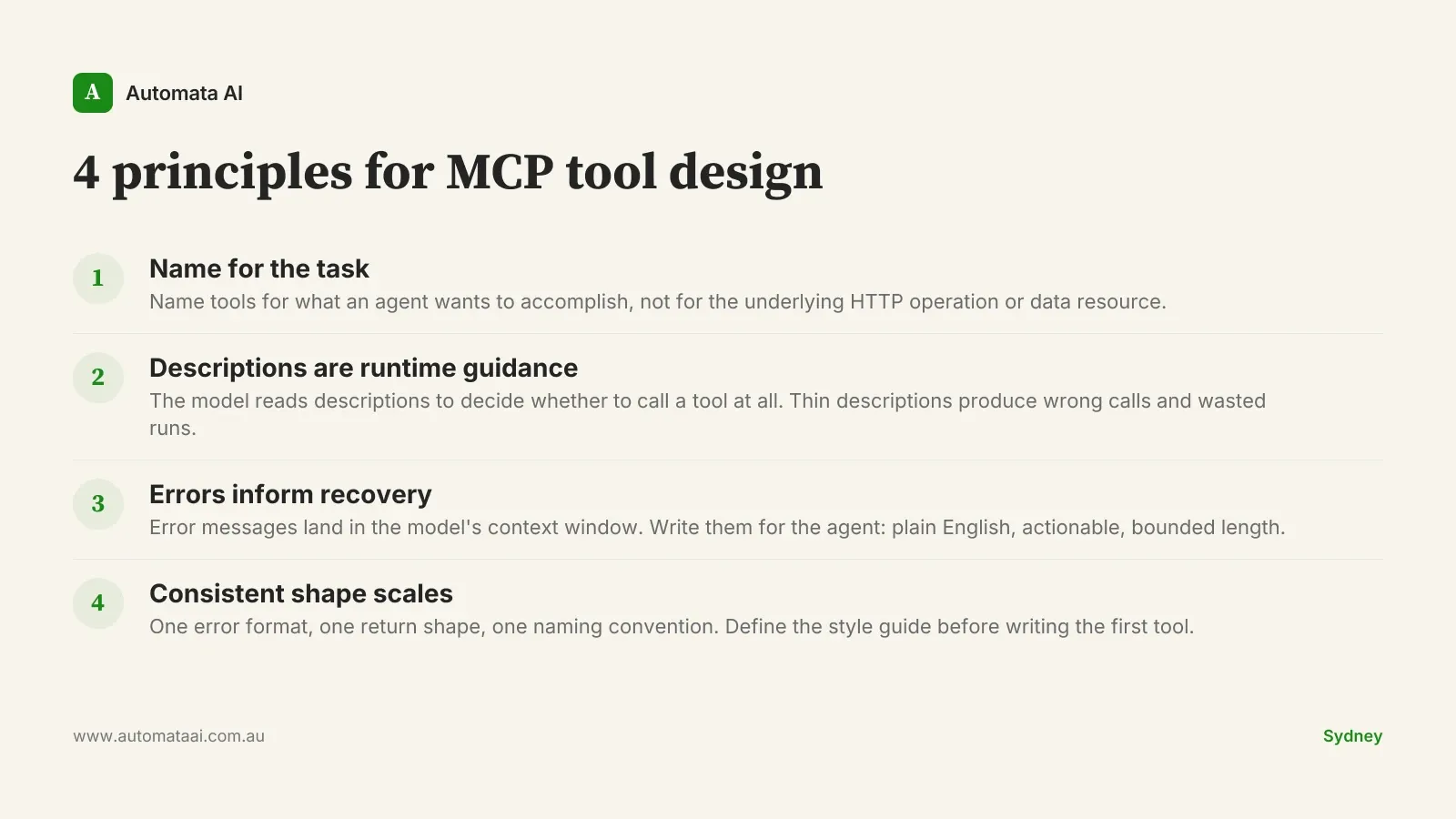
Error messages are model context, not log entries
When a tool call fails, the error message lands in the model's context window. It is not filed in a log somewhere — it is active information the model uses to decide what to do next. The quality of that information determines whether the agent recovers gracefully or keeps cycling.
500: Internal Server Error tells the model nothing. Document not found. The provided document_id does not match any active record. Verify the ID is a valid 36-character UUID before retrying. gives the model a path forward: it can attempt recovery, ask the user for the correct identifier, or surface the error clearly. The test is simple: would a junior developer reading this error know what to try next? If not, neither will the agent.
At $120–$150/hr fully loaded, a developer spending three hours debugging production agent failures that trace back to opaque error handling is a $360–$450 problem. One session. Multiply that across a month of deployments and the cost of not investing in error design becomes obvious.
Not every agent workflow justifies a custom MCP server
MCP servers are infrastructure. They need design, documentation, version management, and ongoing maintenance. If a Claude deployment doesn't require live access to internal systems, that overhead is rarely worth it. Document summarisation, email drafting, meeting notes, and report generation all run well without any MCP at all. Pre-built connectors from Anthropic and the broader ecosystem cover most standard enterprise integrations. The business case for a custom server starts with the question: does the agent actually need to read from or write to a system in real time?
Even when MCP is the right choice, not every principle here applies at the same scale. A server with three well-scoped tools built by one developer for a single internal workflow doesn't need a style guide on day one. The four principles matter most when you're building for multiple agent workflows, when several developers will contribute tools over time, or when compliance requirements make access scoping non-optional.
Multiple workflows sharing the same systems. Three or more distinct agent use cases drawing on the same internal tools justify the investment in consistent tool design.
Ongoing development across a team. If more than one developer will build tools, or the server will grow over time, a style guide pays back quickly.
Compliance requirements. APRA CPS 230 operational resilience and access controls often require precise tool scoping. Good descriptions and consistent error shapes make that auditing tractable.
Consistent tool shape is what makes MCP servers maintainable
An agent working across fifteen tools on a single run builds a working model of how those tools behave. If some return arrays and others return objects, if errors surface as fields in some tools and as exceptions in others, if inputs mix snake_case and camelCase, the model has to re-learn the interface on each invocation. Inconsistency creates overhead in the agent and in every developer who reads its behaviour.
Define a style guide before writing the first tool. One error format. One return shape. One naming convention. Keep it short enough to fit on one page. Longer than that and it won't be followed consistently. The teams getting the most from Claude agent deployments aren't the ones with the most tools. They're the ones whose tools were designed to work together from the start.