Google shipped the Gemini desktop app for Mac and called it a native experience. It is. It's also still just a chat window.
That matters more than it sounds if you're a developer. A chat window means you supply all the context every time. Every question you ask Gemini about your codebase starts from scratch, because Gemini on Mac has no access to your filesystem, your open PRs, your test results, or your stack trace. You are the integration layer. That's a hidden tax on every interaction.
What Gemini's Mac app actually delivers
The Gemini Mac app is genuinely polished. No Electron wrapper, fast launch, sidebar access from any application, multi-window support. For a marketing or operations team in a Sydney mid-market business, it's a credible daily tool.
Native performance. Swift-built, fast launch, no Electron overhead.
Sidebar access. Summon from any application without switching windows.
Multi-window. Run separate conversations for different work streams.
Google Workspace parity. Connects natively to Docs, Gmail, and Drive.
The limitation isn't a UI flaw — it's a design choice. Gemini on Mac is built for general-purpose chat. For developers who need to reason across a 40,000-token codebase, wire into a CI pipeline, and commit a fix without leaving the terminal, a chat window is the wrong tool category.
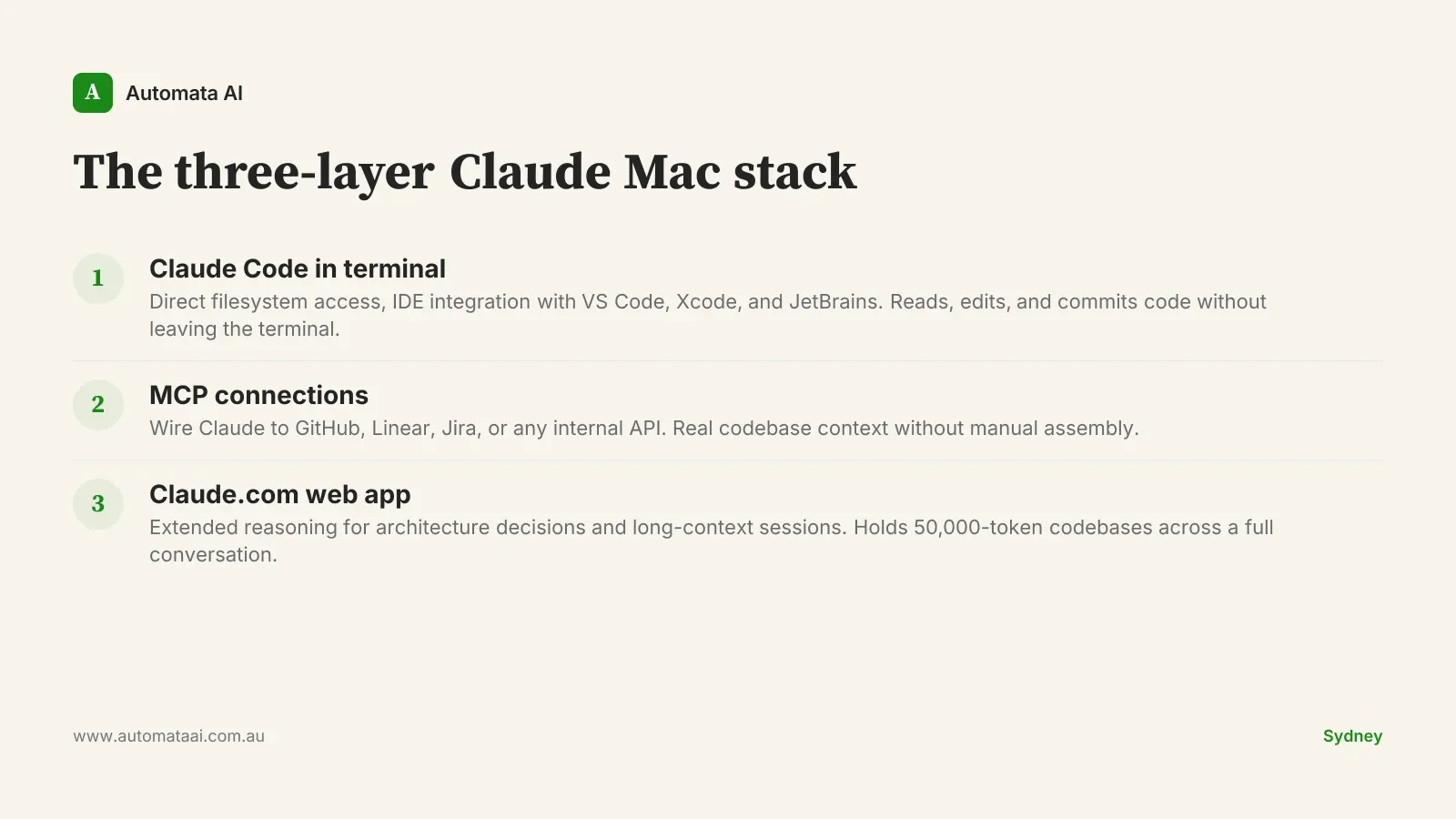
The three-layer Claude Mac stack
Claude's Mac presence isn't a single product. It's three tools that compose into one development environment. Understanding the layer boundaries is what separates teams that get 20% productivity gains from teams that get 2%.
Layer 1: Claude Code in your terminal
Claude Code runs natively in your terminal and integrates directly with VS Code, JetBrains IDEs, and Xcode. It reads your actual files, runs bash commands, edits code, and commits changes without you leaving the terminal. Sydney engineering teams using Claude Code for code review typically cut review time from 45 minutes to under 10 minutes per pull request, based on our 2025 client engagements. The model has full visibility into the codebase context, not just the snippet you paste. That is not a productivity nudge. That is a workflow change.
Layer 2: MCP for genuine context
The Model Context Protocol (MCP) is the component most Mac-focused AI comparisons miss. MCP lets Claude connect to GitHub, Linear, Jira, Notion, or any internal API you expose. When a developer asks Claude to fix the authentication bug from this morning's standup, Claude can pull the Linear ticket, read the relevant code files, and produce a diff against the current branch. No manual context assembly. The developer reviews a diff instead of drafting one.
Layer 3: Claude.com for extended reasoning
For architecture decisions and extended reasoning sessions, the Claude.com web app handles context windows that most tools can't sustain across a full conversation. Paste a 50,000-token codebase and ask it to identify the dependency cycle, audit the access control model, or map the data flow between services. Senior engineers use it for the work that requires holding ten things in mind at once. The kind of decision-making that doesn't fit in a chat sidebar and doesn't benefit from being broken into fragments.
The cost reality for Australian developers
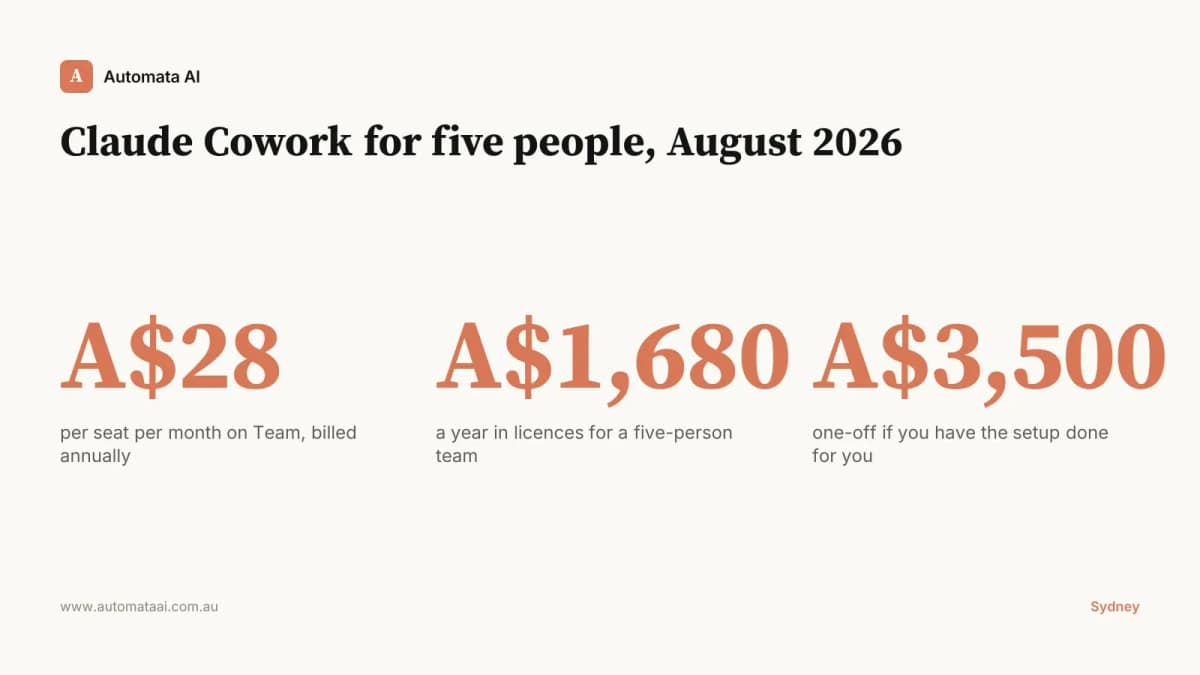
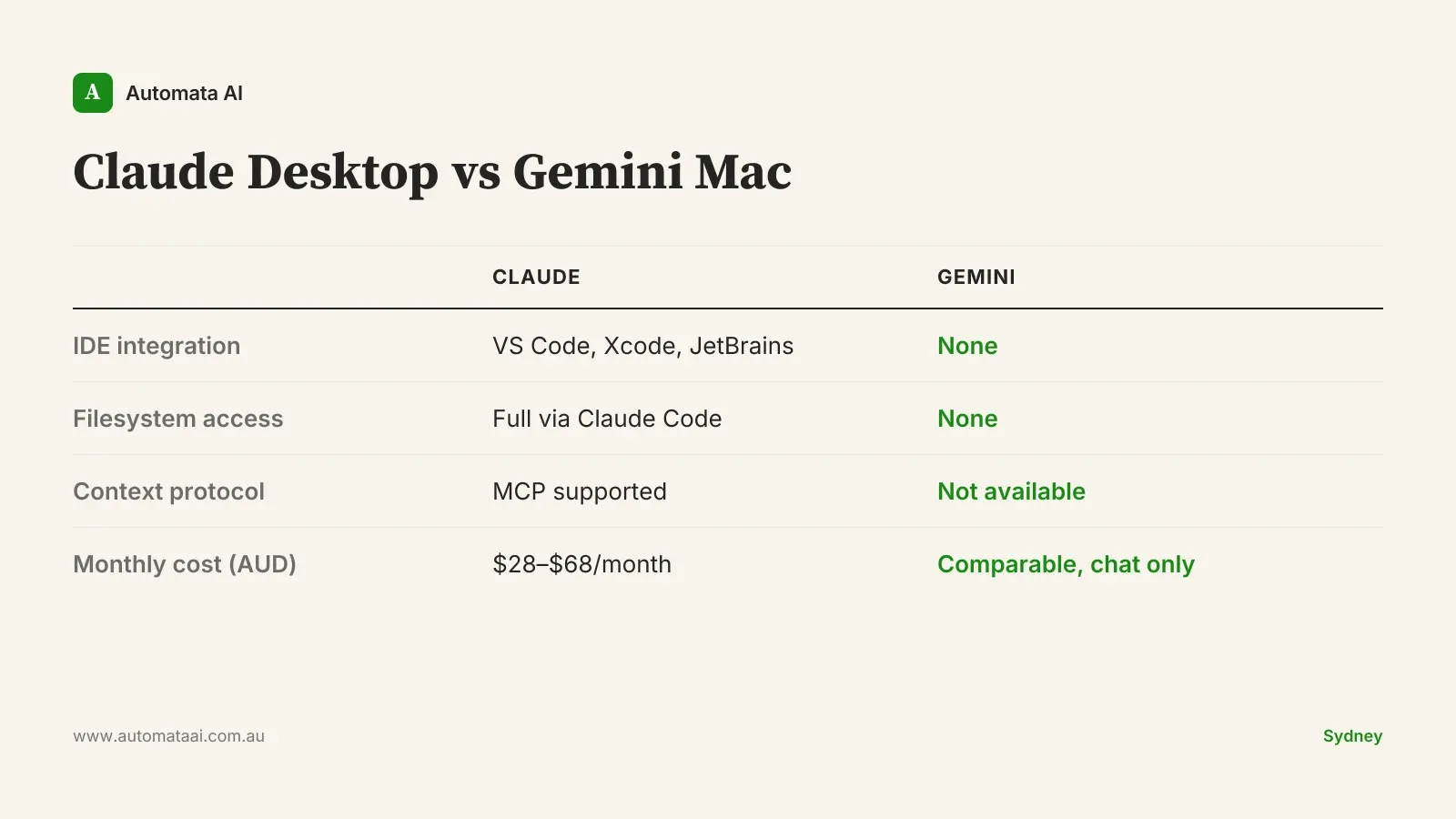
Claude Pro runs approximately $28 AUD per month. Claude Code API usage at moderate-to-heavy daily use costs $15–$40 AUD per month for a single developer. Combined, that's under $70 AUD a month for a full-stack AI development environment. A senior Australian developer costs $150–$180 per hour fully loaded. If the stack saves two hours a week, the payback arrives on the first Tuesday. Model the exact figures for your team in our ROI Calculator.
Claude Pro. ~$28 AUD/month for the web app, extended context sessions, and Projects.
Claude Code API. $15–$40 AUD/month for a single developer at moderate-to-heavy daily use.
Gemini Advanced. Comparable monthly cost. Restricted to chat only — no filesystem access, no IDE integration, no MCP.
When to skip the Claude Mac stack
Not every team should standardise on this. The honest version: if your primary users are non-technical, Gemini's polished interface will serve them better. Claude Code's terminal-first workflow has a learning curve that adds friction for anyone who doesn't already live in a shell. Before committing the full stack, our AI Readiness Assessment can help you scope which tools belong in your environment and which ones don't.
Non-technical teams. Marketing, HR, and operations users get more from Gemini's sidebar and Google Workspace integration than from Claude Code.
Privacy Act constraints. Both Claude and Gemini route through US-based infrastructure. If your compliance requirements under the Privacy Act (1988) prohibit this, evaluate AWS Bedrock or Azure AI deployments before committing to either.
Google Workspace-first environments. If 80% of your workflow lives in Google Docs and Gmail, Gemini's native Workspace integration is a genuine advantage Claude doesn't have.
Getting the three-layer stack running
The setup takes under an hour. Most Australian engineering teams are operational in a single afternoon. The sequence that works:
Install Claude. Download from claude.com/download and sign in. Subscribe to Claude Pro immediately to unlock higher rate limits.
Install Claude Code. Run npm install -g @anthropic-ai/claude-code in your terminal and authenticate with your Anthropic API key.
Configure MCP. Connect Claude to GitHub and your project management tool. MCP server configuration takes 15 minutes with the right guide.
Run a real task first. Don't test with a toy prompt. Point Claude Code at an open pull request and ask it to review the diff against your coding standards.
Teams that want MCP connections, IDE integration, and API billing configured without burning a sprint on it should look at our AI Automation Services. We have deployed this stack for engineering teams across Melbourne and Sydney, and the efficiency gains typically show up within the first two weeks.
The Gemini Mac app is a well-built chat client. For general business use, it earns its place. Developer tooling is a different category. The three-layer Claude stack, Code plus MCP plus web app, is what that category looks like in 2026. Pick one process, wire it up this week, and measure the difference after a fortnight.