A platform engineer in Sydney was asked to approve Claude Code for the development team. She wrote a six-page policy document that nobody read. The rollout stalled.
Three months later, a different engineer at the same firm set up four shell scripts in an afternoon and deployed Claude Code to production without incident. Security signed off. Compliance could see what Claude was doing. The difference between those two outcomes was hooks.
Claude Code hooks are shell commands that fire on specific events in a session: before a tool call executes, after a file is written, when the session opens, when it closes. They live in settings.json and take about 20 lines to configure. Used correctly, they turn Claude Code from a tool your platform team fears into one they can account for.
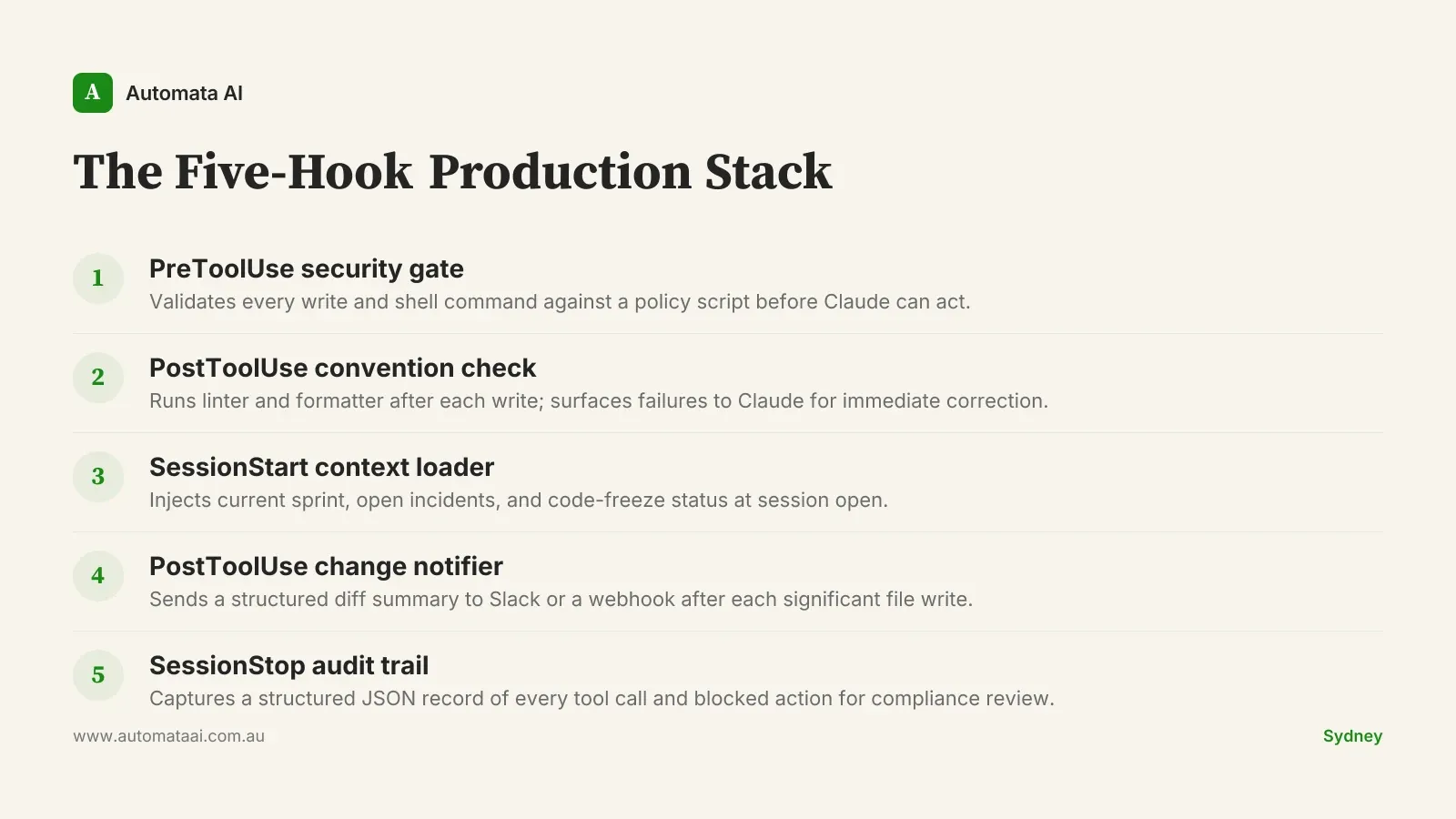
Here are five hooks Australian engineering teams are running in production right now.
Hook 1: Pre-tool-use security gate
A PreToolUse hook fires before Claude executes any tool that writes to disk or runs a shell command. The hook receives the tool name and its full input, runs a validation script, and either passes or blocks the call.
Writes outside the project directory. Block and log. Claude should not touch files outside the working tree.
Shell commands with rm -rf, sudo, or curl piped to bash. Reject outright and append the attempt to an audit log.
Database migrations or destructive queries. Require explicit confirmation before proceeding.
Every blocked action. Append to the audit log with a timestamp, tool name, and the full input string.
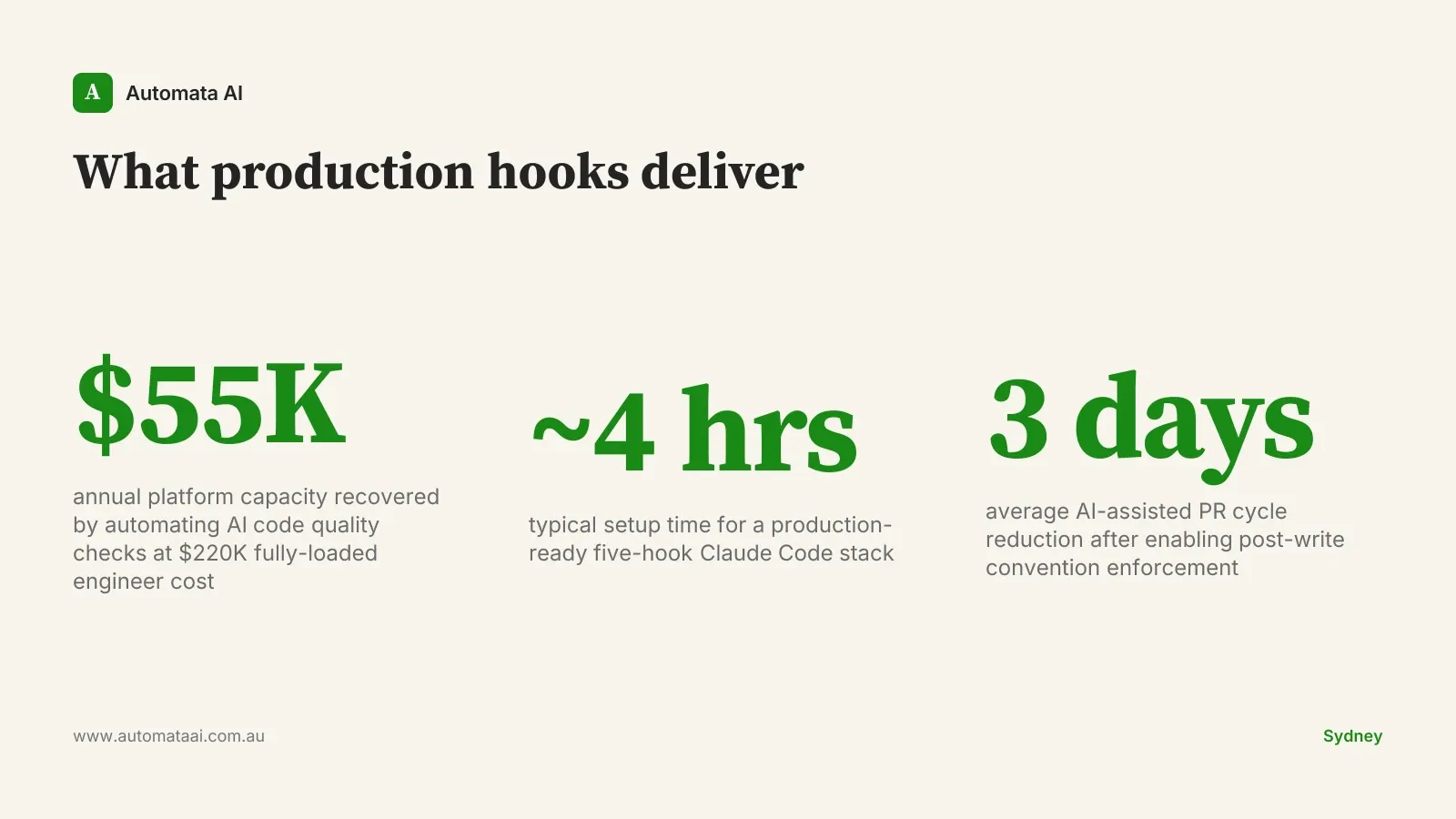
A senior platform engineer fully loaded sits at $200,000–$250,000 a year in Australian mid-market. If this hook prevents two incidents a quarter, each requiring a half-day investigation, you recover around $25,000 of engineering capacity per year from one shell script. That is before counting the incidents that do not happen.
Most of the production AI deployments we scope through our AI Automation Services add this hook in the first week. Not because incidents have already happened. Because the pre-tool-use gate is what lets the conversation with the security team move from 'we need to assess the risk' to 'we have already managed it.'
Hook 2: Post-write convention enforcement
A PostToolUse hook fires after Claude writes or edits a file. Run your formatter, linter, and any team-specific checks here. If the check fails, exit with a non-zero code. Claude Code treats a non-zero hook exit as a signal to retry with the error in context.
The setup is roughly 30 lines of bash: run prettier and eslint (or black and flake8, or gofmt and golangci-lint), check the exit code, and surface any failures as plain text. Claude sees it and corrects on the next attempt. The developer does not see it at all.
A fintech team in Melbourne running this hook on Claude-assisted code saw their average AI-assisted PR cycle time drop by about three days per sprint. Not three hours. Three days. The convention arguments that used to burn through review rounds stopped appearing in PR comments entirely.
Hook 3: Session-start context injection
A SessionStart hook fires when Claude Code opens a new session. It is the right place to inject context the team always needs but would otherwise paste in manually.
Current sprint tickets. A brief pull from Jira or Linear, formatted as a plain-text list.
Open production incidents. If PagerDuty or Datadog shows anything active, surface it at session open.
Code-freeze status. A file-based flag in the project root that blocks Claude from suggesting commits during a release window.
On-call roster. Who is holding the pager this week, so Claude treats their services as higher-risk to modify.
This hook complements CLAUDE.md project instructions, not replaces them. Static documentation goes in CLAUDE.md. Live operational state goes in the session-start hook.
Hook 4: Post-tool-use change notifier
A second PostToolUse hook, scoped to Write and Edit events, sends a structured notification to a Slack channel or webhook endpoint after each significant file write. The payload includes the file path, a one-line diff summary, and the Claude session ID.
This is the hook that platform and security teams ask for once they hear the idea. It gives them a real-time feed of what Claude is producing in production repositories without requiring them to be present in every session.
For Australian financial services teams operating under APRA CPS 230, the change notifier generates proof of what changed and when. This is exactly what compliance reviews ask for. The alternative is tracing git history after the fact, which is archaeology, not audit evidence.
The webhook setup takes about 30 lines of bash and one incoming Slack URL.
Hook 5: Session-end audit trail
A SessionStop hook captures a structured JSON record at the close of every session: tools used, files touched, tokens consumed, and any blocked actions from the security gate. The record appends to a local log file or ships to an S3 bucket synced to your SIEM.
For teams in Australian financial services, healthcare, or government, this audit trail is what makes Claude Code defensible under APRA CPS 230, AUSTRAC reporting obligations, or the ASD Essential Eight. A security team reviewing an AI tooling proposal will ask for session-level audit evidence. Without a SessionStop hook, you do not have it.
The audit log also feeds engineering retrospectives. After three months of production use, the session records show which developers rely on Claude Code most heavily, which tools fire most often, and where the security gate blocks most frequently. That data shapes the next version of the policy, and usually reveals the gate was set too strict in places that did not matter.
When hooks slow you down more than they help
Hooks add latency. A pre-tool-use gate that calls a policy service adds 200–400ms to every tool call. In a long session with many writes, that compounds. The right answer is two configuration profiles: a sandbox profile in settings.local.json with light hooks or none, and a production profile committed to the repo with the full security stack. Developers run the sandbox profile on throwaway branches.
Hooks are also not a substitute for clear project instructions. If CLAUDE.md does not tell Claude what it should be doing, hooks that block what it should not be doing will produce friction without output. Instructions define intent. Hooks enforce boundaries. You need both.
If your team is on an individual plan or using Claude Code for personal exploration, the PreToolUse security gate is overkill. For any team with shared repositories, a compliance requirement, or an expectation that Claude output touches production code, it is not optional.
The engineering teams that deploy Claude Code without incident are not the ones who restricted it most aggressively. They are the ones who defined where it could work, set up evidence that it was working there, and left it alone.
The AI Readiness Assessment maps where Claude Code fits your current stack and which hooks your environment actually needs.