The agent was there to update a CRM record. It encountered a session timeout modal it had never seen in testing, clicked the default button, and sent a draft email to 190 client contacts before anyone noticed. The professional services firm running the pilot had no frame-grab log, no action budget, no application allow list. Recovery took two days and a legal review.
Computer use is categorically different from API-based automation. The agent sees a screenshot, infers intent, and acts on what it observes. There is no structured data contract, no strongly-typed response, no deterministic mapping from input to output. The agent uses judgement. That capability is exactly what makes it useful for systems with no API. It is also exactly what makes 'the agent will figure it out' a dangerous design philosophy for production.
The Computer Use Safety Layer: five controls before your first agent click
The five controls below are not optional extras for risk-averse teams. They are the minimum viable safety configuration for a production computer use pilot. Missing one changes the risk profile materially. The checklist is not long, but every item on it exists because a team somewhere ran without it and wished they had not.
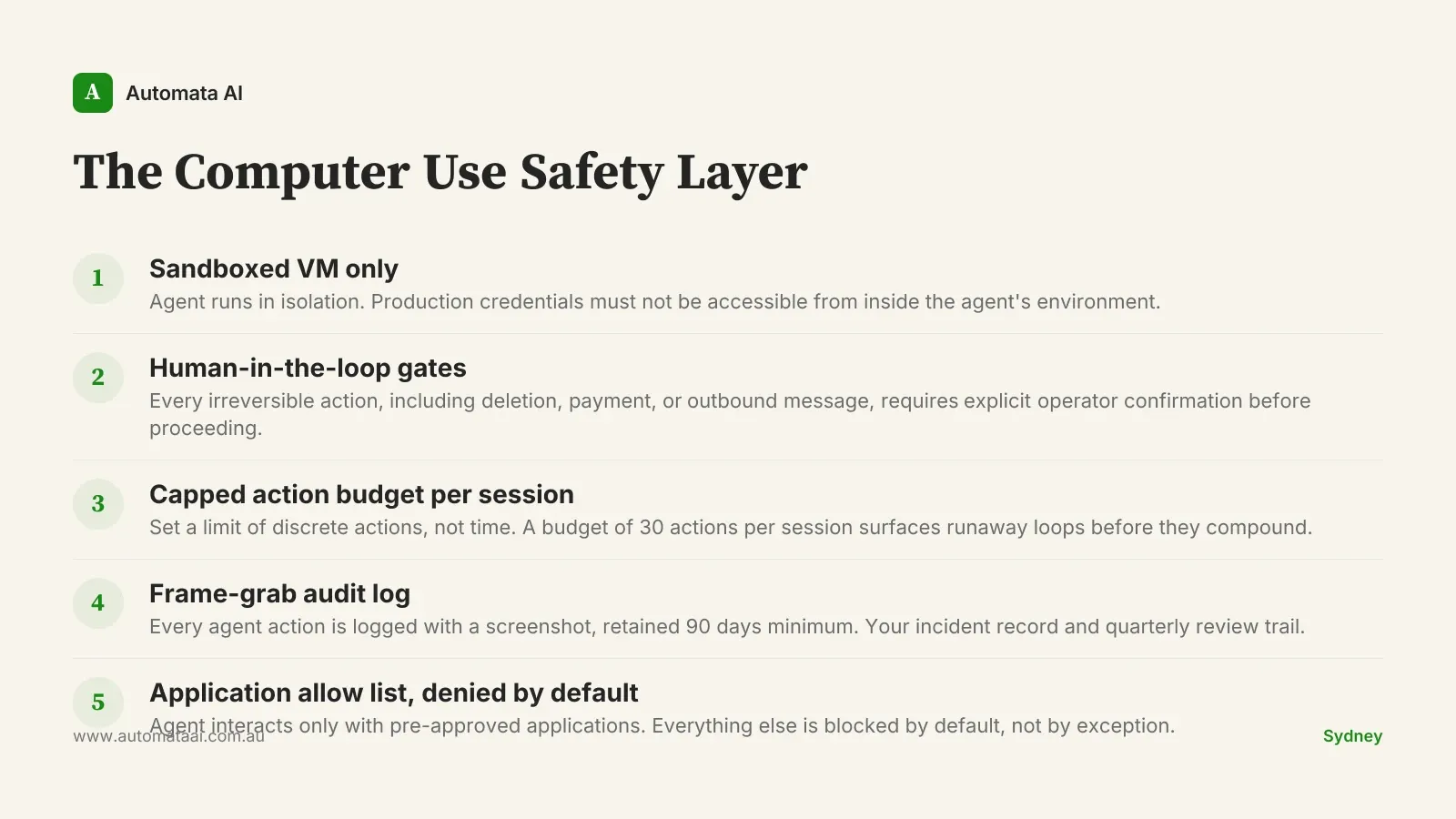
Sandboxed VM only. The agent runs in isolation. Production credentials must not be accessible from inside the agent's environment.
Human-in-the-loop for every irreversible action. File deletion, outbound message, payment, customer-visible change. Each requires explicit confirmation before the agent proceeds.
A capped action budget per session. Expressed as a count of discrete actions, not time. A budget of 30 actions per session surfaces runaway loops before they compound.
Frame-grab logging for every agent action. Retained for at least 90 days. Without this, reconstructing what happened after an incident is guesswork, not investigation.
An application allow list, denied by default. The agent interacts only with the applications it was scoped to. Everything else is blocked.
Why the pre-production investment is worth it
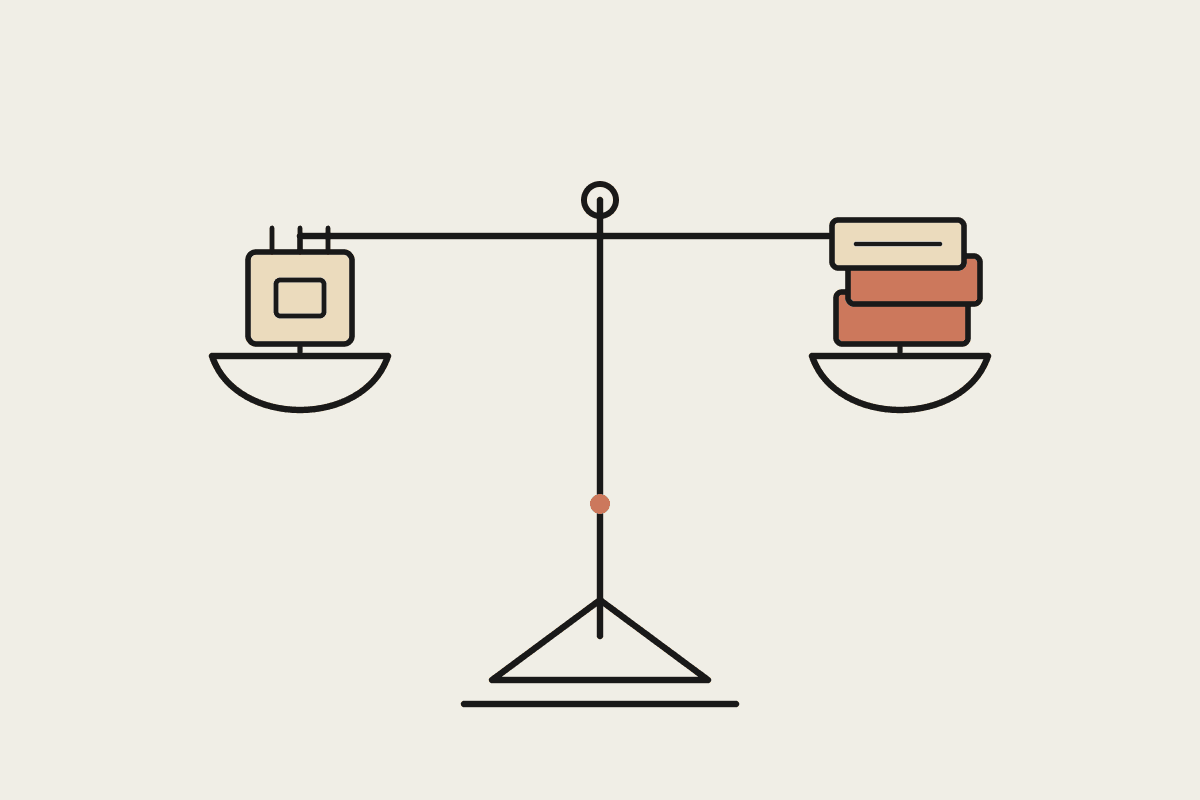
A typical Australian enterprise computer use pilot runs $70,000–$100,000 of platform engineering before the first live agent click. That figure sits uncomfortably in a pilot budget until you weigh it against the alternative. An agent that sends an unauthorised outbound message or processes an unauthorised payment creates obligations that reach into Australian Privacy Principles reporting, and potentially ASIC notification. Our ROI Calculator can model the payback math for your specific process, but the safety layer is not overhead. It is the work.
The asymmetry here is material. The cost of the safety layer is fixed and known upfront: engineering time, VM infrastructure, logging setup. The cost of a rogue agent action is variable, potentially very large, and often borne across multiple teams: engineering for the technical post-mortem, legal for the compliance review, communications for client notification, and sometimes the client relationship itself. Every enterprise that has chosen to skip a control has eventually added it back after an incident. None of them described that as the right order of operations.
The most common failure pattern
The failure we see most often is not dramatic. The agent encounters an unexpected modal during a session, something that never appeared in testing: a software update prompt, a timeout warning, a permission dialog. It clicks the most prominent button on screen. In most cases, nothing consequential happens. In the cases that matter, it triggers an action the operator did not authorise. The unexpected state is not an edge case. It is a certainty over a long enough run.
A confirmation gate plus a tight application allow list catches this in roughly 95 percent of cases. The remaining five percent need the action budget and the frame-grab log to diagnose and recover. That is why all five controls are necessary. Three of them is not a partial solution. Three of them is an incomplete one.
A Sydney professional services firm running a computer use pilot against their CRM put the safety layer in place before writing a single line of agent code. They ran for six months within strict allow-list constraints, logged every session in full, and reviewed the frame-grab record at the end of each month with both engineering and legal present. Only then did they expand the agent's scope to include outbound client communications, with a separate approval flow and a fresh safety review for that specific capability. The expansion took three weeks. It would have taken three months if they had encountered an incident first and had to rebuild trust before proceeding.
When computer use is the wrong tool
Not every process is a computer use problem. If you have API access to the target system, use it. Computer use belongs in the gaps: legacy systems with no programmatic interface, vendor portals, desktop applications that cannot be scripted. Reaching for computer use because it feels more capable than a structured API call is how pilot budgets inflate without delivering proportionate value. Our AI Readiness Assessment covers which automation pattern fits which process type, including when computer use is genuinely the right answer and when it is not.
The token economics also constrain it. Computer use is materially more expensive per task than text-based automation because the agent processes screenshots rather than structured data. If the target process runs fewer than 500 times a month, the token spend may not justify the platform investment even after the safety layer is in place.
API access exists. Use the API. It is faster, cheaper, and deterministic.
Volume under 500 runs per month. Token costs at that frequency rarely produce a 12-month payback.
The task requires subjective judgement. Computer use agents act on what they observe. A task requiring real discretion is a human task, possibly assisted by a different Claude pattern.
Three numbers from week one
Once the safety layer is in place, three numbers belong on a shared dashboard: time-to-task-completion against the manual baseline, cost-per-session in tokens and infrastructure, and the human-in-the-loop trigger rate. That last one is the most diagnostic. A high trigger rate means the agent is encountering novel states its allow list was not built for. It needs tightening, not patience.
The frame-grab log earns its keep twice. Once during an incident, when you need a precise reconstruction of what the agent did and in what sequence. Once during quarterly scope review, when patterns with persistently high trigger rates are candidates for re-scoping, and patterns running cleanly are candidates for expanded allow lists. Our computer use engagement tiers include this review cadence as a standing deliverable.
The safety layer is not what you build after something goes wrong. It is what you build so that when something unexpected happens, and something always does, you have the data, the controls, and the audit trail to respond like a team that was prepared. Not one that got lucky.