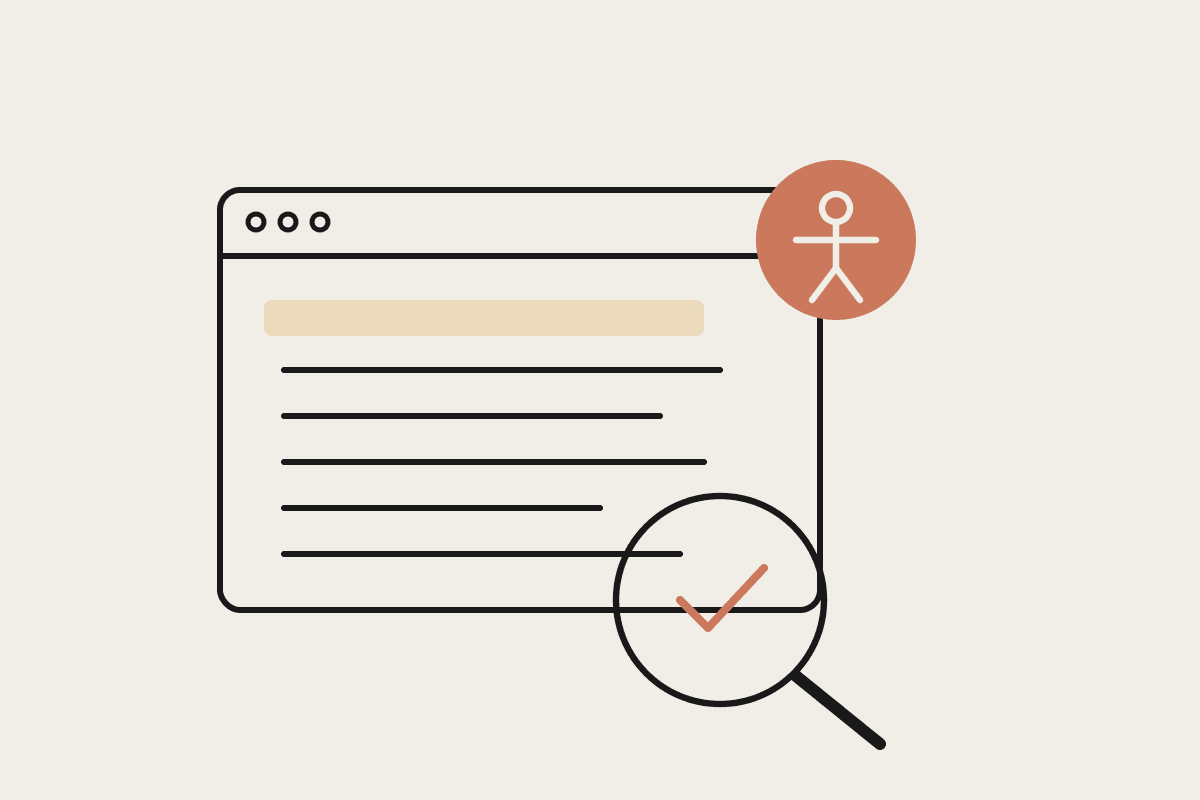
Most Australian websites quietly fail their own accessibility promises. An automated checker will flag a few dozen issues on the average page, and the harder manual problems sit underneath, invisible to any tool that only scans rendered markup. Claude Code changes the economics of that first pass. Instead of paying for a one-off consultant audit or wrestling with a browser extension that reports problems without fixing them, you can point Claude Code at your codebase, have it read the actual components, find the WCAG failures, and draft the fixes in the same session.
What WCAG compliance means for an Australian site
Accessibility in Australia is not optional guidance. The Disability Discrimination Act 1992 makes it unlawful to provide goods, services, or facilities in a way that discriminates against people with disability, and the Australian Human Rights Commission has consistently applied that duty to websites. The reference standard is WCAG 2.1 at Level AA, the same bar the Digital Service Standard sets for federal government services and most state government procurement. Around 4.4 million Australians live with some form of disability, so the audience an inaccessible site turns away is not a rounding error.
The commercial risk is concrete. A human rights complaint that reaches conciliation can cost a small business $45,000 or more once you add legal advice, remediation, and lost staff time, and a contested matter runs well past that. Retrofitting accessibility into a site after launch usually costs three to five times what building it in from the start would have. For a mid-sized site that gap can be the difference between a $15,000 fix and a $60,000 rebuild.
What Claude Code can check on its own
Claude Code reads your source, not just the rendered page, so it catches a class of issues that browser-only scanners miss. Working from the components themselves, it can flag:
Missing or unhelpful alt text on images, including decorative images that should carry an empty alt attribute rather than a filename
Form inputs with no associated label, or fields that rely on placeholder text to stand in for one
Heading levels that skip a step, such as an h2 followed by an h4, breaking the document outline screen readers depend on
Colour pairings that fall below the 4.5:1 contrast ratio WCAG AA requires for body text
Interactive controls built from div or span tags with no keyboard handler, role, or accessible name
Missing lang attributes, absent skip links, and focus states wiped out by a blanket outline removal rule
Because it sees the code, Claude Code can also explain why each issue matters and what a screen reader user actually experiences. That turns a bare defect list into something your developers learn from, so the same mistakes stop recurring.
A working audit loop
The most reliable pattern is to run the audit in passes rather than asking for everything at once. Start by asking Claude Code to inventory every interactive component and page template in the repository, giving you a map of what needs checking. Then run one WCAG success criterion at a time. Ask it to check every image for text alternatives across the whole codebase, review the results, and apply the fixes it drafts. Move to forms, then keyboard operability, then contrast. Handling one criterion per pass keeps each change small enough to review properly and stops a large refactor from hiding a regression.
Give Claude Code the context it needs to be accurate. Point it at your design tokens so it checks real colour values rather than guessing, tell it which framework you use so its ARIA advice matches your components, and state that you are targeting WCAG 2.1 AA specifically. A CLAUDE.md file that records these facts means every future audit starts from the same brief instead of re-explaining the project each time.
Where automation stops and a human takes over
No tool, Claude Code included, can certify a site as accessible. Code-level and automated checks catch somewhere between a third and a half of WCAG issues. The rest need a person, ideally someone who uses assistive technology every day. Human testing is still the only way to confirm:
Whether the reading order and focus order make sense to someone navigating by keyboard or screen reader
Whether alt text is meaningful in context, not merely present
Whether error messages, live regions, and dynamic content announce correctly in a real screen reader such as NVDA or VoiceOver
Whether the site works for people with cognitive and motor differences, which is largely a judgement call
Treat Claude Code as the tool that clears the mechanical failures quickly and cheaply, so your paid human testing budget goes to the questions machines cannot answer. A Sydney agency running this split typically cuts the code-fixable defect list by roughly 80 percent before a specialist tester ever opens the site, which shortens the human engagement and lowers its cost.
Getting started
If you want a repeatable accessibility audit process built around Claude Code and mapped to WCAG 2.1 AA, we can set it up with your team and your codebase, then hand over the CLAUDE.md brief so your developers keep running it. Book a time to talk it through.