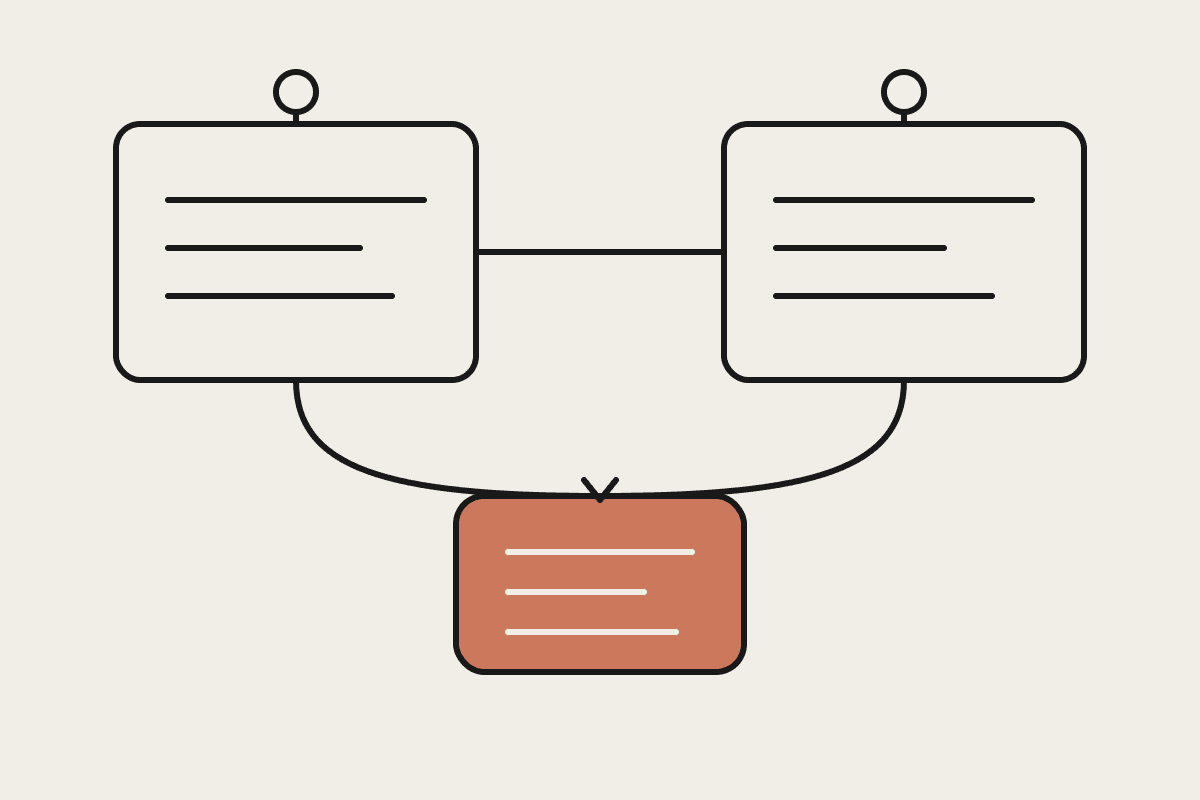
Most articles and internal process docs are not hard to read because the writing is poor. They are hard because there is a system hiding inside the text. A support loop that fires every 30 minutes, processes tickets, logs friction, generates signals, triggers tasks, then feeds the results back into the next cycle is far easier to grasp as a moving picture than as five paragraphs of prose.
The usual fix is to ask an AI to draw a diagram, which produces an unreliable one-shot image you cannot edit or trust. There is a better pattern, and it is a good showcase for what a Claude Skill actually is: not a prompt, but a packaged capability that combines Claude's reasoning with deterministic local code.
Separate structure extraction from rendering
The approach does one thing well. It takes a complex article, process description, or architecture sketch and turns it into an animated GIF system diagram. The pipeline runs in clear stages: Claude reads the article and extracts the system structure, Claude writes a JSON spec, a local Python script with Pillow renders the frames, an animation overlay is composited on top, and the result is exported as a GIF.
The important idea is the split. Claude is good at reading text and pulling out the hidden structure: the nodes, the arrows, the labels, the colours, the animation paths, and the feedback loops. It is not reliable at drawing pixel output directly. So Claude's job stops at producing a JSON spec, the blueprint that describes which nodes exist, where they sit, how arrows connect them, and which paths get animated. A local renderer does the actual drawing, the same way every time.
Why the JSON spec in the middle matters
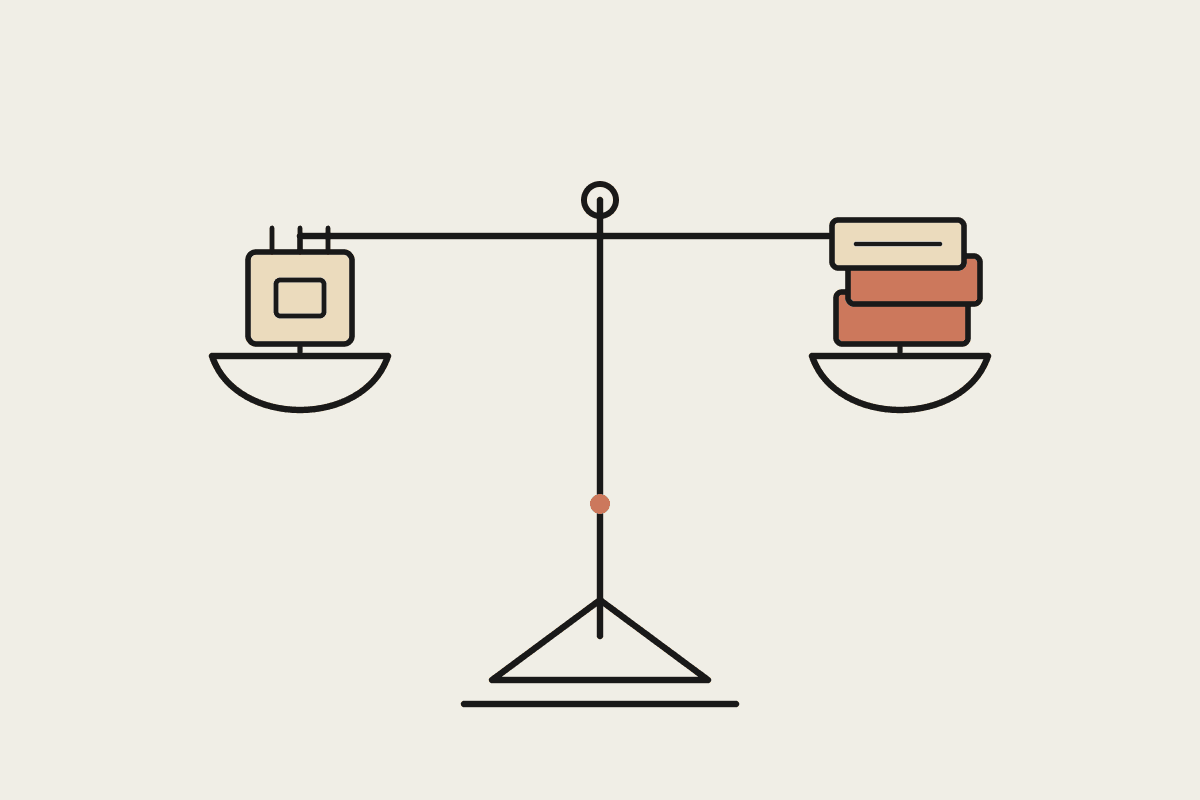
The JSON spec is what makes this trustworthy enough to use in client work. It is inspectable, version-controllable, and editable. If a node is mislabelled you fix one line, you do not re-roll an image and hope. The render step is deterministic: the same spec produces the same diagram every time. This is the same principle we use for our own blog hero images, where Claude draws a precise vector illustration rather than rolling a fuzzy generated picture. Reasoning and rendering are different jobs, and you get better results keeping them apart.
The Python renderer uses Pillow to draw the background, the node boxes, arrows, titles, section dividers, text labels, and rounded connectors. A final overlay moves light particles along the arrows and gives some modules a subtle pulse. Static frames explain the structure, and the animation explains the flow.
Where this earns its keep
This pattern works well for anything with a loop or a pipeline:
Agent loops and tool-use cycles.
Memory systems and retrieval pipelines.
Data pipelines and ETL flows.
Eval pipelines and scoring loops.
Internal approval and support workflows.
For an Australian business, the practical payoff is turning a messy internal process doc into a clear animated explainer in minutes, without a designer in the loop. A custom explainer diagram from an agency can run $1,500 to $5,000 and a week of back-and-forth. A Skill like this produces a first version in the time it takes to read the source doc, and you own the spec to refine it. Onboarding material, architecture reviews, and how-does-this-actually-work explainers all get faster and cheaper.
How a Claude Skill packages it
A Skill bundles the instructions, the JSON schema, and the render script together so Claude can run the whole job end to end. You invoke it, paste the article or process description, and Claude reads the content, extracts the structure, generates the spec, renders the diagram, and hands back the output file. The deterministic render lives in the skill's own scripts, so the result is repeatable rather than a one-off you can never reproduce.
Treat the spec as the product, not the picture. The diagram is downstream of a structured representation you can review and correct, which is exactly what makes it safe to put in front of a customer. The picture is just one rendering of a spec you control, and you can re-render it at any size or in any style without asking the model to start from scratch.
The broader pattern
The lesson outlasts diagrams. The reliable way to put AI into real work is almost always the same shape: let Claude do the reasoning, hand the deterministic step to code, and keep an inspectable artefact in the middle that a human can check. That is what turns an impressive demo into something an Australian business can run in production without crossing its fingers. The flashy output is never the point. The reviewable structure underneath it is what makes the whole thing safe to rely on.
If you want help building Claude Skills that wrap deterministic tooling like this around Claude's reasoning, book a free brainstorm and we will scope it with you.