Most Australian small and medium businesses do not have an automation problem. They have a back-office bottleneck: invoices that sit in an inbox for a week, quotes retyped from email into a CRM, payroll queries answered one at a time, and month-end that eats two full days. In 2026 the practical question is not whether to automate these tasks, but which ones give back the most hours for the least risk. Claude has changed that calculation, because a capable assistant can now read a messy PDF, draft a compliant reply, and hand a human the final call in seconds.
This guide covers what back-office automation actually means for an SMB, the tasks Australian businesses are handing to Claude first, the numbers behind the decision, and the regulatory lines you need to keep in view.
What the back office actually covers
"Back office" is the work that keeps a business running but never faces a customer directly. It is finance, admin, HR, compliance, and internal reporting. None of it wins a new client, yet it can quietly consume a third of a small team's week. The tasks share three traits that make them good automation candidates: they are repetitive, they follow rules, and they produce a document or a data entry at the end.
The areas most SMBs recognise straight away:
Accounts payable and receivable: reading supplier invoices, matching them to purchase orders, and chasing overdue accounts.
Bookkeeping prep: categorising transactions and flagging anything that needs a human before it reaches the accountant.
Payroll and HR admin: answering leave and entitlement questions, drafting employment letters, and onboarding checklists.
Internal reporting: turning raw exports into a plain-English monthly summary the owner will actually read.
Compliance paperwork: BAS preparation notes, insurance renewals, and record-keeping that satisfies the ATO and the Privacy Act.
What Australian SMBs are automating first in 2026
Across the businesses we work with in Sydney, Melbourne, and Brisbane, a clear order has emerged. Firms start where the pain is sharpest and the risk of error is easiest to contain.
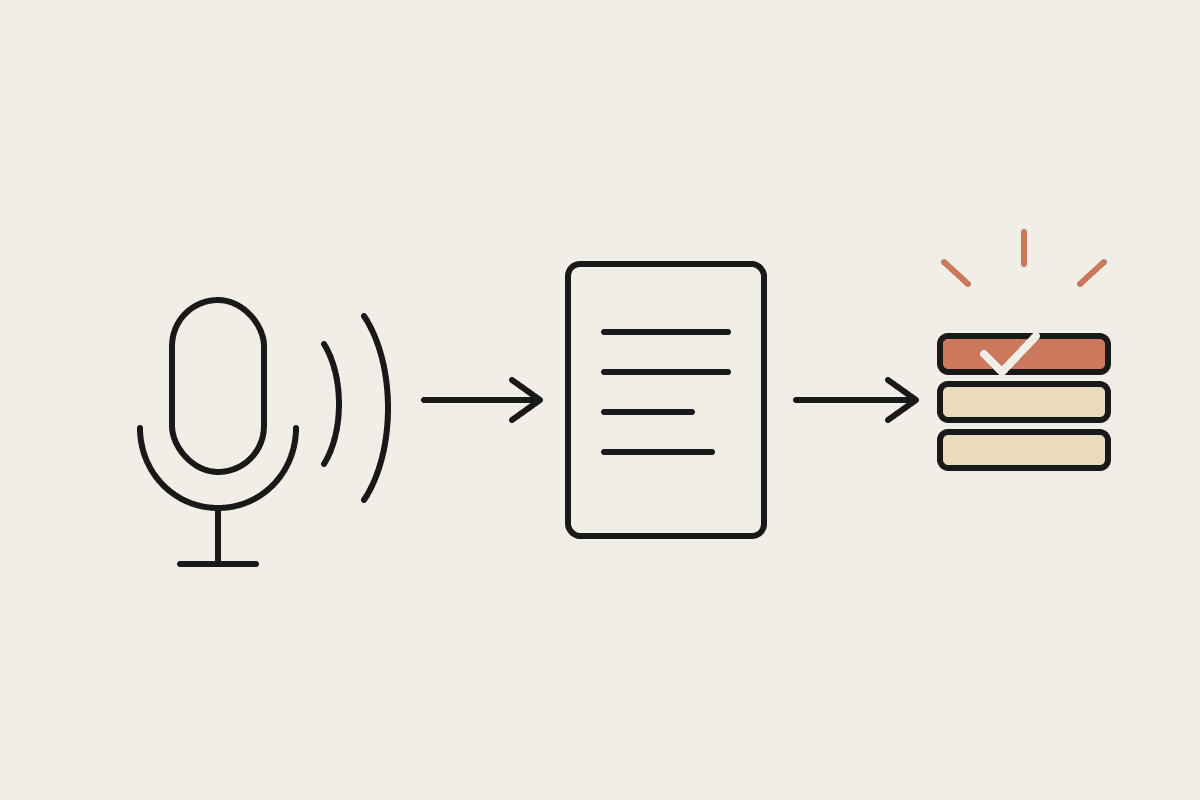
Invoice and document processing leads every list. A bookkeeper who once opened each PDF, read the totals, and typed them into Xero now has Claude extract the supplier, date, line items, and GST, then present a draft entry for a one-click check. The human still approves, but the typing is gone.
Email triage and drafting comes second. Claude sorts the shared inbox, groups the twelve near-identical supplier queries, and drafts replies in the business's own tone. Staff review and send rather than write from a blank page.
Month-end reporting is the third wave. Instead of a two-day scramble, an owner asks Claude to compare this month to last, explain the movement in plain terms, and produce a short board-ready note. What was a chore becomes a fifteen-minute review.
The pattern holds: the first jobs automated are the ones where a mistake is visible and cheap to catch, and where the output is a draft a human signs off, not an action taken without oversight.
The AUD business case
The maths is simpler than most owners expect. Take a five-person services firm where two staff spend roughly eight hours a week each on back-office admin. At a loaded cost of around $55 an hour, that is close to $45,000 a year in time spent on work no client ever sees.
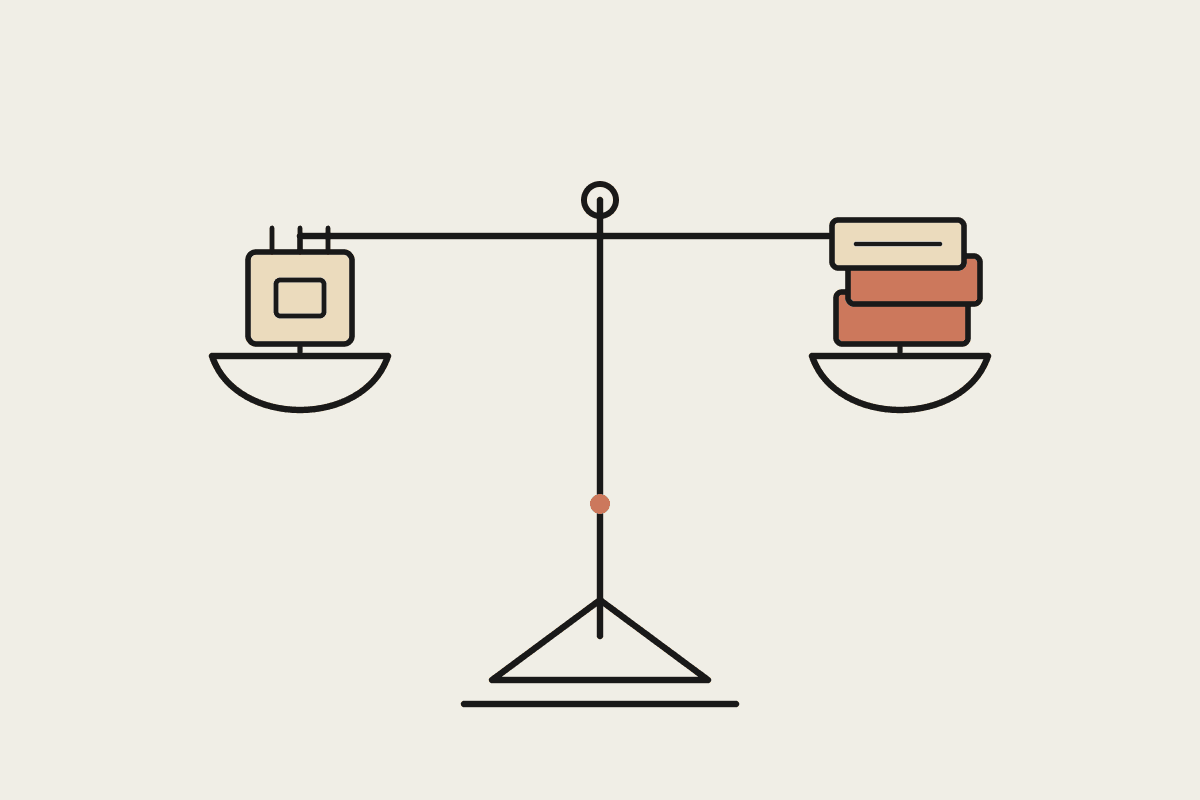
A realistic Claude deployment does not remove that work entirely, and it should not claim to. It typically cuts the repetitive portion by half to two-thirds. Recovering even 40 percent of those hours returns about $18,000 a year, against a setup and tooling cost that for most SMBs lands between $3,500 and $12,000 depending on how many workflows you tackle. The payback period is usually measured in months, not years, and the recovered hours tend to move to work that does bring in revenue.
The figure that matters more than the dollar saving is the error rate. Manual data entry sits around 1 percent per field; a well-designed review step where Claude drafts and a human confirms drives visible errors down while keeping a person accountable for every entry.
Where the regulatory lines sit
Back-office data is sensitive by nature, so automation has to respect the rules that already govern it. Under the Privacy Act, personal information handled by Claude should be minimised and access controlled, and staff should know what is being processed. Financial records automated for BAS or tax prep still need to meet ATO retention standards, and a human remains responsible for what is lodged. Anything touching pay and entitlements sits under Fair Work, so an automated answer about leave is a draft for a manager to confirm, never a final ruling.
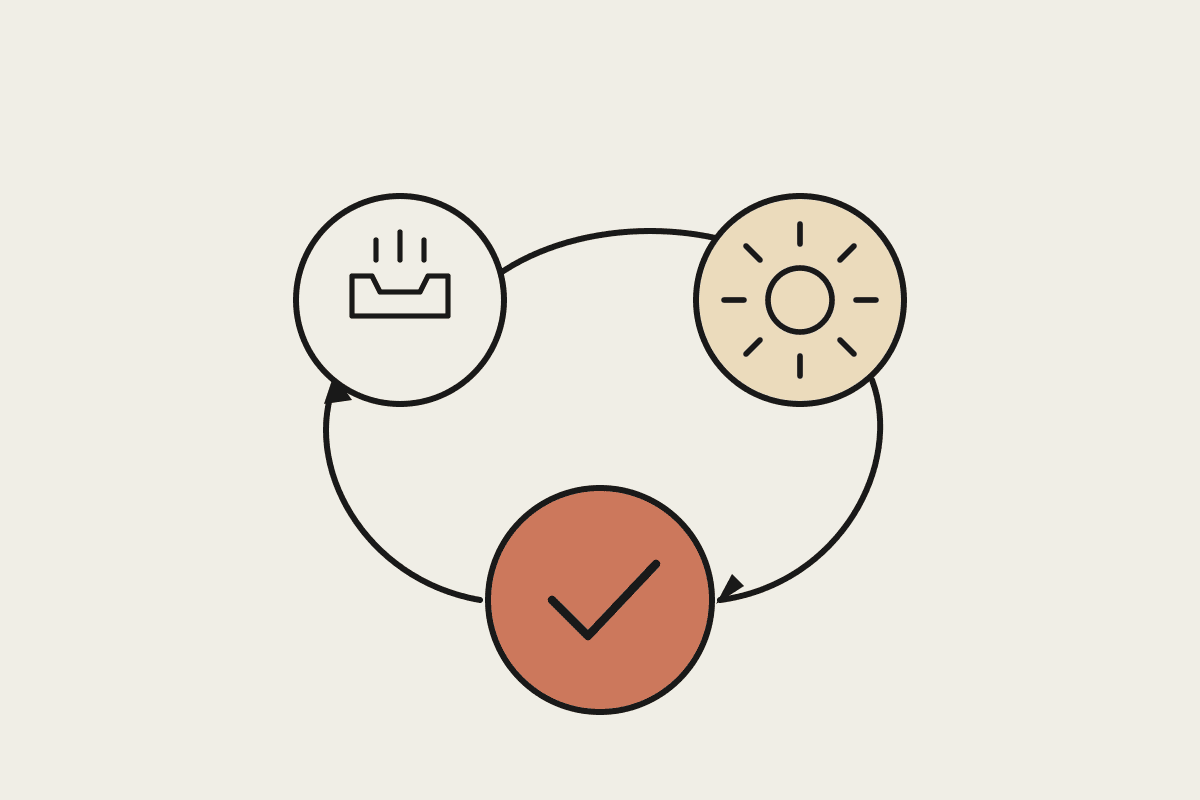
The safe design is consistent across all of these: Claude prepares, a person approves, and the business keeps a record of who approved what. That keeps you inside the regulatory lines while still capturing most of the time saving.
How to start without overcommitting
The businesses that get value fastest do not try to automate the whole back office at once. They pick one workflow, prove it, and expand.
Choose a single high-volume task with a clear output, such as supplier invoices.
Keep a human approval step in place for the first few weeks and measure the error rate.
Track hours recovered against a baseline so the business case is real, not assumed.
Only add the next workflow once the first one runs cleanly with light oversight.
Done this way, back-office automation stops being a large project and becomes a series of small, measurable wins. Each one frees a few hours and builds the confidence to take on the next.
If you want help picking the first workflow and sizing the return for your own numbers, book a short brainstorm with our team and we will map it out with you.