If you run a business in Australia, the question usually turns up after your first week with Claude: can it just send the email for me? The short answer is yes. Once Claude is connected to your inbox through a tool like Gmail or Outlook, it can write a message, address it, and press send. The more useful answer is that sending should almost never happen without a moment of human approval, and building that approval step is the difference between a genuinely helpful assistant and an expensive slip.
The short answer, and why "on my behalf" matters
On its own, Claude writes text. It cannot reach your inbox any more than a Word document can post itself. Sending needs a connection: a Gmail or Microsoft 365 account, a help desk, or a marketing platform that Claude is given permission to act through. The phrase that deserves attention is "on my behalf". When an email leaves under your name, the person reading it treats it as you. That is the whole point of the exercise, and also the reason a review step earns its keep every single time.
What actually happens when Claude sends
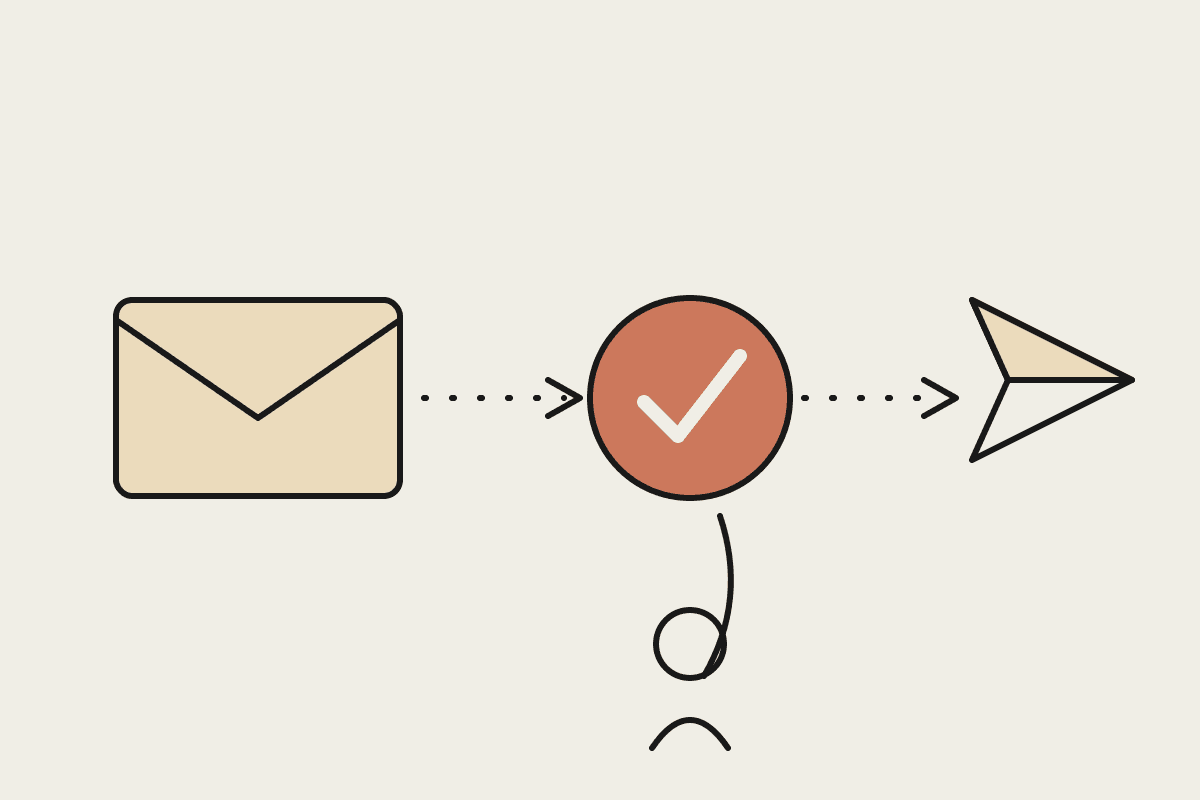
A send is really three steps: draft the message, choose the recipient, then dispatch it. Claude is strong at the first two and perfectly capable of the third, but each step carries a different kind of risk. A clumsy sentence is easy to fix after the fact. The wrong recipient on a price quote, or a reply that lands with your whole client list instead of one person, is not. Most of the value business owners are actually after sits in the drafting: the assistant clears the backlog of replies, and you keep the final click.
Three approval patterns that work
There is no single correct setup. The pattern you pick depends on how much a mistaken email would cost you. These three cover almost every small business we work with across Sydney and the rest of the country:
Draft only. Claude writes every reply and leaves it sitting in your drafts folder. You read, adjust, and send. This is the default we recommend for anything client facing, sales related, or to do with money.
Approve then send. Claude prepares the email and shows it to you in a quick approval message. One tap sends it, another opens it for edits. This suits routine replies where you still want eyes on each one, like booking confirmations or supplier questions.
Auto send with guardrails. Claude sends without asking, but only inside tight rules: named recipients, a fixed template, and a hard stop on anything that looks unusual. Keep this for low stakes, high volume mail such as review requests or delivery updates.
Where the risk actually sits
The failures that hurt are rarely about grammar. They are about judgement and permission. An email sent to the wrong person can breach a client's trust, and if it carries personal information it can run into obligations under the Privacy Act. Bulk sending to people who never opted in can breach the Spam Act 2003, which the ACMA enforces with real penalties for Australian businesses. Tone is the quieter danger: an assistant that sounds slightly off in a sensitive reply can cost you a relationship you spent years building. None of this is an argument against using Claude for email. It is an argument for keeping a person in the loop wherever the stakes are high.
A practical setup for an Australian small business
Picture a five person firm where the owner and an admin between them spend around two hours a day on email. At a loaded cost of roughly $45 an hour, that is close to $23,000 a year of time spent typing replies that mostly follow the same handful of patterns. Move about eighty percent of that drafting to Claude, keep a one tap approval on everything that goes out, and you claw back most of that time while every message still passes a human check before it leaves. The saving is real and the risk barely moves, because nothing sends on its own.
The setup itself is modest. Connect the inbox, agree on which categories Claude is allowed to draft, give it two or three example replies so it learns your voice, then decide the approval rule for each type of email. Most teams are up and running inside a day. A fixed scope engagement to design and wire this up sits at around $3,500, and it tends to pay for itself within the first quarter through time saved and far fewer dropped replies.
How to start without handing over the keys
Begin with draft only for a fortnight. Read what Claude produces, correct it where it needs a nudge, and you will quickly see which categories are safe to move up to one tap approval. Almost nobody should start at auto send. If you want a hand mapping which emails to automate and which to guard, we design approval workflows for Australian businesses every week. You can book a short call to talk it through on our contact page.