Ask two Australian development teams which AI coding tool they use and you will often hear the same two names: Claude Code and GitHub Copilot. The question is usually framed as a contest, one tool set against the other. That framing hides the more useful truth. These are different kinds of product, built for different moments in a developer's day, and the teams that get the most value tend to understand where each one earns its keep.
We build with Claude every day, so we lead with it. The honest answer for most teams, though, involves knowing exactly where GitHub Copilot still wins. Here is the practical breakdown, the real cost in Australian dollars, and a simple way to decide.
The core difference: autocomplete versus agent
GitHub Copilot began life as an autocomplete engine. It lives inside your editor and predicts the next few lines as you type. Over time it has grown a chat panel, an agent mode, and deeper ties to the GitHub platform, but its centre of gravity is still the inline suggestion: fast, low-friction, and always a keystroke away.
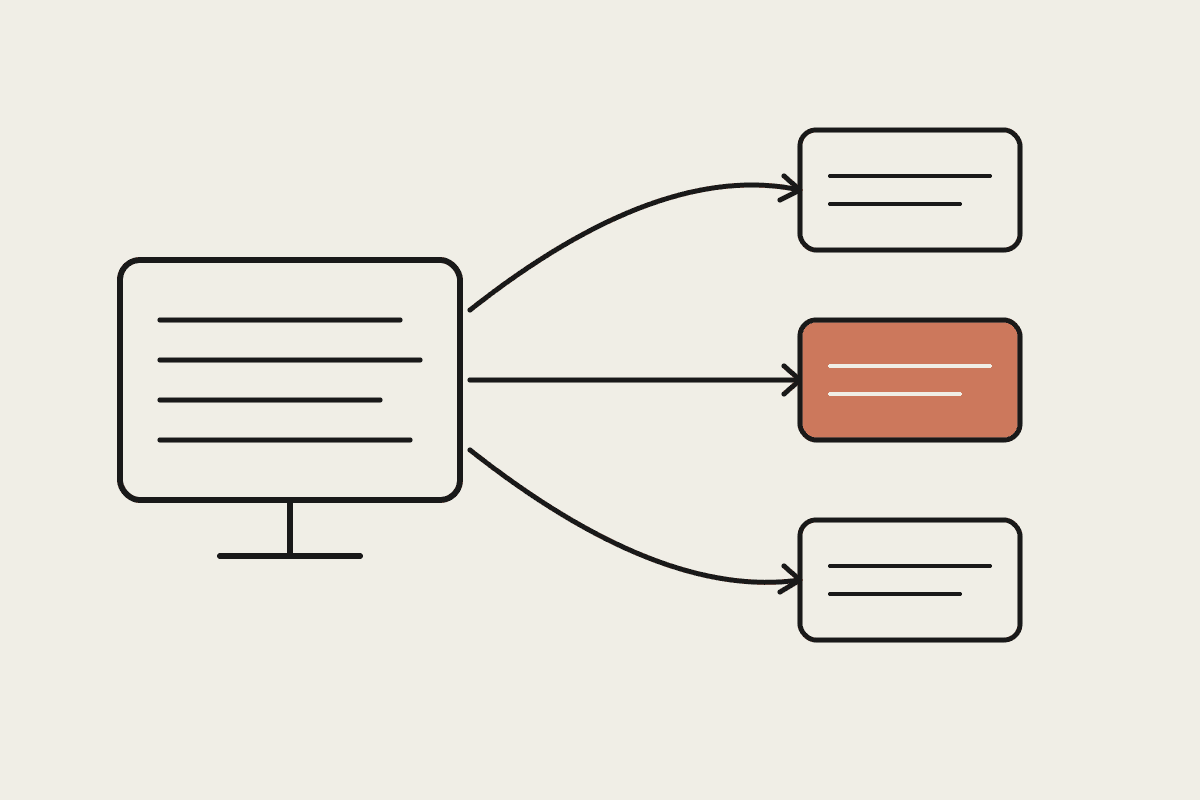
Claude Code sits at the other end of the spectrum. It is an agentic tool that runs in your terminal, reads across your whole repository, plans a change, edits multiple files, runs the tests, and reports back. You give it a goal rather than a cursor position. The unit of work is a task, not a line.
That single distinction explains most of what follows. One tool is tuned for the flow of typing. The other is tuned for handing off a piece of work and reviewing the result.
Where Claude Code wins
When the job is bigger than a single function, Claude Code pulls ahead. Because it holds the whole repository in context and can act on it, it handles the messy, cross-cutting work that inline autocomplete was never designed for.
Multi-file changes: renaming a concept across forty files, threading a new parameter through several layers, or moving a module onto a new API.
Understanding an unfamiliar codebase: point it at a repo you have never seen and ask how authentication flows through the system, and it reads the files and explains.
Test-and-fix loops: it can write a failing test, implement the change, run the suite, and iterate until it passes, without you switching windows.
Custom tooling through MCP: connect Claude Code to your own systems, your issue tracker, your database, or your internal APIs, so it works from your real context rather than a generic guess.
For a Sydney team maintaining a large legacy service, this is the difference between an assistant that speeds up typing and one that can take a ticket from description to a reviewable pull request.
Where GitHub Copilot wins
None of that makes Copilot the lesser choice for every task. For the minute-to-minute rhythm of writing code, its inline model is genuinely hard to beat, and its reach across editors and languages is broad.
Inline speed: the suggestion appears as you type, with no prompt to write and no context to set up. For boilerplate and familiar patterns, that is faster than describing the task.
Editor coverage: first-class support across Visual Studio, VS Code, the JetBrains IDEs, and Neovim means it meets developers where they already work.
Low entry cost: a free tier and inexpensive paid plans make it an easy first step for individuals and small teams testing the water.
GitHub-native workflow: for shops already living inside GitHub, the tie-in with pull requests, issues, and Actions is close and familiar.
A developer who spends the day inside one editor, writing new code in a well-known stack, may find Copilot's quiet, constant suggestions the better daily companion.
The cost picture in Australian dollars
Tooling price is the smallest number in this equation, and it is worth keeping in perspective. A mid-level developer in Sydney or Melbourne costs somewhere between $120,000 and $160,000 a year once you load on-costs. Against that, AI coding subscriptions typically run from around $30 to $300 per developer each month depending on the tier and usage, so even the top plan is a rounding error next to salary.
The figure that actually matters is time saved. If a tool gives each developer back two hours a week, that is roughly $6,000 to $9,000 a year per head in recovered capacity. Across a team of ten, backing the wrong tool, or no tool, can quietly cost $45,000 or more a year in lost time. The right question is not which subscription is cheaper, but which one returns the most hours for the work your team actually does.
Plans and prices change often, so confirm the current tiers before you commit. The strategic point holds regardless of the exact numbers: choose for value returned, not for the sticker price.
A practical way to decide
The teams we work with rarely land on one tool for everyone. A more useful pattern is to match the tool to the task.
Reach for Claude Code when the work is a task: a refactor, a migration, a bug that spans several files, or getting oriented in a codebase you do not know.
Reach for GitHub Copilot when the work is a flow: writing new code in a familiar stack where inline suggestions keep you moving.
Run both where budget allows: many developers keep Copilot for inline speed and Claude Code for the heavier lifts, and treat the small overlap in cost as insurance.
There is one more consideration for Australian teams handling sensitive data. Whichever tool you choose, check how code and prompts are stored and used, and make sure the arrangement fits your obligations under the Privacy Act and any client contracts. That review matters more than any single feature comparison.
If you want help matching these tools to your codebase and the way your team actually works, that is the kind of problem we solve every week. You can book a short call and we will talk it through.