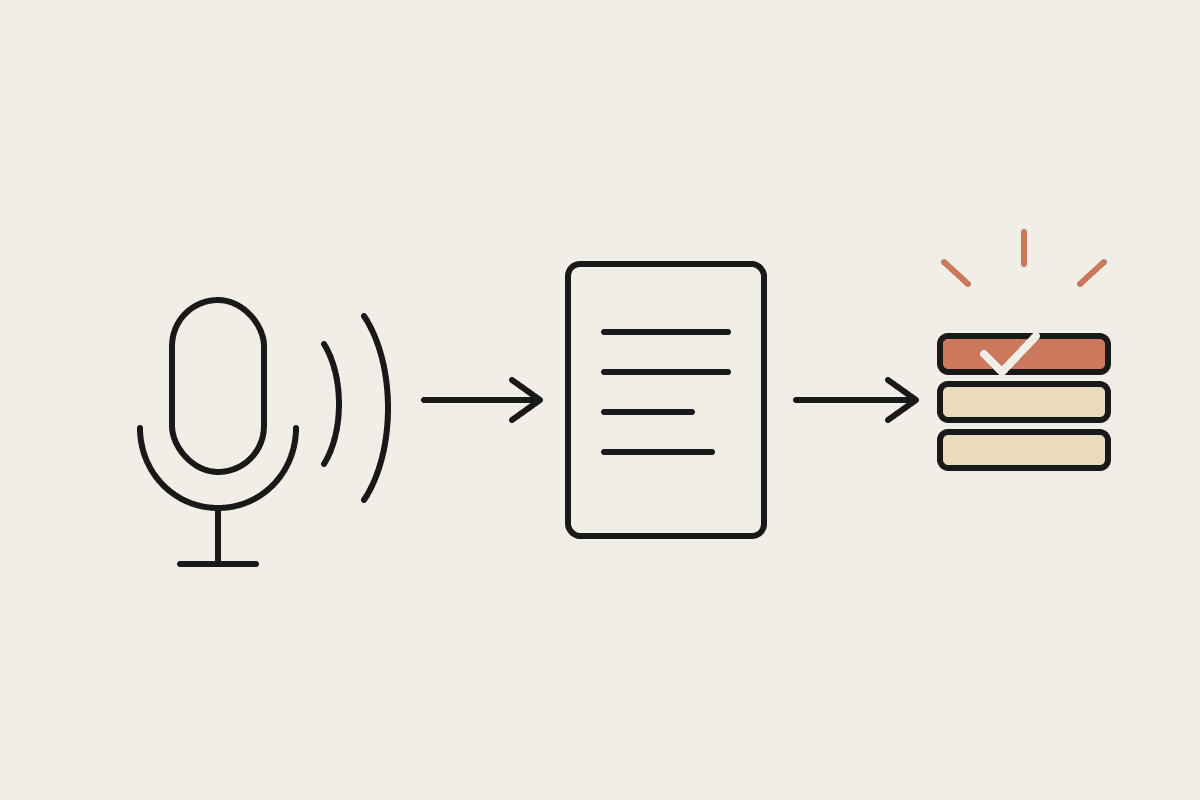
Anthropic published a getting-started guide for Claude Cowork on June 3, 2026, written by Austin Lau, a growth marketing lead who describes going from never having opened a terminal to running 90% of his work through Cowork. The guide answers the question we hear most often from Australian operations, finance, and marketing teams: chat assistants are useful, but you still end up doing the work of turning answers into finished documents. Cowork's answer is that Claude does that part too, directly in your files.
Cowork is Claude's desktop surface for non-technical knowledge work. Instead of copy-pasting between a chat tab and your real spreadsheets, decks, and folders, you point Claude at the folder where the work lives and hand over the task end to end. Lau's pitch is blunt: if you have spent two years shuttling text between an AI tab and your actual files, Cowork is that same workflow minus the copy-pasting, with a first finished deliverable in about ten minutes.
Chat, Cowork, or Claude Code: choosing the right surface
All three surfaces run the same Claude models. What differs is the working environment, and that difference decides who each one suits.
Chat: ask a question, get an answer. Useful for thinking and drafting, but the assembly work of turning that answer into a report, deck, or reconciled spreadsheet stays with you.
Claude Code: built for engineers. Long, multi-step technical tasks run from the terminal with full access to a codebase. Powerful, but the wrong front door for a finance manager.
Cowork: built for everyone else. Emails, decks, spreadsheets, status reports, trackers, and document summaries, with Claude working in the actual files rather than on pasted snippets.
A simple rule of thumb: if the deliverable is a file someone will open, and the person doing the work would not call themselves technical, it belongs in Cowork. If the deliverable is code, it belongs in Claude Code. If it is a decision or an idea, chat is enough.
The numbers behind the pitch
Lau's own trajectory is the case study. He started as someone who did not know what a terminal was, built Claude Code workflows that compressed 30-minute tasks into 30 seconds, and now reports that 90% of his work happens inside Cowork. The point is not that everyone will hit 90%. The point is that the ceiling for a non-engineer is far higher than most teams assume.
Put Australian dollars on it. A typical Sydney or Melbourne knowledge worker on an $85,000 salary spends roughly a day a week on the admin layer of the job: status updates, formatting decks, reconciling spreadsheets, writing up meetings. That is about $17,000 of salary per person per year going to assembly work. Across a 50-person business the admin layer is worth around $850,000 a year, and it is precisely the slice Cowork is built to absorb.
Best practices for your first month
The guide's strongest advice is about how to start, and it matches what we see in client rollouts:
Pick one recurring weekly task with a clear deliverable, such as a Monday report, a board-pack section, or a tracker update, and delegate that first. Resist the urge to automate everything at once.
Connect the folder where the real files live, so Claude works on the documents themselves instead of fragments pasted into a chat window.
Keep humans on judgment calls and approvals. Cowork does the assembly and formatting; a person still signs off before anything is sent or published.
Measure the before-and-after time on that one task. A real number, even a rough one, is what unlocks the budget conversation later.
Write down what worked as a repeatable instruction once the task is stable, so the next person does not start from scratch.
Two guardrails are worth adding for Australian businesses. First, decide up front which folders Claude may see, because client files and HR records carry obligations under the Privacy Act that do not disappear when an AI tool enters the picture. Second, treat the first month as an evaluation, not a commitment: one task, one owner, one measured result.
Where rollouts stall, and what fixes it
Getting one person productive in Cowork takes an afternoon. Getting a 50-person Australian business there is a different job: folder structure that reflects how the company actually works, connector setup for email and calendars, a security review that satisfies the Privacy Act and, for regulated firms, APRA's CPS 234, plus the design of repeatable instructions so quality holds when usage spreads. Most companies stall in that gap. The enthusiastic early adopter hits 90%, and the other 49 people stay at zero.
The fix is to treat the rollout as a project with phases: prove value on one workflow per team, standardise the folder and permission model, then scale the workflows that survived real use. Our Claude consulting work is mostly this rollout layer, and the pattern holds across industries: the businesses that capture the capacity are the ones that planned the second phase before the first one finished.
If you want Cowork working across your business rather than on one laptop, Automata AI runs Cowork onboarding for Australian companies, from the first delegated workflow to company-wide rollout. Book a brainstorming session and bring the one task your team is most tired of doing by hand.
Where to go next
If you are setting Cowork up from scratch, start with Claude Cowork setup guide. Two pieces that sit closest to this one: