Anthropic published its official product guide for Claude Cowork on 5 June, and the most useful part is not the feature list. It is the decision matrix: when to use Claude chat, when to use Claude Code, and when to hand the job to Cowork. Most Australian business owners we talk to are still pushing everything through a chat window, which means they are paying for an agent and using it as a search box.
This piece works through that matrix and the seven workflows the guide describes, ranked by which ones pay back fastest for an Australian small or mid-sized business. If you are after install steps and permissions instead, we cover those separately in our getting-started material. This is the decision piece: which tool, for which job, in what order.
Three Claude tools, one decision
The guide draws clean lines between the three ways you can put Claude to work. Each one suits a different shape of task, and picking wrong is the main reason teams conclude AI did not work for them.
Claude chat is for conversational work: thinking through a problem, drafting an email, summarising a document you paste in. The work lives in the conversation and you carry the output somewhere else yourself.
Claude Code is for software work: building, refactoring and debugging in a real codebase from the terminal. If the deliverable is working code, this is the lane.
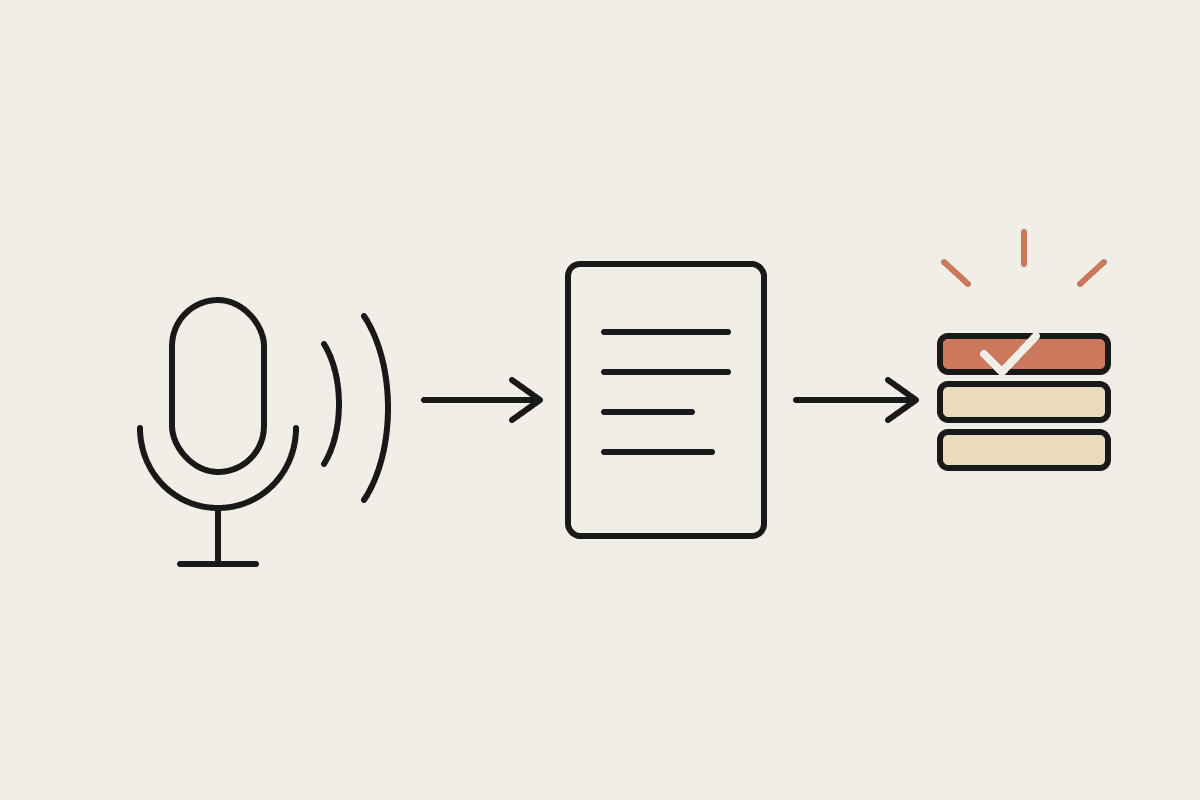
Claude Cowork is for cross-app knowledge work: it runs in the Claude desktop app, reads and writes your local files, connects to tools like Slack and Google Drive, and carries multi-step jobs through to finished documents with citations back to the source files and messages it used.
The rule of thumb that falls out of the matrix: if the job ends in a file, a report, or an update across more than one app, it belongs in Cowork. If it ends in code, it belongs in Claude Code. If it ends in a decision or a paragraph, chat is fine. Teams that sort their work this way stop asking whether AI is useful and start arguing about what to hand it next.
The seven workflows, ranked for Australian SMBs
The guide lists seven common workflows, including research briefs, meeting preparation and recurring reports. Anthropic presents them as a menu. We think the order matters, because the payback periods differ by months. Here is how we rank the top three for a typical Australian business of 10 to 80 staff.
1. Recurring reports
This is the fastest payback in the list because Cowork supports scheduled tasks: the report assembles itself on a timer rather than waiting for someone to remember. A marketing coordinator on $45 an hour who spends five hours every Monday pulling numbers into the weekly report costs you roughly $10,800 a year in assembly time alone, before you count the better uses of that morning. A scheduled Cowork task can draft the same report from your analytics exports and shared drive, with citations, ready for a human review that takes twenty minutes instead of five hours.
2. Meeting preparation
Cowork can pull the attendee list from your calendar, the last email thread with each attendee, and the relevant notes from your CRM or project folders, then hand you a one-page brief. Thirty minutes of prep across eight external meetings a week is four hours back, every week. For a Sydney founder billing their own time at $150 an hour, that is over $28,000 a year of recovered selling and delivery time.
3. Research briefs
Third because the volume is lower, but the quality jump is large. Cowork produces briefs with citations back to the documents and messages it drew from, which means a partner or director can verify a claim in seconds rather than re-doing the research. For professional services firms in particular, a cited brief is something you can actually put in front of a client.
The remaining four workflows in the guide, covering document drafting, file organisation, monitoring and cross-app status updates, are all worth running. But they are second-month work. Get one scheduled report and a meeting-prep routine live first, prove the habit, then expand.
What Cowork does that chat cannot
Four capabilities separate Cowork from the chat window, and they are exactly the ones the workflows above depend on. Local file access means it works on your real documents rather than pasted fragments. Subagents let it split a large job into parallel pieces, so a competitor scan or a folder clean-up does not run one item at a time. Long-running and scheduled tasks mean work happens while nobody is watching. And citations mean every claim in the output points back to a source file or message you can open.
The permissions model deserves a mention for Australian firms with Privacy Act obligations: you choose which folders and which connected apps Cowork can read, per session. That makes it practical to keep client-identifying material out of scope while still getting full value on internal operations, and it gives you a straight answer when a client asks what the AI can see.
How to start without making a mess
Pick one workflow from the ranked list, point Cowork at one folder, and review every output for the first two weeks. Resist the urge to connect everything on day one. The teams we see succeed treat the first month as a trial with one owner and one measurable number, hours saved on a named task, and only widen access once the outputs have earned trust. The plugins Anthropic ships for marketing and product work are useful accelerants once the basics hold, not a substitute for picking the right first job.
We run Cowork onboarding and training for Australian teams from our Sydney office, including the workflow-selection session that this article compresses. If you want help choosing your first workflow and setting the guardrails, book a short brainstorm with us and we will map it against your stack.
Related reading
The end-to-end walkthrough lives in our Claude Cowork setup guide. Closest neighbours to this piece: