Most document automation projects stall at the same point: getting files in and out of the model reliably. Claude's Files API solves a narrower problem than people expect, and that narrowness is exactly what makes it useful. Instead of pasting text into a prompt or re-uploading the same PDF on every turn, you upload a file once, get back a file ID, and reference that ID across conversations, tool calls, and separate API requests. For Australian firms running document-heavy workflows, invoicing, contracts, compliance reports, that single change removes a surprising amount of plumbing.
What the Files API actually does
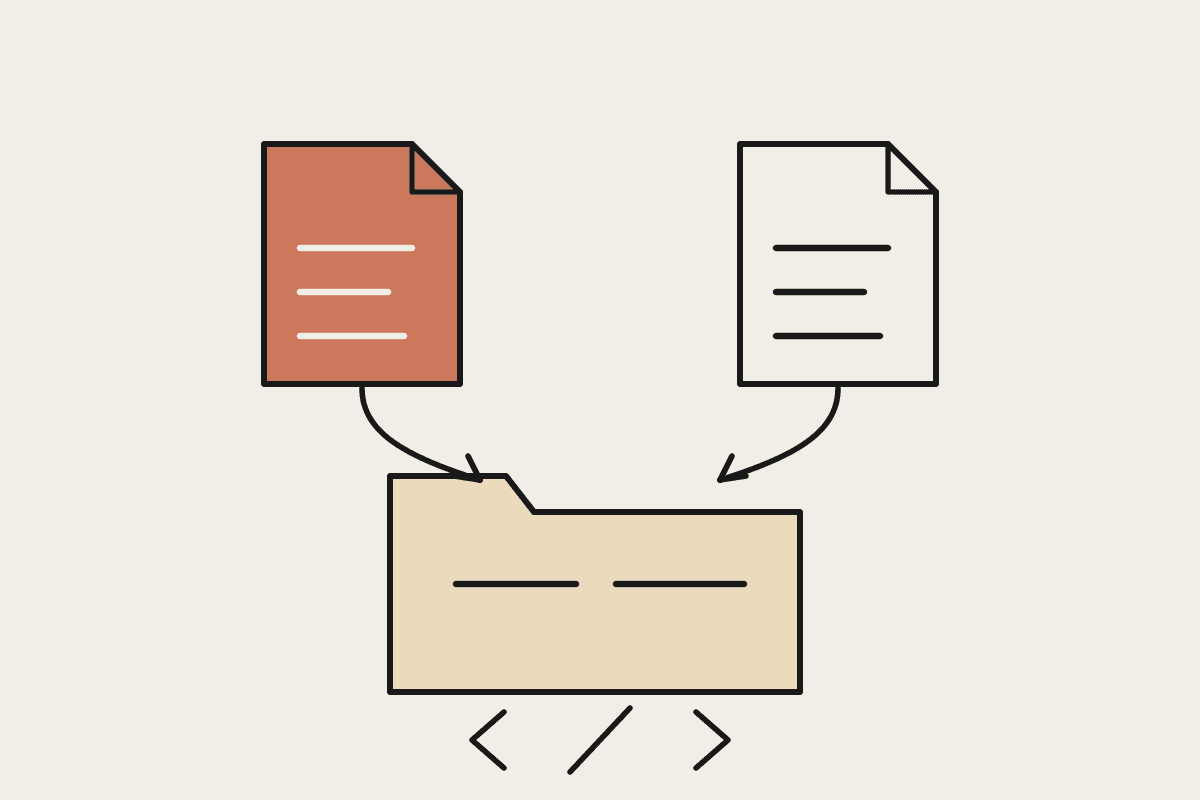
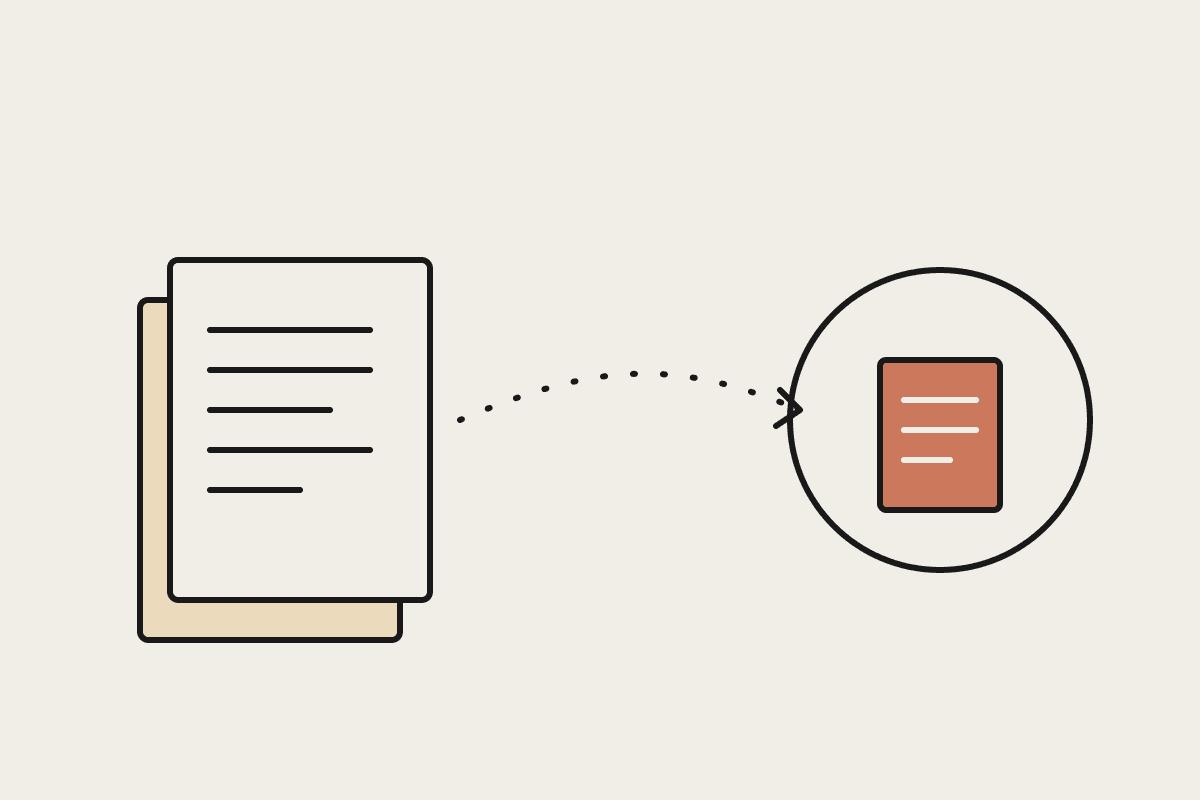
The Files API gives you a persistent handle for a document. Upload once and Claude retains access to that file for as long as your workflow needs it, without you re-sending the bytes every time a new message comes through. That matters for two reasons. First, token cost: repeatedly pasting a twelve-page contract into every turn of a conversation adds up fast, and a stored file reference avoids the repeat charge. Second, reliability: a file ID is a stable pointer, so a workflow that spans multiple steps, extract data, ask a follow-up question, generate a summary, doesn't need to carry the full document payload through each stage.
It supports PDFs, images, and a handful of text and data formats, and it slots directly into tool use, so an agent can pull up a file, read it, and act on what it finds without a human re-attaching anything.
Where document workflows break without it
Before teams adopt the Files API, we typically see the same failure patterns in Sydney and Melbourne offices running early Claude pilots:
The re-upload tax. Every new question about a document means resending the whole file, which slows response times and inflates cost on long documents like leases or credit agreements.
Context loss between steps. A multi-step review process (intake, extraction, validation) built on copy-pasted text tends to drop formatting and page references that matter for audit trails.
No clean handoff between tools. Without a shared file reference, connecting a document to a separate tool call or a scheduled task means re-fetching it from storage each time, adding latency and failure points.
Version confusion. Teams working from emailed PDF attachments often end up with three slightly different versions of the same contract in a single thread, with no single source of truth.
Three patterns worth building
Pattern 1: Upload once, question many times
For contract review or due diligence work, upload the document once at the start of a session and let staff ask follow-up questions against the same file ID. This is the simplest pattern and the one with the fastest payback, particularly for firms reviewing supplier agreements or lease terms on a recurring basis.
Pattern 2: File ID as the handoff between agents
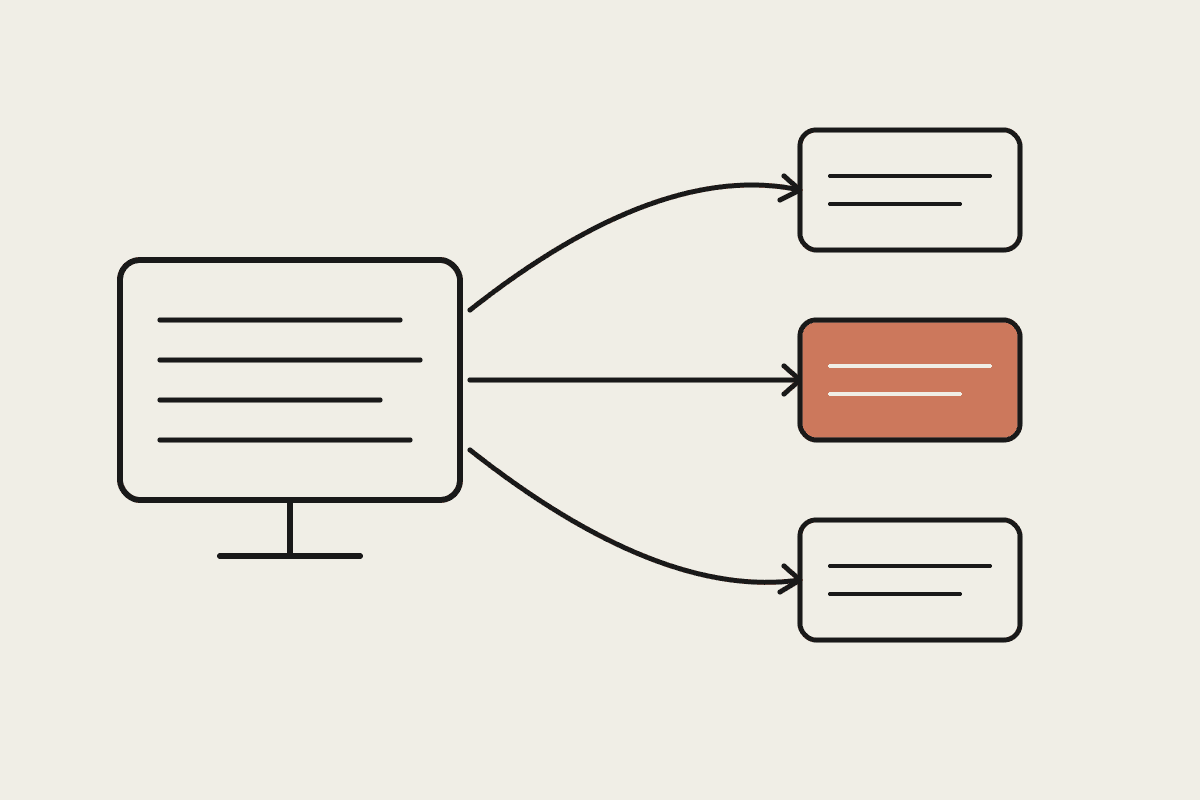
In an agentic workflow, one step might extract line items from an invoice, a second step might check those line items against a purchase order, and a third might draft a query email if something doesn't match. Passing the file ID between these steps, rather than re-extracting text each time, keeps the whole chain grounded in the original source document and makes the process auditable end to end.
Pattern 3: Batch ingestion for backlog clearing
Firms sitting on a backlog of scanned records, old invoices, historical statements, superseded policies, can upload in bulk and run a consistent extraction prompt across the set. Combined with the Batch API, this is the pattern we use most often when a client asks Claude to clean up years of unstructured paperwork before a system migration.
What it costs to get this wrong
We costed this out for a Brisbane-based professional services client earlier this year. Their team was re-pasting the same 40-page compliance manual into every new query, an average of six queries per manual per week across four staff. The token overhead alone was adding roughly $1,800 a month in unnecessary API spend, before counting the staff time lost re-copying content and losing formatting on the way. Moving to a Files API pattern cut that monthly overhead to under $300 and, more importantly, removed a class of transcription errors that had shown up twice in client-facing summaries.
Rolling it out without creating a compliance headache
Persistent file storage means you need a retention policy, not just an integration plan. Under the Privacy Act, any document containing personal information that Claude retains needs a defined deletion schedule, and your engagement letters or privacy notices should say plainly that documents are processed by Claude rather than left ambiguous. Set file expiry deliberately rather than relying on defaults, and keep a log of what was uploaded, by whom, and when, so an audit trail exists if a client ever asks.
If your document workflow currently runs on copy-paste and re-uploads, the Files API is usually the cheapest structural fix available before you touch anything else in the pipeline. We build these integrations for Australian firms every week; if you want a second set of eyes on your current setup, book a short call and we'll look at where the re-upload tax is costing you the most.