OpenAI shipped a feature called Record & Replay in Codex, and it does roughly what the name says. You perform a task once on your Mac, Codex watches the screen, and it can play the same sequence back later. For repetitive desktop work, that demo lands well. The question worth asking before you build a quarter of your operations on it is simpler: when the button moves, does the automation still work?
That question matters more in Australia than the launch marketing suggests. Record & Replay is macOS only, it needs Computer Use switched on, and OpenAI has excluded the EU, UK and Switzerland from the feature at launch. Australian businesses are not on the exclusion list today, but a workflow that depends on one operating system and screen-level control is fragile in ways that surface months later, usually at the worst possible time.
What "record and replay" actually captures
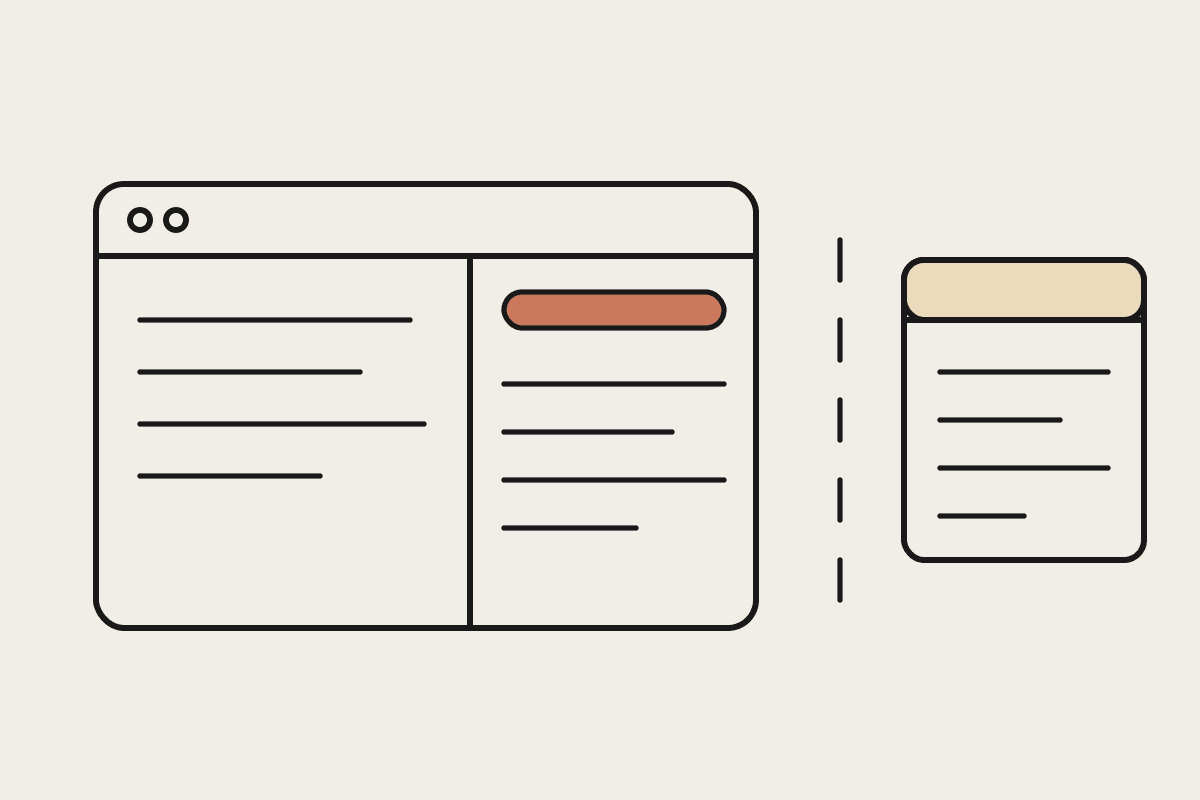
Record and replay is a screen macro with better tooling. It captures the coordinates, the clicks, the field order and the visual state of the apps you used, then reproduces that exact sequence on demand. While nothing changes, it runs. The moment a vendor ships a redesign, an A/B test, a new consent dialog or a slow-loading page, the recording is pointing at a layout that no longer exists.
Here is where recorded workflows tend to break:
A SaaS vendor moves a button or renames a tab, and the replay clicks empty space.
A login page adds a verification step the recording never saw.
A report takes three seconds longer to load and the replay races ahead of it.
The work needs to run on a Windows machine or a server, and a macOS-only, screen-driven tool cannot go there.
None of these are exotic. They are Tuesday. Every one of them turns a set-and-forget automation into an unplanned support ticket, and because the failure is often silent (the clicks still happen, just on the wrong thing) you tend to find out after the damage is done.
How Claude Skills encode the work instead of the clicks
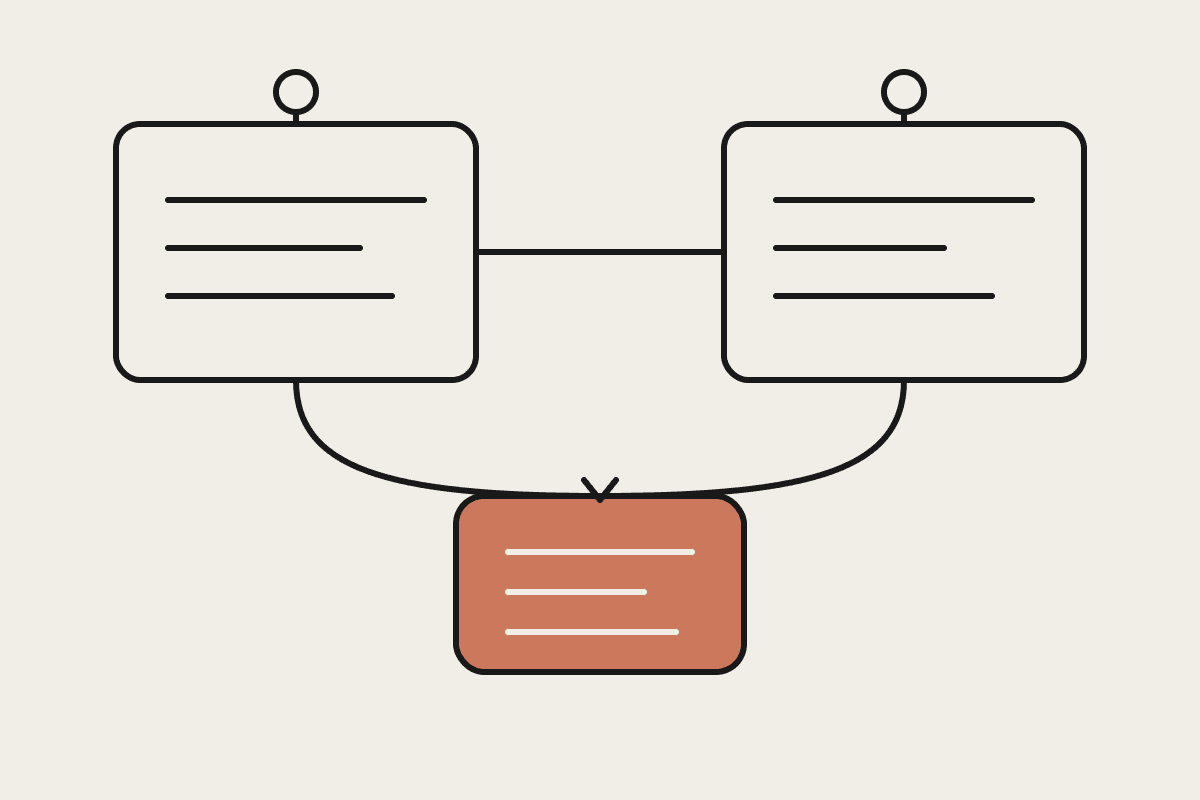
Claude Skills take the opposite approach. A Skill is a written description of a capability: what the task is, what inputs it needs, which tools or files it can use, and what a good result looks like. Claude reads the Skill and works out how to accomplish it against the system as it is right now, not as it looked the day you recorded it. There are no pixel coordinates to break.
The practical difference is portability and durability. Because a Skill describes intent, the same Skill runs whether the work happens in a browser, a spreadsheet, an API or a document, and whether the machine is a Mac, a Windows laptop in the back office or a cloud server running overnight. When a vendor redesigns an interface, a well-written Skill usually keeps working because it was never tied to the old layout.
A concrete comparison
Say a Sydney accounting practice wants to pull twelve client reports each month, reformat them and file them in the right folders. A recorded macro memorises the exact path through last month's screens. A Claude Skill instead describes the rule: these clients, this format, these destinations, these checks. When one client's portal changes, the macro fails on all twelve; the Skill adapts because it understands the goal rather than the route.
The cost that "lasts" is really about
The appeal of record and replay is that it looks free. You already did the task, so recording it feels like getting the automation at no extra cost. The real cost arrives later, in maintenance. A brittle automation that breaks every few weeks needs someone to notice it, diagnose it and re-record it, and that person is usually your most capable operator.
Put rough numbers on it. If a brittle workflow breaks twice a month and each break costs two hours of a senior staffer valued internally at $120 an hour, that is about $5,760 a year in re-work for a single automation, before counting the errors that slip through while it is quietly broken. Run ten such automations and you are looking at the better part of $45,000 a year spent maintaining things that were supposed to save time. A durable Skill that survives interface changes turns most of that line item back into capacity.
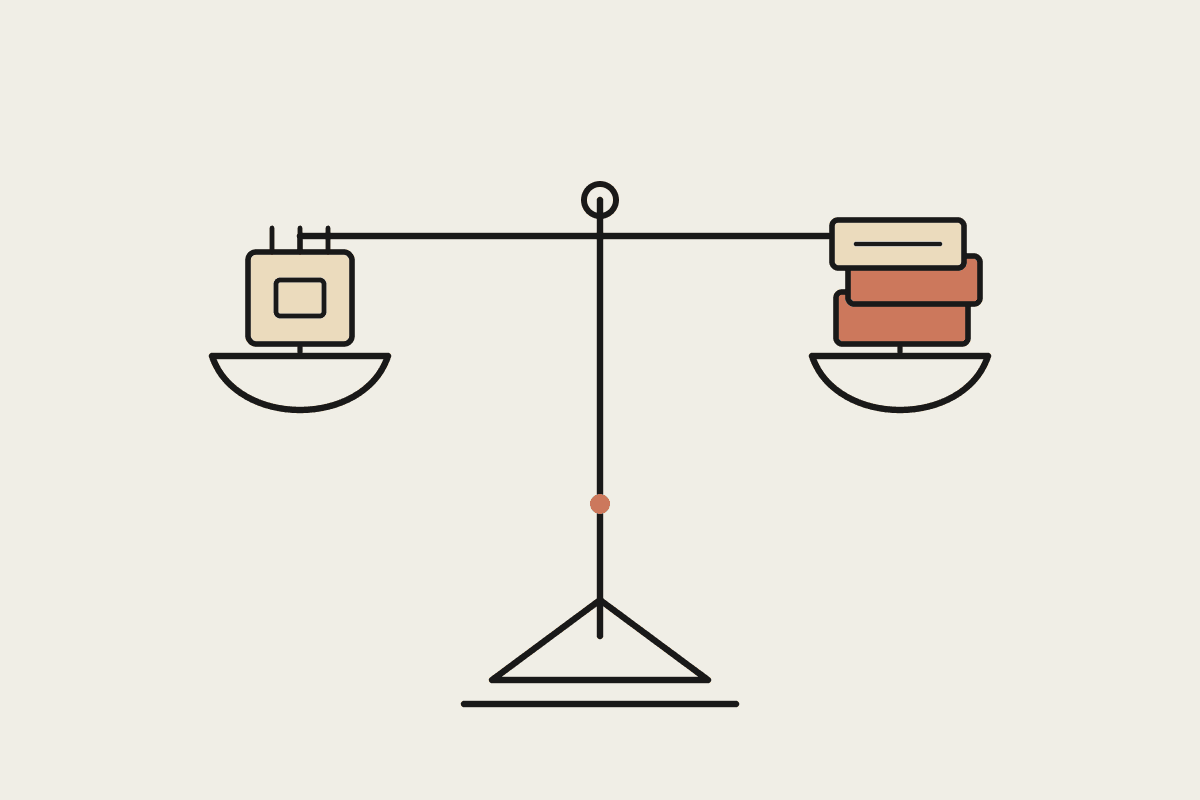
When you compare the two approaches, weigh four things:
Durability: does the automation survive a vendor interface change without a rebuild?
Portability: can it run on any operating system and unattended, not just one Mac with a live screen?
Auditability: can you read what it does in plain language before it touches client data?
Privacy: under the Privacy Act, can you show where data goes and why? A written Skill is far easier to govern than a screen recording.
Where record and replay still earns its place
This is not an argument that screen recording is worthless. For a genuinely static internal tool that never updates, a recorded macro can be the fastest way to remove a dull task, and there is no shame in using the simplest thing that works. The mistake is building durable, client-facing operations on a foundation that assumes the screen never changes. Match the tool to how long you need the result to last.
If you are weighing automation options for an Australian business and want the version that still runs next quarter, we can map your highest-value workflows to durable Claude Skills and show you where a simpler tool is genuinely the better call.