AI that operates your screen, clicking buttons, typing into fields, and moving between apps the way a person would, is shifting from demo to product. Google's computer-use capability for Gemini 3.5 Flash is the latest example, and Claude has its own computer and browser use. For an Australian business, the headline is less interesting than the practical question: what is this kind of AI actually good for, and where does letting software drive your screen go wrong?
Take the Gemini specifics as reported rather than tested first-hand here. The category is what matters, because screen-operating AI changes what you can automate, and it changes the risks you have to manage at the same time.
What screen-operating AI is good for
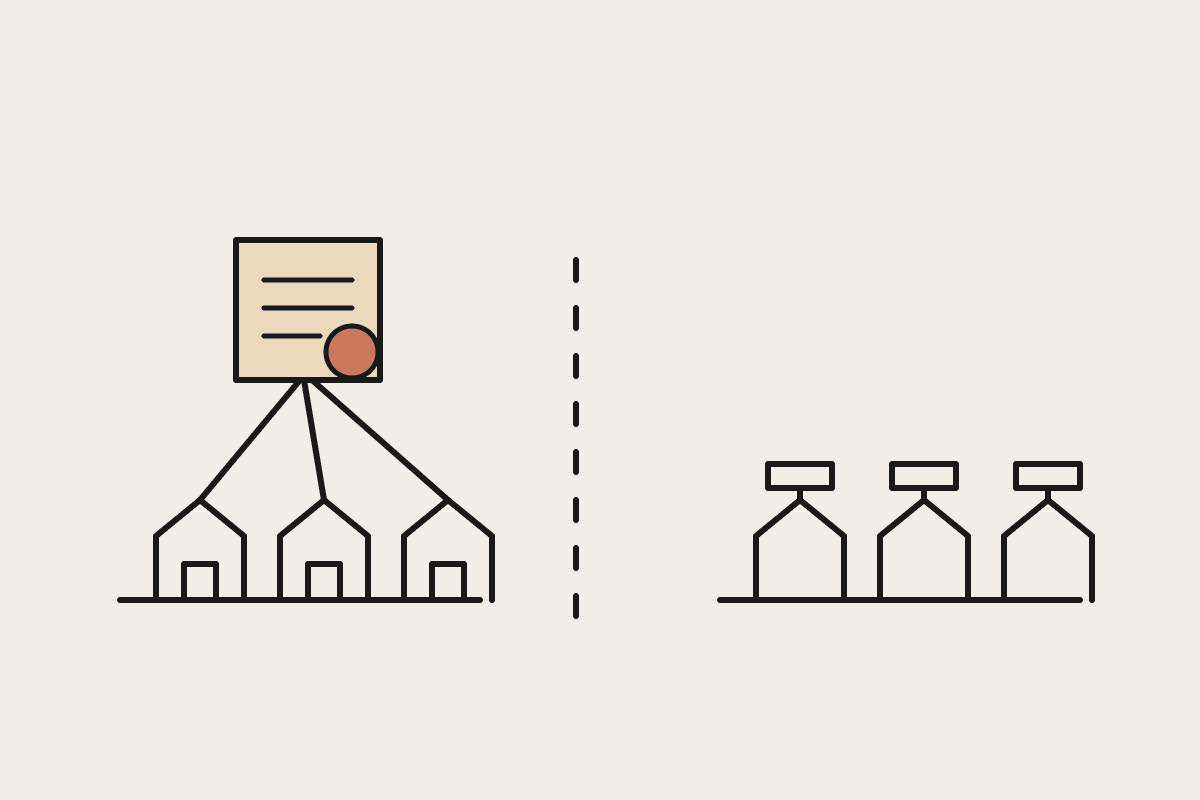
The strongest case for computer-use AI is the pile of tedious tasks that live inside applications with no proper way to connect them. Plenty of Australian businesses run on older software, government portals, and tools that were never built to talk to each other. Moving information from one of these to another is the kind of dull, repetitive work that eats hours and invites mistakes. An AI that can drive the screen can take on some of that, copying details between systems, filling forms, and pulling information out of apps that offer no other route in.
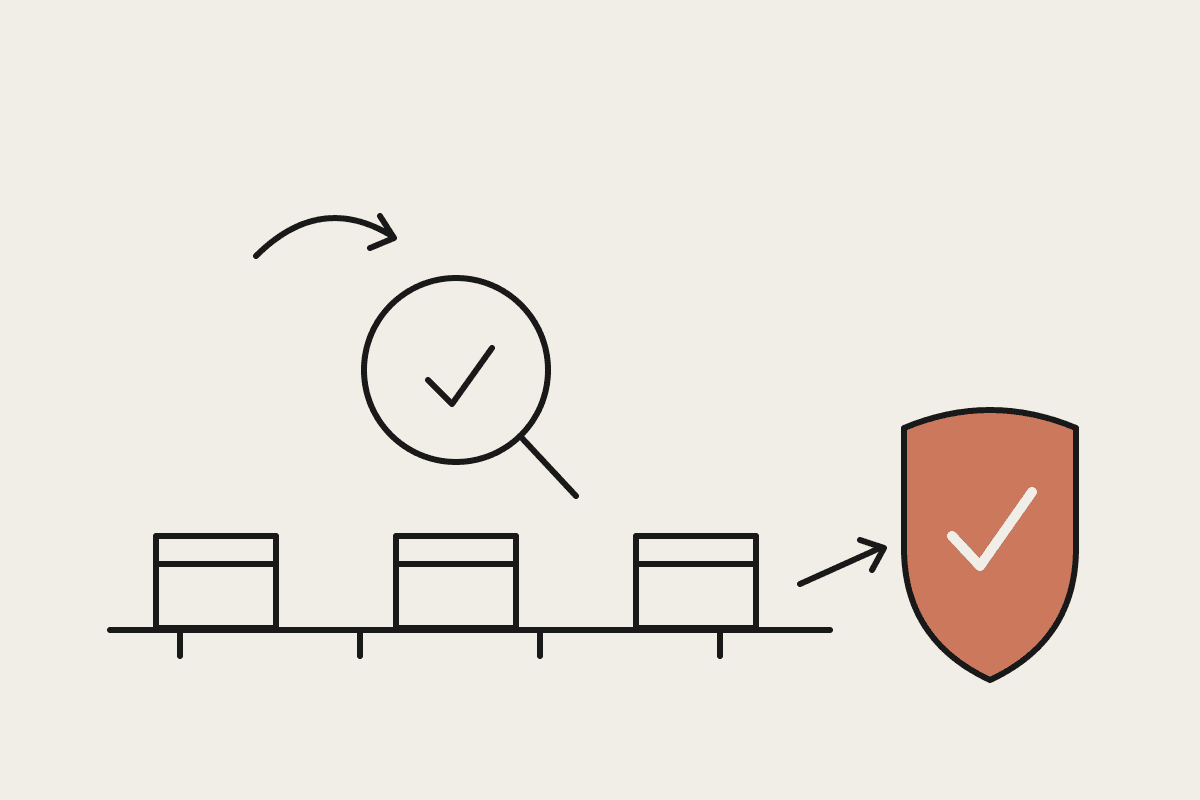
Picture a bookkeeper who spends a morning each week rekeying figures from a supplier portal into an accounting package because the two will never share an interface. That is a textbook fit for a screen-operating agent: the steps are repetitive, the rules are clear, and a person can glance over the result before it counts. The same goes for pulling weekly reports from a legacy system, or checking a list of records across two tools that do not talk. These are not glamorous jobs, but they are exactly the ones that quietly drain a small team's week.
Good fits: repetitive data entry, moving information between apps with no shared connection, and routine checks across systems.
Poorer fits: anything that needs judgement, handles sensitive records without oversight, or must be right every single time.
Best paired with: a human who reviews the result, at least until the task has proven itself over many runs.
The risks of letting AI drive
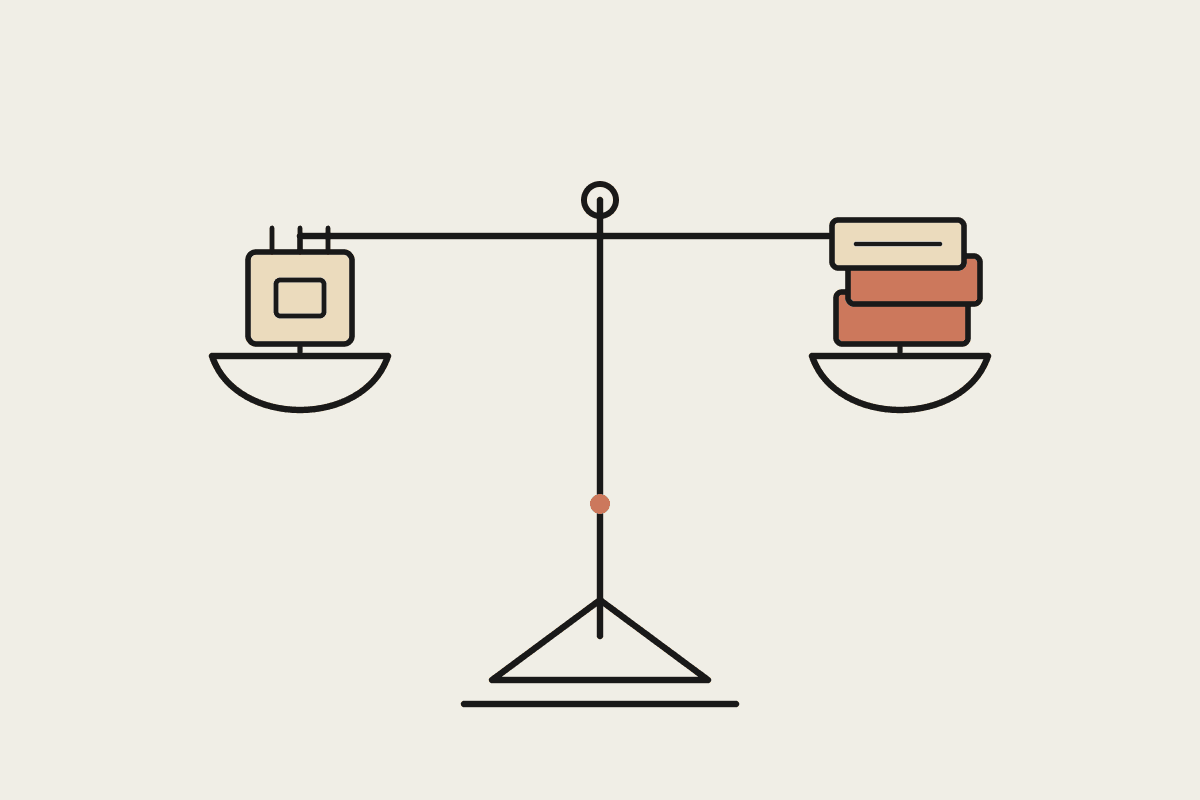
Handing control of your screen to a model raises the stakes. The same reach that lets it fill a form lets it click the wrong button, and it can do so quickly and repeatedly before anyone notices. Because it operates the way a person does, it can in principle touch anything the logged-in user can, which makes oversight and access control central rather than optional. There is a security angle too: a screen-operating agent should never be pointed at a link or instruction from an untrusted source, because it can act on what it reads. The sensible pattern, and the one we follow with Claude, is to give the agent the narrowest access it needs, keep a person approving anything consequential, and treat anything it did unsupervised as a draft until checked.
A measured way to adopt it
Start where the downside is small. Pick a low-stakes, high-volume task, run the AI on it under supervision, and watch how it behaves over a couple of weeks before you trust it to run on its own. Measure the time it saves honestly. A single tedious process that consumes a day a week of staff time can be worth around $30,000 a year once you count it properly, and that is the kind of target worth automating first. Keep the Australian context in view as well: if the screens involved show personal information, the Privacy Act still applies, so think about what the agent can see and where that data goes.
Set the guardrails before you start, not after the first mistake. Decide in advance which actions the agent may take on its own and which need a person to approve, give it a separate login with only the access the task requires, and keep a log of what it did so you can review and improve it. Run it alongside the person who used to do the job for the first stretch, so they can catch the odd slip and build trust in the result. Adopted this way, screen-operating AI becomes a quiet helper for the dull work rather than a risk you have bolted onto your systems.
On the choice between Claude and Gemini for this, the honest answer is that both are early, and the right pick depends on your apps, your security needs, and how much oversight you can give. Rather than chase the newest demo, judge the tools on how safely they let you supervise the work and how well they fit the systems you already run. The winner for your business is the one you can let loose on a real task without losing sleep.
If you want to work out where screen-operating AI fits safely in your business, we can help you pick the first task and the guardrails around it. You can book a brainstorm and we will start with something low-risk and genuinely useful.