Most Australian businesses that ask us about Claude are already deep in the Microsoft ecosystem. They run on Microsoft 365, their files live in SharePoint, and their IT partner has probably wired up a few Power Automate flows to move approvals along. So the question that comes up in nearly every first call is a fair one: we already pay for Power Automate, why would we add Claude on top?
It is the right question, and the honest answer is not 'switch everything across'. Power Automate and Claude solve different halves of the automation problem. Knowing which half you are actually facing saves you both money and a lot of frustrated rebuilding later.
Two tools, two different jobs
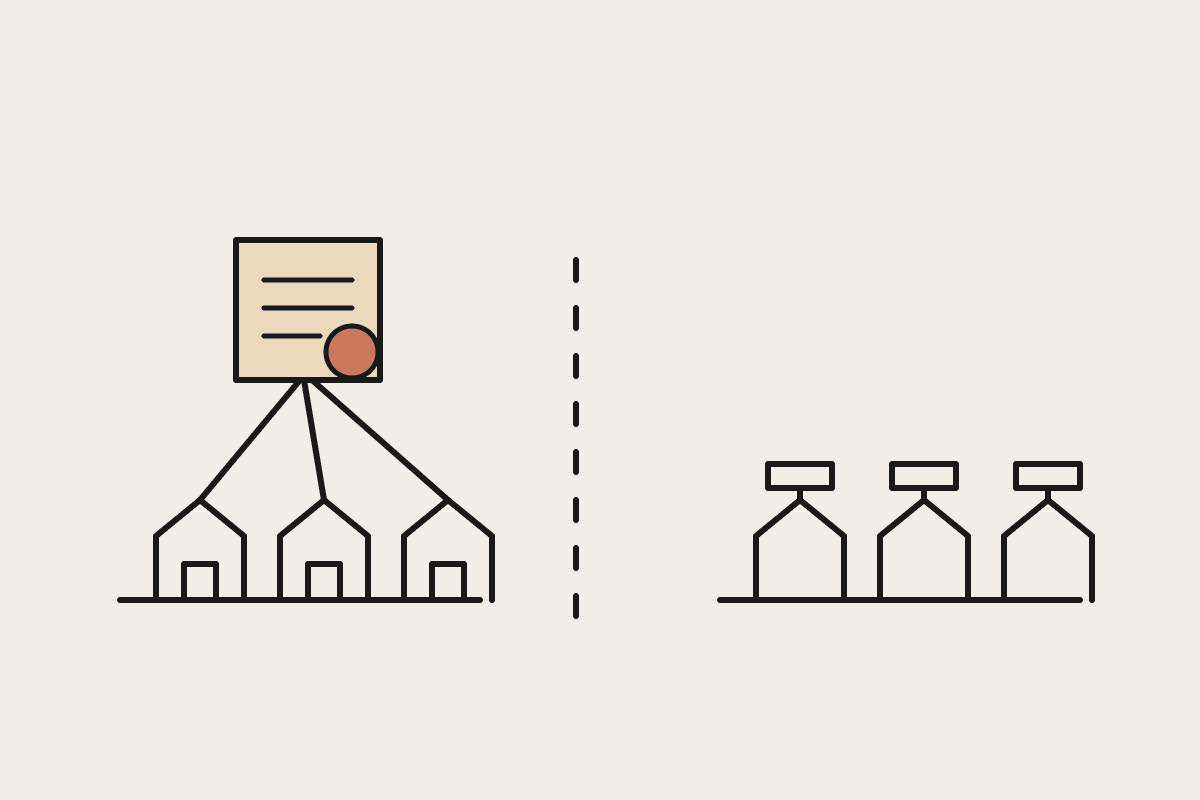
Power Automate is a rules engine. You tell it exactly what to do, step by step: when an email lands in this inbox, pull the attachment, save it to that SharePoint folder, then notify a channel. It is fast, cheap to run, and completely predictable. As long as the input looks the way you expected, the flow does the same thing every time.
Claude is a reasoning engine. Instead of a fixed script, you give it a goal and some context, and it works out what to do with information that was never standardised. Read this supplier email, figure out which purchase order it relates to, flag anything that does not match our records, and draft a reply. There is no rule for every possible email, because no two suppliers write the same way. That judgement is exactly where rule-based flows fall over.
Where Power Automate still wins
For a large share of everyday automation, a reasoning model is overkill. If the task is structured and repetitive, reach for Power Automate first. It is the cheaper and simpler tool, and it is already sitting inside the licence you pay for.
Moving files, syncing lists, and posting notifications between Microsoft 365 apps
Approval chains where the logic is genuinely fixed: under $2,400 auto-approves, over that routes to a manager
Scheduled jobs like nightly exports or the weekly report distribution
Simple form-to-record capture where every field is already clean and mapped
If you can write the rule down in a sentence and it will still be true next month, Power Automate is the right home for it. Bringing Claude into that job just adds cost and a language model where none is needed.
Where Claude changes the maths
The work that quietly eats your team's week is rarely structured. It is reading messy documents, interpreting free-text requests, summarising long threads, and making the kind of call a junior staff member would otherwise make. Power Automate cannot do this, so today a person does it by hand. That is the ground Claude covers.
Reading unstructured supplier or customer emails and pulling the right details every time, even when the format changes
Reviewing contracts or applications and surfacing the clauses or gaps a person should look at
Turning a two-page complaint into a drafted, on-brand response ready for a human to approve
Answering staff questions from your own policies and documents instead of a rigid FAQ tree
A worked example
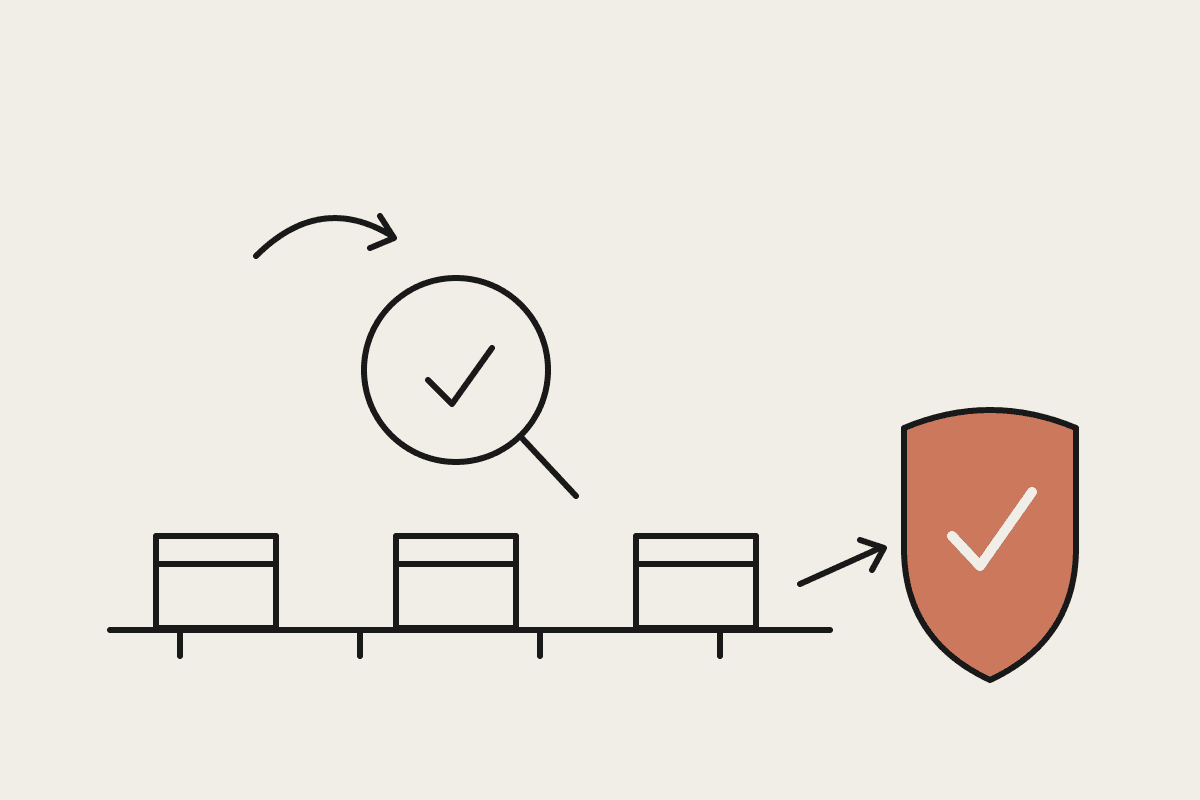
A Sydney wholesale business we spoke with was processing about 400 supplier invoices a month by hand, because the PDFs arrived in a dozen different layouts and their Power Automate flow could only read the two it was built for. Two staff spent roughly 15 hours a week keying data and chasing mismatches. At a loaded cost of around $45 an hour, that is close to $30,000 a year on one task. A Claude step that reads any layout, matches it to the purchase order, and flags exceptions cut the manual work down to spot-checking. The Power Automate flow still does the boring part it was always good at: once Claude has read the invoice, the flow files it and updates the ledger.
The pattern that actually works: use both
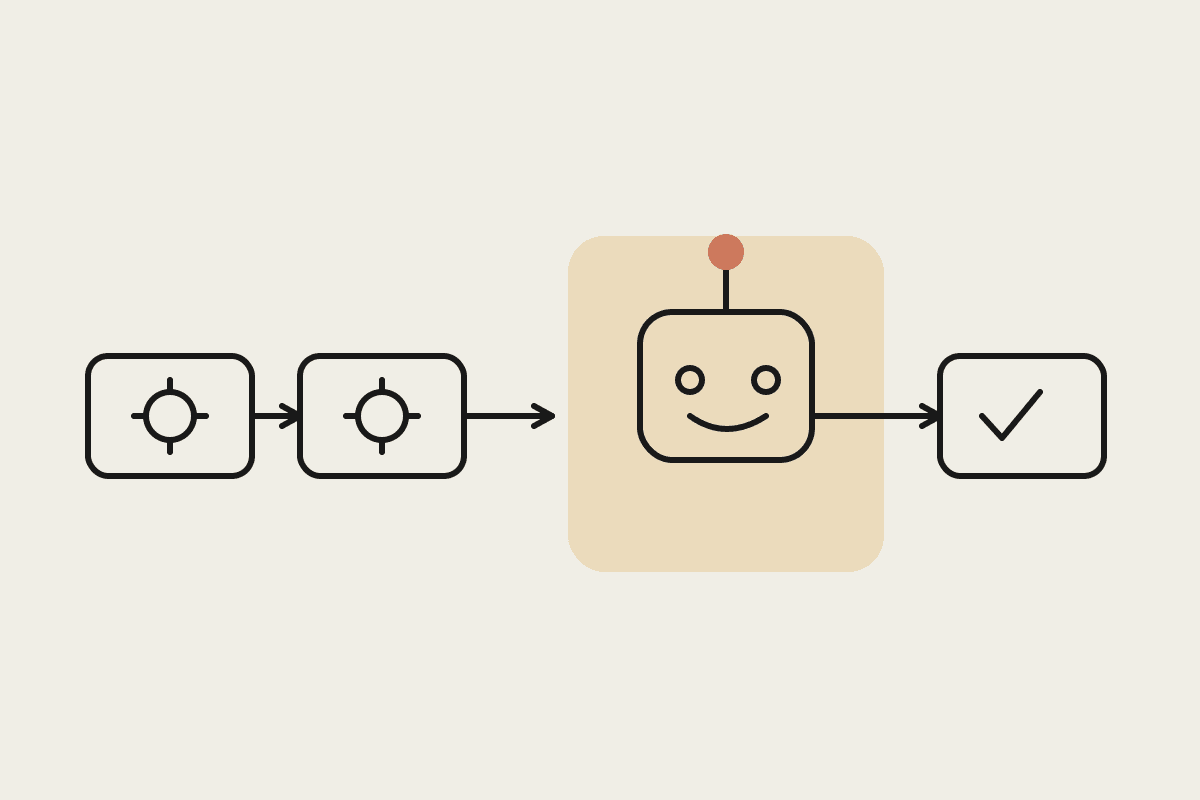
The Microsoft shops that get the most value do not pick one tool. They let Power Automate handle the plumbing and hand the thinking to Claude. A flow triggers when a document lands, calls Claude to read and decide, then takes the structured answer Claude returns and carries it through the rest of the Microsoft 365 process. You keep the reliability and low running cost of your existing flows, and you add judgement only at the step that needs it.
This is also the cheapest way in. You are not rebuilding your automation from scratch or walking away from the Microsoft world you have invested in. You are adding one reasoning step to flows you already trust, which is a far smaller project than most owners expect. A first working integration is usually a matter of weeks, not an $85,000 platform migration.
The Australian compliance angle
If you handle personal information, the Privacy Act applies whichever tool you pick, and for financial services businesses APRA's outsourcing and data expectations sit on top. The practical questions are the same for both: where does the data go, who can see it, and is it used to train an outside model. With Claude you can keep prompts and documents out of model training and choose data handling that suits an Australian business. We walk clients through this properly rather than waving it away, because getting it wrong costs far more than any licence.
How to decide
Start by listing the tasks you wish were automated but never quite could be. If a task is a fixed set of steps, it belongs in Power Automate, and you may already have most of it built. If a task needs someone to read, interpret, or judge before the steps can run, that is a Claude job, and it is usually the one costing you the most in salaried hours. Most Melbourne and Sydney businesses we work with find they need both, joined at exactly one point.
If you want a second opinion on which of your workflows are Power Automate jobs and which genuinely need Claude, we are happy to map it with you. You can book a short session with our team here and leave with a clear, costed shortlist.