Every Australian office has someone whose job quietly includes reading information off one screen and typing it into another. An invoice arrives as a PDF attachment, and someone keys the line items into Xero. A signed intake form comes back from a client, and someone retypes the same details into the CRM that generated the form in the first place. A supplier emails a price list, and someone updates the inventory system row by row. None of this appears on a position description, yet it consumes a startling share of the working week.
Call it the retype economy: the hidden labour market inside your business where paid, capable people move data between systems that refuse to talk to each other. It is the single most common automation opportunity we find in Australian small and mid-sized businesses, and it is now one of the easiest to close.
What the retype economy actually costs
Start with the direct labour. An administrator in Sydney on a typical package costs a business around $38 per hour once superannuation and overheads are included. If retyping consumes two hours of their day, that is roughly $19,000 a year for one person. Spread the habit across three staff doing an hour each and you are near $28,500 annually, spent converting information your business already holds into a second copy of itself.
Then add the error cost. Keyed data carries a well-documented error rate, and each mistake compounds downstream: a transposed ABN delays a payment run, a wrong quantity triggers a stock reorder, a misspelled email address means a client never receives their documents. One Brisbane services firm we worked with traced $4,500 in a single quarter to correcting invoices that had been keyed incorrectly, before counting the goodwill cost of sending clients wrong bills.
Where retypes hide in an Australian business
The retype economy rarely announces itself. It hides inside jobs that look like something else. The usual suspects:
Supplier invoices and receipts keyed from PDFs and photos into Xero, MYOB or QuickBooks.
Email enquiries copied into the CRM as new contacts, usually with half the fields left blank.
Timesheets and job sheets transcribed from paper or spreadsheets into payroll ahead of Single Touch Payroll reporting.
Client forms retyped into practice management or job management systems after the client already filled them in.
Supplier price lists updated line by line in inventory or quoting tools every time a distributor revises pricing.
Bank and settlement data cross-checked manually against internal records at month end.
If a task involves opening a document in one window and typing what it says into another window, it belongs on this list.
How Claude ends the retype
Traditional fixes for this problem were either rigid or expensive. Template-based OCR tools break the moment a supplier changes their invoice layout. Custom integrations between every pair of systems cost more than the labour they replace. This is why so many businesses simply kept typing.
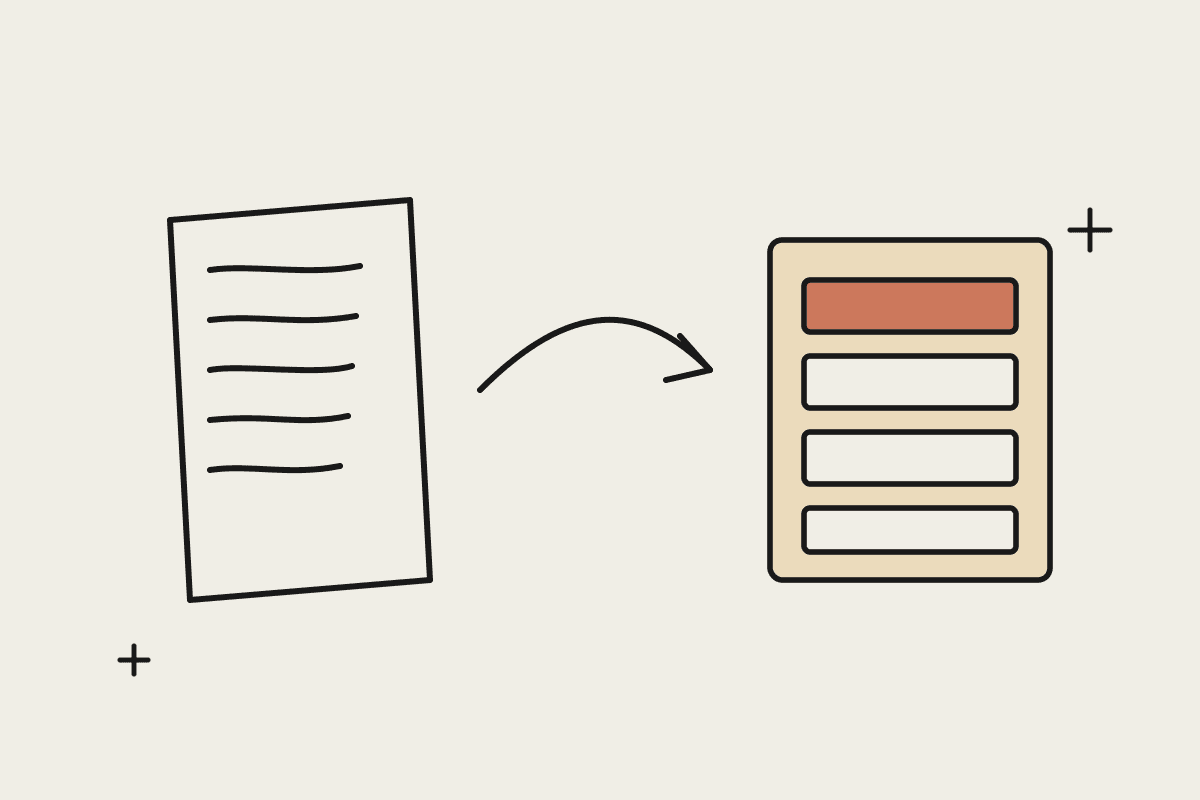
Claude changes the economics because it reads documents the way a person does. Hand it a scanned invoice, a photographed receipt, a rambling enquiry email or a fourteen-page signed agreement, and it extracts the fields you care about: names, ABNs, line items, dates, totals. It copes with the messy variation that breaks template tools, because it is not matching layouts, it is reading. Through connectors, it then writes that structured data into the systems you already run, whether that is your accounting platform, your CRM or a plain spreadsheet.
Keep a human on the exceptions
The setups that work do not remove people from the loop; they move people to the right place in it. Claude handles the volume, and anything ambiguous lands in a short review queue: a duplicate-looking invoice, a total that does not reconcile, a form with a missing signature. Your team stops being typists and becomes reviewers, which is faster, less tedious and considerably more accurate. A well-built flow gets a person through fifty documents in the time one used to take.
Privacy Act obligations still apply
Automating data entry means client information passes through an AI system, so treat it with the same care as any other processor. The Privacy Act and the Australian Privacy Principles govern how personal information is collected and handled regardless of whether a person or a model does the typing. Claude's commercial terms do not use your data for model training, and for regulated industries, APRA-supervised firms should map the flow against CPS 230 operational risk expectations before going live. In practice this means documenting what data moves where, keeping the systems of record under your control, and logging every automated write so it can be audited.
A 30-day starting point
Do not try to automate every retype at once. Pick the single highest-volume document flow, usually supplier invoices or inbound enquiries, and measure the baseline for a week: how many documents, how many minutes each, how many errors. Then run Claude on the same flow with a human reviewing every output. Most businesses see review time settle at a fraction of the original typing time within the first fortnight, and a typical single-flow setup costs between $3,000 and $8,000 to stand up, against labour costs that often exceed that every quarter.
The retype economy survives on the assumption that connecting systems is harder than paying people to be the connection. That assumption is out of date. If you want to find out what your business spends on retyping and what it would take to stop, book a short brainstorming call and we will map your highest-value flow together.