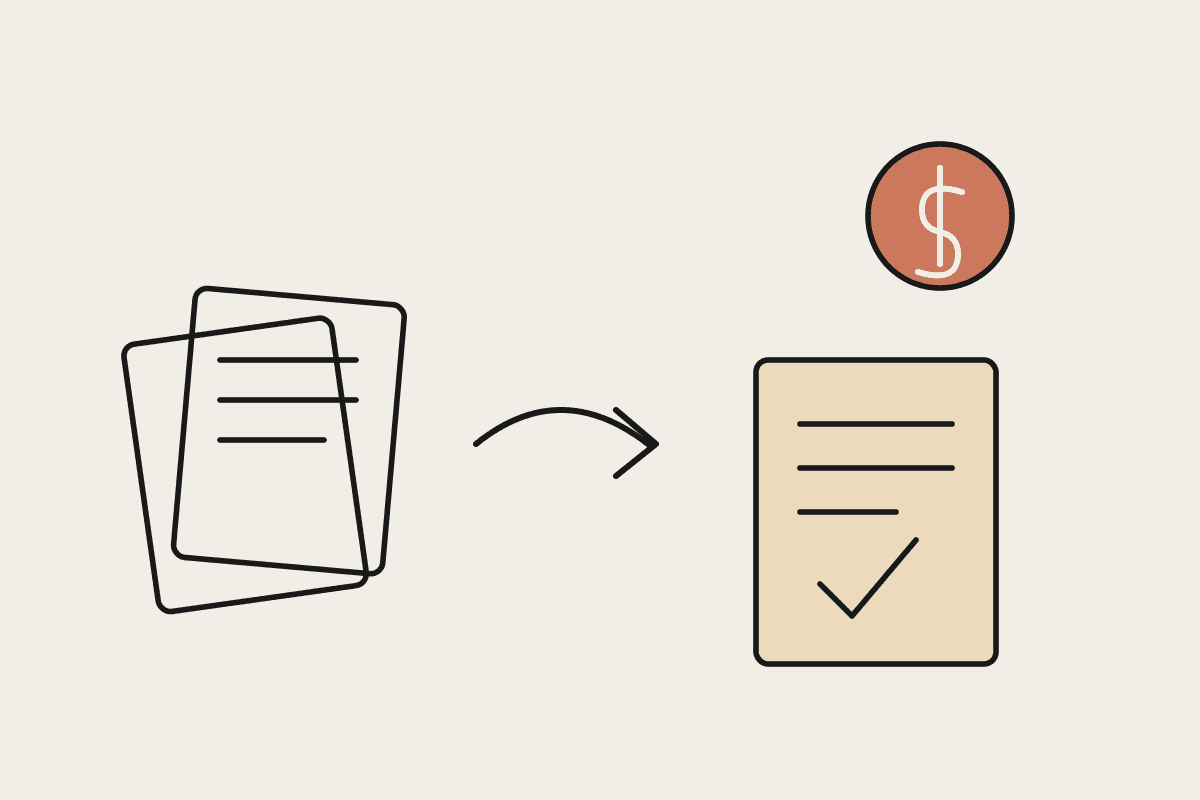
Australian businesses run on documents. Invoices, purchase orders, remittance advice, supplier contracts, onboarding forms, and insurance claims all pass through someone who reads them, retypes the key details into a system, and files the original away. That handling is slow, easy to get wrong, and more expensive than most owners realise once the hours are added up. This piece puts real AUD figures against manual document work and shows where Claude changes the maths.
The pitch here is deliberately unglamorous. Document processing is not the most exciting problem in your business, but it is one of the clearest places to prove a return on AI, because the current cost is measurable and the improvement shows up plainly on a monthly report.
Where the money actually goes
Before you can value automation, you need an honest picture of the manual baseline. The cost of processing a document by hand is rarely a single line item. It hides across several places:
Direct labour: the minutes a staff member spends opening, reading, keying, and checking each document. At a loaded cost of $45 per hour, six minutes per invoice is $4.50 before anything else.
Error correction: a mistyped amount or wrong supplier code that someone has to find and fix later, often after it has already caused a payment problem.
Delay cost: invoices that sit in a queue miss early-payment discounts or push suppliers to chase, which costs goodwill and staff time.
Peak strain: month-end and quarter-end volumes force overtime or temporary staff, and that is exactly when errors climb.
Key-person risk: when one experienced person holds the process in their head, a single resignation or period of leave stalls the whole function.
Add these together and a firm processing a few thousand documents a month is often spending well into six figures a year on work that produces no insight, only transcription.
What automation changes
Claude can read a document the way a person does, rather than by matching a rigid template. It handles the scanned PDF, the emailed invoice, and the photographed receipt, pulls out the fields you care about, and hands them to your finance or operations system in a consistent format. Because it reads meaning rather than fixed positions, it copes with the reality that every supplier lays out their paperwork differently.
The point is not to remove people from the process. It is to move them from typing to judgement. Staff review the small share of documents the system is unsure about, approve exceptions, and handle the genuine edge cases, while the routine majority flows through with a human check at the end rather than a human keystroke at every step.
Building the AUD business case
A worked example makes the return concrete. Take a mid-sized Sydney distributor that processes about 4,000 supplier invoices a month. Each one takes a staff member roughly six minutes to open, read, key, and check.
That is 400 hours a month, or the better part of three full-time people. At a loaded cost of $45 per hour, the manual baseline is about $18,000 a month, close to $216,000 a year.
Suppose Claude handles 85 percent of that volume without a keystroke, leaving staff to review the remaining 15 percent and any flagged exceptions. The labour saving is around $150,000 a year. Against a first-year build and integration cost in the region of $40,000, the payback lands inside four months, and every year after that the saving repeats.
The figures will differ for your business, but the shape rarely does. When a task is high-volume, repetitive, and rule-bound, the return on automating it is usually strong and quick to appear.
What to automate first
Not every document is a good first candidate. Start where volume is high and the format is reasonably consistent, so you bank a clear win before tackling the messy cases. Good early targets include:
Supplier invoices and purchase orders, where fields are predictable and volume is steady.
Remittance advice and bank statements that need reconciling against your ledger.
Onboarding and HR forms that feed the same handful of fields into multiple systems.
Standard customer forms, claims, or applications with a repeatable structure.
Leave contracts, unusual one-off documents, and anything with heavy legal nuance for a later phase, once the process is proven and your team trusts it.
Governance and the Australian context
Document automation touches data that is often personal or commercially sensitive, so the governance question comes up early and rightly. Under the Privacy Act, you remain responsible for how that information is handled, whether a person or a model does the reading.
A sound setup keeps a full audit trail of what was extracted and by whom, holds a person accountable for approvals, and limits what data leaves your environment. For firms in regulated sectors, such as those reporting to AUSTRAC or holding an ASIC licence, that trail is not optional, and a well-built automation actually improves it, because every step is logged rather than living in someone's inbox.
We design these workflows so the control sits with your team. Claude does the reading and the drafting, your staff make the decisions, and the record of both is clean enough to hand to an auditor.
Document processing is the kind of quiet, expensive problem that AI is genuinely well suited to solve, and the business case is easy to check with your own numbers. If you want to size the return for your operation and see where Claude would fit, book a short brainstorm with us.