Plenty of Australian teams picked ChatGPT as their first AI tool in 2023 and 2024. It was the obvious starting point: quick to trial, cheap per seat, and good enough for drafting and summarising. Two years on, the questions have changed. Teams want an assistant that can open the actual files on a shared drive, run a job on a schedule, and follow a documented procedure the same way every time. That is the gap Claude Cowork fills, and it is why a growing number of Sydney and Melbourne teams now run a side-by-side trial before moving their day-to-day work across.
A migration is rarely a straight swap. Some of what you built in ChatGPT carries over in minutes. Other parts need a rebuild, because the two products are shaped around different jobs. This guide walks through what changes, what to keep, and a sensible order to do it in, so a ten-person team is not stuck mid-transition for a month.
Where Claude Cowork differs from ChatGPT
ChatGPT is built around a chat window. You paste text in, you get text back, and anything the model touches has to be copied in and out by hand. Claude Cowork is built around your files and your tools. It reads and writes documents in a folder you choose, connects to systems like email and calendars, and can run an approved job on a timer without anyone sitting there. The differences that matter most for an Australian team are:
File access: Cowork works directly on the spreadsheets, Word documents and PDFs in a folder you nominate, rather than asking you to paste content into a chat box.
Skills: a repeatable procedure, say a month-end checklist or a tender-response format, is saved once as a Skill and reused, instead of being re-explained in every conversation.
Scheduled tasks: a job such as a Monday sales summary can run on its own each week and leave the result in your folder.
Connectors: Cowork links to tools your team already uses, so it can pull a figure from your accounting system or draft a reply in your inbox for you to approve.
Data handling: for teams with Privacy Act obligations, keeping working files in your own environment changes the compliance conversation, so bring in whoever owns data governance early.
What moves across cleanly
The good news is that most of your existing effort is not wasted. Three things carry over with little work:
Prompts: a prompt that works in ChatGPT usually works in Claude with light editing. Keep your best ones and test them first.
Reference material: style guides, brand rules and example documents can be dropped into a Cowork folder and referenced directly.
Team habits: the discipline of writing clear instructions transfers directly, and teams that already prompt well adapt fastest.
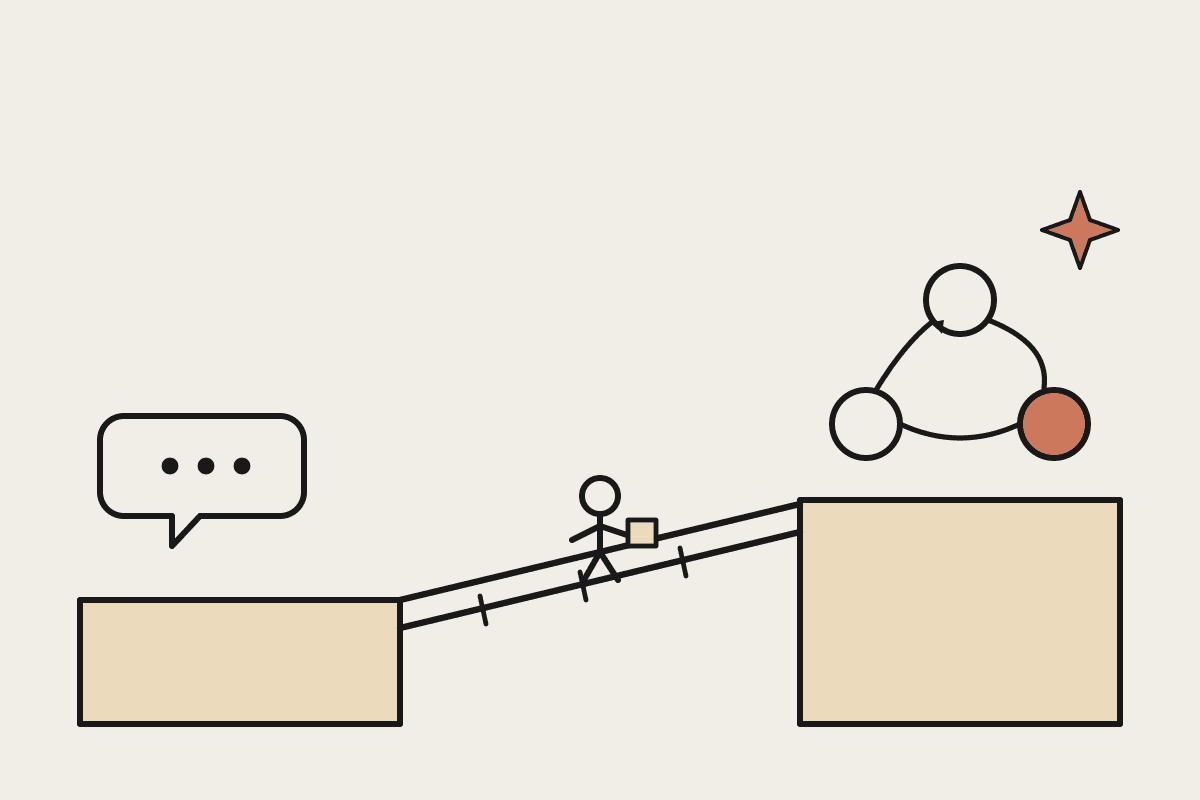
What does not move across without work is anything you built as a Custom GPT. A Custom GPT bundles instructions, knowledge files and a name into one shareable bot. The closest equivalent in Claude is a Skill, but you rebuild it rather than import it. Budget an hour or two for each Custom GPT you actually rely on, and treat the move as a chance to drop the three or four you never really used.
A four-week migration plan
For a team of five to fifteen people, four weeks is a comfortable pace. Rushing it tends to create two camps: the keen early adopters, and everyone else quietly still using the old tool.
Week one: run a small pilot. Pick two or three people and one real workflow, such as drafting client updates or reconciling a report. Keep ChatGPT running in parallel so nothing stalls.
Week two: rebuild your top procedures as Skills and set up the first scheduled task. Write down the time each one saves; you will want the numbers later.
Week three: connect the tools that matter, usually email, calendar and your file store, and agree the approval rules for anything Cowork sends or changes.
Week four: bring the rest of the team on, run a short training session, and set a date to cancel the ChatGPT seats you no longer need.
The cost and change-management maths
Cost is usually not the deciding factor, because the per-seat prices sit in a similar band. A fifteen-person team paying roughly $30 per user each month is looking at about $5,400 a year either way. The number that moves the needle is time. If Cowork saves each of those people three hours a week on document work, that is close to $120,000 of recovered capacity a year for a team on average Australian professional salaries. Even at half that estimate, the tool pays for itself many times over.
The part that decides success is change management, not licensing. Name one person to own the rollout, keep a running list of Skills as you build them, and review what is actually being used after a month. Teams that treat the switch as an IT task tend to stall. Teams that treat it as a working-habits change tend to make it stick.
Start small, then commit
Most Australian teams do not need a big-bang cutover. A two-week pilot on one real workflow tells you almost everything you need to know, and the rest follows from there. If you want a second opinion on which workflows to move first, or a migration plan mapped to your own tools, you can book a short call and we will work through it with you.
Where to go next
If you are setting Cowork up from scratch, start with our Claude Cowork setup guide. Two pieces that sit closest to this one: