When you connect Claude to your own tools with the Model Context Protocol (MCP), one of the first real decisions is where the server runs. Local, on the same machine as the client, or remote, hosted behind a URL your whole team can reach. That single choice shapes how exposed your data is, what the setup costs to run, and how much ongoing maintenance it asks of you. Here is a framework Australian teams can use to decide, rather than defaulting to whatever the first tutorial happened to show.
What actually differs
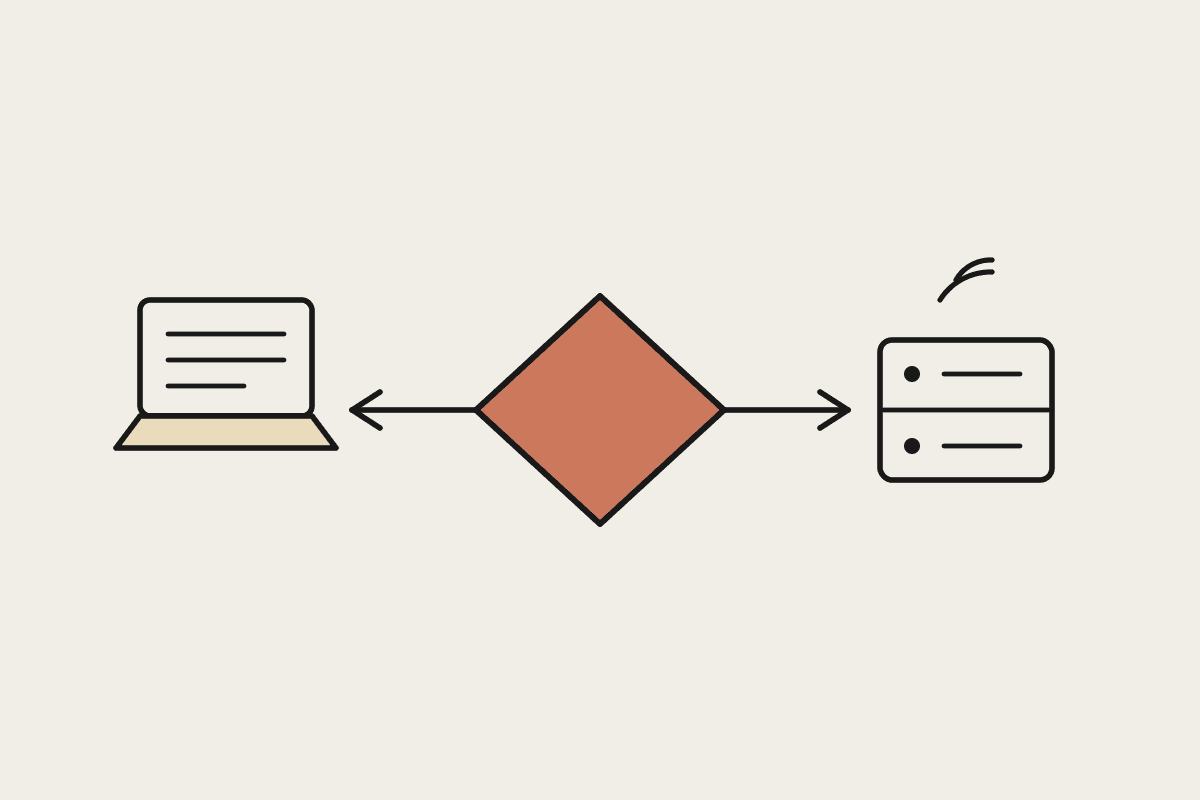
A local MCP server runs as a process on the same computer as the Claude client. It talks over standard input and output, so nothing leaves the machine unless a tool call explicitly reaches out. A remote MCP server runs somewhere else, usually as an HTTP service, and every client connects to it across the network. Both expose the same kind of tools to Claude. The real difference is operational: who can reach the server, where the data sits while it is being processed, and who keeps it running.
Data path: local keeps tool inputs and outputs on the device; remote sends them across the network to a shared host.
Access: local serves one user on one machine; remote serves a whole team from a single deployment.
Maintenance: local updates happen per machine; remote updates happen once, centrally.
Latency and reliability: local has no network hop; remote depends on your hosting and your connection.
Secrets: local reads credentials from the user's own environment; remote holds shared credentials you have to protect.
When a local MCP server is the right call
Local is the sensible default when the server touches data that should not travel, or when only one person needs it. If the tool reads a folder of client files, queries a database that lives on the same laptop, or wraps a command line utility a developer already runs, keeping it local means the data never crosses a network boundary you would then have to secure and document. It is also the fastest way to prototype, because there is nothing to host.
A single developer or analyst is the only user.
The server reads sensitive local files or an on-device database.
You want the smallest possible attack surface and no shared credentials.
You are still prototyping and do not want to stand up hosting yet.
When remote earns its place
Remote wins once more than one person needs the same capability, or when the server has to reach systems that live in the cloud anyway. A remote MCP server behind a single URL means every team member connects to the same current version. You patch a bug once. You rotate a credential once. And because the server can run close to the data it calls, remote often makes more sense for a tool that talks to a hosted CRM, a billing platform, or an internal API that is already online.
Several people or agents share the same set of tools.
The server already calls cloud services, so the data is in transit regardless.
You need central logging, rate limits, and an audit trail.
You want to update tools without touching every user's machine.
The decision framework
Run each candidate server through four questions, in order. The first answer that forces a choice usually settles it.
Data sensitivity: does the server handle information covered by the Privacy Act or a client confidentiality duty? If it should never leave a controlled device, start local.
Users: is this for one person or the whole team? One person leans local; many lean remote.
Dependencies: does the tool already reach cloud systems? If yes, remote adds little new exposure and buys you central control.
Operations: who will keep it patched? If you cannot commit to per-machine updates, a single remote deployment is safer over time.
The order matters. Compliance and data exposure come first because they are the hardest to reverse. A Sydney firm that pushes client tax records through a remote server it has not properly secured has a problem that no amount of convenience makes acceptable. Cost and speed are real considerations, but they are tie-breakers, not the opening move.
What this costs an Australian business
The money question usually decides less than people expect. A remote MCP server for a small team can run on a lightweight platform for well under $2,000 a year. The bigger number is time: a local setup copied across ten machines, each needing manual updates and its own credentials, can quietly cost a business closer to $45,000 a year in engineering hours that one remote deployment would avoid. For a regulated business, the compliance cost dominates both. A data path that satisfies APRA or AUSTRAC expectations is worth more than the hosting bill either way, and getting it wrong is far more expensive than any subscription.
There is no universal winner. Local and remote are two correct answers to two different situations, and most teams end up running some of each. The framework keeps the choice honest: sensitive and single-user tends local, shared and cloud-facing tends remote, and compliance decides before cost does. If you want help mapping your own tools to the right side of that line, we can work through it with you. Book a brainstorm.