Most teams are good at taking meeting notes and bad at doing anything with them. The notes get typed up, pasted into a doc or a channel, and then everyone moves on to the next call. Two weeks later nobody can remember who agreed to send the pricing, chase the vendor, or book the follow-up. The decision was made in the room. The follow-through quietly disappeared.
This is the gap that automation is genuinely good at closing. Not writing the notes for you, and not replacing the judgement in the room, but turning a messy transcript into a clean list of owners, tasks, and dates that lands where your team already works. Here is how we think about building that chain for Australian businesses, and where Claude fits.
Where the follow-up chain breaks
Before automating anything, it helps to name the specific points where good intentions leak out of a meeting. In practice there are five.
Capture: notes are scattered across notebooks, chat, and half-finished docs, so there is no single source of truth.
Extraction: action items sit buried inside paragraphs of discussion and never get pulled out as discrete tasks.
Ownership: a task without a named owner and a date is a wish, not a commitment.
Routing: even clear actions stay in a document nobody reopens instead of the tool where work actually happens.
Reminders: the one-week and one-day nudges that drive completion never get sent.
What automating meeting notes actually means
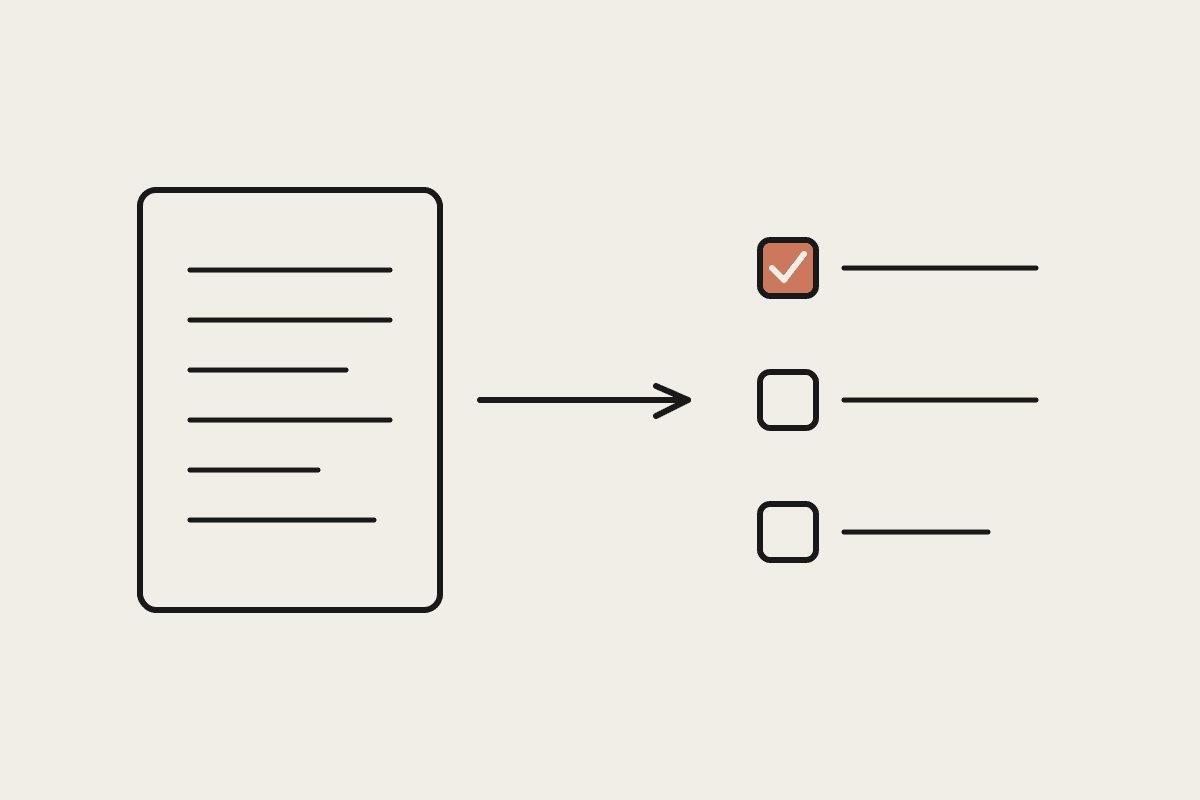
The useful version of this is narrow. You feed a transcript or a set of raw notes to Claude, and it returns a structured list: each action item, the person responsible, the due date if one was stated, and a short line of context. That structured list is the thing you build automation around.
Claude is well suited to this because the task is mostly careful reading. It can tell the difference between someone thinking out loud ("we could maybe look at that") and a firm commitment ("I will send the contract by Friday"), and it can attach the right owner even when names are used loosely across a long conversation. That judgement is what turns a wall of text into a list you can act on.
A practical setup for an Australian team
A workable chain has four stages, and you can start with the first two and add the rest later.
Transcribe: capture the meeting audio or paste your existing notes. Most teams already have a transcript from their video tool.
Extract: Claude reads the transcript and produces the action list with owners and dates.
Route: each action is pushed into the tool your team actually opens, whether that is Asana, a Notion database, or a shared task list.
Remind: a scheduled check nudges owners before the due date and flags anything overdue back to the meeting organiser.
The important design choice is to route into one system, not five. If actions land in the same place your team already checks every morning, they get done. If they land in a new dashboard nobody logs into, you have simply moved the problem somewhere quieter.
The business case in plain numbers
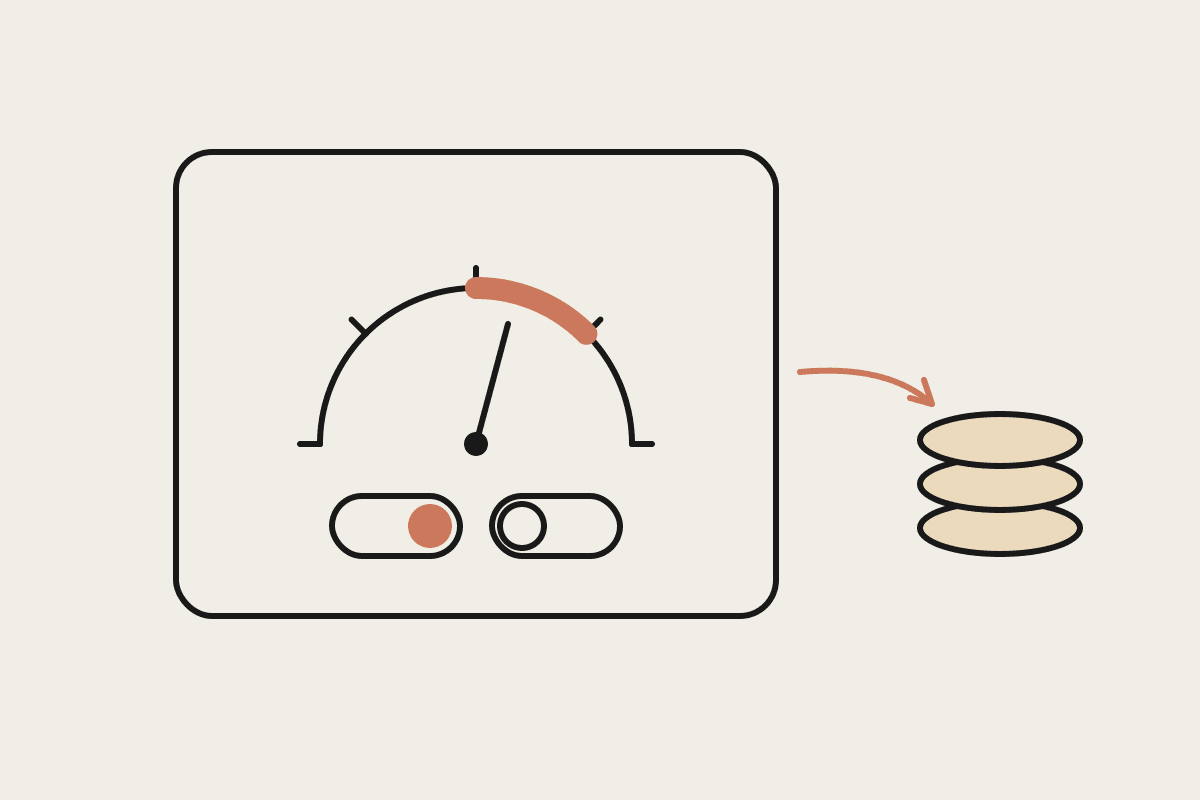
The maths is simple enough to run on the back of an envelope. Say a ten-person team in Sydney sits through fifteen hours of meetings a week between them, and roughly one in three meetings produces a follow-up that slips: forgotten, chased late, or redone because the decision was lost. If each slipped item costs an hour of rework plus one delayed outcome, and you value that blended time at around $90 an hour, a team losing six items a week is quietly burning close to $45,000 a year. The figure is deliberately rough, but even at half of it the automation pays for itself in weeks, not years.
The real gain is not the note-taking. It is that fewer commitments fall through, which shows up as faster deals, fewer dropped client requests, and less of the low-grade anxiety that comes from a team that is not quite sure what it owes and to whom.
Keep a human in the loop
Two guardrails matter. First, action extraction should be reviewed, at least at the start. Claude is accurate but not infallible, and a wrong owner on a task is worse than no task at all. A ten-second glance from the meeting organiser before the list is routed catches almost every error.
Second, be deliberate about what goes into these tools in the first place. Meeting transcripts often contain client details, salary figures, or commercial terms, and under the Australian Privacy Act you are responsible for how that information is stored and processed. Choose tools and settings that keep that data where your policies expect it, and do not pipe sensitive discussions into systems you have not checked.
Automating the path from notes to action items is one of the highest-return, lowest-risk places to start with AI, precisely because it targets a problem every team already feels. If you want help mapping your own follow-up chain and deciding which stages to automate first, book a short call and we will walk through it with you.