Claude Cowork is the agentic mode of Anthropic's Claude desktop app. Instead of answering one prompt at a time, Claude takes on whole tasks: it works with the files in folders you grant it access to, runs multi-step workflows, connects to tools like email and your CRM, and completes scheduled tasks on its own. You describe the outcome you want, and it does the work and hands you the finished file.
That is the two-sentence answer for anyone who has heard the name in passing. The longer answer matters for Australian business owners and operations leads, because Cowork is the first version of Claude that changes who does the work rather than just speeding up the person doing it. This guide explains what it is, what it is not, and where it pays for itself.
How Cowork differs from regular Claude chat
Most people have used an AI assistant in a chat window: you ask a question, you get an answer, you copy the useful bits somewhere else. Cowork works differently in four ways that matter.
Chat answers questions. Cowork executes work and produces files: spreadsheets, reports, slide decks and documents land in your folder, not in a chat transcript.
Cowork holds projects, each with its own files, standing instructions and memory, so it remembers how your business does things between sessions.
Scheduled tasks run without you at the keyboard. A weekly report can compile itself at 7am Monday whether or not you are awake.
It runs on the same agentic engine as Claude Code, the tool engineering teams use, but without the terminal. The capability is the same; the interface is built for business users.
What it looks like in practice
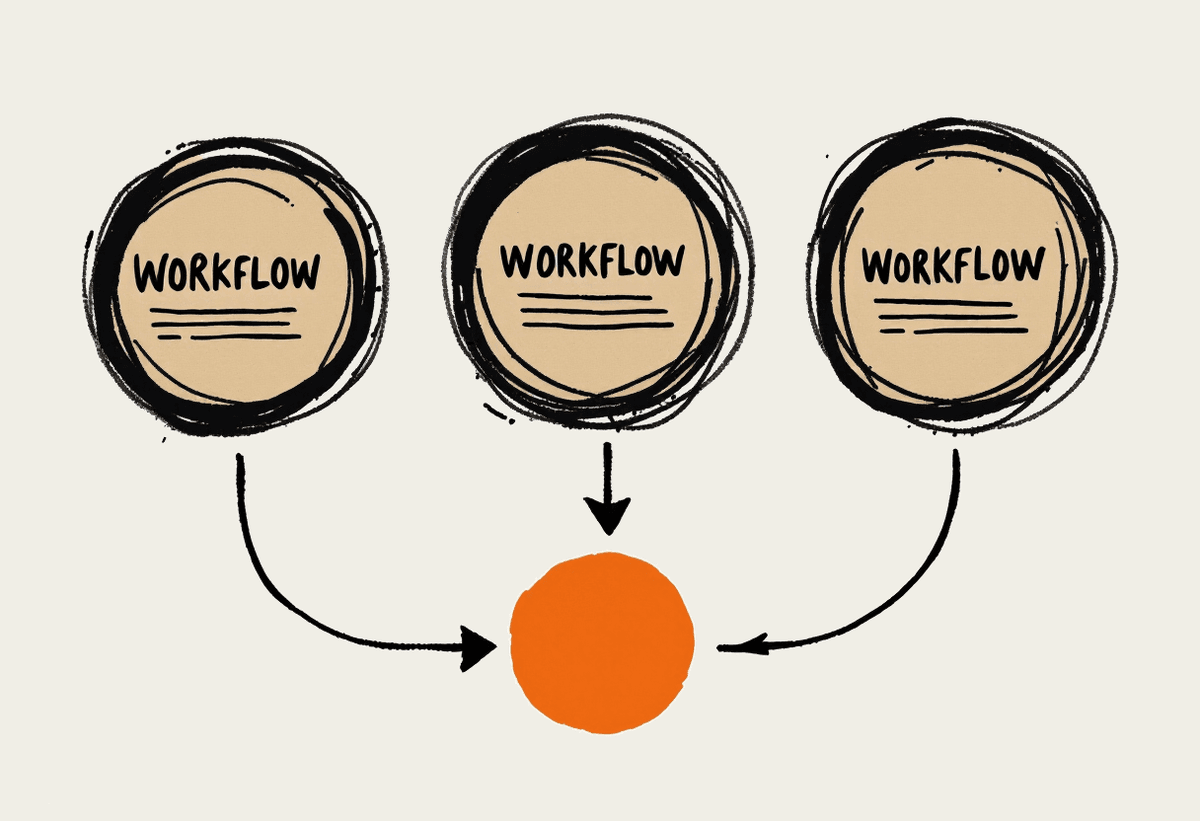
Concrete examples beat definitions. Here are three workflows Australian businesses run with Cowork today.
Hand it a folder of supplier invoices and ask for a reconciliation summary. It reads each PDF, extracts the line items, flags anomalies and produces a finished spreadsheet.
Set a Monday morning brief that compiles your week from email, calendar and sales pipeline before you sit down with your first coffee.
Give it a meeting transcript and your precedent files, and get back a draft proposal in your own template, in your own voice, ready for review.
What you need to run it
The barrier to entry is low, which is part of the appeal. A realistic starting kit looks like this.
The Claude desktop app on a paid plan, roughly $30 to $45 AUD per user per month depending on tier.
A tidy folder for Cowork to work in. It can only touch what you grant, so a well-organised workspace is both a safety boundary and a quality lever.
Scoped connector access: email, calendar, CRM or accounting tools, connected deliberately rather than all at once.
Ground rules for what runs autonomously and what waits for a human sign-off. The sensible default is that anything client-facing gets approved by a person.
What Claude Cowork is not
It is not magic, and pretending otherwise is how AI projects fail. Cowork makes mistakes: it can misread a figure, mis-file a document or take a wrong turn partway through a long task. It should not send client-facing communication unsupervised, and it should not be the only set of eyes on anything that carries legal or financial consequence.
Two more honest caveats for Australian buyers. Data residency in Australia has been announced by Anthropic but is not live yet, so businesses with strict residency requirements should design around that today rather than assume it. And under the Privacy Act, your obligations around personal information do not change because a tool is doing the handling: you still need to know what data goes where, and a short written policy for staff is the cheapest insurance you can buy.
Where the gains land for Australian businesses
The pattern across our client work in Sydney and beyond is consistent: the gains land in document-heavy admin first. Reporting, formatting, reconciliation, meeting follow-ups and first drafts of routine documents. None of it is glamorous, and all of it is payroll.
Put numbers on it. A role that spends ten hours a week on reporting and formatting reclaims most of that with a well-built Cowork workflow. At a $100,000 salary, ten hours a week is roughly $25,000 a year of payroll going to work a machine can now do to a reviewable standard. A five-person admin-heavy team running three or four solid workflows is into six figures of reclaimed capacity without anyone working an hour longer.
The catch is the phrase well-built. The businesses that see these numbers treat Cowork like a new hire: clear scope, clean files, written instructions and a feedback loop in the first month. The ones that see a fraction of it install the app, poke at it twice and move on.
Getting started
A sensible first step is one workflow, not a transformation program. Pick a repetitive, document-heavy task, set it up properly and measure the hours before and after. If you want help choosing and building that first workflow, our Claude Cowork implementation service does exactly that, and our Claude training for teams gets the rest of your staff past the poking-at-it stage. We are a specialist Claude consultancy based in Sydney, and a short conversation will tell you whether Cowork fits your workload. Book a brainstorming call and bring your messiest weekly task.
Where to go next
If you are setting Cowork up from scratch, start with Claude Cowork setup guide. Two pieces that sit closest to this one: