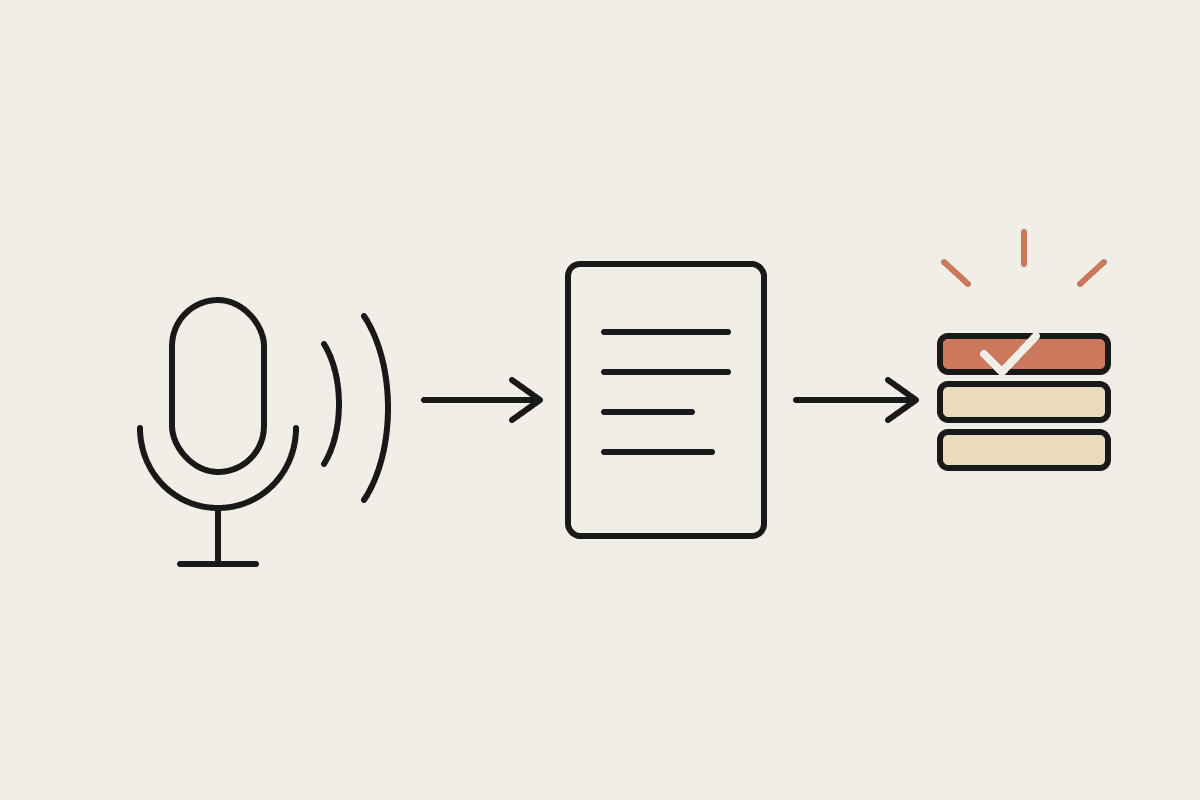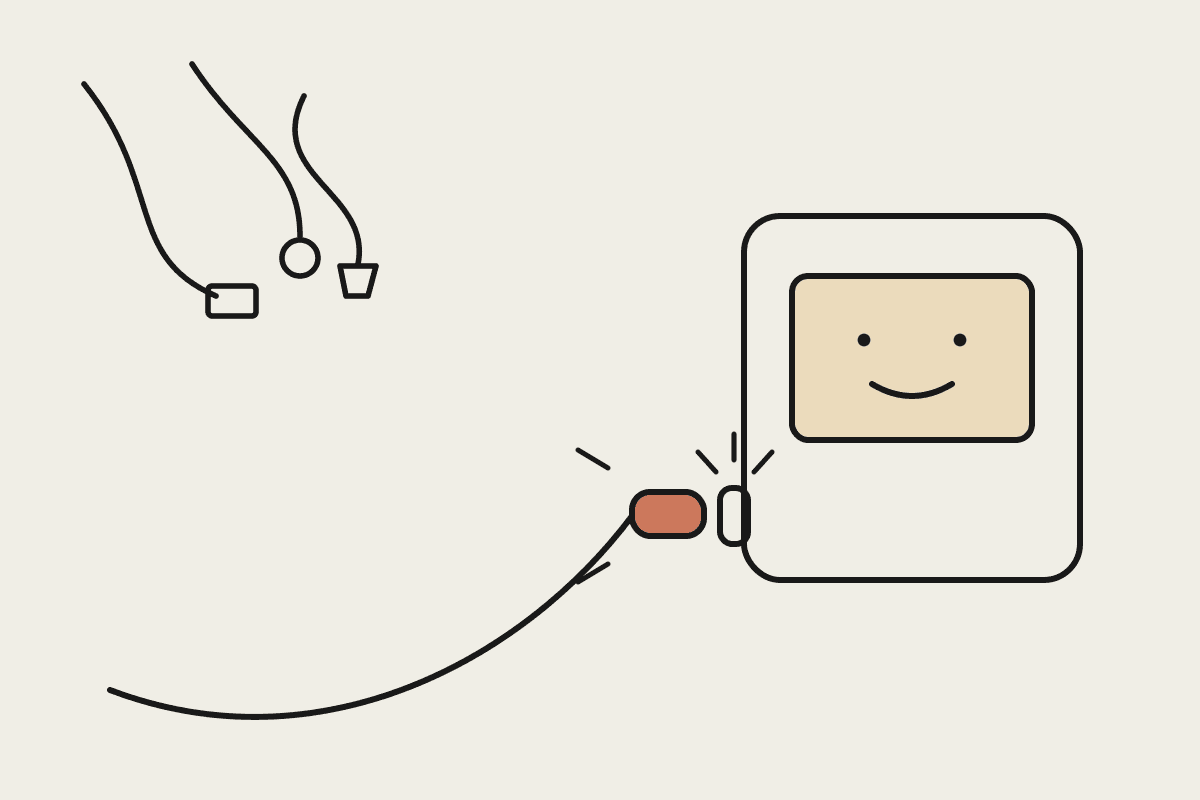
MCP stands for Model Context Protocol. It is an open standard that lets an AI assistant such as Claude connect to the software your business already runs: accounting, CRM, calendars, file storage, job management. Before MCP existed, every one of those connections was a custom integration project. MCP replaces the custom work with one shared method of connection, which is why people keep reaching for the USB-C comparison.
Anthropic published MCP as an open standard in late 2024, and the rest of the industry adopted it through 2025. OpenAI and Google both support it. That matters for a practical reason: a connection built for one AI tool is unlikely to be wasted work if you change tools later. For an Australian business owner, MCP is not another product to buy. It is the plumbing that makes the AI products you do buy considerably more useful.
The USB-C analogy, taken seriously
Think back to the drawer of cables every office had: one connector for the printer, another for the phone, a third for the camera, none of them interchangeable. Device makers each invented their own plug because there was no agreed standard. USB-C ended that. One connector shape, one cable, and any compliant device can talk to any other.
AI integrations had the same problem until recently. If a software vendor wanted their product to work with an AI model, they built a one-off integration for that specific model. Ten tools times three AI vendors meant thirty separate projects, each maintained separately, each breaking in its own way. MCP defines a single way for an AI model to discover what a tool can do, ask it questions, and request actions. Build the connection once and any MCP-capable assistant can use it.
One piece of jargon deserves decoding: an MCP server is not a physical server in a rack. It is a small piece of software that sits between the protocol and a specific system, translating requests. There is an MCP server for Xero, one for HubSpot, one for Google Drive, and hundreds more. Many are free and maintained by the software vendors themselves.
What it looks like in practice
The change is easiest to see in day-to-day tasks. Without MCP, using AI means exporting data, pasting it into a chat window, and copying the answer back out. With MCP connections in place:
A bookkeeper asks Claude which invoices are more than 30 days overdue and gets an answer read directly from the accounting file, not from a stale export.
An operations manager asks for a summary of this week's jobs and Claude pulls it from the job-management system, including the ones added an hour ago.
A marketing coordinator drafting a campaign asks which customer segments actually bought last quarter, and Claude checks the CRM before a word of copy is written.
A practice manager has Claude cross-check engagement letters in the document system against the current fee schedule and flag mismatches.
The common thread is the absence of copy-paste. Data stays in the system that owns it. Claude reaches in, reads what it has been permitted to read, and works with the current version rather than whatever was exported last Tuesday.
What MCP is not
It is not automatic access to everything. Each connection is set up deliberately, and each MCP server exposes only the functions it was built to expose. A read-only connection to your accounting system cannot create payments, no matter how a request is phrased.
It is not a pipe that feeds your data into model training. Connections run inside your account under the AI vendor's commercial terms. On Claude's business plans, Anthropic does not train on your data by default. The contractual position matters more than the plumbing here, so read the terms of whichever plan you are on.
And it is no longer a developers-only affair. Through 2025 the major AI desktop apps added one-click connectors built on MCP, so a business user can link Claude to Gmail or their file storage without writing a line of code. The custom work now sits at the edges: legacy systems, industry software without a published server, and connections that need tighter permissions than the defaults.
The security questions worth asking
Australian businesses carry obligations under the Privacy Act, and professional firms often carry stricter ones on top. MCP does not change those obligations; it changes where you enforce them. Sensible questions for anyone proposing a connection: which systems, read-only or read-write, whose credentials, what gets logged, and who reviews the log. A good setup starts read-only, scopes each connection to the minimum it needs, and keeps a human approving anything that writes to a system of record.
What it costs an Australian business
Most MCP servers for mainstream software are free. The real cost is configuration and governance: deciding which systems to connect, setting permissions properly, and training staff to use what is now possible. A typical small-business setup runs $3,500 to $15,000 depending on how many systems are involved and how much custom work the industry software needs. For comparison, a single custom integration between two systems, the pre-MCP way, commonly cost $20,000 to $45,000 and served exactly one purpose.
The return shows up as recovered hours. A Sydney bookkeeping practice that stops assembling weekly client reports by hand, say six hours a week at a $90 charge-out rate, recovers roughly $28,000 a year from one workflow. Most businesses find three or four workflows of that shape in the first month of looking.
Where to start
Start with one system and a read-only connection. Accounting data is usually the highest-value first candidate because so many questions end there. Prove the answers are accurate, let the team build the habit of asking, then expand to the CRM or the document store. Resist connecting everything in week one; permission sprawl is harder to unwind than it is to avoid.
If you want a second opinion on which of your systems are worth connecting first, and what a sensible permission model looks like for your industry, we do this for Australian businesses every week. Book a short call and bring your software list.