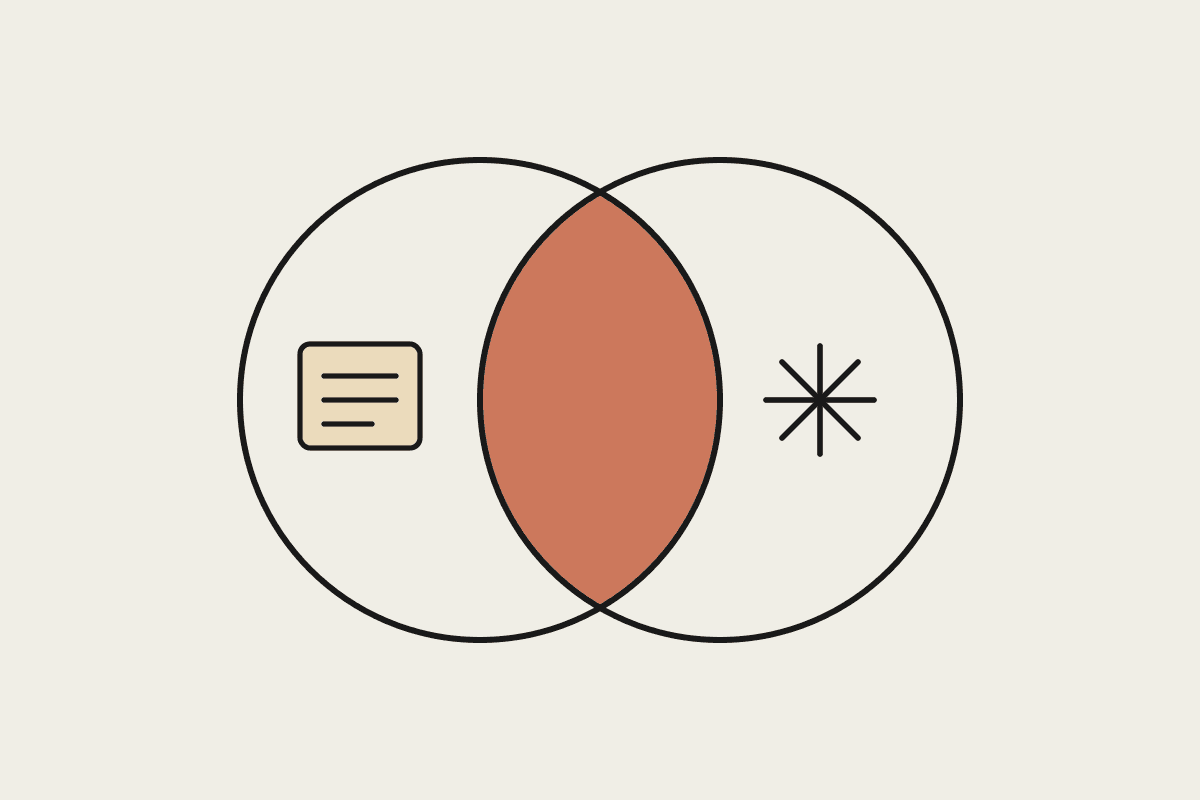
Most Australian accounting and bookkeeping firms already run some form of workflow software. Karbon, FYI, Xero Practice Manager, and Ignition all promise the same result: jobs move through the practice on time, nothing falls through the cracks, and partners can see who is doing what. So when firms ask whether Claude replaces that software, the honest answer is no. Claude does a different job, and the two work best side by side. This piece maps the overlap and the gaps so you can decide where each one earns its keep.
What accounting workflow software actually does
Practice management and workflow platforms are systems of record and coordination. They hold the client list, the job templates, the deadlines, and the audit trail of who touched what. Their core job is structure, and they are good at it.
Job and deadline tracking across the whole practice
Capacity planning and allocation of work to team members
Client records, document storage, and a defended audit trail
Recurring job templates for BAS, tax returns, and annual compliance cycles
Time capture and billing, often tied back to Xero or Ignition
That structure is hard to replicate, and you should not try. A firm running 400 clients through quarterly BAS needs a database that enforces due dates, not a chat window. If your workflow tool is doing this well, keep it. The mistake is assuming that because it manages the job, it can also do the work inside the job.
Where Claude overlaps
Claude overlaps on the reading, writing, and thinking that happens inside each job. Drafting the client email. Summarising a messy bundle of source documents. A first-pass review of a workpaper. Turning a bank statement narrative into a categorised list. Writing the plain-English cover note that goes with a set of accounts. Some workflow tools have started bolting on features like this, but they tend to be shallow and locked to one vendor.
The value shows up in senior time. A mid-size Sydney firm we worked with was spending roughly $45,000 a year of manager and partner hours on work that is really just drafting and summarising, the kind of task that never quite justifies delegating but quietly eats the week. That is the slice Claude addresses, and it sits underneath whatever workflow tool the firm already uses.
None of this requires a new platform. Claude works alongside the tools your team already opens every day, which is part of why it tends to stick where a bolt-on module inside the practice suite quietly goes unused. The team is not learning a second system of record. They are getting a faster way through the reading and writing that a system of record was never built to do.
Where the gaps are, in both directions
There are two clean gaps, one in each direction.
Claude has no native concept of your job list. It will not remind you that the Henderson SMSF return is due next Thursday, it does not know your team's capacity, and it will not enforce a lodgement deadline. Ask it to be your system of record and you will be disappointed. Your workflow software owns that.
Workflow software, in turn, cannot reason about the content of a document the way Claude can. It can attach a trust deed to a job. It cannot read the deed and flag the clause that changes how income is distributed. That reading and judgement layer is exactly where Claude is strong and where a job tracker is blank.
Software owns: deadlines, allocation, audit trail, billing
Claude owns: reading, drafting, first-pass analysis, plain-English explanation
Neither owns alone: the lodgement itself, which stays with your ATO-connected software plus a human sign-off
How Australian firms are combining them
The pattern that works is simple. Keep the workflow tool as the single source of truth for what needs doing and by when. Use Claude inside the job as the analyst and the drafter. In practice, a workpaper lands in the job, a team member asks Claude for a first pass, and the reviewed output goes back into the job. The tracker still governs the deadline and the sign-off, so the compliance spine of the firm is unchanged.
A worked example: the workflow tool creates the quarterly BAS job and assigns it. The bookkeeper pulls the source data, then asks Claude to reconcile the coding against last quarter and draft the client query list. Claude produces the draft in minutes, the bookkeeper checks and sends it, and the note goes back into the job. The deadline, the assignee, and the record of what happened all still live in the software. Claude only touched the thinking in the middle.
Data boundaries matter here. Client financial records carry obligations under the Privacy Act and your own confidentiality duties, so firms decide deliberately what information goes into any AI tool and under which controls. Claude's enterprise settings, including data handling that keeps your inputs out of model training, are usually the deciding factor for a practice weighing this up.
A practical starting point
Do not rip anything out. Pick one recurring job type, quarterly BAS preparation is a good first candidate, and map the two or three steps inside it where a manager is really just reading and writing. Point Claude at those steps, keep the workflow tool as the ledger, and measure the senior hours you get back over a quarter. If the numbers hold, widen it to the next job type.
Firms that measure this properly often find a single manager reclaims six to ten hours a quarter on one job type alone. At senior charge-out rates that is real money, set against a tool that costs a fraction of it. The point is not to replace the software you rely on, but to fill the gap it was never designed to cover.
If you want a hand mapping where Claude fits against the software you already run, book a short brainstorm and we will work through it against your actual job list.
Not sure which of these applies to your business? The free AI readiness assessment takes seven questions and about three minutes, and returns a shortlist of the processes worth automating first. Take the AI readiness assessment.