Apple just made a quiet change that matters more than the Siri rebuild it shipped alongside it. The Foundation Models framework, the same Swift API developers already use to call Apple's on-device models, can now hand off to Claude. For Australian app teams, that turns a local-only feature set into something far more capable without forcing you to rebuild your stack or ship every user request to a server.
What Apple actually shipped
Apple's Foundation Models framework gives developers native access to models directly from Swift. It returns typed Swift values through guided generation, sometimes in as few as three lines of code. Until now those calls ran against Apple's on-device models, which are fast and private but limited to lighter tasks like summarisation and extraction. A new Swift package adds a second destination: when a request needs more, your code can call Claude instead, and the response streams back into the same view your users are already looking at.
The handoff covers the work the on-device model was never meant to do:
Multi-step reasoning over a document, a dataset, or a chain of user actions.
Code generation, including writing and then running code for data analysis.
Web search for current information the on-device model has no way to know.
Long-form drafting and rewriting where quality and coherence matter more than latency.
Because Apple's framework returns typed Swift values from your guided-generation annotations, you arrive at the Claude call with clean, structured inputs rather than raw user text. That single detail removes a whole category of prompt-wrangling and parsing code that Australian teams usually write by hand.
The on-device versus Claude split
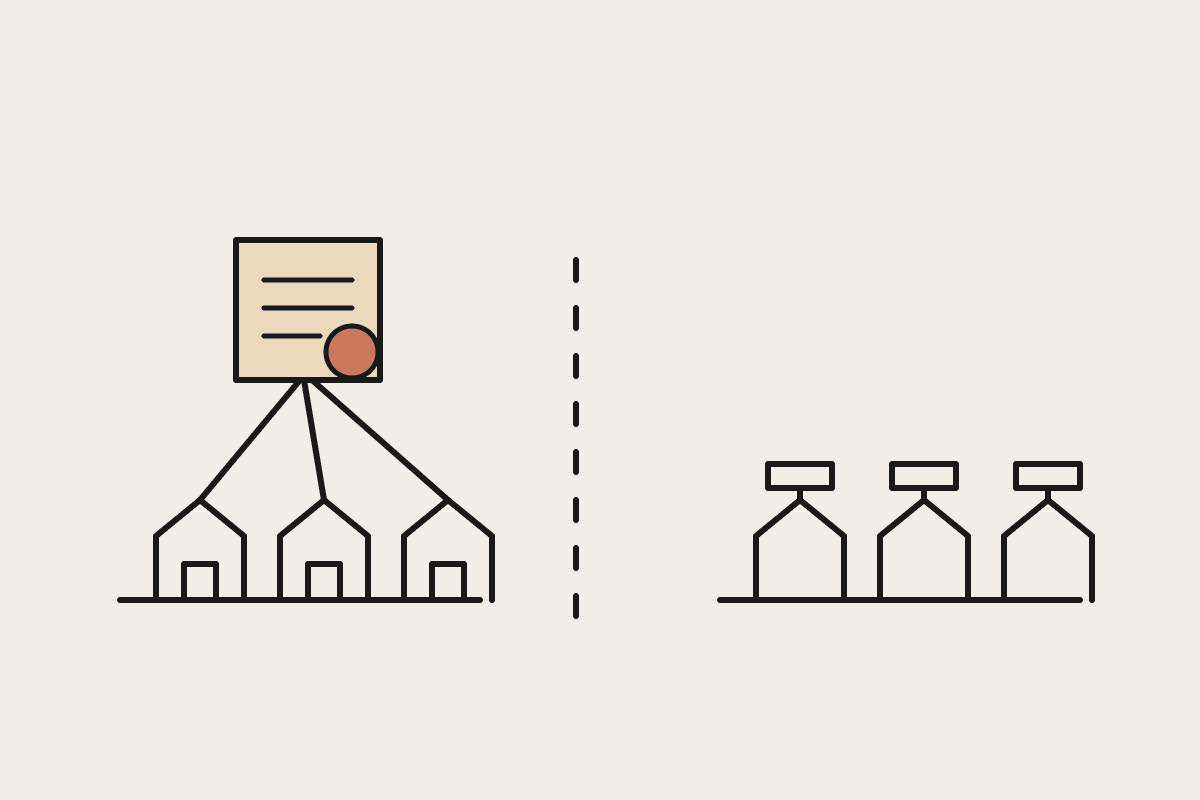
The pattern worth internalising is not 'use Claude instead of Apple's model'. It is 'use both, on the same screen, for what each does best'. Apple's on-device model handles the fast, local, private path. Claude handles the heavier reasoning path. The framework lets you move between them without your user noticing a seam.
Where the local model earns its place
Keep work on-device when it is short, structured, and latency-sensitive: pulling the key fields out of a form, summarising a single note, classifying an email, suggesting a tag. These run in milliseconds, cost nothing per call, and never leave the phone. For data covered by the Privacy Act, that last point is not a nicety. Keeping personal information on the device for the routine path shrinks the surface area you have to account for in a privacy impact assessment.
Where you hand off to Claude
Reach for Claude when the task needs judgement, breadth, or current knowledge: reasoning across a 40-page contract, drafting a client-ready reply, analysing a spreadsheet the user just imported, or answering a question that depends on something that happened this week. The on-device model cannot do these well, and pretending otherwise produces the thin, generic output that makes users distrust an AI feature.
What this means for Australian app teams
If you build iOS software for the Australian market, this changes the build-versus-buy maths on AI features. A team in Sydney or Melbourne that wanted Claude-grade reasoning inside an app previously had to stand up its own backend, manage API keys, handle streaming, and build the on-device fallback separately. Apple now provides the plumbing. A feature that might have been a $45,000 backend project becomes a few hundred lines of Swift against a framework your team already knows.
Some practical consequences for how you scope work this quarter:
Smaller AI features get cheaper to ship. The fixed cost of wiring up model access drops, so features that were not worth a custom backend now clear the bar.
Privacy posture improves by default. Routing routine personal data through the on-device model keeps it off any server, which is easier to defend to a client or an auditor.
Your model choice stays yours. The handoff targets Claude explicitly, so a team that has standardised on Claude across its other tools keeps one model's behaviour and voice end to end.
Latency becomes a design decision, not an accident. You choose, per feature, which path runs, instead of paying a network round trip for every interaction.
A worked example: a contracts app for a Sydney firm
Picture a document app used by a professional services firm. A staffer opens a 30-page services agreement. The on-device model runs first: it extracts the parties, the term, the payment schedule, and the governing law into typed Swift values, instantly and without the document leaving the device. Those structured fields then become the input to a Claude call that does the real work: flagging the unusual indemnity clause, explaining the auto-renewal in plain English, and drafting two lines the staffer can send back to the counterparty. The user sees one smooth flow. Under the hood, the cheap, private step ran locally and only the reasoning step went to Claude.
That division is the whole point. You are not choosing between privacy and capability. You are spending each on the part of the job that needs it.
Where to start
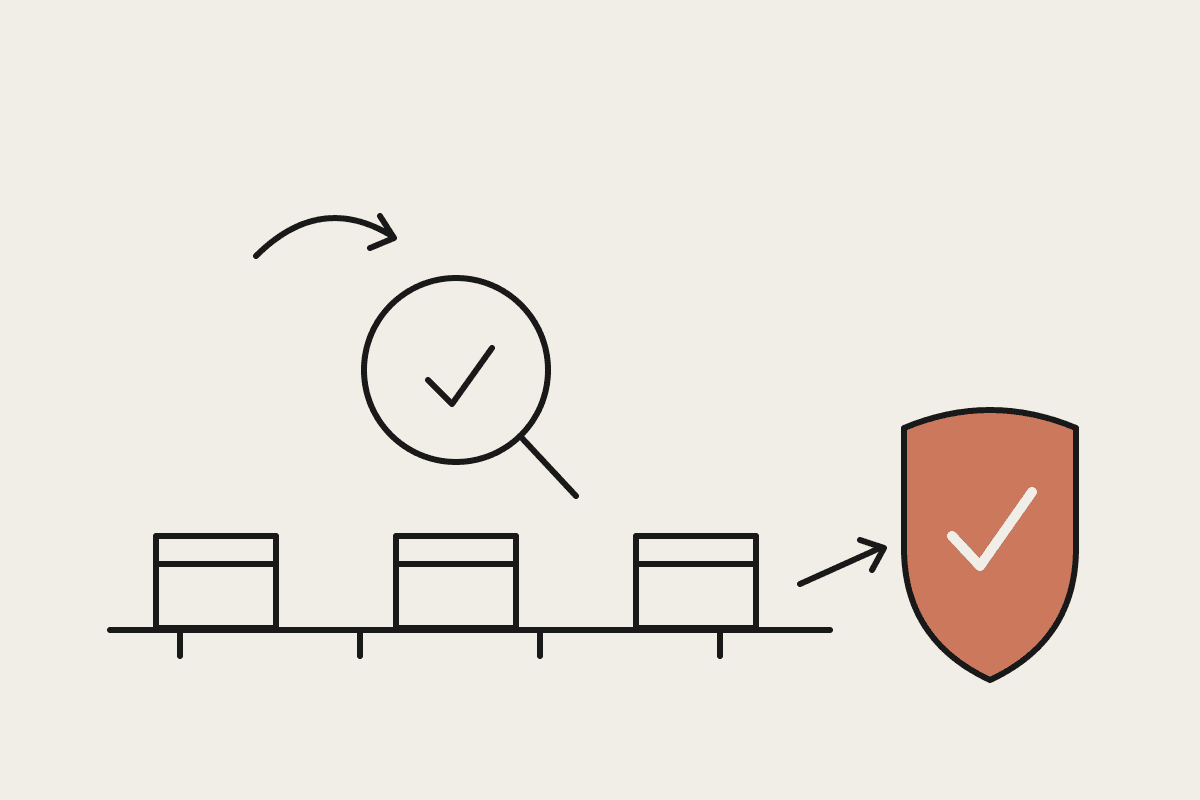
If you already ship an iOS app with any AI feature, audit it against this split. Anything routine and structured should run on-device. Anything that needs reasoning, breadth, or fresh information should hand off to Claude. If you are scoping a new feature, design the two paths from the start rather than bolting the handoff on later.
We help Australian teams design exactly this kind of Claude-first architecture, from the on-device boundary to the API call. If you want a second set of eyes on where your app should draw the line, book a brainstorm.