Most Australian businesses already have the hard part built: an internal API that quietly runs payroll, bookings, inventory or job scheduling. What they usually lack is a clean way to let Claude call it. A Model Context Protocol (MCP) server is that bridge, and wrapping a well-documented internal API as one is genuinely a single-day job for a competent developer.
This guide walks through the shape of that day: what to prepare, what to build, and where the real work sits. The goal is a working MCP server that Claude can call to read and act on your own systems, without handing an AI open access to your database. You do not need a large team or a long project plan to get the first version running.
Why wrap an internal API as an MCP server
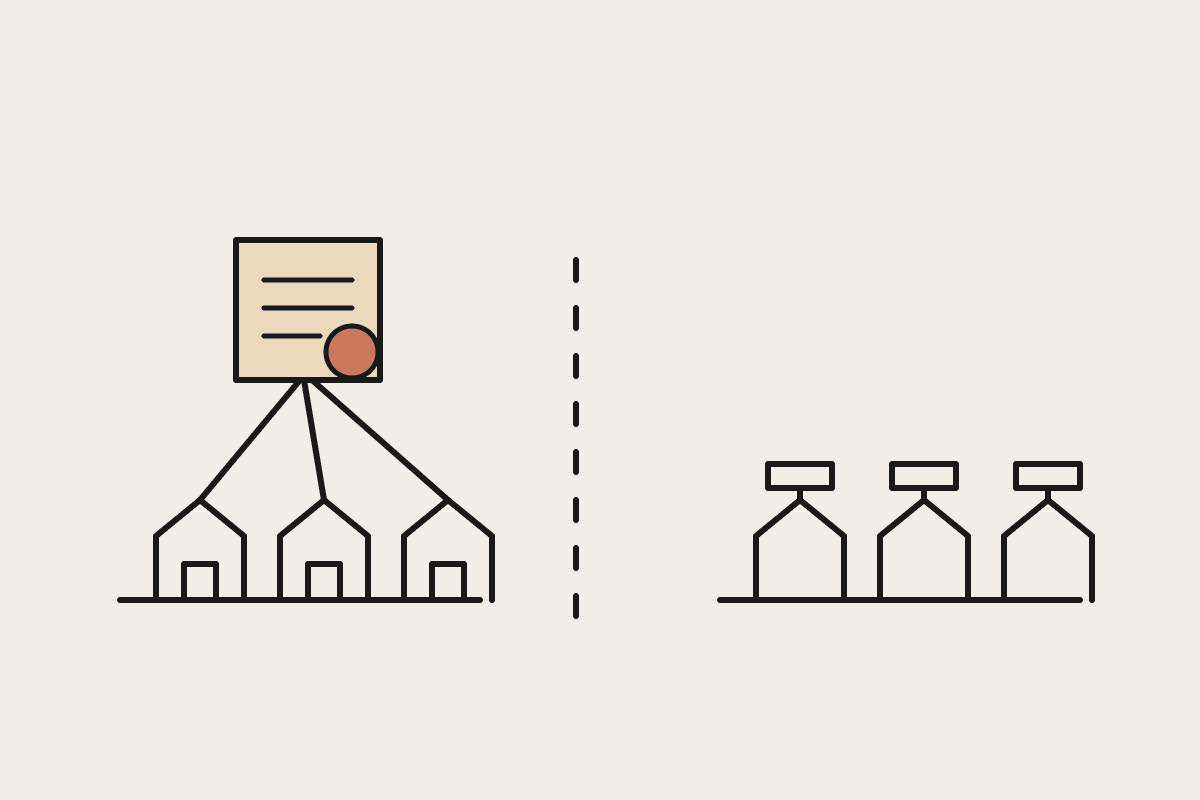
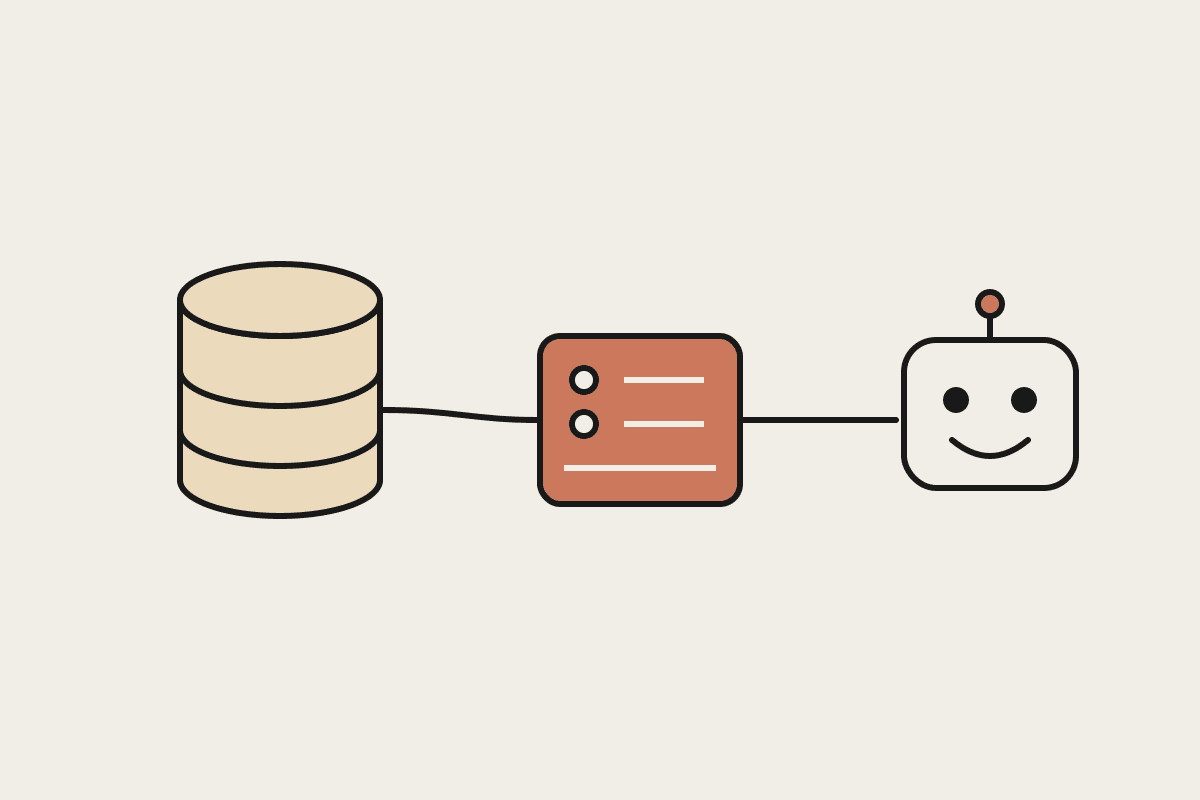
An MCP server exposes your API to Claude as a set of named tools, each with a clear description and typed inputs. Instead of pasting data into a chat window, your team asks Claude a question, it calls the right tool, reads the result, and answers. The API you already trust stays the single source of truth, and nobody has to copy records around by hand.
For a Sydney operations team, that difference is practical. A dispatcher can ask which jobs in Parramatta are unassigned tomorrow and get an answer drawn live from the scheduling system, rather than exporting a spreadsheet and reading it line by line. The same server can then answer a dozen other everyday questions.
One integration, many uses: the same server works in Claude Desktop, in Claude Code, and in any agent you build later.
Typed and described: each tool carries a schema, so Claude calls it correctly instead of guessing at the format.
Auditable: every call runs through your API's existing logging and permissions, so nothing new goes unmonitored.
No model lock-in: MCP is an open standard, so the server you build is not tied to a single vendor or product.
What you need before you start
The single-day timeline assumes a few things are already in place. If they are not, spend the first morning getting them sorted rather than pushing ahead and hitting avoidable snags later in the day.
An internal API with documentation, even if it is only a Postman collection or an OpenAPI file.
A service account or API key scoped to read-only for the first version of the server.
Node.js or Python on the machine that will host the server. The official MCP SDKs cover both languages.
A short list of the five or six actions your team actually asks for. Do not try to expose all forty endpoints on day one.
The one-day build, hour by hour
Morning: scaffold and connect
Start from the official SDK. Both the TypeScript and Python versions give you a working server skeleton in a few lines. Define one tool first, point it at a single read-only endpoint, and confirm Claude can call it. Getting that first round trip working is most of the battle, because everything after it is repetition of a pattern you have already proven.
Midday: map your tools
With one tool proven, add the rest of your short list. Each tool needs a plain-English description, because that text is how Claude decides when to call it. Write the descriptions the way you would brief a new staff member on their first day. Vague descriptions are the most common reason a server underperforms once real questions start arriving.
Name tools by outcome, such as get_open_jobs, rather than by raw endpoint path.
Keep inputs simple: a suburb string and a date beat a deeply nested filter object.
Return only the fields a person needs to read, not the full database record every time.
Afternoon: guardrails and testing
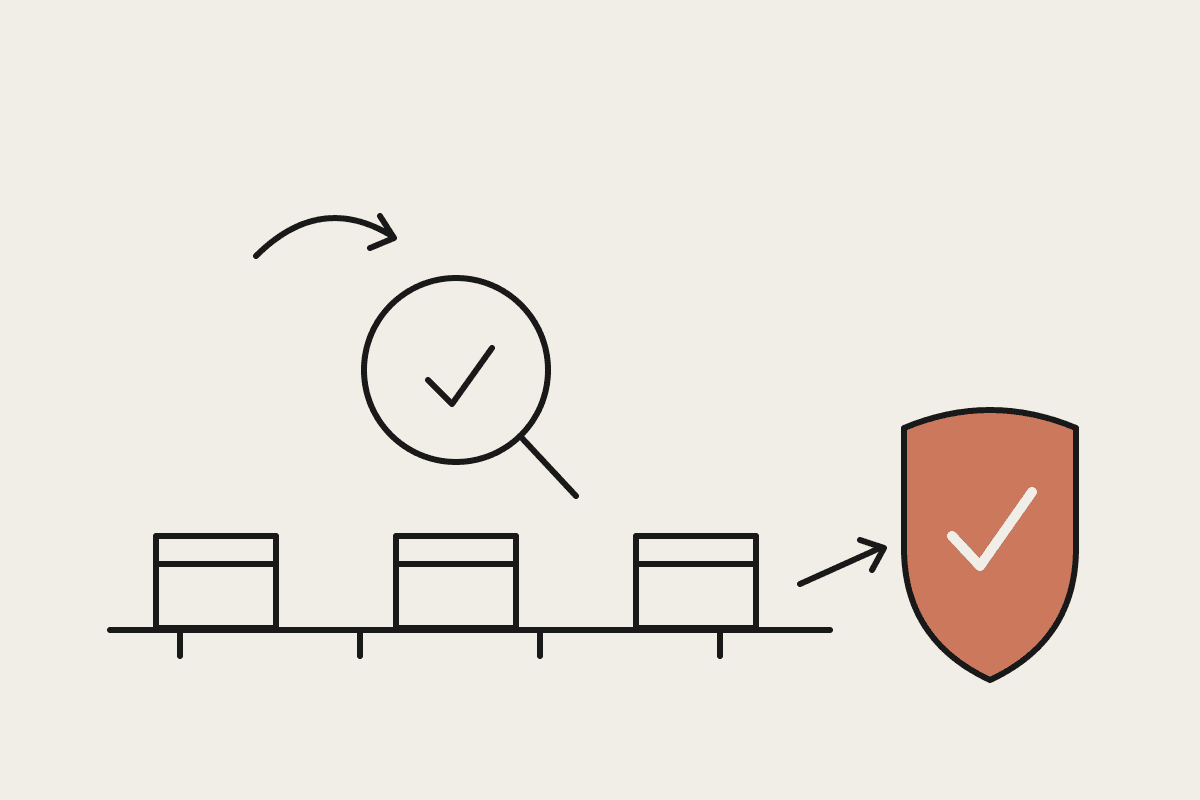
The afternoon is where the value sits. Add input validation, cap how many records a single tool can return, and make sure error messages are readable rather than raw stack traces. Test with the questions your team really asks, including the awkward edge cases, and watch which tool Claude picks for each one so you can sharpen the descriptions.
Security and the Privacy Act
An MCP server that touches customer records sits squarely inside your obligations under the Privacy Act. The server does not change what data you hold, but it does create a new path to that data, so treat it like any other integration you would put into production and review it accordingly.
Start read-only. Add write actions, such as creating a booking, only once the read tools are trusted.
Scope the service account tightly, so the server can reach only the endpoints its tools actually use.
Log every tool call with the same detail as a normal API request, which matters for AUSTRAC or audit purposes where relevant.
Keep the server inside your own network or a controlled host, not on a developer's laptop.
For regulated work, such as a financial services firm reporting to ASIC, run the design past whoever owns your compliance sign-off before any write actions go live. The engineering is quick; the approval is usually the part worth planning around well in advance.
What it costs and what it saves
A competent developer builds the first version in a day, so the direct build cost is roughly $2,000 to $4,000 if you contract it out, or a day of internal time if you have the skills in-house. Compare that to the alternative many teams reach for: a bespoke integration project that runs $45,000 or more and takes months to deliver.
The saving that matters most, though, is ongoing. If ten staff each lose twenty minutes a day pulling data out of an internal system by hand, that is well over $80,000 a year in loaded salary cost across a mid-size team. An MCP server that answers those questions in seconds pays for itself in weeks rather than years, and it keeps paying every time someone asks.
Where to start
Pick one internal system and one question your team asks constantly. Build the single tool that answers it, prove it with Claude, and grow the server from there once people trust the results. If you would like a hand scoping that first build, book a short call and we will map it out with you.