ChatGPT can now sit beside your spreadsheet while you work. For Australian accounting firms, that touches two of the most time-heavy jobs of the year: preparing the BAS and closing the books at month-end. The catch is that a general assistant does not know your chart of accounts, your clients, or the ATO rules you answer to. Used well, it removes hours of manual checking. Used carelessly, it can put client data somewhere it should never go.
This guide covers the practical ways a Sydney or Melbourne practice can put ChatGPT to work inside Excel, the specific BAS and month-end tasks worth handing over, and the data-handling rules that keep you on the right side of the Privacy Act.
What 'ChatGPT in Excel' actually means
There is no single button labelled ChatGPT in Excel, so it pays to be precise about the options. Three paths are common in 2026, and they behave quite differently with your data:
A ChatGPT add-in installed from the Office store, which adds a chat panel inside Excel and reads the sheet you point it at.
Uploading a workbook to ChatGPT, where it runs sandboxed Python over your file and returns tables, charts, or a cleaned version.
Microsoft 365 Copilot, which lives in the Excel ribbon, reads your cells directly, and writes formulas and PivotTables on request.
Copilot reads cells in place; ChatGPT and Claude tend to work on a copy of the file in a sandbox. That difference matters for both accuracy and privacy, and we come back to it below. For most firms the choice is less about brand loyalty and more about which tool your data policy can actually support.
BAS preparation that AI handles well
BAS work is mostly checking. Did every transaction land in the right GST code, do the totals reconcile, and does anything look out of place. These are pattern jobs, which is exactly where an assistant earns its keep. The work is repetitive enough to be tedious and structured enough to be verifiable, so a junior reviewer can confirm the output in minutes.
Point the assistant at a quarter of coded transactions and ask it to flag rows that look miscoded, for example a GST-free supplier suddenly carrying GST, or a capital purchase sitting in an expense code. It will not replace your review. It surfaces the handful of rows worth a second look, so you are not scanning thousands of lines by eye.
Spot GST coding anomalies, such as input-taxed items coded as taxable.
Reconcile the GST control account against the lodged figures and explain any variance.
Draft a plain-English summary of the quarter for the client before you lodge.
Rewrite messy bank narrations into consistent descriptions so coding goes faster next time.
Month-end close, with fewer late nights
Month-end is where small inconsistencies compound. An assistant is good at the repetitive comparison work that makes a close drag on, freeing your team for the judgement calls that actually need a person.
Compare this month against last and flag accounts that moved more than a set threshold.
Match subsidiary ledgers to the general ledger and list what does not tie out.
Build a movement commentary for the management report from the raw variance figures.
Turn an ageing receivables export into a prioritised follow-up list.
The time saved is real. If a five-person practice spends ten hours a week on manual checks and tidying, that is roughly $45,000 a year in chargeable time. Redirect even half of that to advisory work and the tool has paid for itself several times over.
Keep client data on the right side of the Privacy Act
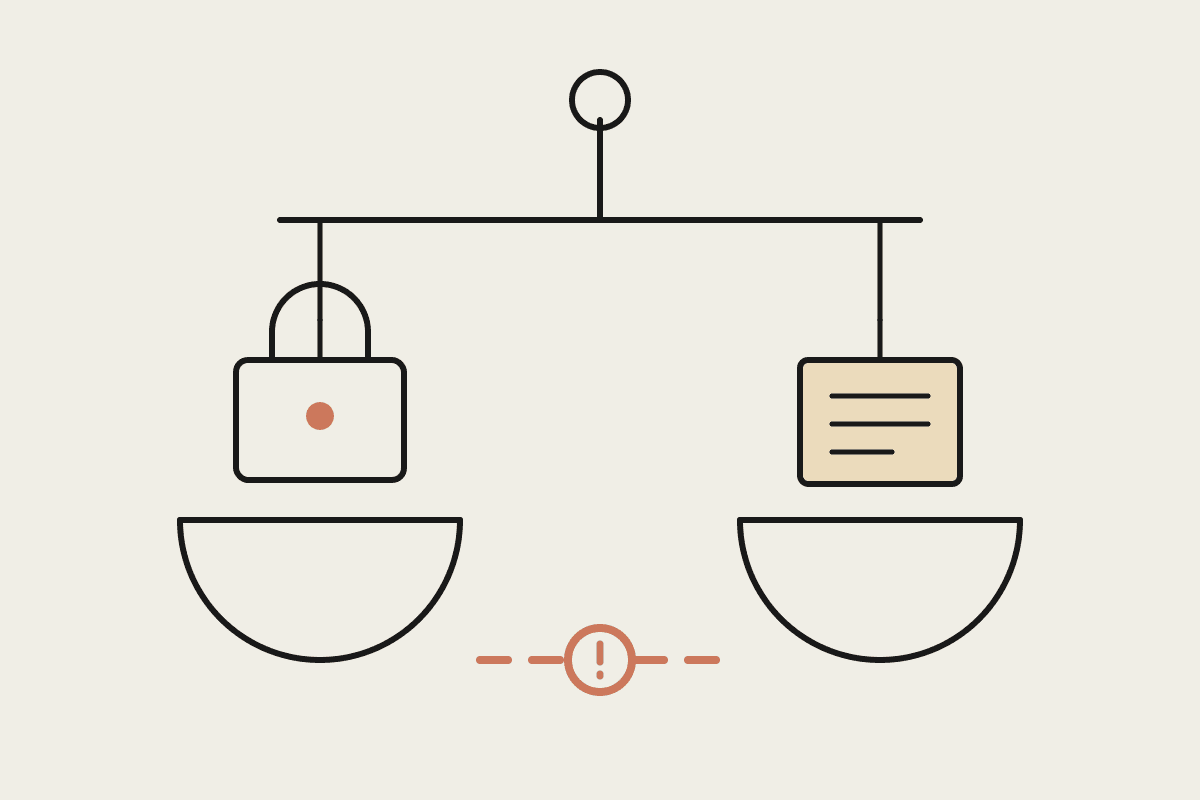
This is the part most firms get wrong, and the part your clients care about most. The moment you paste a client list, a payroll file, or anything with a tax file number into a consumer chat tool, you have shared regulated data with a third party. The Australian Privacy Principles treat that as a disclosure, and your firm is accountable for it whether or not anything goes wrong.
A few rules keep you safe:
Use a business or enterprise plan where the provider commits in writing not to train on your data, never a free consumer account.
Do not paste tax file numbers, full client identities, or bank details. De-identify first, or work on a representative sample.
Check where the data is processed and stored, and confirm it meets your client engagement terms.
Write a short, plain AI use policy so staff know what is allowed before they start experimenting.
Model choice is part of this. Tools differ in how they handle your data, what they retain, and how clearly they document it. We are a Claude specialist consultancy and spend a lot of time helping firms weigh options like Claude, Copilot, and ChatGPT against a real data policy rather than a feature list. The right answer depends on your clients, your software stack, and how much risk your partners are willing to carry.
Where to start
Pick one job, not ten. Most firms get the fastest win from BAS anomaly checks, because the task is contained, the output is easy to verify, and the time saved shows up within a single quarter. Prove it on non-sensitive data first, write down what worked, then widen from there once your team trusts the results.
If you want help choosing the right assistant and setting it up safely for an Australian practice, book a brainstorm with us and we will map it to the way your firm already works.