Karbon runs the engine room of thousands of Australian accounting firms. It holds the jobs, the client emails, the task templates and the deadlines in one place, and it does that job well. What it does not do is read a messy client email and draft the reply, pull the three figures a partner needs out of a 40-page trust deed, or turn a shorthand file note into a client-ready summary. That gap is exactly where Claude fits. This guide walks through how Australian practices are pairing Claude with Karbon so the platform keeps managing the work while Claude does the reading, drafting and checking inside each step.
Where Karbon ends and Claude begins
Karbon is a practice management system. Its job is coordination: who owns a job, what stage it sits at, when it is due, and what the client still owes you. The daily friction in most firms is not coordination, though. It is the reading and writing that sits inside each task. A BAS job is rarely slow because nobody assigned it. It is slow because someone has to open the client's shoebox of receipts, work out what is missing, and write the chase email.
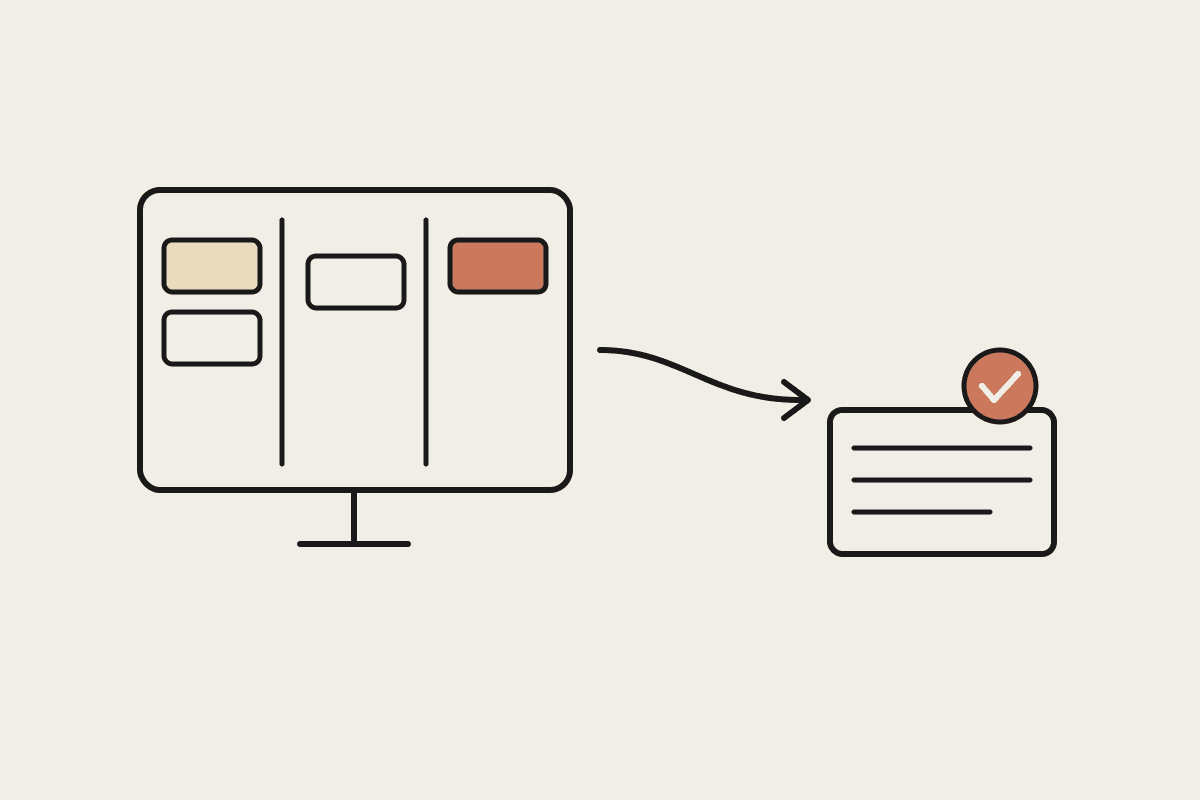
Claude handles that middle layer. Give it the raw material and a clear instruction and it returns a first draft you can check in seconds rather than write from a blank page. The division of labour is clean: Karbon decides what happens and when, Claude does the language-heavy work inside each step, and a person signs off before anything reaches a client.
Five workflows Australian firms are handing to Claude
None of these require touching your Karbon setup. They sit alongside it, taking the text-heavy part of a task off a person's plate.
Triage drafting: paste the body of a Karbon Triage email into Claude with a short brief and get a reply draft in the firm's tone, ready to review and send.
Client request summaries: turn a long back-and-forth about a missing invoice into a two-line status a manager can read at a glance.
Workpaper review: ask Claude to compare a set of figures against last year and flag anything that moved more than a set threshold before the partner reviews.
File note cleanup: convert a rushed post-call note into a structured record with clear action items, so the Karbon task history actually reads well.
Onboarding checklists: generate a tailored document request list for a new client based on their entity type and industry, ready to attach to the Karbon onboarding job.
A worked example: the month-end client chase
Say a manager opens a Karbon job for a client whose March records are half missing. The old routine is to scroll the email thread, work out which receipts and statements are outstanding, and write a polite but firm chase. Ten minutes, repeated across thirty clients, is five hours gone.
The paired routine is different. The manager pastes the thread and the list of what the job needs into Claude, and asks for a chase email that names the specific missing items and sets a clear return date. Claude produces the draft in the firm's voice. The manager scans it, adjusts one line, and pastes it back into Karbon to send. The task still lives in Karbon, still shows in the workflow, still has an owner and a due date. Only the writing moved.
What this is worth in billable hours
Take a five-person firm in Brisbane where each staff member spends roughly four hours a week writing client emails, cleaning up notes and drafting summaries. If Claude cuts that to under two hours, the team recovers around ten hours a week. At a modest charge-out rate of $220 an hour, that is close to $110,000 a year in capacity you can redirect to advisory work or simply stop losing to overtime. Halve the estimate to stay conservative and you are still looking at more than $55,000 against a subscription that costs a few hundred dollars a month. The maths holds even for a firm that only adopts two of the five workflows above.
Keeping client data safe
Australian firms carry real obligations here. You hold tax file numbers, financial statements and personal information covered by the Privacy Act, and the Tax Practitioners Board expects you to protect it. Claude does not train on the data you send through its business and enterprise plans, which matters when the input is a client's financial position. The safe pattern is to keep identifying detail to the minimum a task needs, use a paid business plan rather than a personal free account, and keep a person reviewing every output before it leaves the firm.
Where to start
You do not need to rewire Karbon to begin. Pick the one task your team complains about most, usually Triage drafting or file notes, and run it through Claude by hand for a fortnight. Measure the time saved and the quality of the drafts. Once the team trusts the output, you can write firm-specific instructions so the drafts land closer to ready each time. If you want a hand mapping which of your Karbon workflows are worth automating first, book a short call and we will walk through it with you.