Claude Code just gained a feature that changes how you see your work while it is still being built: artifacts. While Claude Code writes your code, you can now preview the output as a live, interactive web page. There is no copying files into a browser, no spinning up a local dev server, and no manual reload between every small change. The work and the proof that it works now sit in the same place.
What an artifact actually is
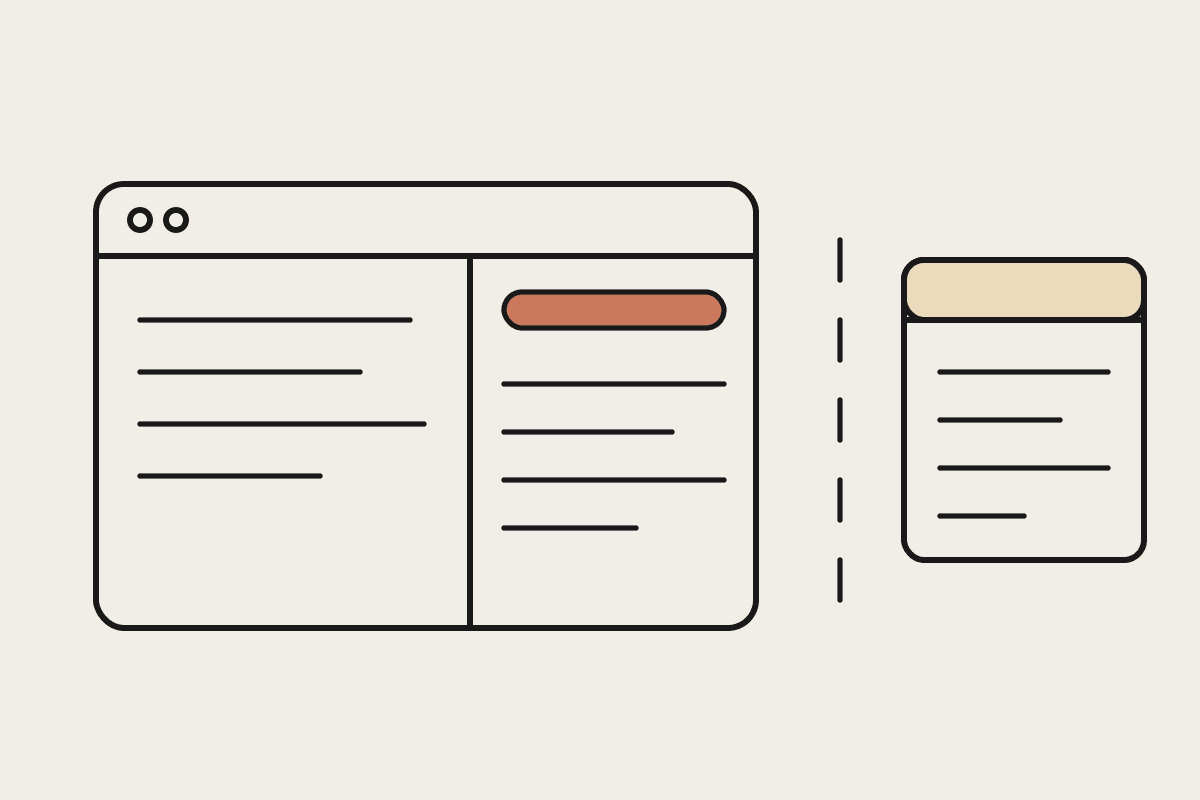
An artifact is a rendered, interactive preview of the code Claude Code is producing. As the code is written, the artifact updates, and you watch the page take shape in real time. For teams building internal tools, dashboards, client-facing web apps, or anything with a visual output, this closes a friction gap that has existed since Claude Code first launched. You stop guessing what the code will look like, because you are looking at it.
The before and after
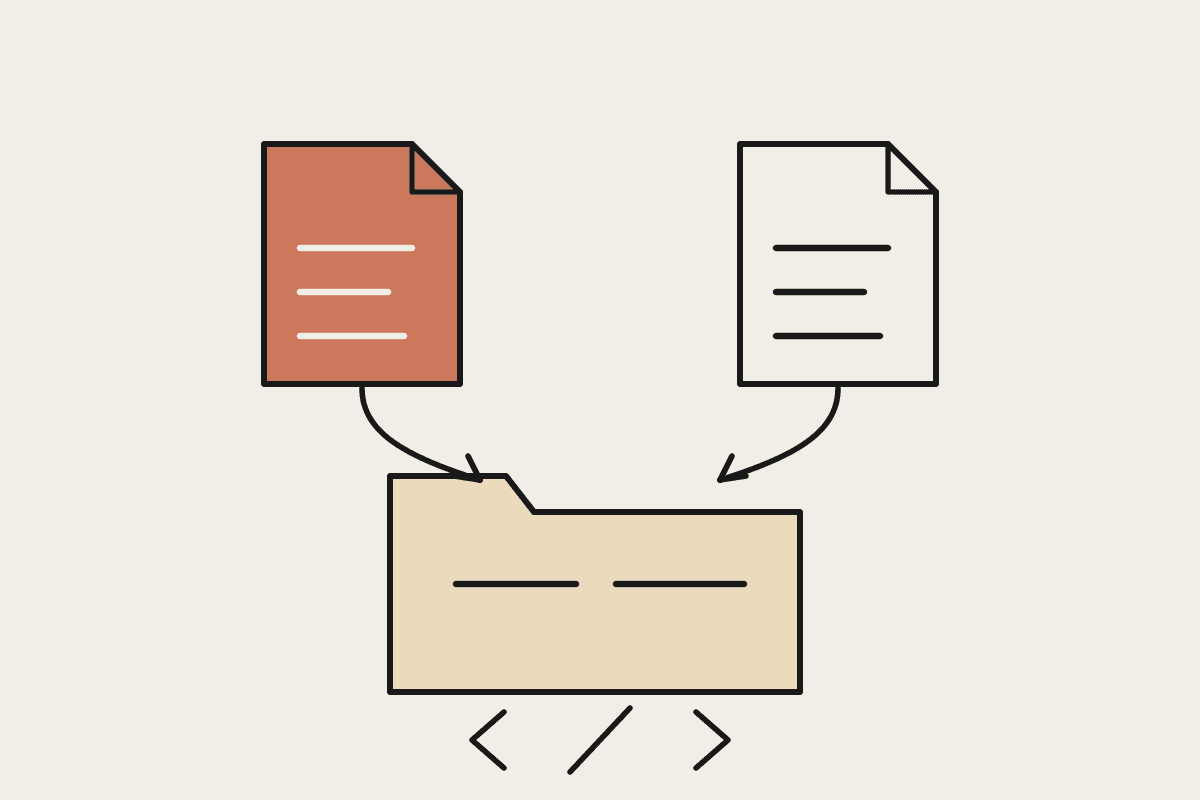
Before artifacts, the loop looked like this. Claude Code writes a component. You copy the file. You open the browser. You navigate to the right page. You reload. You check whether it looks right. You go back to the terminal and describe the problem in words. Then you do all of it again. The cycle was write code, manually verify, describe in text, and recode.
After artifacts, the loop is much shorter. Claude Code writes a component, the artifact panel updates, and you see it straight away. You describe what needs to change while looking at the actual output instead of a mental picture of it. The cycle becomes write, see, refine. For detailed interface work this is a real saving, because the effort of translating what you see in the browser into what you type in the terminal mostly disappears.
What you can preview
Artifacts support HTML, CSS, and JavaScript output, which covers the full range of web components. The preview renders directly inside your Claude Code interface, so you are not switching windows to check progress. It is useful across a wide set of everyday build tasks:
Landing pages and marketing sections you want to see before they ship
Internal dashboards and admin panels for your operations team
Data visualisations, where the shape of the chart matters more than the code behind it
Form components, including the validation states you can click through
Email templates and client-facing reports that need to look right the first time
Why this matters for Australian teams
Front-end capacity is expensive and hard to find. A mid-level front-end developer in Sydney or Melbourne costs around $120,000 a year, and the good ones are booked out for months. Plenty of Australian small and mid-sized businesses do not have a dedicated front-end person at all, so visual work lands on a backend engineer or on the founder. For those teams, the verify-and-describe loop was not a minor annoyance. It was often the slowest part of shipping anything with a screen.
When the preview sits next to the code, a backend engineer who is not confident in CSS can still iterate on a layout by describing what they want and watching it change. We have seen teams turn a half day of fiddly interface back-and-forth into under an hour. At a blended cost of $150 an hour, taking even ten hours a month out of that kind of work is roughly $18,000 a year back in the budget, and that is before you count the projects that finally get finished instead of stalling at ninety percent.
How to use it well
Artifacts are available in Claude Code now. To preview your output as an artifact, ask Claude Code to produce its result as a renderable artifact, and the interface shows the live preview panel beside the code. The pattern that works best for teams is short and repeatable:
State a clear design requirement in plain language before Claude Code starts
Let the artifact render, then read it the way a user would, not the way a coder would
Describe the single most important change, apply it, and look again
Work in short cycles rather than one long brief, so each step stays easy to check
The broader shift
Artifacts are part of a larger pattern. Claude Code is moving from a tool that only generates code toward a place where you write, see, and judge the result in one view. The distance between Claude produced some code and I can tell whether it actually works is getting smaller, and that distance is exactly where most wasted time hides.
For Australian dev teams building web-facing tools with limited front-end resource, less time in the verify-and-describe loop means more finished work in every Claude Code session. That is the practical promise here. It is not a flashier terminal, but fewer hours spent proving to yourself that the last change did what you asked for.
If you want help setting up Claude Code for your team, including the review and verification habits that keep AI-assisted work safe to ship, talk to Automata AI about where it fits in your workflow.