Choosing between Claude Code and Windsurf comes down to how your team wants to work, not which model tops a benchmark this month. Both are agentic coding tools: they can read a whole repository, plan a change, and write the code across several files. But they sit in different places in your workflow, and that difference matters more than the marketing suggests. This guide compares the two for Australian development teams weighing up which to adopt.
What each tool actually is
Claude Code is a command-line agent from Anthropic. It runs in your terminal, reads your project files, and carries out multi-step tasks: fixing a failing test, refactoring a module, or tracing a bug across half a dozen files. It is model-first. The Claude model does the reasoning, and the tool gives it access to your filesystem, shell, and version control.
Windsurf is an agentic IDE, a full editor built on the VS Code base with an AI agent (called Cascade) wired into the interface. You work inside a familiar window, and the agent suggests edits, applies them across files, and keeps track of what you are building. It is editor-first. The AI lives inside the place where you already read and write code.
Both can take a plain-English instruction and turn it into a working change. The gap is not really about raw capability. It is about where the work happens and how much you stay in the loop.
How they differ in practice
The practical differences show up in a few clear places:
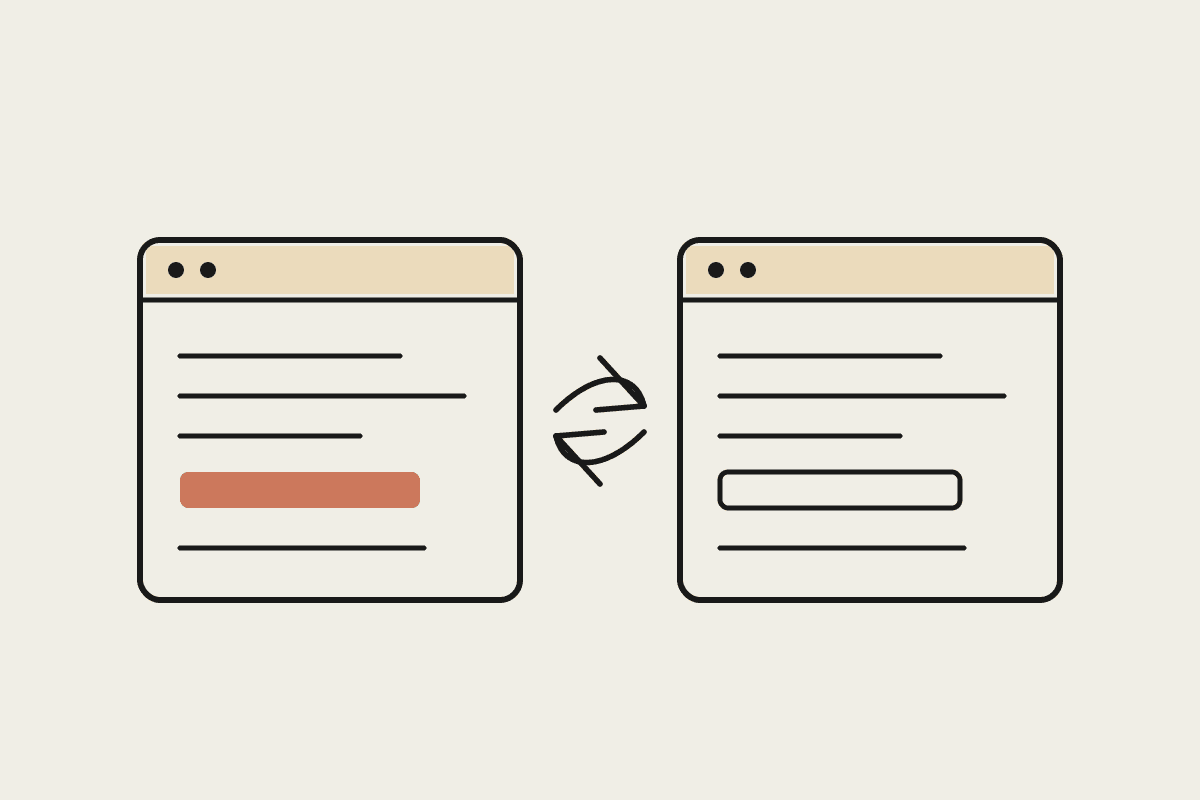
Where you work: Claude Code lives in the terminal, so it fits engineers who already run tests, git, and builds from the command line. Windsurf gives you a graphical editor with diffs and a file tree on screen, which suits developers who prefer to see every change laid out visually.
Model choice: Claude Code runs on Claude models. Windsurf lets you pick from several providers, which helps if you want to compare outputs, but it adds a decision to every session.
Autonomy: Claude Code is comfortable taking a task and running a long chain of steps with light check-ins. Windsurf keeps you closer to each edit, which some teams prefer for review discipline.
Scriptability: Because Claude Code is a CLI tool, you can wire it into CI pipelines, scheduled jobs, and shell scripts. Windsurf is built for interactive sessions at the desk, not headless automation.
Neither approach is wrong. A team that automates everything from the command line will feel at home in Claude Code. A team that lives inside a graphical editor may onboard faster with Windsurf.
Cost and where the money really goes
Pricing for both tools moves often, so check current rates before you commit. The larger cost is rarely the subscription. For a team of six engineers, a year of tool licences might run a few thousand dollars, while the combined salary cost of those same engineers sits well above A$900,000 a year. A tool that saves each developer a few hours a week pays for itself many times over.
That maths flips the question. The right choice is not the licence that costs a few dollars less per seat. It is the one that removes the most friction for your particular codebase and your particular team. A tool your engineers avoid because it does not fit their habits is expensive at any price.
Which one fits an Australian team
For an Australian team, a few local factors shape the decision. If you handle personal data covered by the Privacy Act, you will want clear answers on where code and prompts are processed and whether anything is retained for model training. Claude Code, run against Anthropic's API, gives a documented data-handling position that many Sydney and Melbourne teams find easier to take to a security reviewer. Windsurf's multi-provider setup means your data path depends on which model you select, so you need to check each provider separately.
Team habits weigh in too. If your developers already script their builds and tests, Claude Code slots into that world with almost no change to how they work. If they rarely leave a graphical editor, the switch to a terminal-first agent is a bigger ask, and Windsurf may see faster uptake.
At Automata AI we lead with Claude because the CLI model fits how we build: scripted, testable, and easy to run inside automated pipelines. That is a preference shaped by our work, not a universal verdict. A team that values an integrated editor over scriptability could reasonably land on Windsurf and be very happy with it.
A simple way to decide
Run a two-week trial with a real task, not a toy demo. Give each tool the same job on the same repository: a bug fix that touches several files, or a small feature end to end. Watch how often your engineers reach for it unprompted, how much review each change needs, and whether the tool fits into your existing pipeline. The winner is usually obvious by the end of the fortnight.
If you want help running that comparison against your own codebase and compliance needs, book a short call and we will walk through it with you.