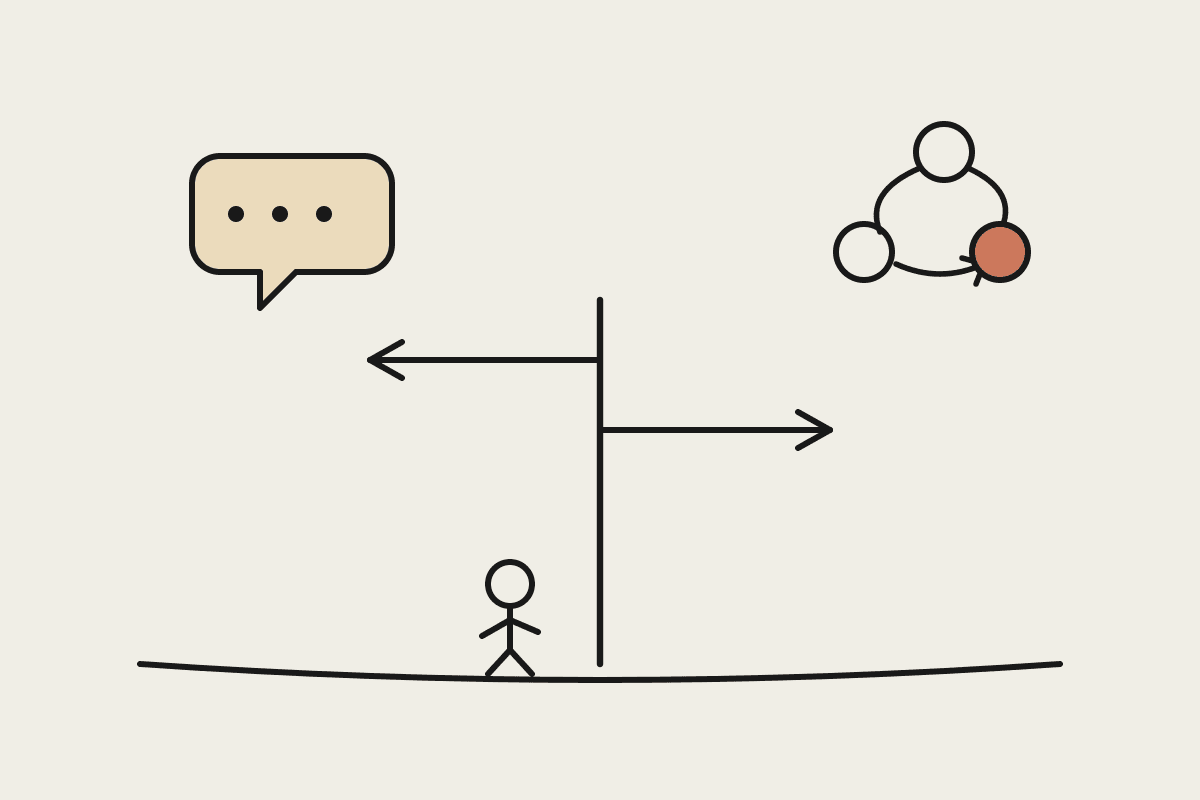
Plenty of Australian teams now keep Claude open all day and still muddle one thing: when to just chat, and when to hand the work to Cowork. The two look alike. They sit in the same desktop app. But they solve different problems, and reaching for the wrong one is the difference between a quick answer and a finished job.
This is a practical guide to picking the right mode. Not a feature list for its own sake, just the decision you actually make several times a day.
Two modes, one app
Claude Desktop chat is the conversation you already know. You type a question or paste some text, and Claude answers. It reads what is in front of it and nothing more. It cannot open your files, run a script, or send anything on your behalf. That boundary is the point: the chat is fast, contained, and hard to get wrong.
Cowork is the agent mode of the same app. You point it at a folder on your computer, connect the tools you already use such as email, calendar, a Notion workspace or a spreadsheet, and give it a job. It can read and write files, run code in a sandbox, follow a multi-step procedure, and repeat that work on a schedule. It acts on your behalf, which is why it asks for approval before anything with real consequences. That single difference, acting versus answering, decides almost every case below.
When Claude Desktop chat is the right call
Reach for plain chat when the work lives in your head or on the screen in front of you, and the output is words you will read and use yourself.
Thinking something through: pressure-testing a pricing idea, drafting a hard email, or working out how to explain a change to your staff.
Quick work on text you paste in: summarising a long thread, pulling the three key points from a report, or rewriting a paragraph in plainer English.
Learning and one-off analysis: understanding a contract clause, checking the logic on a spreadsheet formula, or getting a second opinion before a meeting.
Anything you would not be comfortable letting software do while you are not watching.
In each of these the value is the conversation. There is no file to change and no task to run twice, so the extra machinery of Cowork would only slow you down. The answer disappears into the next thing you do, and that is exactly what you want from it.
When Cowork earns its place
Reach for Cowork when the job has steps, touches real files or systems, or you will do it again next week.
Repeatable procedures: a Monday numbers pulse, a month-end reconciliation pass, or a weekly digest of what changed across your tools.
Work spread across many files: sorting a messy folder, extracting figures from twenty invoices, or turning a research pile into one clean brief.
Producing a real deliverable: a formatted report, a spreadsheet, or a slide deck saved where your team can open it, not text you then reformat by hand.
Anything you want to happen on a schedule while you are asleep.
The test is simple. If you would otherwise open five tabs, copy things between them, and save a file at the end, that is a Cowork job.
A quick decision test
When you are unsure, ask three questions in order.
Does it need to touch a file, a folder, or a connected tool? If yes, use Cowork.
Will you run it more than once? If yes, use Cowork, and consider making it a scheduled task.
Is the output just something you will read and act on yourself? If yes, plain chat is faster.
For most people the split lands around 70/30 in favour of chat for everyday questions, with Cowork carrying the handful of jobs that actually eat the week. Knowing which side a job sits on is most of the skill.
What this means for an Australian rollout
The money case sits almost entirely on the Cowork side. A Sydney bookkeeper on roughly A$80 an hour who hands a six-hour weekly reconciliation to a scheduled Cowork task claws back about A$1,900 a month, against a subscription that costs a small fraction of that. A single well-built task, say a daily inbox triage or a month-end close pack, often pays for the whole plan on its own. Plain chat is useful every day, but it rarely shows up as a line you can point to on a P&L.
There is a control angle too. Because Cowork acts on files and connected systems, it is the mode your Privacy Act and internal-security thinking should focus on: which folders it can see, which tools it can reach, and which actions need a human yes. Plain chat carries far less of that weight, since it only ever sees what you paste in. For most Melbourne and Sydney teams we work with, the sensible pattern is to let everyone use chat freely and design Cowork tasks deliberately, one job at a time.
If you are weighing up where Cowork fits in your own stack, we help Australian businesses map the two or three jobs worth automating first and build them properly. You can book a short brainstorm with us and we will point you at the fastest win.
Related reading
The end-to-end walkthrough lives in our Claude Cowork setup guide. Closest neighbours to this piece: