Claude Cowork landed as one of the more interesting releases of 2026: a desktop tool that lets Claude work directly with your files, run tasks, and act across your apps without a developer in the loop. For a lot of the Australian business owners we speak with in Sydney, that pitch is close to irresistible. The honest answer is that Cowork is still early, and knowing its limits before you commit will save you real money.
We build on Claude every day, so this is not a takedown. It is the list we wish more vendors published: the things Cowork genuinely cannot do well yet in 2026, why those gaps exist, and how to plan around them so a pilot does not stall halfway through.
First, what Cowork is actually good at
Set expectations by naming the wins. Cowork is strong at file-heavy desk work: reading a folder of documents, drafting and editing, reorganising spreadsheets, pulling a report together from messy inputs, and running a repeatable task on a schedule. If your bottleneck is one person spending hours each week on structured document work, Cowork often pays for itself inside a month.
What Claude Cowork can't do yet
Here is the part most demos skip. As of mid-2026, these are the limits worth planning around:
Deep, native app control is uneven. Cowork can drive a browser and common desktop apps, but anything niche, heavily customised, or locked behind an unusual login still trips it up or needs a person to step in.
It is not a hands-off autonomous worker. Longer multi-step jobs drift without checkpoints, and it will happily produce a confident wrong answer if nobody reviews the output.
Real-time and high-volume work is out of scope. Cowork is built for one operator's desk, not for processing thousands of records an hour or answering live customer traffic.
It has no durable memory of your business by default. Every session starts fresh unless you set up project files and instructions, so context you assume it already knows has to be supplied.
Compliance and audit trails are your responsibility, not its. Cowork does not log its decisions in a form an auditor would accept, and it will not enforce your data-handling rules on its own.
It cannot legally sign, move money, or make regulated decisions for you. By design it drafts and prepares; a person still has to approve and act.
Why these gaps exist
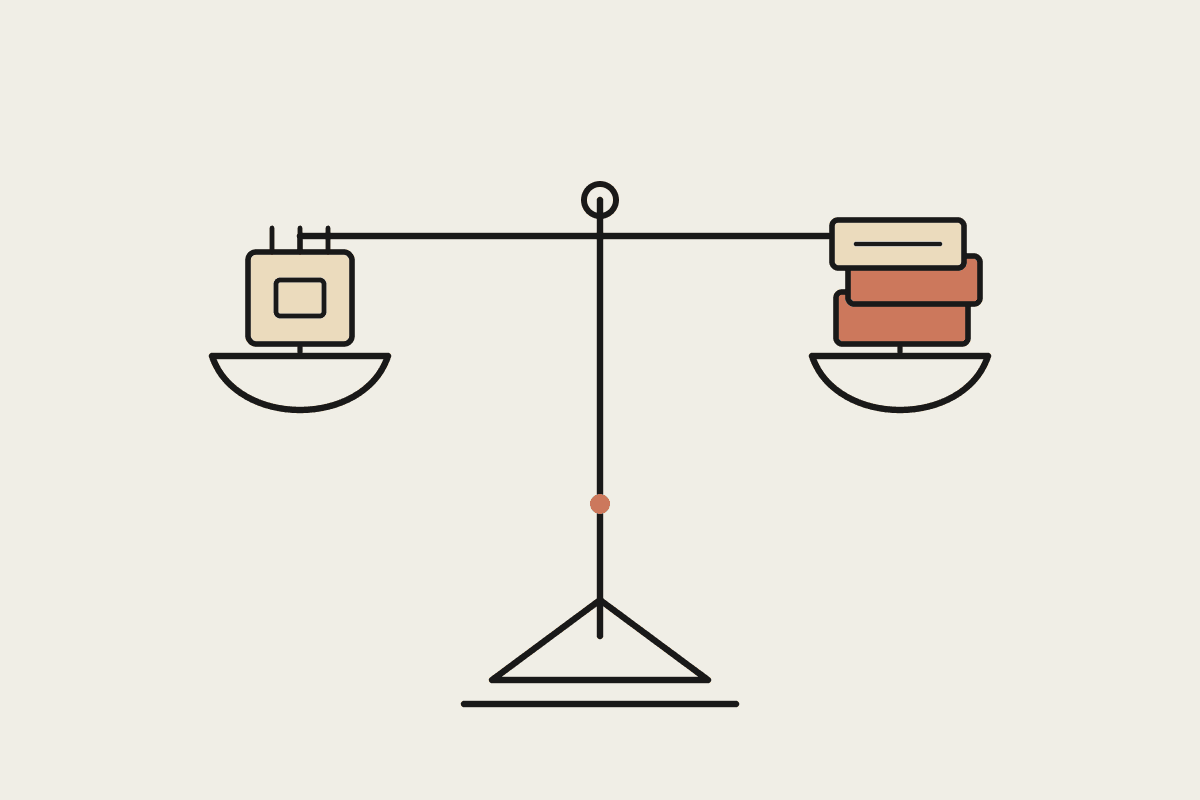
None of this is a fault so much as a design stage. Cowork is a general assistant given a real computer, and Anthropic has deliberately kept it cautious: it asks before destructive actions, avoids sending things without approval, and leaves regulated steps to people. That caution is the right call, but it means the tool is an accelerator for a skilled operator, not a replacement for one.
Where the limits bite Australian businesses
The gaps matter most when a business treats Cowork as a finished product rather than an assistant. We reviewed one Sydney firm that budgeted around $45,000 to automate its customer onboarding with Cowork alone, expecting it to run unattended across three systems. It could not hold state across those systems reliably, and the project stalled. A scoped A$12,000 pilot that put Cowork on the document-heavy 40 percent of the workflow, with staff handling the rest, would have delivered value in weeks instead.
Regulated work raises the stakes further. Under the Privacy Act, and APRA's outsourcing expectations for financial services, you need to know where data goes and who approved each step. Because Cowork does not produce a compliant audit trail on its own, health and finance businesses have to wrap it in their own controls before it touches sensitive records. Skip that, and a A$5,000 efficiency gain can turn into a far larger remediation bill.
How to plan around Cowork's limits
The businesses getting value from Cowork in 2026 treat it as a sharp tool with known edges. A few practical rules help:
Scope to document and desk work first, where Cowork is strongest, and leave live or high-volume systems to purpose-built automation.
Keep a human approval step on anything that sends, pays, publishes, or touches regulated data.
Write project instructions and reference files so each session starts with the context your business assumes.
Run a small paid pilot before any big commitment, and measure hours saved against a clear baseline.
Cowork is one of the most useful desktop tools we have put in front of Australian clients, but only when its limits are part of the plan from day one. If you want a candid view on whether it fits your workflow, and where the line between Cowork and custom automation should sit, book a short brainstorm and we will map it out with you.
Related reading
The end-to-end walkthrough lives in our Claude Cowork setup guide. Closest neighbours to this piece: