Ask most multi-site franchisees where their week actually ends and the answer is often the same: Sunday night, at the kitchen table, stitching together numbers for head office. Sales by store, wage-to-revenue ratios, waste, customer complaints, and a compliance checklist, all pulled from three or four systems that do not talk to each other, then retyped into the template the franchisor insists on. For an operator running five or six sites across Sydney or Brisbane, that is three to four hours every week that could go to family or to actually running the business.
The reporting itself is not the problem. The reformatting is. This is a guide to handing that weekly grind to Claude, so the pack that used to cost you a Sunday night gets drafted while you make coffee.
Why franchise reporting eats so many hours
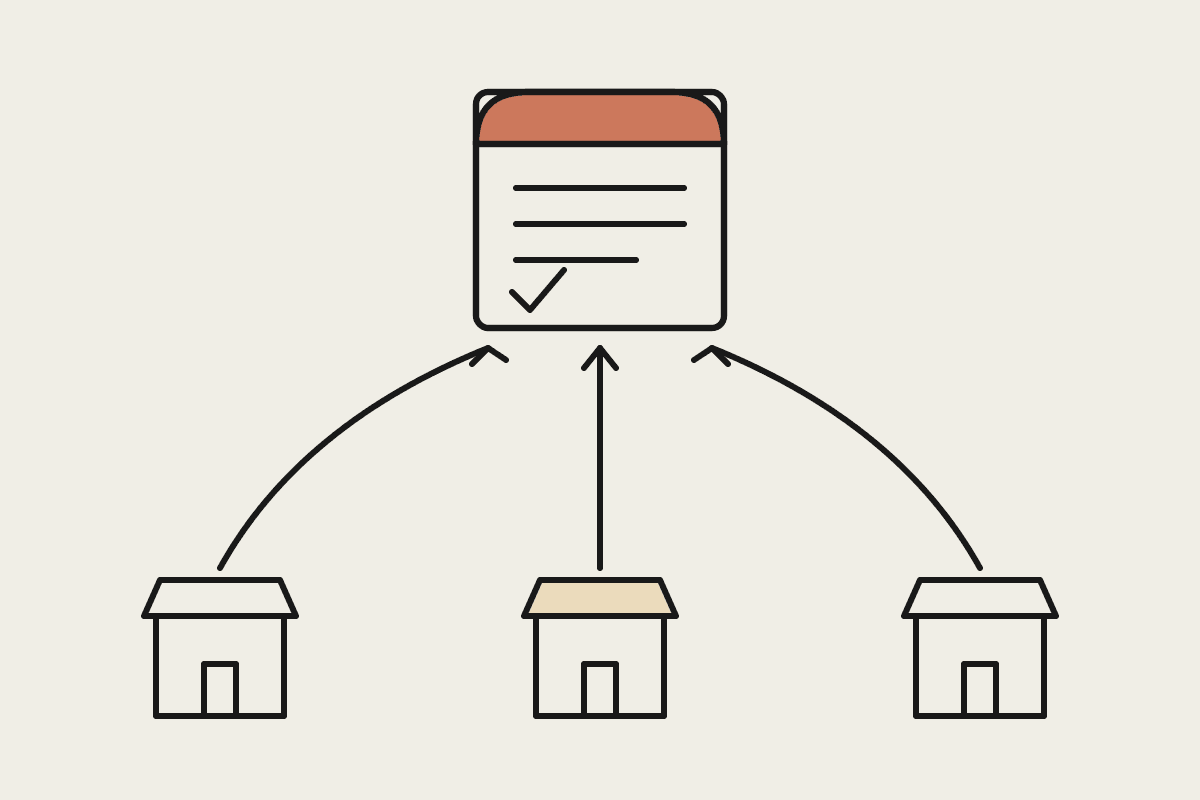
Head office wants a fixed layout: their column order, their definition of a trading week, their rounding, their KPI names. Your point-of-sale system exports one shape, your rostering tool another, and your accounting file a third. Every week you become a human converter, copying figures from one grid into another and hoping you did not fat-finger a decimal. The task is repetitive, low value, and easy to get wrong when you are tired, which is exactly the kind of work worth handing to Claude.
A typical weekly pack for a franchisee pulls together:
Net sales and transaction counts per site, compared to the same week last year
Labour cost as a percentage of sales, with any site over the franchisor threshold flagged
Wastage, voids, and discounts that need a written explanation
Food safety or WHS checklist completion for each location
A short commentary the area manager will actually read
None of that is hard on its own. It is the assembling, week after week, across every site, that quietly burns the hours.
What Claude actually does with your exports
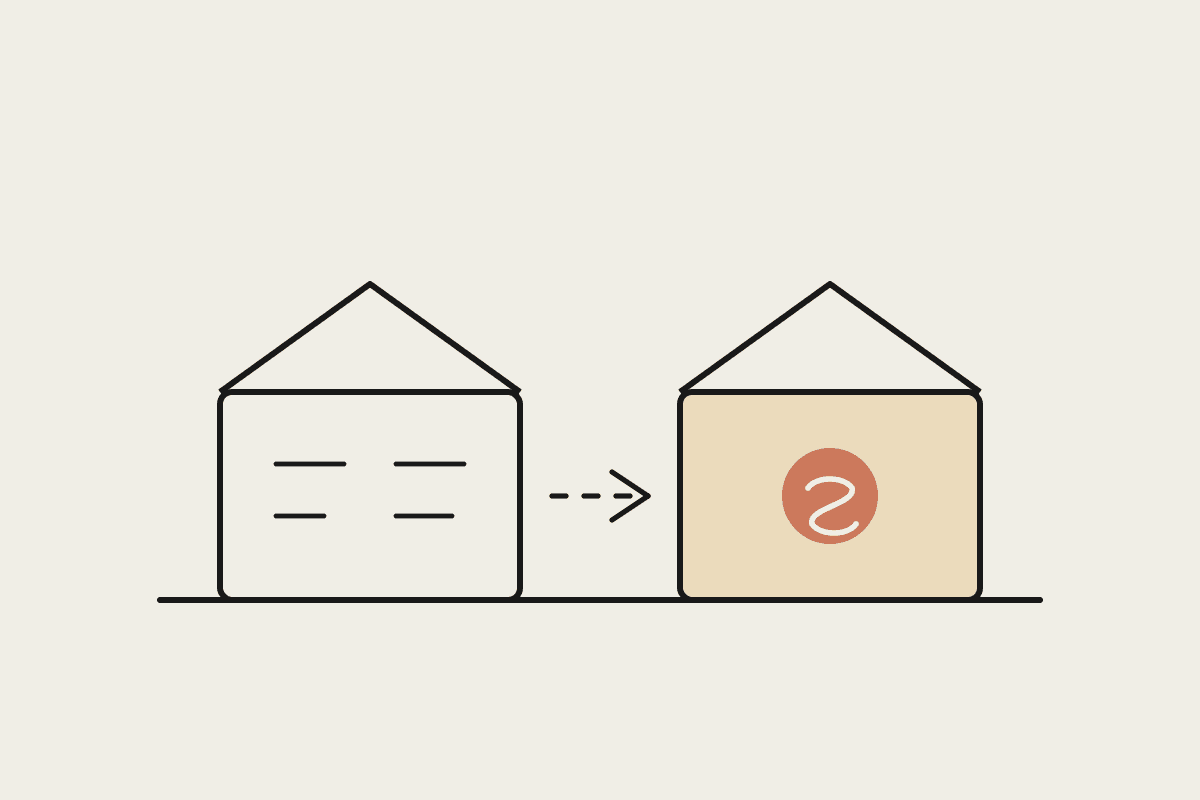
You do not rebuild your systems and you do not change how your stores work. You keep exporting the same files you already pull each week. Claude reads them, matches your figures to the head-office template, does the maths (variance against last year, labour ratios, threshold flags), and hands back the finished pack in the franchisor's exact format, with the numbers that need a comment already highlighted.
Take a six-site quick-service operator. Each week they spent about four hours building the pack. Valuing the owner's time at a modest $65 an hour, that is roughly $13,000 a year of weekend and Monday-morning hours spent on data entry, before you count the errors that slip through and the corrections that follow. Move the assembly to Claude and the same pack is drafted in a few minutes, leaving the owner to sanity-check the commentary and send it. The tool that runs this costs well under $100 a month per user, so the payback is measured in weeks, not years.
A realistic weekly workflow
The version that sticks is boringly simple, which is the point. A workable Monday routine looks like this:
Export the same POS, rostering, and accounting files you already download each week
Drop them into Claude alongside a saved instruction that describes your franchisor template
Let Claude build the pack, calculate the variances, and flag every site that breaches a threshold
Read the draft commentary, adjust the one or two lines that need local context, and send
Because the instruction is saved, week two is faster than week one, and week ten is faster again. You are teaching Claude your reporting standard once, not re-explaining it every Sunday. When head office changes the template, you update one instruction rather than relearning a manual process.
Keeping it safe and compliant
Franchise reporting usually contains staff hours and sometimes customer details, so treat it like the sensitive information it is. Strip customer names and contact details before they go anywhere, since the head-office pack rarely needs them. Keep the work inside tools your accountant and franchisor are comfortable with, and be clear about where the data sits. Under the Privacy Act and the Australian Privacy Principles you remain responsible for staff and customer information even when a tool does the processing. Claude can be configured so your reporting data is not used to train models, which is the assurance most franchisors now ask for before they sign off on anything new.
It is also worth keeping a human in the loop on anything that leaves the building. Claude drafts the pack; you approve it. That single checkpoint keeps you inside the Franchising Code expectations around accurate reporting and stops a formatting quirk from turning into a bad number in front of your franchisor.
Where to start
You do not need to automate everything at once, and you should not try. Pick the single report that costs you the most Sunday nights. Get Claude producing it cleanly for one site, confirm the format matches what head office expects, then widen it to every site and every pack you owe. Most operators find the first version good enough to send within an afternoon of setup.
If you want a hand mapping your exports to your franchisor's template, book a brainstorm and we will walk through your actual reports and build the first pack together.