ChatGPT's spreadsheet sidebar reached global general availability in June 2026, putting a conversational assistant directly inside Excel and Google Sheets. For an Australian finance team that already lives in spreadsheets, that sounds like an easy win. The sharper question is whether to standardise on the sidebar or build a finance workflow around Claude, the model from Anthropic we use for most client work. The right answer depends on the kind of work your team does each month and how much of it touches sensitive data.
What ChatGPT's spreadsheet sidebar does well
The sidebar sits inside the spreadsheet and answers questions about the cells in front of you. For a finance analyst, it removes a lot of small friction from daily work.
Writing and explaining formulas in plain English, so a junior analyst can build a model without memorising syntax.
Summarising a sheet or flagging the outliers in a long column of figures.
Drafting first-pass commentary on a variance report straight from the numbers.
These are quick, in-context jobs, and the sidebar handles them well. For a team that mostly needs faster formulas and lighter manual work inside a single sheet, it is a real time saver and an easy place to start.
Where Claude fits a finance team
We reach for Claude when the work runs beyond one sheet, and finance work usually does. A typical team pulls from accounting software, a bank feed, a CRM, and last quarter's board pack, then has to reconcile all of it. That is where a Claude-based workflow earns its place.
Reconciling data across several files and systems, not just the sheet that happens to be open.
Turning raw numbers into a board-ready narrative written in your house style.
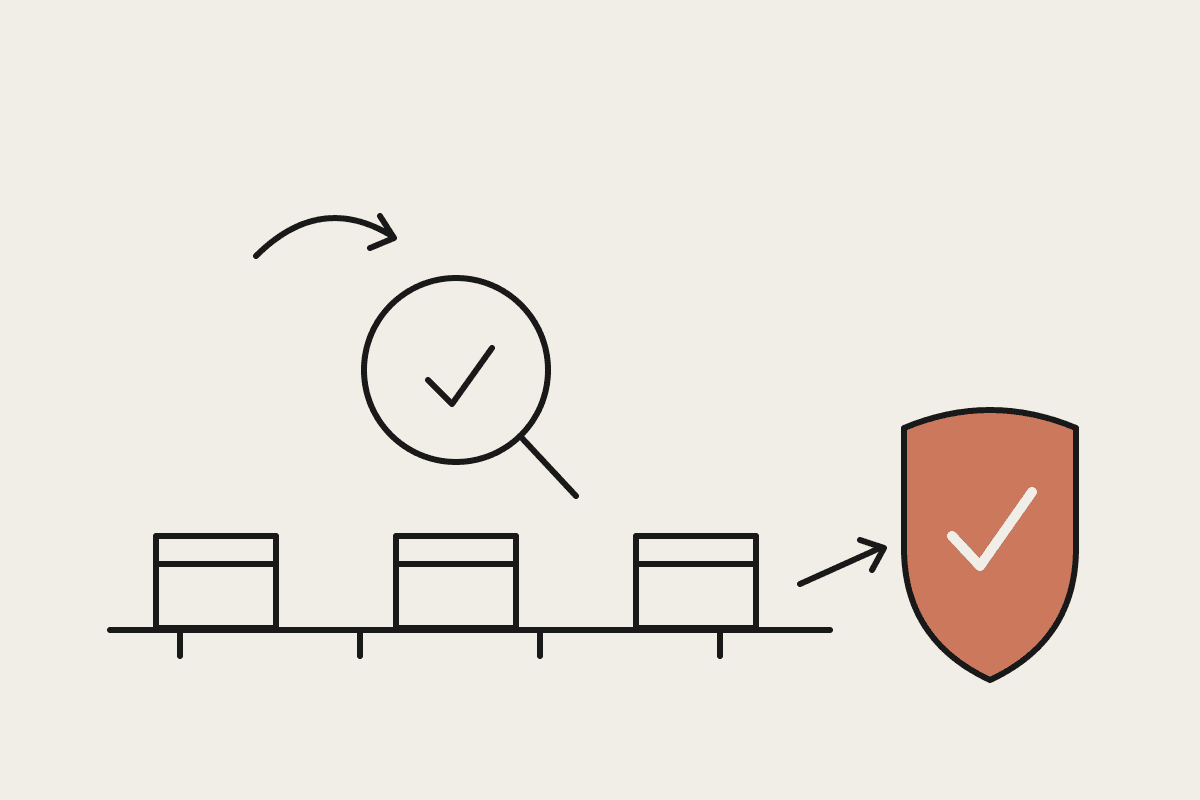
Running the same monthly close steps the same way every time, with a clear record of what it did.
Handling messy, real-world inputs like scanned invoices and inconsistent exports from different tools.
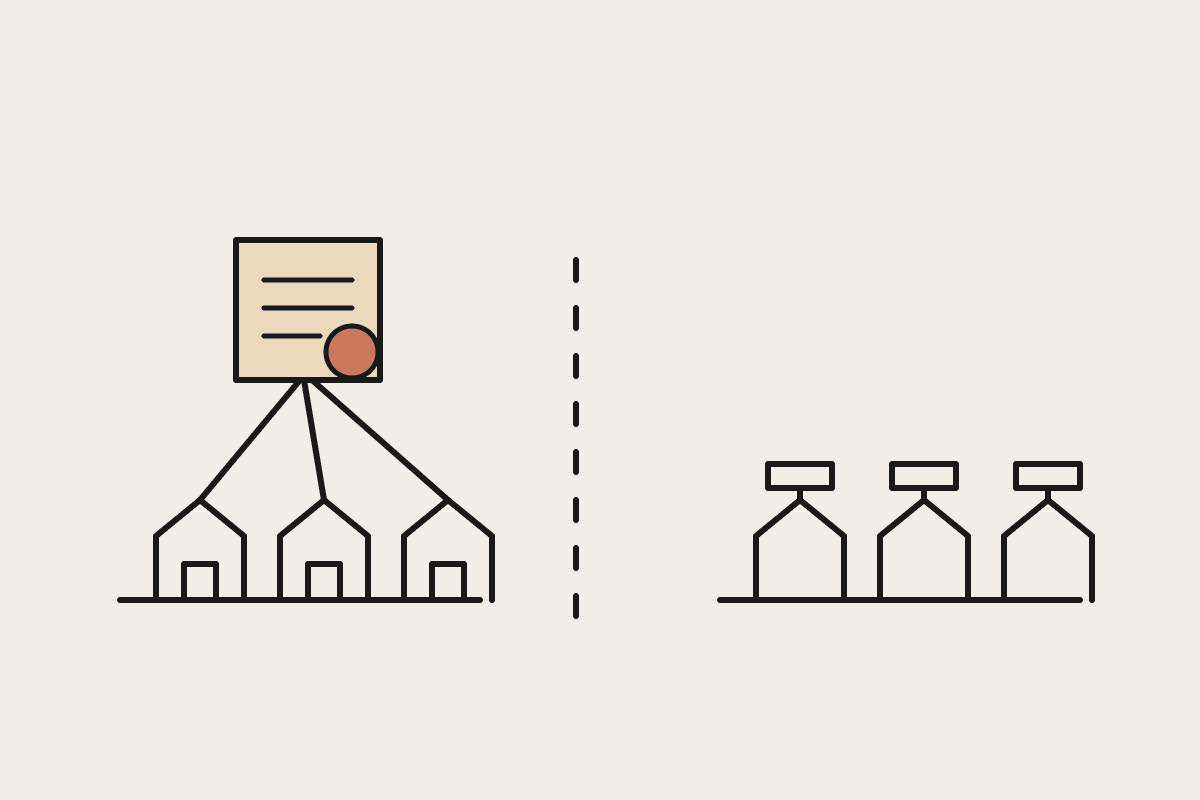
The sidebar is a feature inside a spreadsheet. A Claude workflow is a system you design around how your finance function actually runs, which is why it suits recurring, multi-step processes rather than one-off questions.
A worked example: the monthly close
Picture a finance team closing the books each month. The figures arrive from accounting software, two bank accounts, an expenses tool, and a stack of supplier invoices. The sidebar can help an analyst inside any one of those exported sheets, but it cannot pull the whole picture together on its own. A Claude workflow can: it reads the exports, matches the transactions, flags the gaps for a person to check, and drafts the close narrative. The analyst shifts from doing the reconciliation to reviewing it. On a close that used to take three days, teams routinely get a full day back, which across a year is a meaningful amount of senior finance time.
The cost comparison in AUD
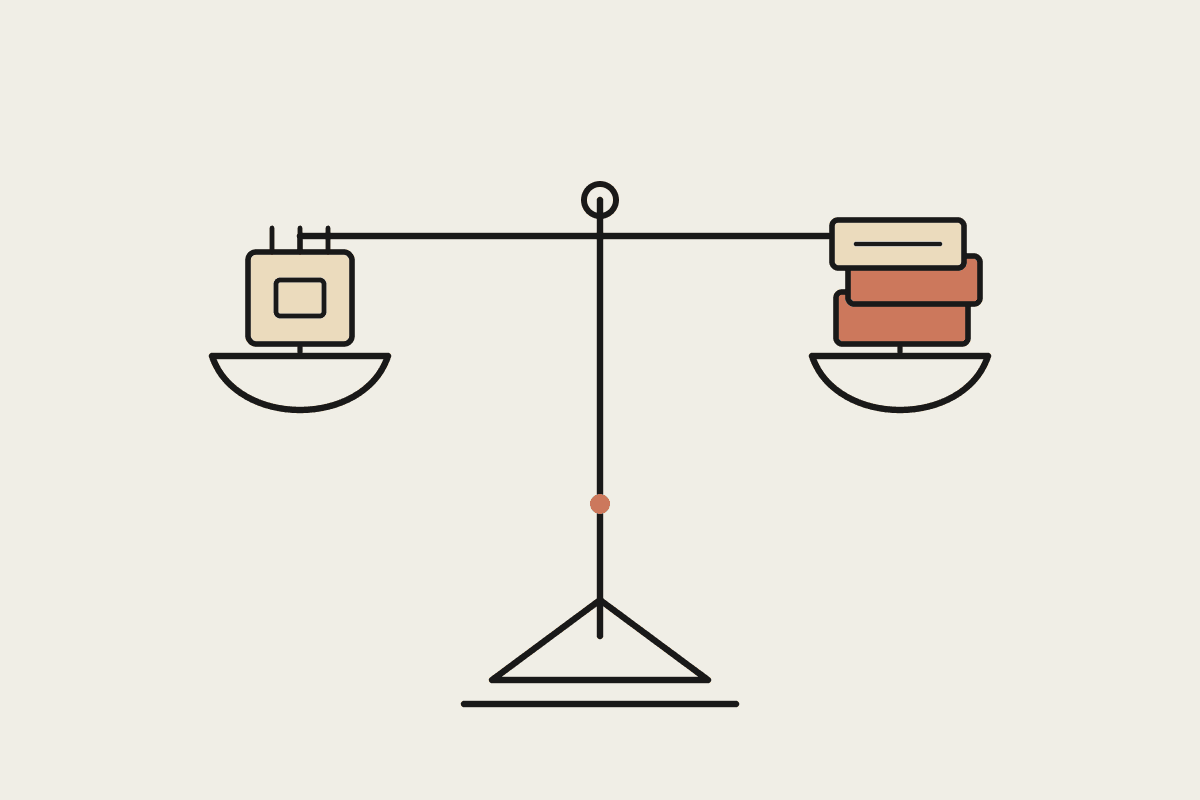
Price is where the two options separate most clearly. The ChatGPT sidebar comes bundled with a per-seat subscription. For a finance team of 20, per-seat licences at roughly $40 a month work out to about $9,600 a year, and every new hire adds to that bill.
A Claude-based workflow is usually a build rather than a subscription. A focused project, such as automating the monthly close or a recurring reconciliation, typically costs $15,000 to $30,000 to build, plus a modest monthly run cost. The return comes from the hours it removes. If automation saves a finance team 15 hours a week, that is easily $60,000 a year in recovered time for a mid-sized Australian business.
Per-seat tools scale in cost with headcount, which suits broad, light usage.
A custom build is a larger up-front cost that does not grow with every new seat.
The right choice depends on how many people need it and how heavy the recurring work is.
Compliance and data handling
Australian finance teams carry obligations a spreadsheet plug-in does not remove. Financial records often hold personal information covered by the Privacy Act, and businesses in regulated sectors answer to APRA and ASIC on how data is stored and who can see it. Before any model touches a ledger, you need to know where the data goes and whether that meets your duties. A managed Claude build lets you set that boundary deliberately, deciding exactly which data the model sees and keeping a record of it. A consumer-grade sidebar gives you less room to design those controls, which matters more the more sensitive your numbers are.
How to choose
The decision is not really sidebar against Claude. It is matching the tool to the task in front of you.
If your team mainly needs faster formulas and quick summaries inside a sheet, the sidebar is a sensible, low-effort start.
If your real pain is recurring, multi-system work like the monthly close, a Claude workflow will save more across a year.
If you handle sensitive financial data, weigh the compliance controls as heavily as the features.
Most finance teams end up using both: the sidebar for everyday spreadsheet help, and a Claude build for the heavy, repeatable processes that decide how the month closes. If you want help working out which of your finance tasks suit which tool, book a brainstorm and we will map it with you.