Most teams reach for a dedicated notetaker like Fathom or Otter the moment meetings pile up. Both tools join your call, record it, and hand back a transcript with a tidy summary. Claude sits in a different spot. It does not dial into the call, but it reads the transcript afterwards and does the harder thinking: pulling decisions apart, drafting the follow-up, and spotting the commitment nobody wrote down. For an Australian business weighing up another monthly subscription, the real question is where these jobs overlap and where they do not.
What each tool is built to do
Fathom and Otter are capture tools first. They handle the live mechanics of a meeting: recording audio, producing a near real-time transcript, tagging who spoke, and generating a short recap. Otter leans towards live transcription and shared notes. Fathom leans towards sales and customer calls, with CRM syncing and clip sharing. Both are good at the one part Claude cannot do on its own, which is being in the room while the meeting happens.
Claude is a reasoning tool. Give it a transcript and it will restructure the whole conversation around what you actually care about. That is the overlap most people miss. The summary is the cheap part. The valuable output is a clear decision log, a risk list, and a drafted email that reads like you wrote it yourself. It also holds a format across every meeting, so a decision log from Monday looks like the one from Friday, which is exactly what a general notetaker struggles to guarantee.
Where the overlap really sits
On paper, all three produce a meeting summary, so it looks like you are paying twice for the same thing. In practice the summaries are not the same product at all.
Fathom and Otter give you a generic recap generated seconds after the call, useful for a quick memory jog.
Claude gives you a structured analysis you can steer: 'list every decision, who owns it, and the due date', or 'flag anything a client could dispute later'.
The capture tools own the audio and the live transcript. Claude owns everything you do with that transcript once the call ends.
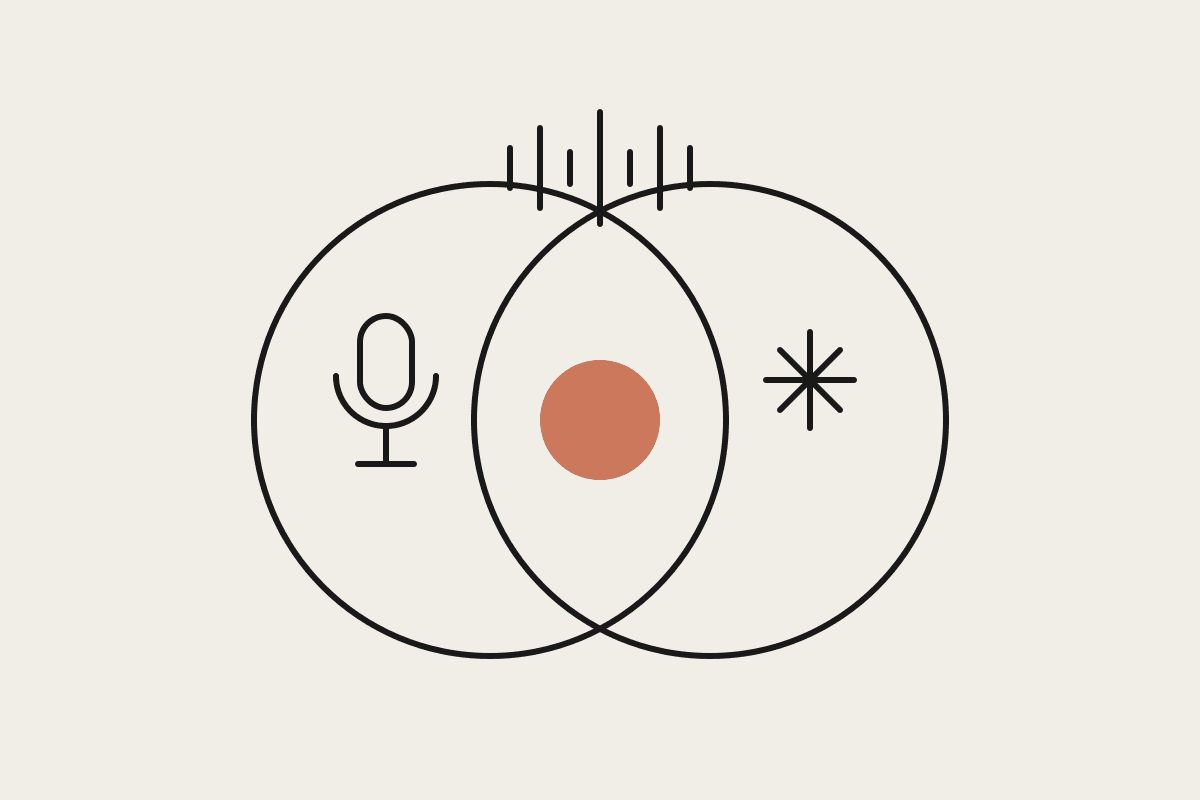
The overlap is roughly the first five minutes of value. The rest is where Claude pulls well ahead.
Put plainly, one class of tool answers the question 'what was said', and the other answers 'what do we do now'. Fathom and Otter are strong on the first. Claude is built for the second, and the second is usually the reason the meeting happened at all.
The cost maths for an Australian team
Otter and Fathom both sell paid tiers in the range of $30 to $45 per user per month once you want unlimited recording and integrations. For a ten person team on a $40 plan, that is around $4,800 a year for capture alone. If every one of those users is also pasting transcripts into a general assistant to get the real analysis, you are running two systems and paying for the weaker half of the job twice.
The sharper split is cheaper. Keep a capture tool on the handful of people who genuinely need automatic recording, then route the thinking through Claude for the whole team. A Sydney firm we worked with cut its notetaker seats from twelve to four and put the rest of the budget into a Claude workflow that turned raw transcripts into client-ready minutes. The combined saving landed near $45,000 across the year once you count the hours no longer spent rewriting notes by hand.
A practical way to split the work
You do not have to pick a single winner. The teams that get this right treat capture and intelligence as two separate jobs.
Use Fathom or Otter where a verbatim record matters: sales calls, client sign-offs, anything you might need to quote later.
Send the transcript to Claude for the output you actually act on: decision logs, task lists, drafted replies, and a short summary for people who missed the call.
For internal stand-ups and quick syncs, skip the recorder and paste rough notes into Claude. The analysis comes out the same quality.
Keep one house format for meeting notes so every write-up, whatever the source, lands in the same shape.
What we would tell a client
If you are comparing Claude against Otter, you are really comparing a reasoning layer against a capture layer, and most Australian teams need a bit of both. Buy the capture tool for the meetings that legally or commercially need a recording. Lean on Claude for the thinking, the drafting, and the follow-through, because that is the work that was quietly eating your afternoons. Under the Privacy Act you also want to be deliberate about which conversations get recorded and stored, so running fewer recording seats is often the safer position as well as the cheaper one. Fewer copies of a sensitive client call sitting in a third-party recorder is one less thing to explain if anyone ever asks how that data is handled.
Not sure how to draw the line for your own meetings? We help Australian teams design exactly this kind of split. Book a short session and we will map it to how your business actually runs.