Gemini Spark leans hard into Gmail automation, and Claude based agents can manage inboxes too. Email is high value and high risk: one message sent to the wrong client can undo months of trust. So the right choice between the two is less about raw drafting quality and more about which platform gives you control over what actually gets sent, to whom, and when.
Google made a wave of these announcements at I/O 2026, and the dust has settled enough to judge them honestly. Plenty of Australian owners are now asking whether the new Gmail automations should change their plans. This guide keeps the comparison practical for Australian teams, with the trade offs that actually affect the decision rather than the marketing.
What inbox automation can do
Both platforms can take real work off a busy team. Sorting, drafting and summarising are the proven wins: they save hours each week without touching anything irreversible. For a Sydney services firm handling 200 emails a day, triage alone is often worth $4,500 a month in recovered staff time.
Triage and label incoming mail by urgency and topic
Draft replies for review in your house tone
Summarise long threads before a meeting
Extract action items and deadlines into your task system
Where Claude and Gemini differ
Gemini's strength is that it lives inside Gmail. If your business runs on Google Workspace, Spark's inbox automations are close to zero setup, and they understand labels, threads and contacts natively. Claude's strength is reach. Through Cowork and MCP connectors, a Claude agent reads the inbox, the CRM and the accounting system in the same pass, so a draft reply can reference the client's overdue invoice in Xero or the open deal in your pipeline, not just the thread in front of it.
That difference matters more as the workflows get more valuable. A reply that needs only the thread is a Gmail problem. A reply that needs the order status, the contract terms and the payment history is a systems problem, and that is where an agent platform with connectors earns its keep.
Gemini: native Gmail integration, minimal setup, single vendor context
Claude: cross system context via connectors, including CRM, Xero, calendars and files
Gemini: strongest when the whole business runs on Workspace
Claude: strongest when email is one part of a wider workflow
The send button problem
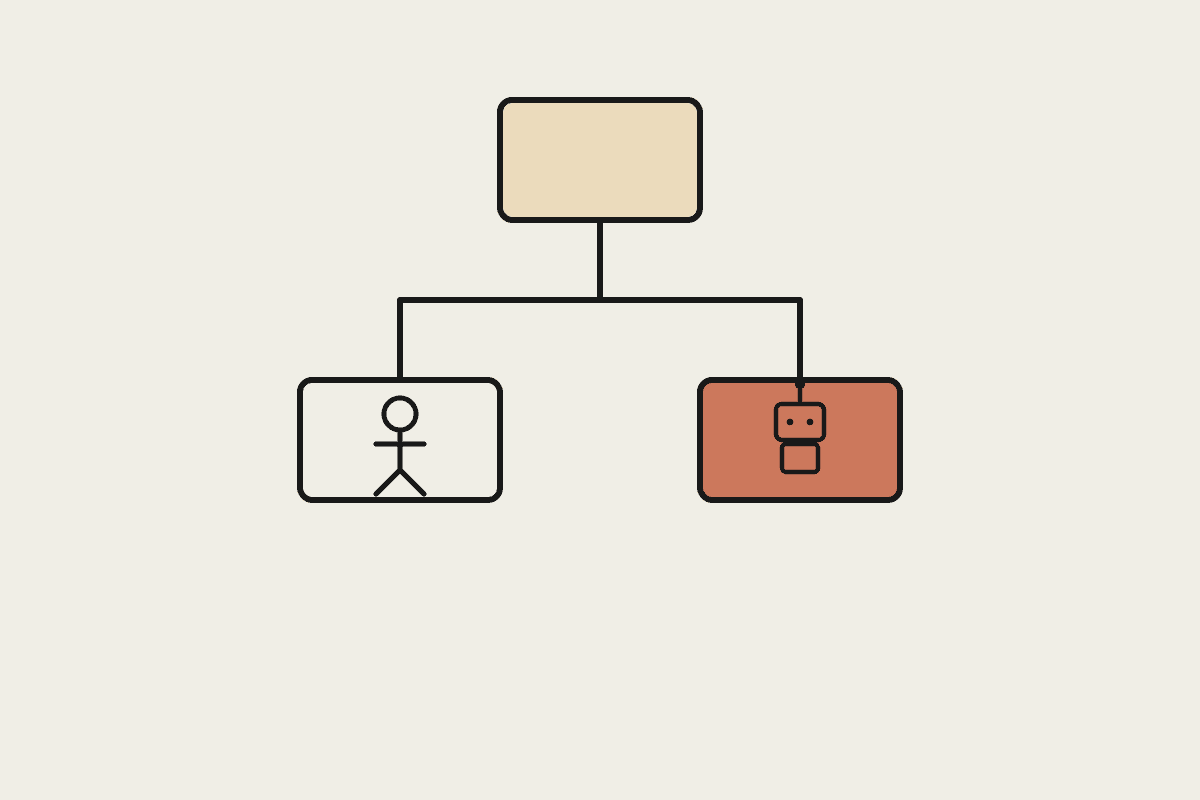
The risk is not drafting, it is auto sending. A wrong message to the wrong person is hard to undo, and email is the channel where mistakes are public, forwarded and permanent. Whichever platform you pick, the design question is the same: which categories of mail may the agent send unsupervised, and which always wait for a human.
Keep humans on the send for client and legal mail
Restrict which recipients an agent may email at all
Log every drafted and sent message with the prompt that produced it
Under the Privacy Act, treat personal information in threads as data the agent is processing
Designing it safely
Start with draft only, and widen autonomy as trust builds. This staged approach works on both platforms, and it is the difference between a tool your team trusts and one they quietly switch off.
Begin with draft and review on everything
Add limited auto send for safe internal categories
Review the logs weekly and tighten rules that misfire
Re-run the review whenever the model or the workflow changes
Common mistakes to avoid
Technical rollouts stumble on the same few issues. Over trusting autonomy, skipping verification, and wiring everything to one vendor are the usual culprits. Catch them early and the build stays safe.
Letting an agent send without approval gates
Shipping output without a verification step
Hard wiring prompts and logic to one platform
Assuming a benchmark score predicts real inbox performance
Failing to log prompts, so work cannot be repeated
Granting an agent more inbox access than the task needs
What this means for Australian businesses
One automated email to the wrong client can cost a deal worth $80,000. The few hours saved each week are only worth it if the send controls are tight, so design those first. For most Australian SMBs the honest answer is to pick the platform that matches where your context lives. If everything sits in Google's ecosystem, Gemini's inbox features are genuinely convenient. If your business runs on email plus a CRM plus accounting software, a Claude agent that reads all three will write better mail and make fewer embarrassing assumptions.
We start inbox automation in draft only mode
We restrict recipients and categories before widening autonomy
We connect the systems that give drafts real context
We document the controls so an auditor can follow them
Key takeaways
If you remember nothing else about ai email automation for your Australian business, hold on to these points:
Drafting and triage are the safe, high value wins
The send button is the risk, so gate it
Gemini wins on Gmail native convenience, Claude wins on cross system context
Start draft only and widen autonomy as the logs earn trust
Talk to a Claude specialist
Automata AI is a Sydney based consultancy that helps Australian businesses put Claude to work safely. If you are weighing inbox automation, book a short brainstorm and we will map the send controls and connectors that fit your stack.