Xero's built-in assistant, JAX (Just Ask Xero), and Claude both promise to take work off your plate. They are not the same kind of tool, and the difference matters when you are deciding where to spend an automation budget. One lives inside your accounting file. The other is a general agent you can point at almost any task in the business. This guide sets out what each does well, where they overlap, and how Australian businesses can get value from both without paying twice for the same result.
What Xero JAX actually does
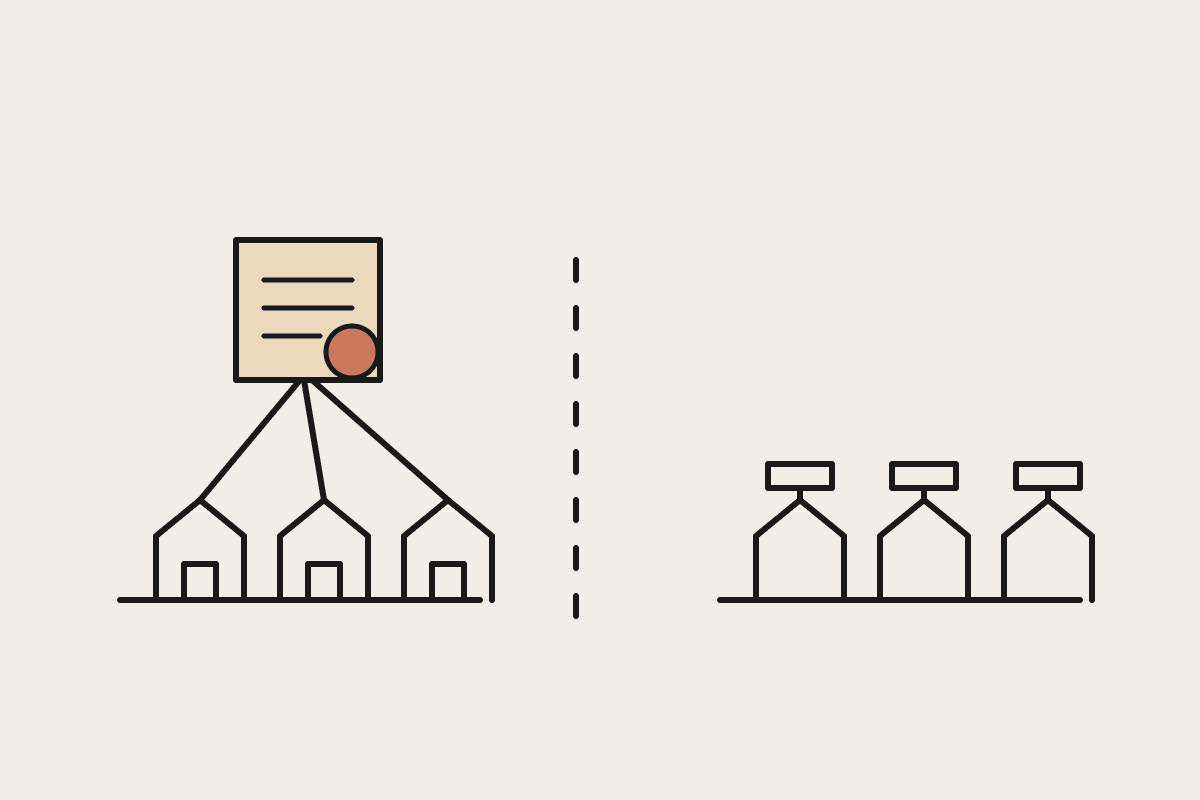
JAX is a native assistant embedded directly in Xero. It answers questions about your own ledger, drafts invoices and quotes, explains transactions, and surfaces numbers on request. Because it sits on your accounting data with permission, it can act inside Xero: raise an invoice, find an overdue bill, or summarise your cash position. Its strength is that it already knows your chart of accounts, your contacts, and your GST settings. It does not need to be told where the data lives.
Its limit is the same as its strength. JAX works inside Xero. Ask it to read a supplier PDF sitting in your inbox, reconcile that against a signed contract, then draft a chase email in your own tone, and you have stepped outside the box it was built for.
Answering plain-language questions about your own Xero data
Drafting invoices and quotes from your existing contacts
Explaining a single transaction or a movement in your profit and loss
Small in-product actions that stay inside the accounting file
None of that is a criticism. For the day-to-day rhythm of running a Xero file, having the assistant sitting right beside your numbers is genuinely useful. The question is only what you ask it to do, and where the job starts to spill past the edges of the ledger into the rest of the business.
Where Claude fits
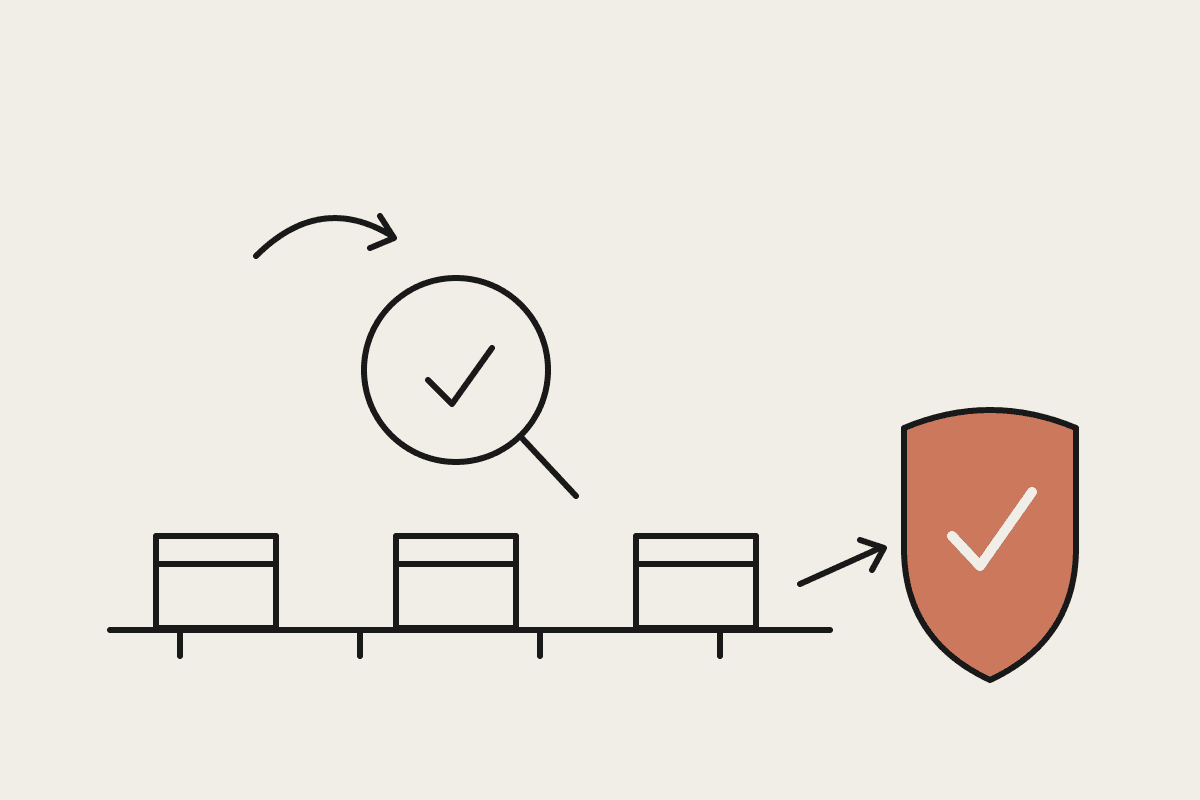
Claude is a general agent. It has no native seat inside Xero, and that is the point. It reads documents, writes in your voice, follows multi-step instructions, and works across the tools you already use. A bookkeeper who spends $45,000 a year of their time on repetitive prep is doing work that a general agent can carry most of the way. Claude can take a folder of supplier invoices, pull the line items, match them to purchase orders, flag the exceptions, and hand a clean batch back for approval. It can turn a messy CSV export into a board-ready summary, or draft a BAS-season email to two hundred clients, each one personalised.
For an Australian firm juggling GST, BAS lodgement deadlines, and the ATO's record-keeping rules, the value tends to sit in the glue between systems rather than in any single app. That crossing point, where email meets PDF meets spreadsheet meets the accounting file, is exactly where Claude earns its keep.
Because Claude does not sit on your live accounting file by default, you also keep a clean separation between reading and acting. It can prepare the work and leave the final posting to a person, which suits businesses that want a human signing off before anything hits the books or reaches a client. Access is something you grant deliberately, task by task, rather than a standing connection you have to trust and forget about.
Native assistant or general agent: how to choose
You rarely have to pick one and reject the other. The decision is task by task, not tool by tool. A quick way to route any given job:
If the task lives entirely inside Xero, reach for JAX. It is faster because it is already there.
If the task crosses systems (email, PDFs, spreadsheets, a CRM), reach for Claude.
If you need output in your own writing voice, reach for Claude.
If you want a fast answer about your ledger while you are already in Xero, reach for JAX.
If you are building a repeatable workflow that runs to a schedule, reach for Claude.
The rule of thumb is simple: use the native tool for questions, use the general agent for work. Questions are quick, single-step, and about data you already hold. Work is multi-step, crosses tools, and produces something new that a person then checks before it counts.
A practical split for Australian businesses
Most businesses do best running both. JAX handles the in-Xero questions during the working day. Claude handles the workflows that touch Xero and everything around it. A small accounting practice in Sydney might use JAX for quick client-file lookups during a call, and Claude to run the month-end pack: collect the source documents, prepare the reconciliation notes, draft the client commentary, and stage it all for a human review before anything goes out.
Priced against the labour it replaces, the combined tool cost usually sits well under $1,200 a year. The saving is not the software line. It is the hours your team stops spending on copy, paste, and reformatting between the accounting file and every other place the work has to live.
If you are weighing where AI actually saves time in your finance stack, we map it to your real workflows rather than a feature list. Book a short session with us and we will work through it with you.