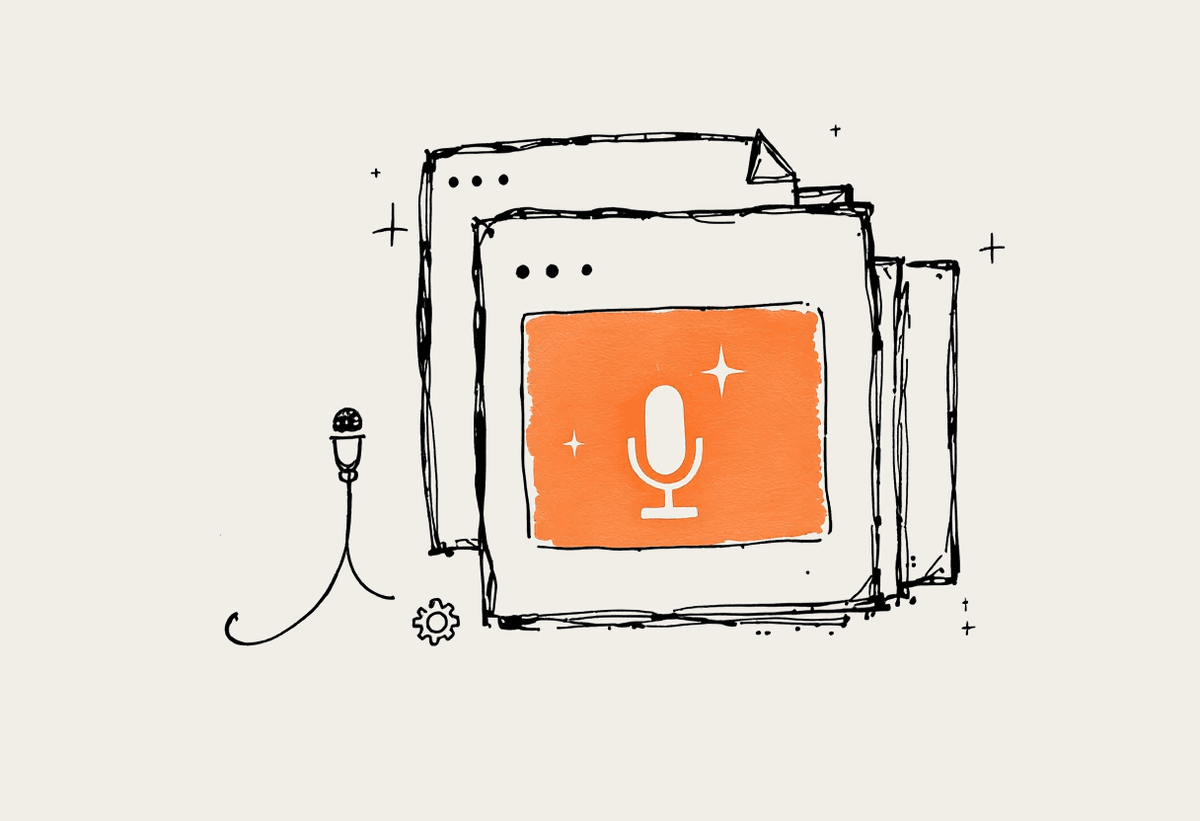
Google has pushed Gemini further into Workspace, and at I/O 2026 it announced image editing, voice input and agent features across Gmail, Docs and Slides. The demos looked impressive. The harder question for an Australian business is which of these features earn a place in your week, and which are noise. This guide walks through what changed, where it helps, and how to bring it in without creating a mess for your team.
Plenty of Sydney and Melbourne owners are already asking whether they should change how they work. The honest answer is that most of the value sits in small, repeated tasks rather than any single dramatic shift. Below we keep it practical, with the trade offs that actually affect the decision rather than the marketing around it.
What Gemini added to Workspace at I/O 2026
The headline additions bring image work, voice control and agent help into the apps your team already opens every day. None of them require a new login or a new habit, which is part of the appeal.
Google Pics image editing inside Drive, Docs and Slides, so you can crop, clean up and restyle images without a separate tool
Voice input in Gmail, Docs and Keep, useful for fast first drafts and capturing notes while you are away from the desk
Agent help through Gemini Spark, which can carry out multi step tasks such as gathering information and preparing a draft
Deeper Gemini suggestions inside Gmail replies and Docs writing, tuned to the document you have open
Where these features actually help
The wins are in drafting, formatting and quick edits, not a wholesale change to how the business runs. A few patterns hold up well in real use, and they are worth adopting first.
Turning rough notes into a tidy first draft that a person then edits
Fixing an image inside a slide rather than round tripping through another app
Capturing ideas hands free during a site visit or a drive between meetings
Cleaning up formatting and tone on a document before it goes for review
Claude or Gemini for Australian Workspace teams
If your team lives in Workspace, Gemini has the advantage of sitting right where the work happens. That convenience is real, but it is not the whole decision. For work where the wording carries weight, a contract clause, a client proposal, a board summary, we still reach for Claude because it tends to hold instructions tightly and stays steadier on long, careful documents. A sensible setup uses Gemini for quick in app drafting and Claude for the high stakes writing, rather than forcing one model to do everything.
This is the multi model approach we run ourselves. The point is not loyalty to a brand. It is matching the tool to the task so quality holds and cost stays sensible across the month.
The Privacy Act and data residency question
Before any team feeds client information into a new AI feature, it is worth checking what the tool does with that data and where it is processed. Under the Privacy Act, an Australian business stays responsible for personal information even when a third party tool handles it. Read the admin controls in Workspace, confirm whether content is used for training, and set a clear rule about what staff may and may not paste in. For regulated work that touches APRA or ASIC obligations, that check is not optional.
What this is worth to a Sydney team
Put rough numbers on it. A 20 person Sydney team already paying for Workspace can recover several hours a week once these features are used well. At a blended rate, that time is worth more than $25,000 a year, and a larger firm can see $60,000 or more. The catch is that the saving only lands if quality holds, which is why a few light rules matter more than the features themselves.
Set simple rules for when Workspace AI is and is not used
Keep a person on anything client facing or legally binding
Focus adoption on the few features that save the most time
Common mistakes to avoid
Across Australian industries the failure pattern repeats. A careful start prevents the expensive version of each one.
Automating a high risk task before proving a safe one
Letting a model commit money or a legal position without a check
Skipping the human review on client facing work
Assuming local rules without verifying them
Scaling before a single use case has earned it
Forgetting to tell staff what is and is not allowed
How to roll this out without a mess
Start with one high frequency, low risk task such as first draft emails
Keep humans on anything that commits money, law or client trust
Verify figures and facts before anything goes out the door
Expand only once a use case has proven itself
Talk to a Claude specialist
Automata AI is a Sydney based consultancy that helps Australian businesses put Claude and the wider AI stack to work safely. If you are weighing Gemini against Claude for your team, book a short brainstorm and we will map the fastest path to value for your week.