Every quarter, thousands of Australian businesses lodge a Business Activity Statement built on transaction data that nobody has fully checked. The numbers reconcile, the bank feed matches, and the BAS looks right. The problem sits one level down, in how each transaction was coded for GST. A bank fee marked as GST on purchases. An overseas software subscription treated as taxable. A residential rent payment that quietly claimed a credit it was never entitled to. None of these break the reconciliation. All of them can turn into an ATO adjustment months later.
GST coding is where accuracy is won or lost, and it is also the least glamorous part of any bookkeeping file. Reviewing several hundred coded lines by hand, every quarter, across every client, is the kind of work that gets skimmed when deadlines are tight. This is exactly the sort of review Claude is good at: reading a long, structured list, comparing each row against a set of rules, and flagging the handful that look wrong. Not lodging anything. Not changing anything. Just a second pair of eyes before you sign off.
Why GST coding goes wrong
Most coding errors are not carelessness. They come from software defaults that are right most of the time and wrong in specific cases, from suppliers who are not registered for GST, and from transactions that look ordinary but carry a special treatment. The same handful of mistakes show up in file after file.
Claiming GST on purchases that are GST-free or input-taxed: bank fees, interest, most government charges, ASIC fees, residential rent, and basic food.
Claiming a GST credit on a purchase from a supplier who is not registered for GST, where no GST was ever charged.
Coding overseas purchases, such as international software subscriptions, as if local GST applied.
Putting wages, superannuation, and drawings through a GST code instead of treating them as excluded from the BAS.
Missing the private-use split on expenses like a mobile phone or a vehicle that is part business, part personal.
Treating a taxable sale as GST-free, which understates what is owed and is the error the ATO cares about most.
A single miscoded capital purchase can move the numbers by real money. Claim the full GST on a $66,000 vehicle that should have been apportioned for private use, and you have overstated your refund by thousands in one line. Multiply small errors across a year of lodgements and a mid-sized Sydney business can quietly accumulate a $45,000 exposure that only surfaces during an ATO review, by which point interest and penalties may apply.
What a second pair of eyes actually means
The workflow is deliberately narrow. Claude does not connect to your accounting software, it does not lodge, and it does not overwrite your coding. It reads an export and hands back a list of things to look at. You stay in control of every change, and nothing leaves your review until you decide it should.
The review loop
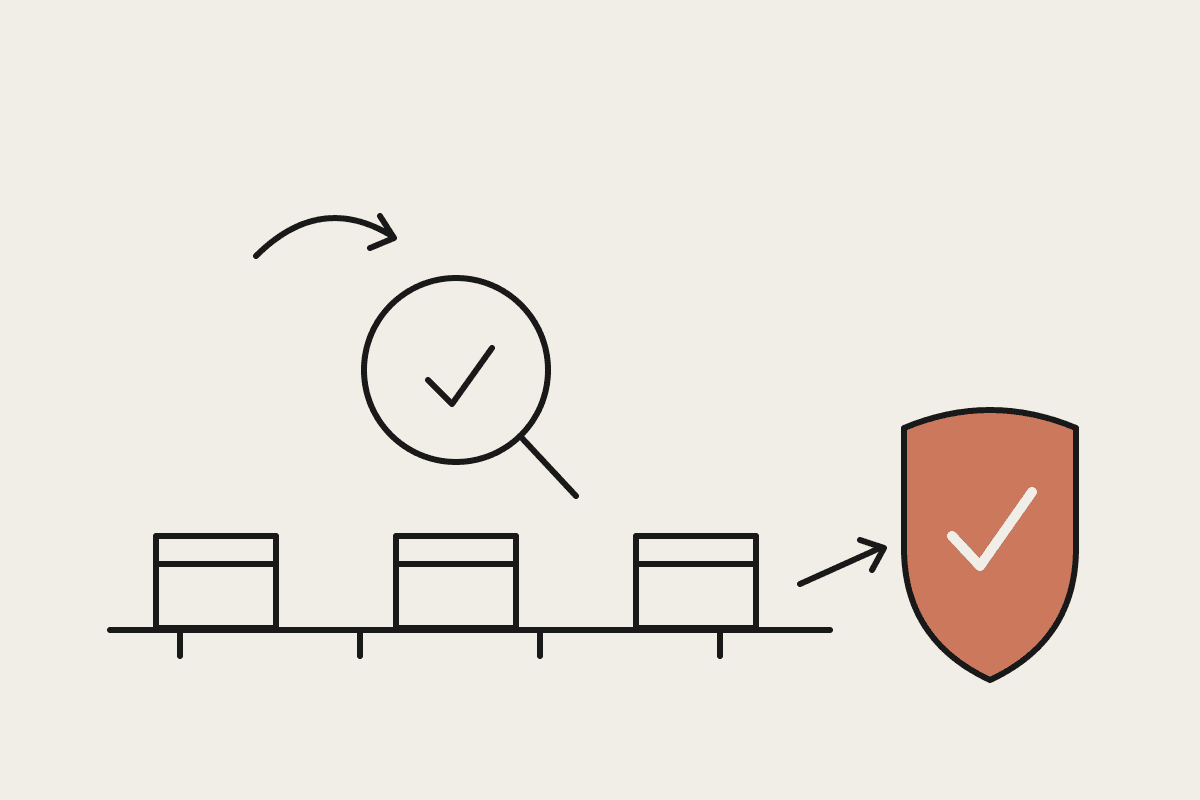
First, export the GST audit report or transaction listing from Xero, MYOB, or QuickBooks for the period, including the account, GST code, supplier, and amount for every line. Second, give Claude that export together with a short brief: your chart of accounts GST defaults and the edge cases specific to the business. Third, Claude works through the rows and returns a flagged list, with the reason each one looks off. Fourth, you review each flag, correct what needs correcting in the software, and then lodge as normal.
The brief is what makes this reliable. A generic checker guesses. A checker that knows this client pays an offshore developer, rents a residential unit for a director, and buys most of its stock GST-free will catch the right things and stay quiet on the rest.
What to give Claude
The quality of the review depends on the inputs. A useful package for each BAS period looks like this:
The full coded transaction export for the quarter, not a summary. Claude needs the line detail to spot the outliers.
A one-page rules brief: the GST treatment your chart of accounts assumes for each main account, plus any supplier or transaction that is a known exception.
Last quarter's known issues, so the same problem is not missed twice.
The BAS summary figures, so Claude can sanity-check that the GST on sales and GST on purchases totals line up with the detail.
With that in hand, a review that used to mean scrolling a spreadsheet for an hour becomes a ten-minute read of a short flag list. For a bookkeeper running twenty BAS files a quarter, that is most of a working day returned, at a software cost of a few dollars per review rather than the $120K of the full-time reviewer you were never going to hire.
Where Claude helps, and where it does not
Claude is a review layer, not a registered agent. It is very good at reading structured data, applying a stated rule to every row, and explaining in plain language why a line was flagged. It is not a substitute for the judgment of a registered BAS or tax agent, and it does not carry their responsibility. If you are a registered agent, the sign-off and the lodgement stay yours. If you are a business owner doing your own BAS, Claude improves your first pass, but a genuinely uncertain treatment still deserves a call to your accountant.
Treat the flags as questions, not verdicts. Claude will sometimes flag a correctly coded line because the brief did not mention an exception, and it will occasionally stay quiet on something the brief did not cover. That is the nature of a second opinion. The value is not that it is never wrong. It is that it looks at every single line without getting tired, which no human reviewer manages at 6pm on lodgement day.
One practical note on data. A transaction export contains commercial information and sometimes personal details, so handle it the way your engagement letter and the Privacy Act expect: share only what the review needs, and keep client data inside tools you have already assessed. Good GST review does not require loosening good data habits.
Getting started
Pick one client file and one past quarter you have already lodged. Run the review as a back-test and see what Claude would have flagged. It is a low-risk way to calibrate the brief and to learn the error patterns in your own files before you rely on it for a live BAS. Most bookkeepers find two or three recurring issues they did not know were there.
If you want help setting up a GST review workflow that fits how your practice already works, book a short call and we will map it to your software and your client mix.