Plan management looks simple from the outside. Pay provider invoices from a participant's NDIS plan, keep the budget straight, and answer the occasional email. Anyone who has actually run a plan management business knows the reality is closer to a wall of invoices, a rulebook that changes every year, and providers who all format their paperwork differently. At a national price limit of $104.45 per participant per month, margins are thin and volume decides whether the business works. This guide walks through where Claude genuinely helps a plan manager, and where a human still has to sign off.
The three jobs hiding inside plan management
Break the work down and three distinct jobs appear, each with its own failure mode. Claims processing is about accuracy against a rulebook. Budget tracking is about keeping every participant inside their funded categories. Provider communication is about volume and tone. Claude is well suited to the first two and a genuinely useful assistant on the third, so it pays to treat them as separate problems rather than buying one tool that promises to do all three at once.
Claims: checking every invoice against the price guide
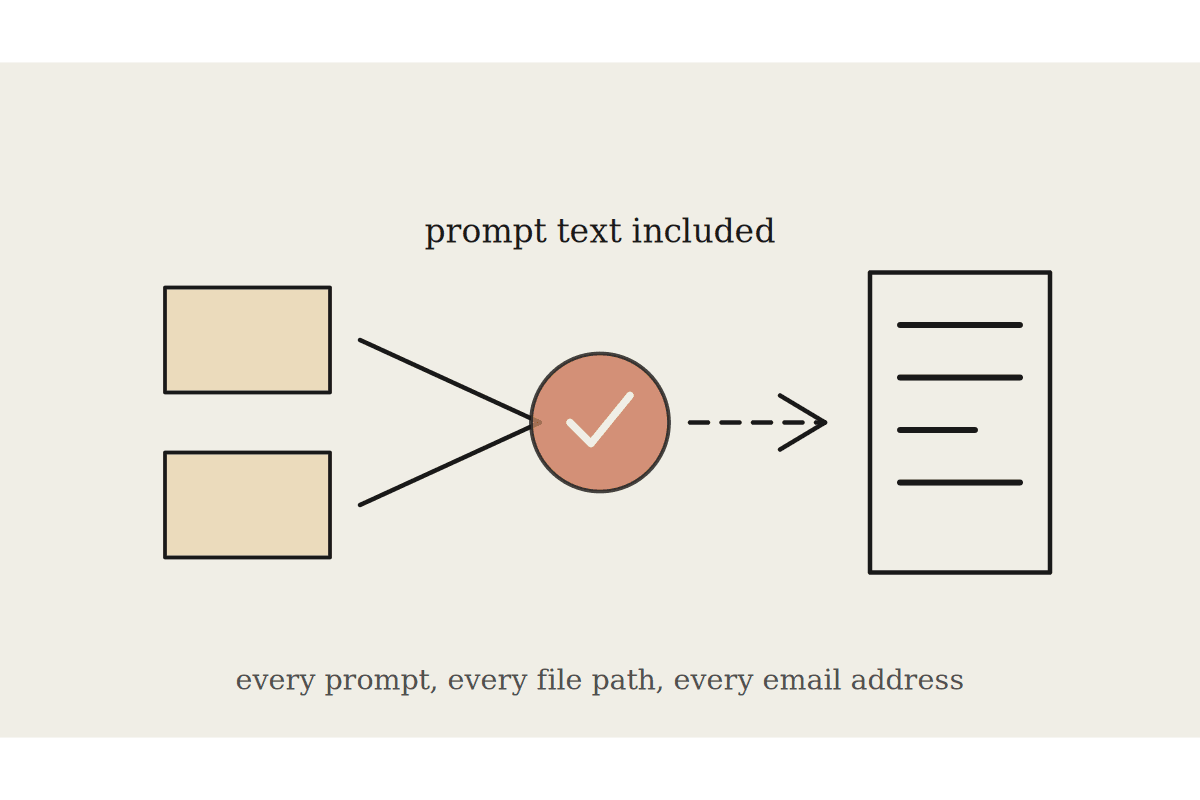
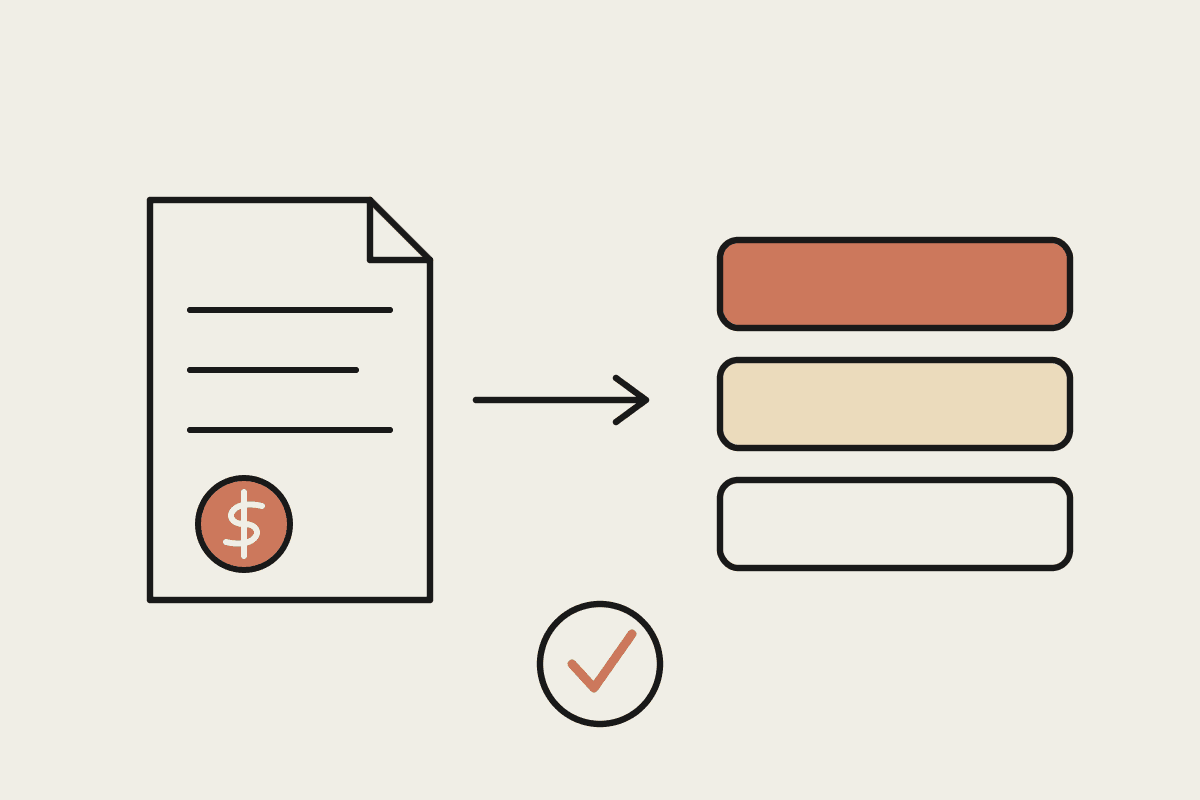
The bulk of the daily work is reading provider invoices and deciding whether each line can be paid. That means confirming the support item exists in the participant's plan, sits in the correct budget category, and falls within the current NDIS price limit. Claude can read an invoice, whether it arrives as a PDF, an email body, or a scanned image, pull out each line item, check it against a reference table you supply, and flag anything that fails.
Extracting line items, ABNs, service dates and amounts from invoices that arrive in a dozen different formats.
Comparing each unit price against the 2025-26 price limits and flagging anything above the cap before it gets paid.
Matching each item to the right category, whether Core, Capacity Building or Capital, so funds are never drawn from the wrong bucket.
Spotting duplicates, incorrect weekend or public-holiday rates, and claims for dates that fall outside the plan period.
The goal is not to pay invoices automatically. It is to turn a slow manual check into a quick review where Claude has already done the reading and shown its working. A plan manager processing $1.2M in provider invoices a month can shift from checking every line by hand to reviewing only the exceptions Claude raises, which is where the real time saving lives.
Budgets: keeping participants inside their funding
Every participant plan splits funding across categories with different rules about what is flexible and what is stated. The awkward part is answering the everyday question of how much is left and whether it will last the plan period. Claude can take a participant's current spend, the remaining balance, and the months still to run, and produce a plain-English summary that a support coordinator or a family member can actually understand.
Give it the plan dates and the transaction history and it can project the burn rate, flag any category tracking to run dry early, and draft the regular statement that participants are entitled to receive. That last point matters under the Privacy Act 1988, because participant information is sensitive data and the way you store and share it is not optional. More on that below.
Provider comms: the same email, two hundred times
Plan managers send a lot of near-identical messages. Remittance advice, requests for a corrected invoice, notices that an item cannot be paid and the reason why. Written by hand these are slow. Written from a rigid template they read like a template. Claude sits neatly in between. Give it the facts of a specific case and your house style, and it drafts a message that is specific, correct, and sounds like it came from a person.
Remittance notes that reference the actual invoice number, service dates and amount paid.
Query or rejection emails that quote the exact price limit or plan reason, so the provider knows precisely what to fix and resend.
Onboarding messages for new participants, adjusted for whether you are writing to the participant, a family member, or a support coordinator.
Since the establishment fee was removed on 1 July 2025, the onboarding work that used to be funded now comes straight out of your margin. Anything that makes new-participant communication faster protects the bottom line rather than just saving a few minutes.
What Claude should not do on its own
Plan management is regulated work, and the NDIS Quality and Safeguards Commission expects records that hold up to an audit. Claude is a fast, careful reader and a strong drafter. It is not the decision-maker, and it should never be the last set of eyes before money moves.
A person approves every payment. Claude flags and recommends, and a human makes the call to pay.
Participant data stays inside systems you control. Sensitive information under the Privacy Act 1988 should not be pasted into consumer chat tools with unclear data retention.
Keep the reasoning. When Claude flags or clears an invoice, save its explanation so your audit trail shows why each decision was made.
Handled this way, Claude removes the manual reading that eats a plan manager's day without touching the accountability that has to stay with your team. That distinction is what keeps the Commission, and your participants, comfortable.
A realistic place to start
You do not need a custom platform to begin. Most plan managers we work with in Sydney and across Australia start with a single job, usually claims checking, run it alongside the existing process for a few weeks, and measure the time saved before adding the next piece. One experienced staff member on around $120,000 a year spending half their week on invoice checks is the business case that funds the whole project, often several times over in the first year.
If you run a plan management business and want to work out which of these three jobs to automate first, we can map it in a short working session. Book a brainstorm and we will talk through your invoice volume, your current tools, and a sensible first step.