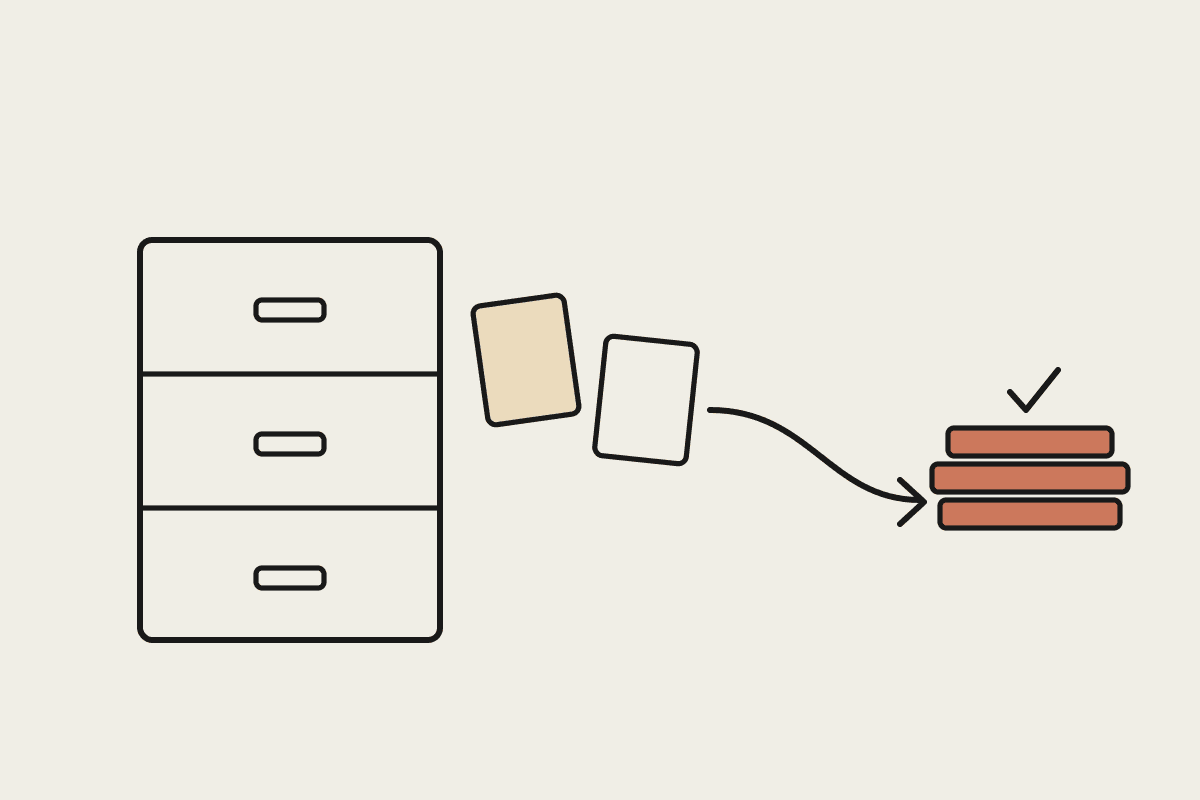
Most Australian accounting firms already call themselves paperless. The physical filing cabinets are long gone, client records live in a document management system, and the scanner runs hot every July. But going paperless mostly solved storage. It did very little for the work. Every scanned bank statement, trust deed and supplier invoice still has to be read, checked and turned into something useful by a person at a desk. That gap between a stored PDF and a finished task is the last mile, and it is where firms still lose most of their hours.
What paperless actually left undone
Digitising a document changes where it lives, not what someone has to do with it. A file sitting in the cloud is just as unread as one sitting in a drawer. The manual tasks that survived the paperless project tend to be the repetitive, document-heavy ones your team quietly dreads:
Reading a 40-page trust deed to answer one question about who can appoint a new trustee.
Keying figures off a scanned bank statement because the PDF will not export cleanly to a spreadsheet.
Matching a supplier invoice against a purchase order and a delivery note across three separate files.
Summarising a self-managed super fund's annual statement into a one-page client note.
Checking a BAS worksheet against the underlying source documents before lodgement.
None of this is complex accounting. It is reading, extracting and cross-checking, done hundreds of times a month at a cost of roughly $65 to $110 an hour in loaded staff time. Multiply that across a firm and the last mile becomes one of the largest hidden line items on the profit and loss.
Where Claude picks up the last mile
Claude reads the documents your firm has already digitised and does the next step, in plain language, without a template or a rigid form to fill in. You point it at the files and describe the outcome you want. A few patterns cover most of what an accounting or bookkeeping practice needs:
Extraction: pull line items, dates and totals from a stack of scanned invoices into a clean, checkable table.
Interrogation: ask a long document a direct question and get an answer with the exact clause or page it came from.
Drafting: turn a set of source documents into a first-draft client letter, file note or workpaper narrative.
Reconciliation prep: flag where a bank statement and a ledger disagree so a human reviews only the exceptions, not every row.
The important word in each case is draft. Claude produces the reading-and-writing that used to eat an afternoon, and a qualified person reviews and signs off. The judgement stays with your firm. The typing does not.
A worked example: one bookkeeper, one afternoon
Take a small bookkeeping practice in Parramatta with 60 monthly clients. Each month, a bookkeeper spends about 15 minutes per client pulling figures off scanned statements and receipts before the reconciliation even begins. That is roughly 15 hours a month, or 180 hours a year, spent on pure data entry.
At a loaded rate of $75 an hour, that manual last mile costs about $13,500 a year for a single bookkeeper, and a practice with three of them is carrying more than $40,000 in avoidable data-entry cost. Handing the extraction step to Claude and keeping the review step with the team typically cuts that first-pass time by half or more. The saving is real, but the bigger win is that the bookkeeper spends the reclaimed hours on work clients will actually pay a premium for, such as advisory and cash-flow conversations.
Keeping it compliant
Client financial data is sensitive, and accountants sit under real obligations: the Privacy Act, the Tax Practitioners Board Code of Professional Conduct, and ASIC and ATO record-keeping rules. Automating the last mile does not change any of that. A few ground rules keep it safe:
A qualified person reviews and signs off every output before it reaches a client or a lodgement.
You control what data is shared and how it is handled, rather than pasting client records into a random consumer tool.
You keep the same audit trail you already keep, so the source document and the human decision are both on file.
Used this way, Claude is not a black box making calls on its own. It is a fast, tireless junior that reads everything and drafts the boring parts, while your team stays firmly in the reviewer's seat.
Getting started
You do not need to re-platform your whole practice. Pick one document-heavy task that repeats every month, such as statement extraction or SMSF summaries, and run it through Claude for a fortnight alongside your normal process. Measure the time difference honestly, then decide whether to expand. If you want a hand mapping which of your last-mile tasks are worth automating first, book a short brainstorm with us and we will walk through your workflow with you.