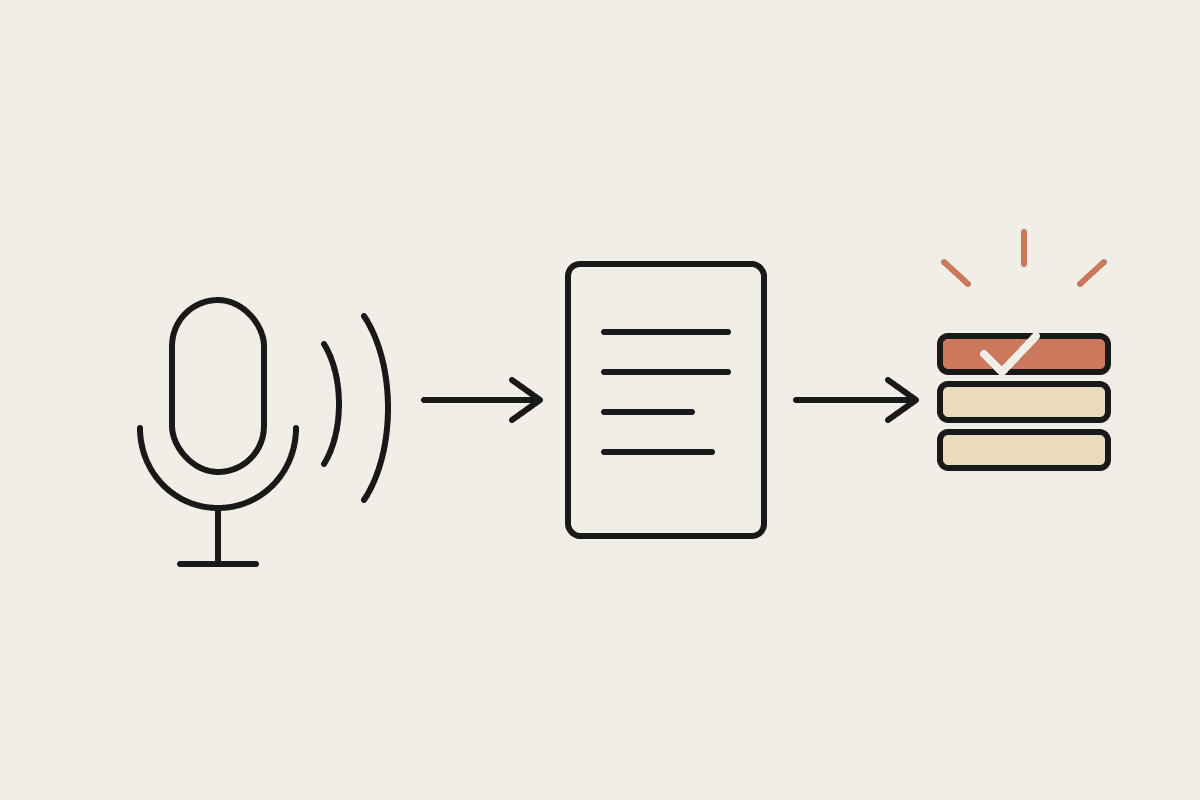
Every consultancy, agency and bookkeeping practice has a version of the same ritual. A client emails "quick one, where are things at?" and someone stops billable work to rebuild a status update from three tools and a memory of last Tuesday's stand-up. Multiply that by every active client, every week, and you have a real cost centre hiding in plain sight. Australian professional services firms commonly spend three to five hours per client per month on manual status reporting, and the update is stale the moment it lands in the inbox.
Claude Cowork offers a quieter fix: an artifact. Ask Claude to build a client status page once, and you get a live view that re-pulls data from your project tracker, accounting software and calendar every time you open it. No web developer, no new subscription, no Tuesday-night copy-paste. This post walks through what that looks like in practice for an Australian firm.
What a Cowork Artifact Actually Is
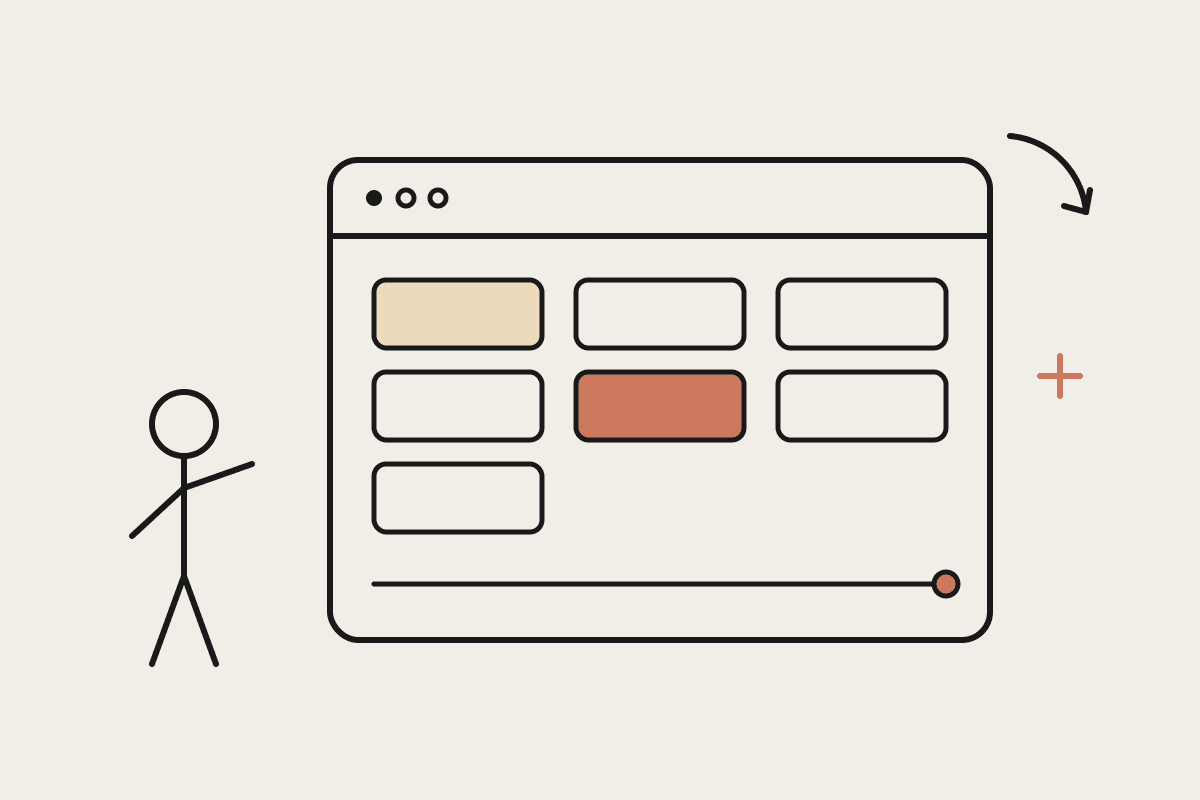
An artifact in Claude Cowork is a self-contained page that Claude builds and saves for you. Unlike a chat answer, it persists across sessions, and unlike a static report, it calls your connected tools for fresh data each time it opens. If your firm runs Jira, Asana, monday.com or Xero, the artifact can read from any connector you have authorised and lay the results out as a proper status board: cards, tables, traffic lights, whatever you ask for.
The distinction from a BI dashboard matters. Power BI or Looker needs a data model, a licence and someone who enjoys writing DAX. A custom client portal needs a developer. An artifact needs a sentence: "build me a status page for the Henderson account showing open tasks, hours billed this month and the next two milestones." Claude writes the page, wires up the data calls and keeps it in your workspace, ready to reopen every Friday.
What Goes on a Client Status Page
The best portals answer the questions clients actually ask, before they ask them. For most Australian firms the shortlist is stable across industries:
Milestones and dates: what was promised, what has shipped and what comes next, pulled straight from the project tracker.
Work in flight: the current sprint or job list in plain English, not internal ticket jargon.
Decisions waiting on the client: the polite way to show the ball is in their court.
Money: hours against retainer or invoice status from Xero or QuickBooks, so the billing conversation is never a surprise.
Risks and blockers: two or three honest, dated lines, so nothing looks hidden.
Next touchpoint: the upcoming meeting or review date from your calendar.
Resist the urge to show everything. A portal with forty widgets is a dashboard nobody reads. Six sections, each answering one client question, beat a wall of charts every time.
A Worked Example: The Friday-Ready Portal
Take a Sydney digital agency with six active retainer clients. The account lead spends about 45 minutes per client each week assembling status emails: checking Asana, pulling hours from Xero, rewording ticket titles so they read like English. That is four and a half hours a week, roughly $560 at a $125 hourly cost rate, or about $27,000 a year of non-billable time across 46 working weeks.
The agency asked Claude Cowork to build one artifact per client, each showing the six sections above. On Friday morning the lead opens each portal, reads for two minutes, adds one human paragraph of commentary, and sends the exported snapshot with the client email. Weekly reporting time fell from 4.5 hours to about 50 minutes. Nothing about the underlying tools changed: Asana and Xero stayed exactly as they were. The assembly work, the lowest-value part, went away, while the judgement clients actually pay for stayed human. That split is the pattern we see across most Claude Cowork rollouts.
The Cost Comparison
The traditional answers to "clients keep asking for updates" all carry heavier price tags. A custom-built client portal from a Sydney dev shop typically quotes between $30,000 and $45,000 upfront, plus hosting and maintenance. White-label portal software runs $30 to $90 per user per month and still needs someone to keep it current. A Cowork artifact is included in the Claude plan your team already pays for, and the build takes an afternoon, layout fiddling included. For a six-client book the payback argument is not subtle: the artifact costs nothing extra and returns roughly $27,000 a year in recovered time.
Where to Draw the Privacy Line
A status portal touches client data, so treat it with the same care as any reporting system. Under the Privacy Act and APP 11 you are responsible for taking reasonable steps to secure personal information, and professional bodies layer confidentiality duties on top. Three rules keep you safe. Build one artifact per client, never a combined view, so cross-client leakage is structurally impossible. Keep the artifact internal-facing: it renders inside your Cowork workspace, and what the client receives is the exported snapshot you have reviewed. And keep other clients' names, your margins and internal notes out of the page entirely.
Be honest about the limits too. An artifact is not a hosted website with a client login. If you need genuine client self-service at 11pm, that is still a web project. In our experience, though, the reviewed Friday snapshot covers 80 per cent of the need at close to zero per cent of the build cost.
If you want a status portal your team will actually keep current, start with one client and one page this week. Automata AI sets up Claude Cowork for Australian firms, connectors, artifacts and guardrails included. Book a free brainstorm and bring your messiest client account; that is the one worth automating first.
Related reading
The end-to-end walkthrough lives in our Claude Cowork setup guide. Closest neighbours to this piece: