Google added voice input to Gmail, Docs and Keep, letting you brainstorm, organise and draft without touching the keyboard. It landed as part of a wave of announcements at Google I/O 2026, and the dust has settled enough to judge it honestly. Plenty of Australian owners are now asking what, if anything, they should change about how their team works.
This guide keeps it practical. We will walk through what the feature actually does, where it earns its place in a working day, where typing still beats talking, and how it fits alongside a Claude-first setup. The aim is to give you the trade-offs that affect the decision rather than the marketing around it.
What voice input actually does
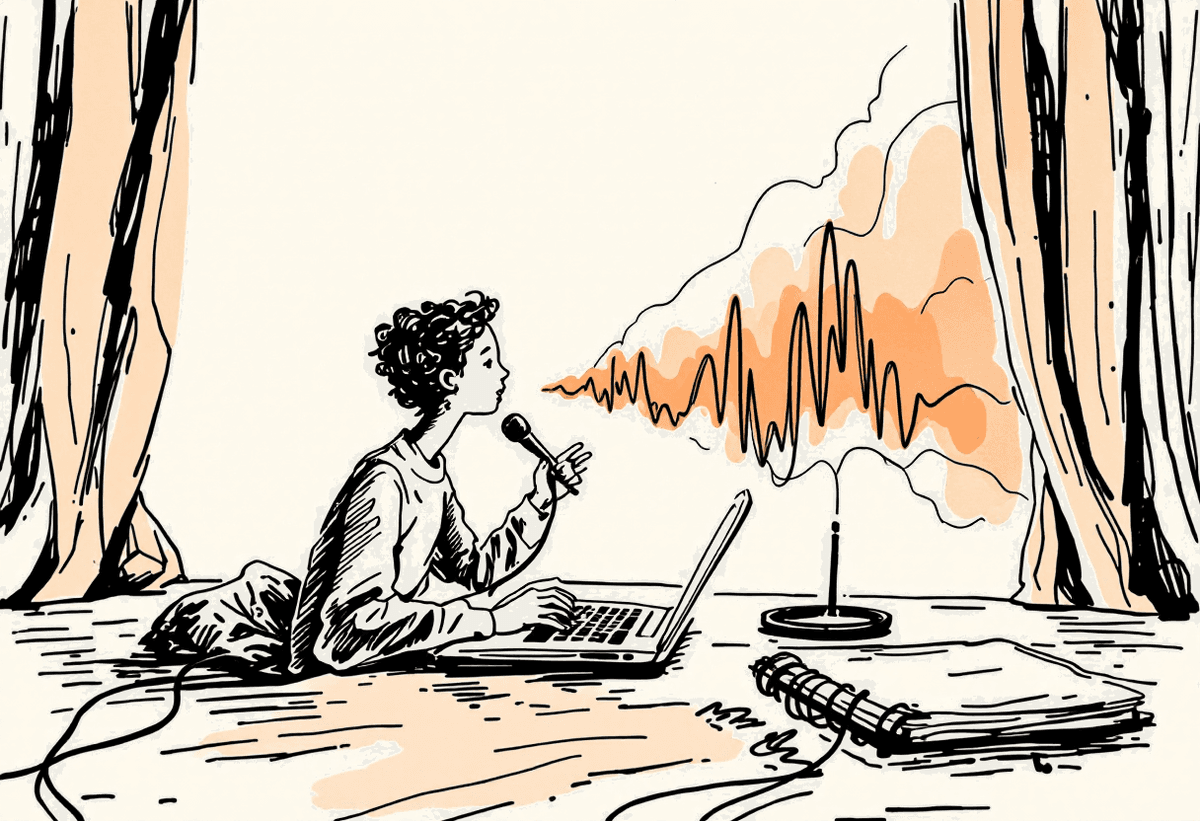
At a plain level, voice input lets you speak to draft, organise and execute simple tasks. You talk; Gemini turns it into text inside the app you are already in. There is no separate window and no copy-paste step. For a manager moving between meetings, that removes a small but constant friction.
Draft emails and notes by speaking instead of typing
Organise tasks and reminders in Keep hands-free
Capture ideas on the move before they slip away
Turn a rough spoken brief into a first draft you then edit
Where it earns its place
Voice suits quick capture, accessibility and anyone who thinks out loud. The strongest use is the gap between meetings, when you have a thought worth keeping but not the time to sit and type it. Spoken at conversational pace, most people produce two to three times the words per minute they would type, so a first draft arrives faster even if it needs a tidy-up afterwards.
Fast idea capture between appointments
Better accessibility for staff who find typing tiring or difficult
Useful on a phone when you are walking or driving with hands-free set up safely
Where typing still wins
Precise, formatted or confidential work is still better typed. Voice transcription is good, not perfect, and it struggles with names, figures and anything that needs exact structure. Dictating a contract clause or a set of numbers into an email is asking for an error you will not notice until it matters. A noisy shared office also makes accuracy worse and gives nearby colleagues an earful of work they did not need to hear.
Detailed formatting, tables and structured documents
Sensitive or confidential content you would not say aloud in an open office
Anything where a wrong figure or name carries real cost
How this compares with a Claude-first setup
Voice input is a convenience layer on top of Google Workspace. It speeds up how words get onto the page, but it does not change the quality of the thinking behind them. That is the distinction worth holding onto. If your real bottleneck is drafting a careful client reply, reasoning through a messy problem or pulling context from several sources, the answer is a capable model doing the work, not just a faster way to type.
This is where we point Australian teams toward Claude. Claude is strong on long, careful drafting and on following instructions about tone and structure, which matters when the output goes to a client or carries a legal or financial position. A sensible pattern is to use voice for capture and Claude for the considered work: speak a rough brief into a note, then hand that brief to Claude to turn into the polished version a human reviews.
Voice for capture: fast, rough, low-stakes
Claude for the considered draft: tone, structure, multi-step reasoning
A human review on anything client-facing or binding, regardless of which tool produced it
Getting it right in practice
The pattern across every Australian industry is the same. Automate the routine, keep humans on anything that commits money, law or client trust, and check accuracy before anything goes out the door. The businesses that do well are the ones that start small and stay disciplined rather than rolling a new tool out to everyone at once.
Start with one high-frequency, low-risk task such as internal note capture
Keep a human on anything client-facing or binding
Verify figures and facts before sending, especially with dictated content
Expand only once a use case has proven itself
Common mistakes to avoid
Across Australian industries the failure pattern repeats. Owners automate the wrong thing first, let a model touch money or compliance unchecked, or trust output without verifying it. A careful start prevents the costly version of each of these.
Automating a high-risk task before a safe one
Letting a model commit money or legal positions without a check
Skipping the human review on client-facing work
Assuming local rules without verifying them against the Privacy Act
Scaling before a single use case has proven out
Forgetting to tell staff what is and is not allowed
What this means for Australian businesses
Voice can save a manager around 20 minutes a day on capture, worth roughly $8,000 a year of time at a typical Australian salary, with no licence cost beyond the Workspace seat you already pay for. Pair that with Claude doing the heavier drafting and a team can realistically recover the equivalent of $25,000 or more a year per person in admin time. It is a low-cost win worth trialling, as long as confidential work stays typed and a human stays on anything that matters.
We help teams trial voice on the right tasks first
We keep sensitive work typed and reviewed
We measure whether it actually saves time before scaling it
Key takeaways
Voice input speeds up how words reach the page; it does not improve the thinking behind them
Use it for fast, low-risk capture, and keep typing for precise or confidential work
Hand the considered drafting to Claude, then have a human review the result
Match the tool to the task and review the choice as the models change
Talk to a Claude specialist
Automata AI helps Australian teams design, build and govern AI workflows with Claude at the core. Book a brainstorm and we will pressure-test your plan against the trade-offs covered above. Get in touch.