Most Australian business owners have heard that AI can automate their work. Far fewer have a clear picture of what that looks like on a Tuesday morning. Workflow automation with AI is not about replacing your team. It is about handing the repetitive, rules-light but judgement-heavy steps to a capable assistant, so your people spend their hours on the work that actually needs a human.
The fifteen examples below are drawn from workflows we see across Sydney, Melbourne and Brisbane businesses. Each one is a real pattern: a task that used to eat hours every week, reshaped so a model like Claude does the first pass and a person signs off. Read them as a menu rather than a checklist. The point is to spot the one or two that match your week.
What AI workflow automation actually means
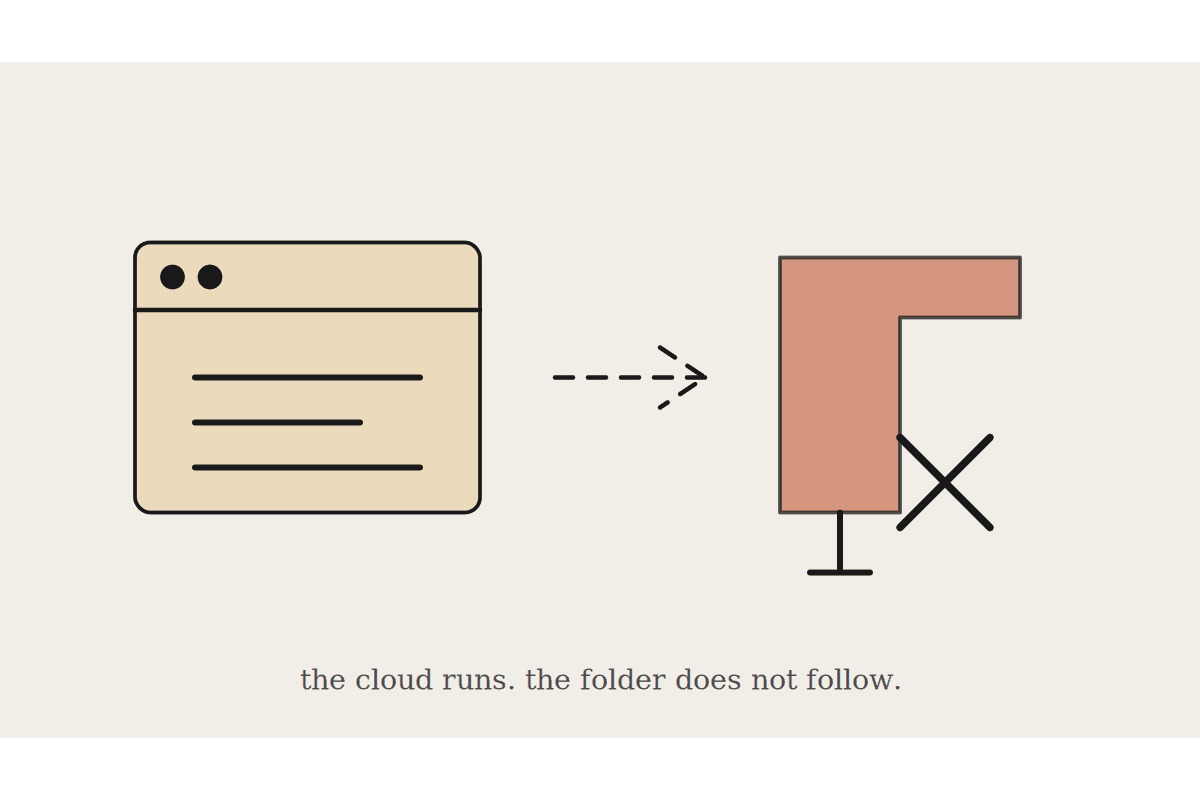
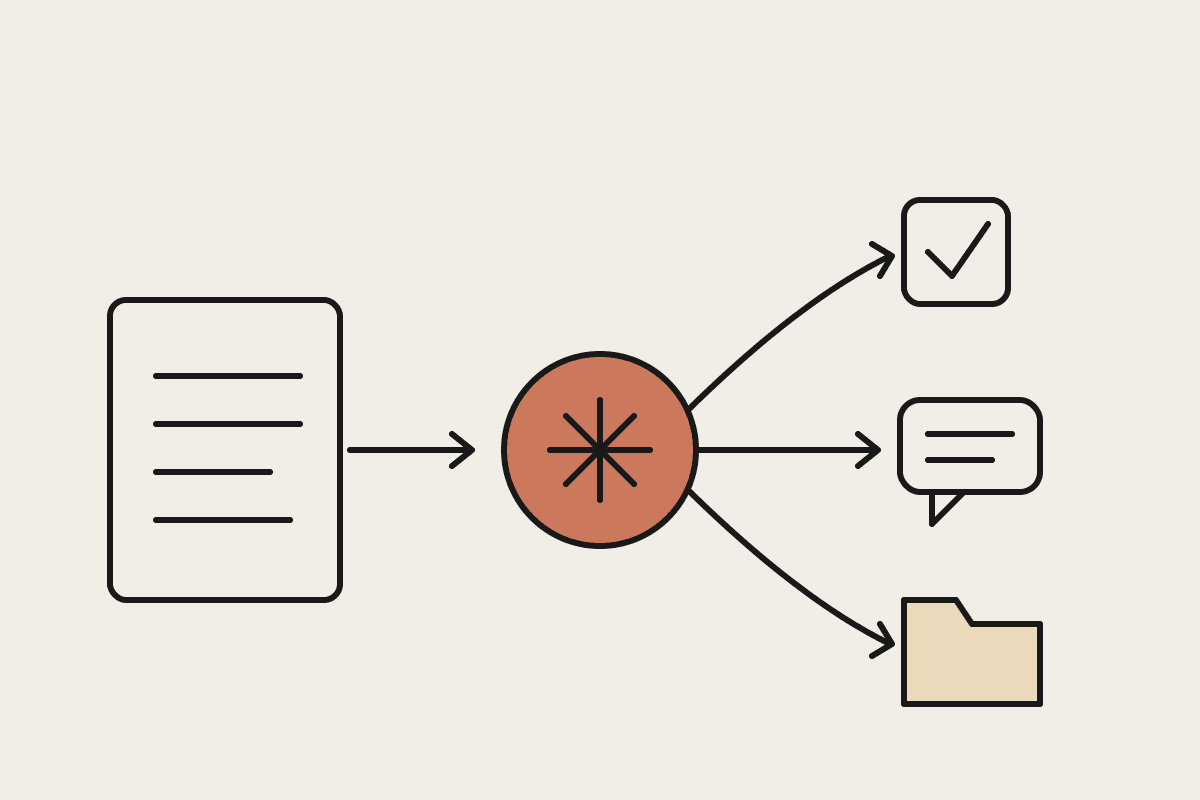
Traditional automation follows fixed rules. If an invoice arrives, move it to a folder. If a form is submitted, send a templated email. That holds up until the input varies, which in most real businesses is constant. AI workflow automation handles the messy middle: reading a supplier email worded differently every time, summarising a long report, drafting a reply that matches your tone, or sorting requests that never fit a tidy category.
The practical difference is judgement. A rules engine breaks the moment reality stops matching the rule. A model like Claude reads the context, makes a sensible call, and flags anything it is unsure about for a person to check. You keep human sign-off where it counts, and you stop paying skilled staff to copy, paste and reformat all day.
15 AI workflow automation examples from Australian businesses
These span professional services, trades, retail, health and back-office admin. Pick the ones that sound like your week.
Accounting firms: Claude reads incoming client emails, pulls out the actual question, and drafts a first-pass reply for the accountant to review. A five-partner firm can clear a morning inbox in minutes instead of two hours.
Real estate agencies: agents dictate rough notes after an inspection, and Claude turns them into listing copy, a buyer follow-up and a vendor update in one pass.
Law firms: Claude builds a chronology from a folder of correspondence and assembles a disclosure bundle index, cutting a task that once billed several hours down to a quick review.
Medical and allied health clinics: patient communication drafts for recalls, results and appointment prep, written in plain language, with the practitioner checking every one before it goes out. Patient data stays inside the Privacy Act boundaries the clinic sets.
Trades and construction: site photos, dockets and voice notes become a tidy quote and a variation claim, so the estimator is not rebuilding numbers from scraps every evening.
E-commerce stores: product descriptions, category pages and returns responses drafted from a spec sheet, turning a $45,000 copywriting backlog into a week of review.
Cafes and hospitality: supplier orders drafted from last week's usage, and rosters checked against Fair Work award rules before the manager approves them.
Freight and logistics: customs paperwork checked for missing fields, and client shipment updates drafted automatically from tracking data.
Recruitment agencies: long candidate CVs summarised against the brief, with a shortlist rationale a consultant can defend to the client.
Marketing agencies: one long-form piece repurposed into a newsletter, five social posts and a client report, so a small team ships more without hiring.
Financial advisers: meeting recordings turned into compliant file notes and a client action list, a task advisers routinely put off for days.
Manufacturers: supplier correspondence and purchase orders triaged, with pricing discrepancies flagged before they reach the ledger.
Property management: maintenance requests read, sorted by urgency, matched to the right tradesperson, and tenant replies drafted for the property manager.
Not-for-profits: grant applications drafted from a program description and past submissions, freeing a coordinator who is usually doing three jobs at once.
Back-office admin: overdue invoice reminders drafted in a tone matched to each customer, and a month-end summary written from the raw numbers.
How to pick your first workflow
The best first automation is boring, frequent and low-risk. Boring, because you do not want your first attempt riding on a high-stakes decision. Frequent, because a task you do fifty times a week pays back faster than a monthly one. Low-risk, because a person still reviews the output while you build trust in it.
Do the sums before you commit. A workflow that saves one person six hours a week at $80 an hour is worth roughly $25,000 a year in recovered time. Set against a setup cost that often lands in the $2,500 to $8,000 range for a well-scoped workflow, the payback is usually measured in weeks. Bigger back-office rebuilds can run past $120,000, but you should never start there.
Where Claude fits
We build these workflows Claude-first because the model is strong at exactly the parts that matter here: reading messy text, following instructions carefully, and being honest about what it does not know. For Australian businesses handling client, patient or financial data, that last trait matters. A workflow that flags its own uncertainty is safer than one that guesses confidently.
You do not need to automate everything at once. Start with one workflow, keep a person in the loop, and expand once it earns its place. If you want help spotting the right first candidate in your business, book a short brainstorm and we will map it with you.