A skill is one of the most useful things you can build in Claude Cowork, and you do not need to write a single line of code to make one. If you can write a clear brief for a new team member, you can write a skill. This tutorial walks through the whole process, from picking the right task to testing the finished result, in plain English the entire way.
We build these with clients across Sydney most weeks, and the pattern rarely changes. Someone spends twenty minutes a day repeating the same request to Claude, worded slightly differently each time. A skill captures that request once, so the work stays consistent and the person stops re-explaining themselves.
What a skill actually is
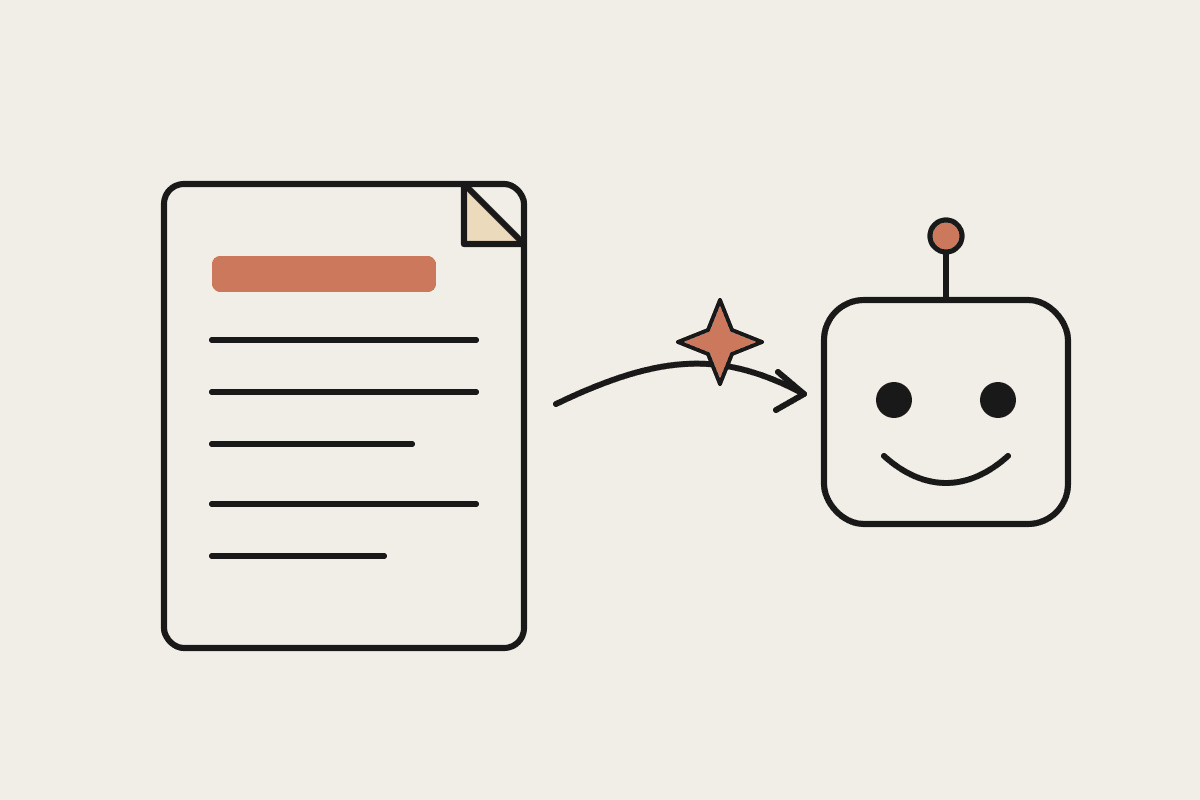
A skill is a small folder containing a file called SKILL.md. That file holds a name, a short description of when the skill should be used, and the instructions Claude follows when it runs. Claude reads the description to decide whether the skill fits what you have asked, then follows the instructions inside. Think of it as a recipe card that Claude keeps on hand.
Because it is only a text file, you can write it in any editor, including the one built into Cowork. There is no build step, nothing to install, and nothing to break. If the instructions are clear, the skill works. If they are vague, you edit the file and try again.
Step one: pick a task worth capturing
The best first skill is a task you already do by hand, more than once a week, that follows roughly the same shape each time. Strong candidates include writing a weekly client update, turning meeting notes into a list of actions, drafting a first reply to an enquiry, or tidying a rough expense list into a table.
It repeats. You do it weekly or daily, not once a quarter.
It has a shape. There is a rough structure you follow each time, even when the details change.
You can explain it. If you can talk a new hire through it in five minutes, it will make a good skill.
The stakes are low to begin with. Pick something where a solid first draft genuinely helps, not a legal filing.
Avoid starting with your most complicated process. A first skill should be small enough that you can test it in one sitting and see clearly whether it worked.
Step two: write the SKILL.md file
Every SKILL.md has three parts that matter. Get these right and the rest is detail.
Name: a short, obvious label, such as Weekly Client Update. This is how you and Claude refer to the skill.
Description: one or two sentences telling Claude when to use it. Write it from the trigger's point of view, for example: use this when I ask for a weekly update for a client.
Instructions: the actual steps, written as though you were briefing a capable assistant who has never done the task before.
The description does more work than people expect. Claude uses it to decide whether the skill applies, so name the situations that should set it off. If you only ever say give me the Monday update, put that phrase in the description so Claude connects the two.
A worked example
Say you run a small consultancy and every Friday you send each client a short progress note. Your instructions might read: ask which client this is for. Pull the tasks we finished this week and the ones still open. Write four short paragraphs covering what moved, what is next, anything you need from the client, and a warm closing line. Use Australian spelling and sign off as me.
That is a complete, working skill. It is specific about the structure, the tone, and the small details that usually get forgotten, such as spelling and the sign-off. Notice there is no code anywhere, only clear instructions.
Step three: test it honestly
Run the skill on a real example, not an invented one. Then read the output as if a colleague had handed it to you. Where did it guess wrong? Where did you fix something by hand? Each of those fixes is a line to add back into the instructions so the skill gets it right next time.
Most first drafts need two or three rounds of this, which is normal. The value builds up, because once the skill is solid you get a consistent result every time without re-briefing the task. One Sydney firm we worked with cut a recurring admin job from roughly A$1,500 a month of billable time down to a few minutes of review, and the only asset they built was a single text file.
Common mistakes to avoid
Being too vague. Do a good job is not an instruction. Spell out the structure and the tone you want.
Packing in too much. One skill, one job. If you catch yourself writing three unrelated tasks into one file, split them.
Forgetting the description. If Claude never seems to reach for your skill, the description probably does not match how you actually ask.
Never revising. A skill is a living document. Update it whenever you correct the same thing twice.
Once you have written one skill, the second takes minutes. Most teams we work with go from a single skill to a small library within a fortnight, each one capturing a task that used to live only in one person's head.
If you want a hand working out which tasks in your business are worth turning into skills, or you would like a working library built alongside your team, book a short call and we will map it out together.
Related reading
The end-to-end walkthrough lives in our Claude Cowork setup guide. Closest neighbours to this piece: