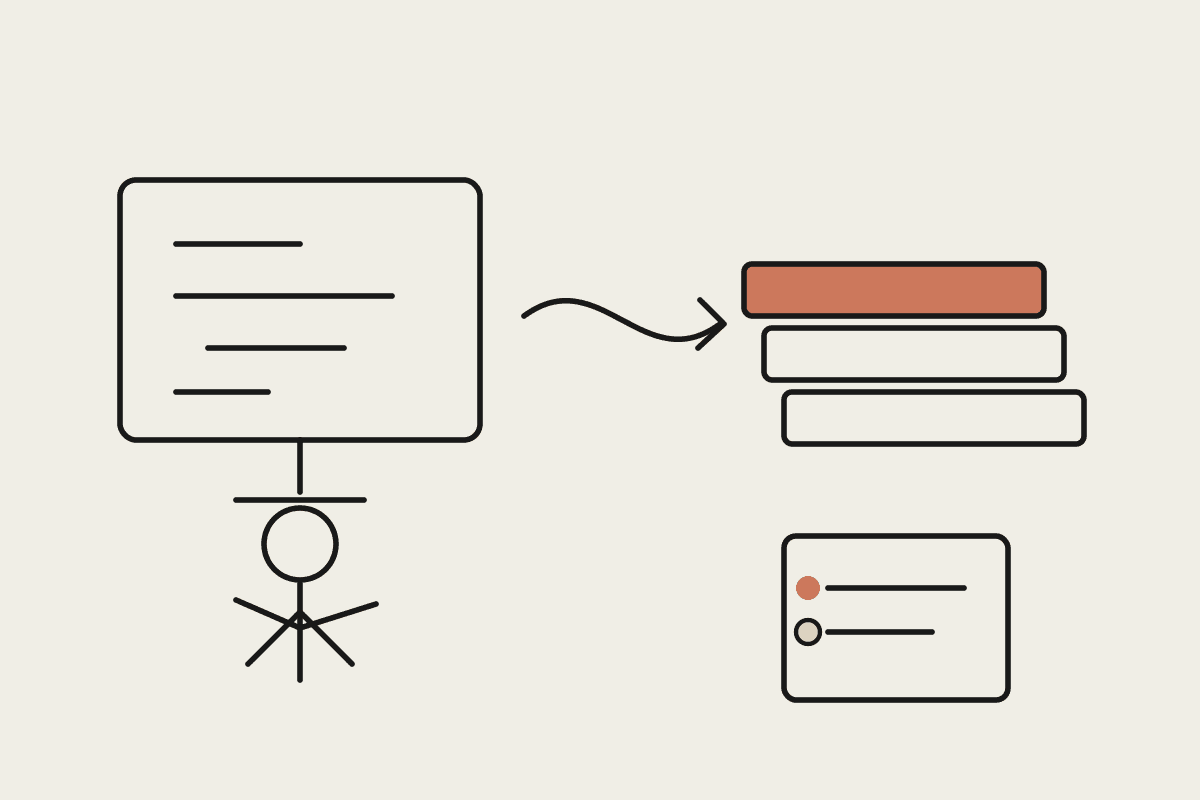
Claude Code shipped a feature this fortnight that quietly changes how a senior engineer in Sydney or Melbourne should structure a workday. Agent view, now in Research Preview on Pro, Max, Team, Enterprise and Claude API plans, puts every Claude Code session into one screen. You can fire off a fresh agent, send it to the background with /bg, peek at any session's last response without breaking your current train of thought, and steer five or six concurrent runs from a single CLI view.
The previous shape of parallel agent work involved a tmux grid, a stack of terminal tabs, and the kind of mental ledger that drops things on a Friday afternoon. Agent view replaces that with a single rowed list: which session is waiting on you, which is still working, which has produced a pull request ready for review. For an Australian engineering lead paying fully-loaded rates of around $245,000 for a senior, that change has a real number attached to it.
This piece walks through what agent view actually does, why the economics matter for an AU team, and a 30-day plan to roll it out without losing code-review hygiene or APRA-style audit trails. We will keep the focus on Claude Code on a developer's machine. Agent view does not change what Claude Code is allowed to touch, only how a human conducts several sessions at once.
What agent view actually changes
From inside any active Claude Code session, pressing the left arrow opens the agent view. You can also start it from a fresh terminal by running claude agents. Each row in the view shows the session title, a status indicator for whether Claude is waiting on you or still working, the contents of the last response so you can scan without attaching, and a timestamp for the most recent interaction.
Three interaction patterns are worth committing to muscle memory. Selecting a row peeks at the last turn, which is enough to triage most prompts that are waiting on a yes-or-no answer. Pressing enter attaches you to the full transcript so you can read context and reply. From inside a session, the /bg slash command sends it to the background, and claude --bg [task] launches a brand new background session without ever taking over the foreground.
The arrow-key navigation is the part that takes a day to feel right and a week to feel essential. Left from a session opens the view. Right from the view returns to whatever you were doing. Selecting a row opens its peek. If you are mid-flow on a refactor and a quick codebase question lands in your head, you can dispatch the question as a side session, keep working, and check the answer when it surfaces. That is the workflow that justifies the Research Preview tag: the loop is short enough that the side question pays for itself.
Why this matters for an Australian engineering lead
Senior engineers in Sydney and Melbourne cost between $180,000 and $260,000 fully loaded, depending on tenure and equity. Mid-level rates run $130,000 to $170,000. The AU AI talent premium pushes Claude Code-fluent engineers towards the upper end of those bands. Time these people spend on coordination, tab-switching, or watching a long agent run is the most expensive time in the business.
Agent view shifts the constraint. Before, a single engineer could supervise one or two Claude Code sessions at a time before context-switching costs ate the gain. Now the same engineer can keep four to six in motion: a PR babysitter waiting on review feedback, a dashboard updater on a cron-like loop, a refactor agent grinding through a feature branch, and a side session for the inevitable mid-morning codebase question. Even a conservative read of this puts the per-engineer throughput gain at 25 to 40 percent for the right kind of work.
Concretely, here is how Australian teams are putting it to work in the first month:
PR babysitters: a session that watches a pull request, responds to review comments, and pushes follow-up commits. Status shows as waiting on input the moment a reviewer leaves a note.
Dashboard and report updaters: looping jobs that refresh internal status pages, weekly engineering metrics, or DORA-style dashboards. Agent view shows the next run time on the row, which kills the "is it still running?" question.
Long-running migrations: a session pointed at a slow rewrite (auth provider swap, monorepo extraction, a legacy CMS migration) that you check on twice a day rather than babysitting.
Codebase Q&A side-quests: a left-arrow side session for "where is this called from" or "draft the test plan for this file" questions that would otherwise interrupt deep work.
Spec-and-implement pairs: one session writing the spec, a second session implementing it, both visible in the row list so the lead can swap between drafting and code review without losing place.
A 30-day rollout plan for an AU engineering team
Resist the urge to email the whole engineering org with a link. Agent view rewards engineers who already have a Claude Code habit, and confuses ones who do not. A staggered rollout protects both groups.
Week 1: two senior engineers opt in
Pick the two engineers on your team with the strongest Claude Code muscle. Have them opt in with claude agents and use it for everything for a week. Ask them to log five concrete patterns that worked and three that did not. The aim of week 1 is not coverage, it is to find the rough edges before the rest of the team meets them.
Week 2: share patterns, expand to the senior cohort
Run a 30-minute internal session where the two week-1 engineers demo their patterns. The /bg recipes are usually the highest-value content: which kinds of tasks they sent to the background, what they peeked at versus attached to, how they used the side-question pattern. Open agent view to the rest of the senior engineers at the end of the session.
Week 3: introduce long-running agents
Pick one or two looping jobs you have been meaning to automate (a weekly DORA report, a stale-PR nudge, a daily summary of newly-merged commits) and set them up as background sessions. These are the patterns that justify agent view by themselves, because they remove a recurring tax on the engineering lead's calendar.
Week 4: measure and decide
Count concrete things: pull requests merged per engineer per week, time-to-first-review on PRs touched by Claude Code, number of long-running agents in steady-state. Compare against the four weeks before rollout. If the numbers move, open the door to mid-level engineers. If they do not, dig into which tasks did not produce the gain you expected, and adjust the patterns rather than the tool.
Where agent view fits with your Australian compliance posture
Agent view does not move data anywhere it was not already moving. Sessions live in the same Claude Code process they always did, on a developer's machine, scoped to whatever directories and tools the engineer already had access to. For an APRA-regulated team, your existing CPS 234 controls on which repositories Claude Code can touch still apply. For Privacy Act work, the same data-handling rules that govern Claude Code in single-session use also govern it in agent view.
Two practical things to add to your team's runbook. First, document the claude --bg patterns as approved or not approved, the same way you would treat any other CLI flag with broad scope. Second, if your team uses Claude Code in a shared environment (a jump box, a dev container), agree on a per-engineer naming convention for sessions so the row list stays readable and audit-friendly.
AUSTRAC and ASIC-regulated teams have asked us the same question twice this fortnight: does agent view change the audit story? The answer is no. Claude Code session logs remain on the developer's machine and inside Anthropic's data boundary per your existing plan. Agent view is a UI on top of those sessions, not a new data path.
How Automata AI helps Australian teams roll this out
We are a Sydney-based Claude consultancy. Most of our engagements start with a similar pattern: an engineering lead has a sense Claude Code could be doing more, but the team is stuck at the one-session-at-a-time stage, with no shared vocabulary for what good looks like. Agent view is the kind of feature that needs a small amount of structure around it to land properly.
What that structure looks like in practice: a half-day pattern workshop where we sit with two or three senior engineers and design their first five /bg recipes, a runbook update for your security or platform team, and a 30-day check-in to measure whether the throughput gain actually showed up. If you are an Australian engineering lead with a team of 8 to 40 engineers and you want to move past one-Claude-session-at-a-time, we can help. Book a 30-minute call via /contact and we will share the agent view rollout plan we are using with current clients.