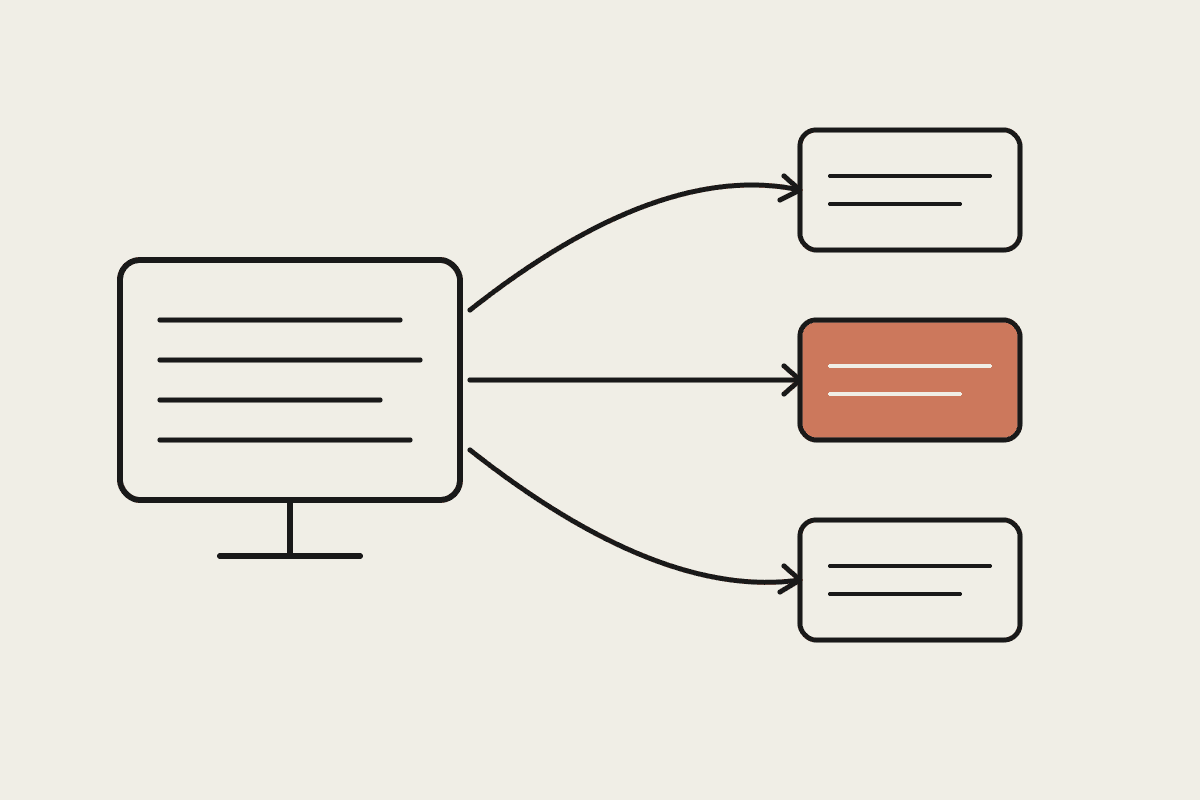
The ATO exposes several digital services businesses already interact with, activity statements, business registrations, super guarantee data, and wrapping the relevant ones in an MCP server means Claude can answer questions or draft actions against real, current data instead of relying on what a person remembers or a document that's already out of date.
It's worth stating plainly for anyone new to this: an MCP server here is infrastructure, not advice. It surfaces data faster. It doesn't interpret what that data means for a specific client's obligations, and treating it as if it does is exactly the kind of scope creep that turns a useful internal tool into a compliance liability.
Scoping what actually belongs in the server
Not everything the ATO exposes needs to go into your MCP server on day one. Start narrow: pick the two or three interactions your business or your clients actually repeat often, checking BAS lodgement status, pulling activity statement figures, confirming super guarantee obligations, and build resources and tools around exactly those, rather than trying to wrap the entire available surface area in one pass.
Resources: read-only lookups like lodgement status or activity statement figures
Tools: anything that submits or changes data, which needs stricter guardrails
Authentication: this touches real tax data, so credential handling needs proper review
Audit trail: log every call, since this is exactly the kind of access a regulator may ask about
Why authentication and audit logging aren't optional here
Government digital services carry a different risk profile than an internal rostering tool. Every call needs proper authentication scoped to exactly what's needed, and every action, especially anything closer to a tool than a resource, needs a clear audit trail: who asked, what was called, what came back. This isn't extra caution for its own sake. It's the standard any registered agent or business handling client tax obligations already needs to meet, and an MCP server sitting in that chain needs to meet it too, not create a gap in the record.
A realistic build scope and cost
A bookkeeping practice in Brisbane building this for internal use, three read-only resources covering lodgement status, activity statement summaries and super guarantee checks, budgeted around $6,500 for the build plus the authentication and logging work done properly. That's a meaningfully bigger number than a simple internal-tool MCP server, and the difference is almost entirely the compliance and audit work, not the core connector logic itself.
Where a BAS or tax agent's obligations still apply
Building this tooling doesn't change who's responsible for what gets lodged or advised. A registered BAS or tax agent's obligations under TPB rules still sit with the human professional, not with the MCP server or the model reading its output. Treat this as infrastructure that surfaces current data faster and more reliably, not as something that makes the underlying regulated service any less regulated.
If your practice is considering this, start with the read-only lookups before touching anything that submits data, and get the audit logging right from the first version rather than retrofitting it later.
Test the server thoroughly against a sandbox or test account before pointing it at live client data, and treat any change to how it authenticates as something that gets reviewed just as carefully as the initial build, not waved through as a minor update.
Handling failure modes gracefully
An MCP server touching government infrastructure will occasionally hit downtime or a rate limit on the ATO's side, and the server needs to fail clearly rather than silently, returning a plain error a person can act on rather than a stack trace or, worse, a stale cached figure presented as current. For anything feeding into a client-facing report, a clear "data unavailable, try again" beats a wrong number every time.
Build this in from the start rather than discovering the gap when a lodgement deadline is approaching and the server quietly returns outdated status information because the live call failed and nobody had planned for that case.
Document the failure behaviour clearly for whoever's relying on the tool day to day, so a failed call is understood immediately as "check manually" rather than mistaken for a genuine system status.
A useful habit for any practice running this: review the server's error logs monthly alongside the usual compliance checks, not as a separate technical task owned by whoever built it and forgotten about once it's live.
Get the scope, the logging and the failure handling right, and the tool earns its place as a genuine time-saver rather than a new source of risk.
That's a modest bar to clear, and the businesses that clear it get a genuinely faster, more reliable tool without inheriting new compliance exposure.