For most Australian small businesses, the inbox is where the working day quietly disappears. A tradie in Western Sydney opens Gmail to a stack of quote requests, supplier updates, and a customer chasing a job. A clinic manager in Brisbane starts the morning triaging fifty messages before a single patient walks in. The email keeps arriving, and the plan to deal with it later rarely survives lunchtime.
Claude Cowork connected to Gmail can take the repetitive parts of that off your plate. It reads a thread, understands the context, and drafts a reply in your voice, sorts what matters from what can wait, and pulls the action items out of a long chain. The trick is not the technology on its own. It is designing a workflow that still runs when the week gets busy. This is where most inbox systems fall over, and it is exactly the part worth getting right.
Why most inbox systems fall apart
Plenty of small businesses have tried folders, filters, and colour-coded labels. They work for a fortnight and then collapse. The reason is almost always the same: the system depends on the owner having spare time and a clear head, and neither of those is reliable. A workflow only sticks when it keeps working on the days you are stretched thinnest.
The common failure points look like this:
Rules that need constant tending. A filter that files everything from a supplier is fine until that supplier also sends the invoice you actually need to see.
Triage that still requires reading every message. Sorting by hand defeats the purpose, because the reading is the slow part.
Replies that sit half-written. A draft you have to finish later is a task you have deferred, not removed.
Systems that only one person understands. When the owner is on leave, the whole thing stops.
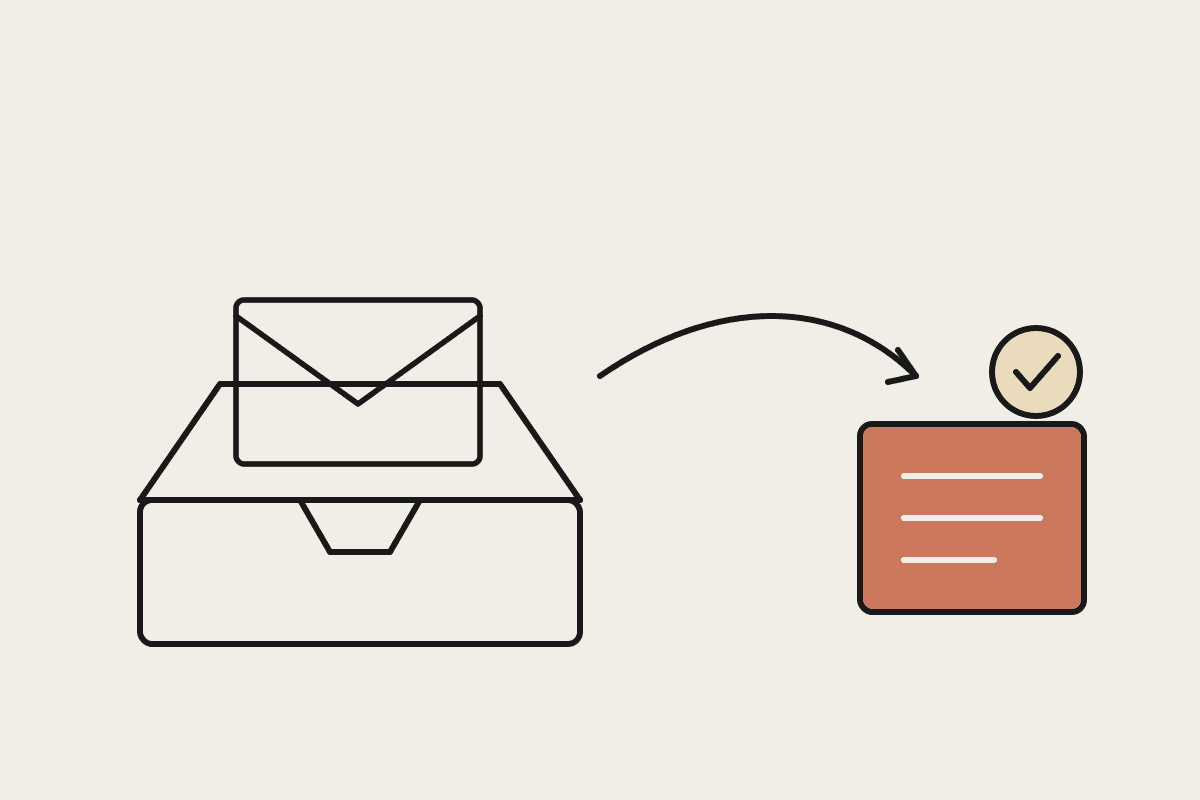
A workflow built around Claude flips the order of operations. Instead of you reading everything and then deciding, Claude reads first, groups the inbox by what needs a decision, and prepares the response so your job is to approve rather than compose from scratch.
What Claude Cowork does with Gmail
Once Claude has access to your Gmail, a handful of jobs become close to automatic. None of them require you to learn a new app or move your email somewhere else. The work happens against the inbox you already have.
Triage the overnight pile. Claude reads new threads and groups them: needs a reply today, waiting on someone else, informational only, and likely spam or noise.
Draft replies in your voice. For the messages that need an answer, Claude writes a first draft that reflects how you actually write, ready for you to check and send.
Pull out the commitments. It scans long threads for the things you agreed to do and lists them, so a promise buried in message nine does not slip.
Summarise a thread before a call. Rather than scrolling back through twenty replies, you get a short brief on where a conversation landed.
Chase what is outstanding. Claude can flag the quotes and invoices that have gone quiet and draft a polite follow-up for each.
For a five-person team, inbox admin can quietly cost the equivalent of $45,000 a year in salaried hours once you add up the daily triage, the half-written replies, and the context switching. Even reclaiming a third of that is a real number for a small business, and it shows up as time back rather than a line on an invoice.
A workflow that survives a bad week
Here is a shape that holds up when things get hectic. It runs first thing, takes a few minutes of your attention, and does not depend on you being at your best.
You open a short brief from Claude that tells you what came in overnight and what it has already prepared. The urgent replies are drafted and waiting. The follow-ups are queued. The noise is set aside. Your role is to read the drafts, adjust anything that needs your judgement, and approve. What used to be an hour of reading and typing becomes ten minutes of decisions. On a day when a job runs late or a staff member is off sick, the system still produces the same brief, because it does not rely on you finding a clear window to run it.
The point is that the workflow does the reading and the first draft every day without asking. You are never staring at a cold inbox trying to remember where you were. At roughly $60 an hour for an owner's time, shaving forty minutes off the morning most days adds up faster than people expect.
Keeping it safe and compliant
Email carries customer names, contact details, and sometimes health or financial information, so any system that touches it needs guardrails. Under the Privacy Act, an Australian business is responsible for how personal information in its inbox is handled, and that responsibility does not change when an assistant is involved.
The house rules we recommend are simple:
Draft, never auto-send. Claude prepares replies and you approve them. Nothing leaves the building without a human deciding to send it.
Keep access scoped. Give the assistant the mailbox it needs and nothing more, and review that access regularly.
Know where the data goes. Be clear on what is read, what is stored, and for how long, so you can answer a customer who asks.
Keep a person in the loop for anything sensitive. Complaints, legal matters, and anything involving a vulnerable customer stay with a human first.
These are not obstacles to the workflow. They are what makes it something you can run in a real business without lying awake about it.
Where to start
You do not need to automate the whole inbox on day one. The workflows that stick usually start with one job, the morning triage, and grow from there once the team trusts the drafts. Pick the part of your email that costs you the most time each week and build around that first.
If you want help designing an inbox workflow that fits how your business actually runs, book a short brainstorm with us and we will map it out with you.
Related reading
The end-to-end walkthrough lives in our Claude Cowork setup guide. Closest neighbours to this piece: