Most Australian Cowork content assumes Xero, because most Australian small businesses are on Xero. But a meaningful minority, particularly firms with a US parent, a US-trained bookkeeper, or an industry where QuickBooks happens to be the incumbent, are running QuickBooks Online instead. The connector setup and the practical gotchas are different enough from Xero that it's worth covering on its own terms rather than as an afterthought. Most of the guidance written for Cowork-and-accounting-platform integrations quietly assumes Xero's API shape and its AU-specific GST handling, and porting that assumption onto QuickBooks without checking it is exactly how the mapping errors below happen. It's a completely avoidable mistake once you know to look for it, which is the whole point of writing this up as its own guide rather than a footnote to a Xero one.
What's actually different about the QuickBooks build
The mechanics of connecting Cowork to QuickBooks Online are similar in shape to Xero: OAuth-based API access, read and write scopes for invoices, contacts, and transactions. Where it diverges is in the detail. QuickBooks' chart-of-accounts structure and its handling of GST (it defaults to the Australian tax code set, but only if the organisation was set up correctly for AU from the start) don't map one-to-one onto the patterns most AU automation guides assume, because those guides were written against Xero's data model.
GST/BAS reporting fields need explicit mapping; QuickBooks' AU tax codes aren't always configured correctly out of the box
Contact and invoice sync behaves differently on batch operations, worth testing on a small batch first
Bank feed categorisation rules transfer conceptually from Xero setups but need rebuilding, not copying
Reporting connectors (P&L, aged receivables) use a different API shape and need their own build, not a port
A practical setup path
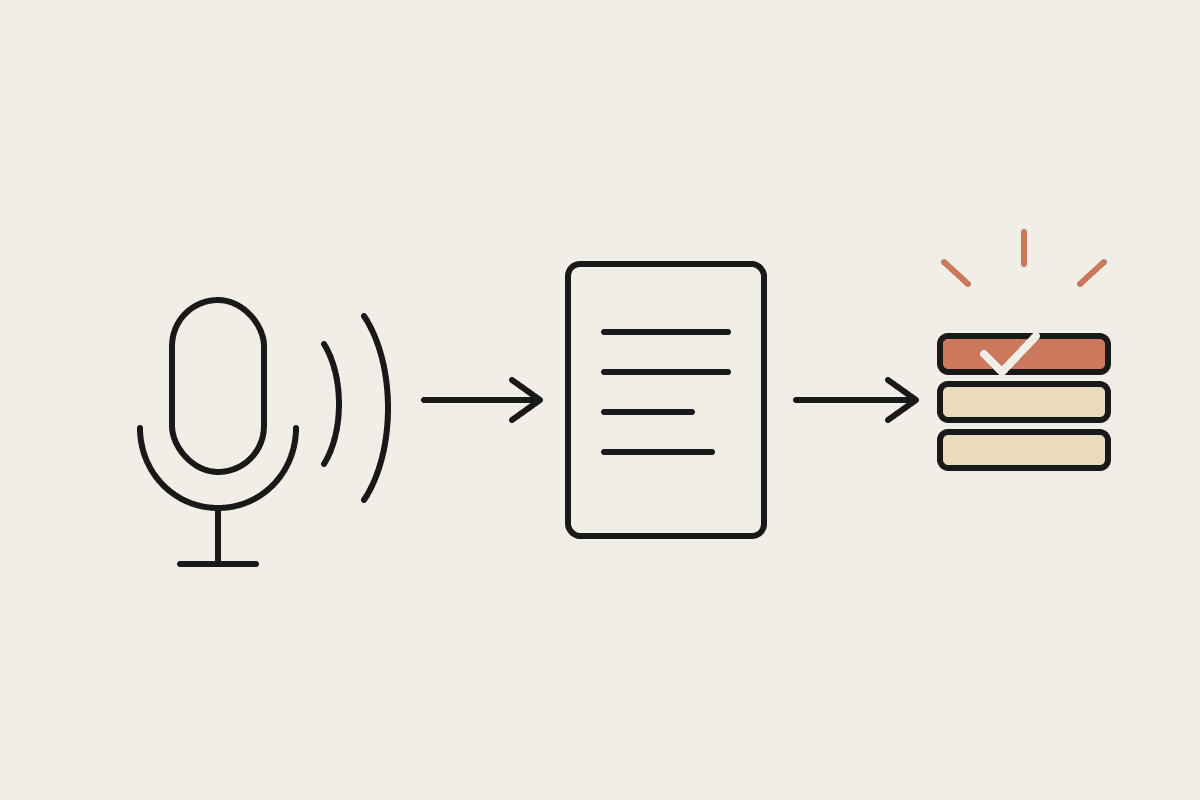
Start with read-only access for the first fortnight, matching invoices and contacts against what Cowork sees through the API to confirm the GST codes are mapping correctly before turning on any write actions. This catches the single most common problem we see with QuickBooks AU setups: an organisation that was created from a US template and never had its tax codes properly localised, which throws BAS reporting off in a way that's easy to miss until your accountant flags it at quarter end.
A Sydney-based firm with a US parent company running QuickBooks Online (kept for group reporting consistency rather than by local choice) had exactly this problem: three GST codes were mapped to the wrong rate, understating GST collected by roughly $4,600 over two quarters before it was caught during the Cowork connector build's validation pass. Fixing the mapping before going live avoided a BAS amendment that would have taken the bookkeeper the better part of a day to sort out with the ATO.
The migration path if you do eventually move to Xero
Some of the firms we build QuickBooks connectors for are on a multi-year path toward consolidating onto Xero once a US parent relationship changes or a licence lapses. Worth knowing upfront: the Cowork connector build is not wasted effort if that happens, because the categorisation history, GST mapping logic, and reporting templates carry across conceptually even though the API calls themselves need rebuilding against Xero's different schema. Firms planning that move are better off building the QuickBooks connector properly now than limping along with a workaround while waiting for a switch that might be years away. Treat the QuickBooks build as a genuine investment in its own right, not a stopgap, because the reporting and categorisation discipline it forces pays for itself regardless of which platform you're on in three years. It also means the firm isn't stuck waiting on a platform decision that's genuinely outside their control before getting any automation benefit at all, and it avoids the false economy of building twice because the first build was treated as temporary.
What this isn't
This isn't an argument for switching to QuickBooks, or against it. If you're setting up fresh with no constraint pulling you toward one platform or the other, Xero has the deeper AU-specific tooling and the wider Cowork connector ecosystem right now. This is for the firms who are on QuickBooks for a real reason (usually a US parent or an existing licence) and need Cowork to work properly against what they've actually got, not what the majority of guides assume.
Automata AI builds Cowork connectors for both platforms and has fixed more than one AU-QuickBooks tax-code mapping in the process. If your firm's on QuickBooks and stuck without local playbooks to follow, get in touch via /contact.
Keep going
For the full setup path, see the Claude Cowork setup guide. Related on this topic: