Claude Cowork lets a non-technical team member read files, run code in a sandbox, browse the web, and draft work across connected tools. That reach is the whole point. It is also the reason governance has to come before the first task runs, not after something goes wrong. An Australian business that hands Claude access to client folders, a CRM, and an email account has effectively onboarded a fast new staffer with broad system access and no induction. This guide covers the three controls that keep that arrangement safe: permissions, boundaries, and approval gates.
Start with permissions, not features
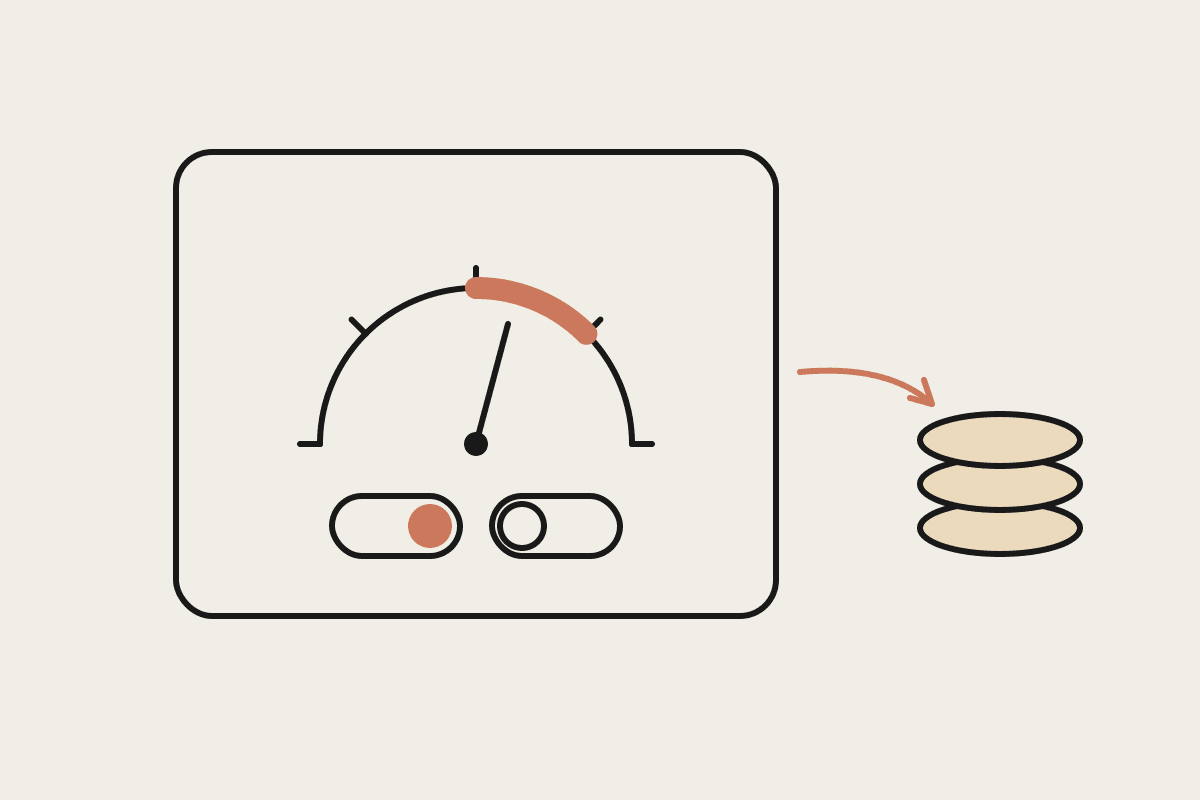
The first question is not what Claude can do but what this particular person should be able to reach through it. Cowork works with the accounts you connect to a session, so a bookkeeper running Cowork can touch whatever those connected logins can touch. Scope the connected accounts to match the role. If a marketing coordinator only needs the content folder and the social scheduler, do not connect the finance system to their session.
Give each Cowork user their own connected accounts rather than a shared admin login, so every action is attributable to a named person.
Connect the narrowest set of folders and tools the role actually uses, and add more only when a real task needs it.
Prefer read-only access for systems of record like your accounting ledger or client database until a specific write workflow is approved.
Review connected accounts monthly and disconnect anything a person has stopped using.
The cost of getting this wrong is not hypothetical. A single mistaken bulk edit to a client database, or a message sent to the wrong list, can cost a small firm $45,000 once you add up remediation, lost trust, and staff time. Tight permissions make that class of mistake structurally difficult rather than merely discouraged.
Draw boundaries the tool will respect
Permissions decide what Claude can reach. Boundaries decide what it should never do even within reach. In Cowork these live in your project instructions, the plain-language rules Claude reads before every task. Written well, they act like a standing brief for a capable contractor who follows instructions closely.
The most useful boundaries are specific and testable. "Be careful with client data" is advice. "Never send an email, publish a page, or write to the CRM without explicit approval in this chat" is a rule Claude can actually follow.
Draft, never send: emails, social posts, and any client-facing message wait for a human to press send.
Name the systems that are read-only and the folders that are off limits entirely.
Require the person to confirm the specific client or project before Claude starts work that touches client files.
State which actions are permanently forbidden, such as deleting records or changing billing settings.
For regulated work these boundaries carry weight. Under the Privacy Act, an Australian business stays accountable for how personal information is handled regardless of which tool touched it. APRA-regulated firms and financial services licensees answerable to ASIC need the same clarity about what an automated helper may and may not do with customer records. Writing the boundary down is the start of being able to show you had one.
Build approval gates into the workflow
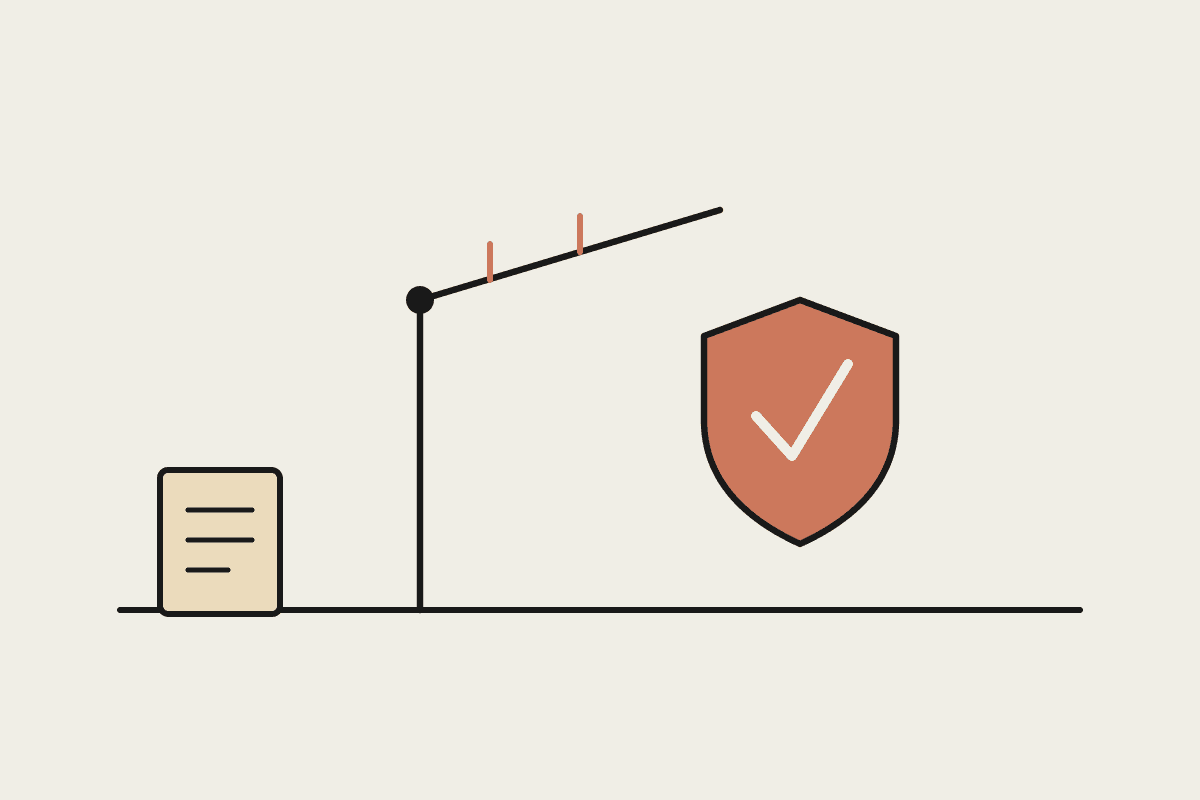
The third control is a gate: a defined point where a human reviews and approves before an action with real consequences goes ahead. Cowork is built for this. It can produce a draft email, a proposed database change, or a finished document and then stop, waiting for you to look before anything leaves the building.
A good gate sits where the blast radius is largest. Reading and drafting are low risk and rarely need one. Sending, publishing, paying, and deleting are high risk and should always sit behind a gate.
Anything client-facing (emails, proposals, social posts) drafts first and sends only on a clear yes.
Financial actions like paying an invoice or moving money always route back to a person, never to Claude.
Bulk changes to records get previewed as a list of exactly what will change before they run.
Publishing to a live website or channel waits for a named approver.
Approval gates also give you an audit trail almost for free. Because the approval happens in the chat, you have a record of what was proposed, who approved it, and when. For a Sydney or Melbourne firm that may one day need to show a client or a regulator how a decision was made, that trail is worth more than the few seconds it costs to type "approved".
A governance baseline you can start today
You do not need a formal policy document to begin. A workable baseline for most Australian small businesses fits on one page and covers three things: which accounts each person may connect, what Claude may never do without approval, and where the approval gates sit. Put those rules in your Cowork project instructions so they apply to every task automatically, then adjust as you learn what the team actually asks for.
The pattern holds as you grow. A team of three might keep everything in one shared project brief. A firm of thirty will want per-role permissions and a short written policy, but the underlying idea does not change: reach is scoped, boundaries are explicit, and consequential actions wait for a human. Getting this right early costs a morning. Retrofitting it after an incident costs far more, often well past $120K once you count remediation and reputational damage.
If you want help setting up Claude Cowork with sensible permissions and approval gates for your team, we can map it to how your business actually works. Book a brainstorm and we will sketch a governance baseline you can run from day one.
Keep going
For the full setup path, see the Claude Cowork setup guide. Related on this topic: