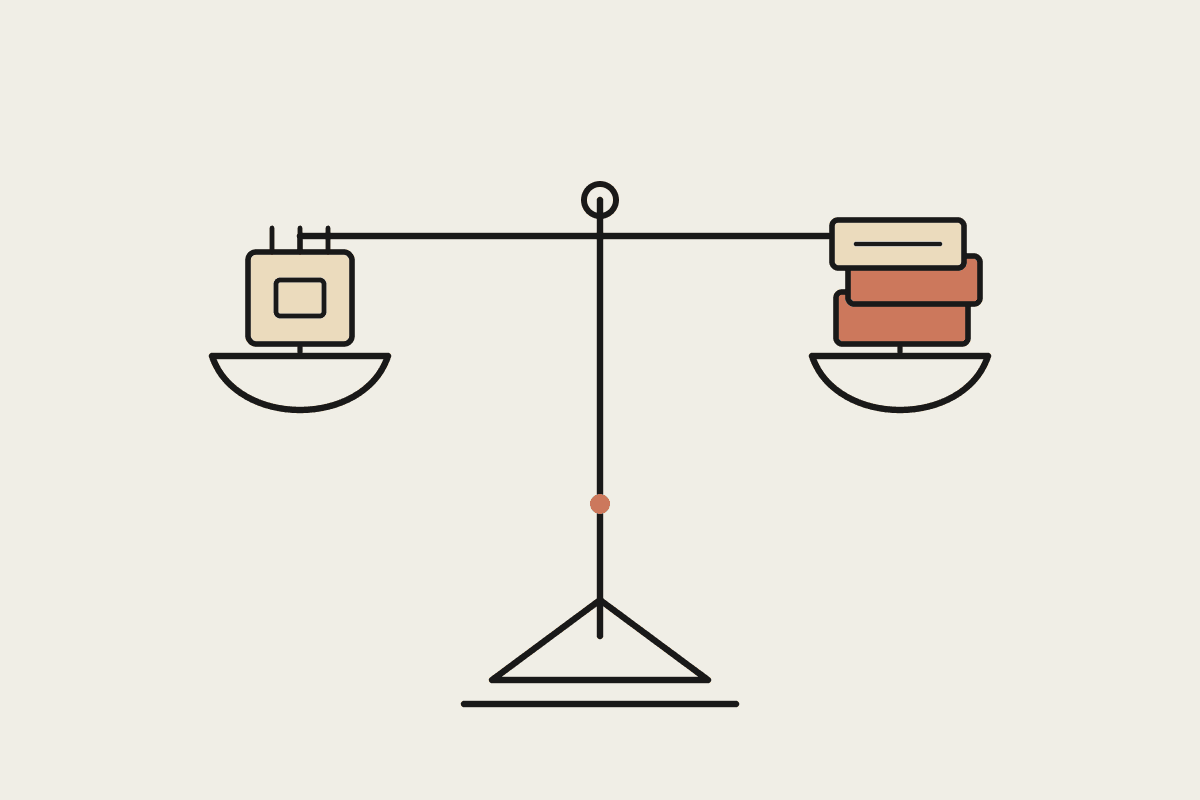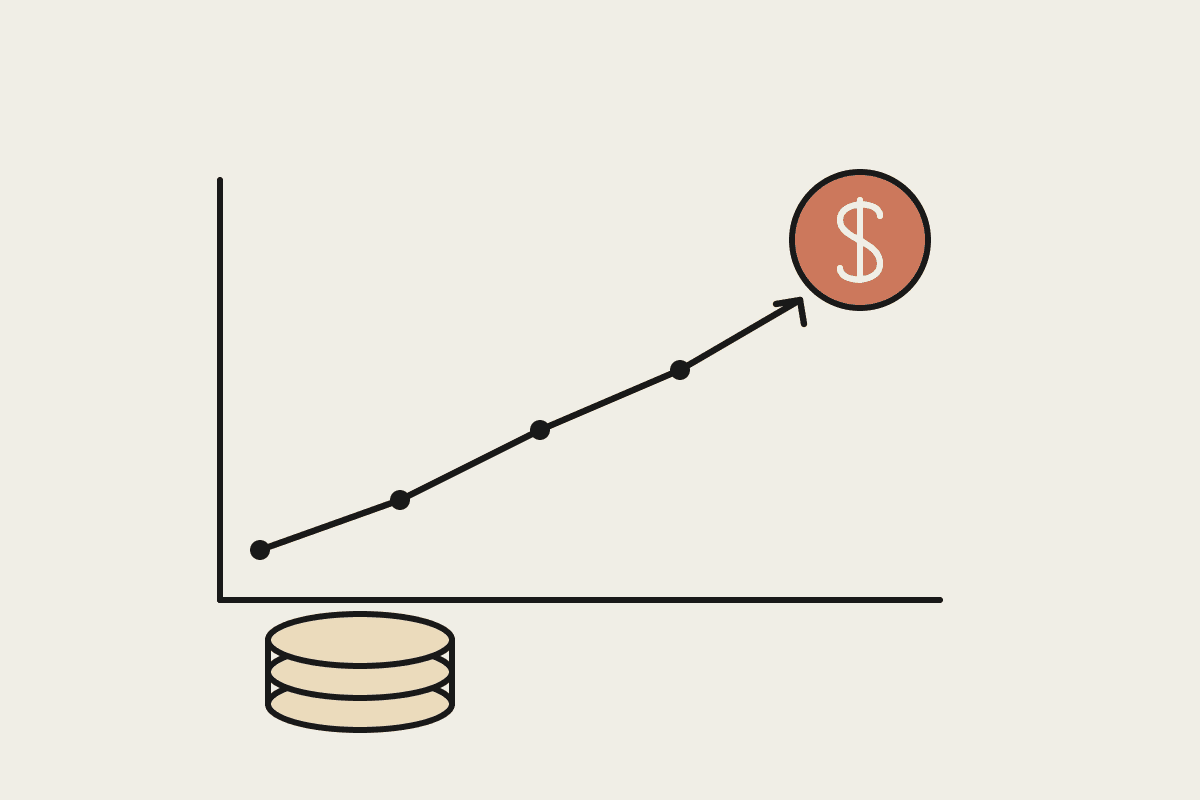
If you have gone looking for a price tag on Claude Cowork, you have probably come away confused. There is no separate Cowork invoice. Cowork is a mode inside the Claude desktop app, currently a research preview, and you reach it through a Claude subscription rather than a standalone product. That is good news for budgeting: the cost of putting Cowork in front of your team is really the cost of the Claude plan behind it, plus a little for the work you point it at.
This guide sets out what you actually pay for, how the plans compare, and how an Australian business can put a realistic number on a first year. Prices are set by Anthropic in United States dollars and change from time to time, so treat the figures here as planning ranges rather than quotes. The method matters more than any single number, and the method is what survives the next price update.
What you are actually paying for
Cowork lets Claude work across your files, run tasks in a sandbox, and use connected tools on your behalf. None of that is billed as a feature you switch on. You pay for access to Claude at a given usage level, and Cowork rides on top of it. Three things drive your bill:
Seats: how many people need their own Claude login. Most plans are priced per user per month, so this is your most predictable line.
Usage tier: how much work each person does. Heavier users need a higher tier so they do not run out of capacity halfway through a task.
Automation: whether you also run Claude through the Developer Platform for scheduled or high-volume jobs, which is billed by tokens used rather than by seat.
Get those three right and the rest of the budget falls into place. Get them wrong and you either overpay for seats nobody uses or throttle the two people who would have carried the whole return.
The plan ladder
Claude subscriptions run from a free tier up to negotiated enterprise agreements. For most Australian small and mid-size businesses, the rungs that matter are:
Free: enough to try Claude in a browser, but not the place to run Cowork day to day.
Pro: an individual plan for one professional. Plan on roughly A$30 per user per month once the USD price is converted. Good for a single owner or a first pilot user.
Max: a heavier individual plan for people who live in Claude all day and would otherwise hit Pro limits. Budget several times the Pro figure per user.
Team: per-seat pricing for a small group, with shared administration and higher limits than Pro. This is the usual home for a rollout of five to fifty people.
Enterprise: negotiated pricing with extra security and admin controls, quoted per organisation rather than off a public price list.
The jump most businesses miss is from Pro to Max. A user who keeps running out of capacity partway through a Cowork task is not on the wrong tool, they are on the wrong tier, and moving them up costs less than the hours they lose fighting the ceiling.
Usage-based automation and the API
Subscriptions cover people sitting at a keyboard. The moment you want Claude to run overnight, work through a queue of documents, or power a workflow with nobody watching, you move that load to the Claude Developer Platform, which bills per token used rather than per seat. In practice that means two lines in the budget: a steady per-seat number for the people using Cowork, and a variable usage number for anything automated. The variable line is small at the start and worth capping with a monthly spend limit so a runaway job in Sydney cannot quietly surprise you at the end of the month.
A worked budget for a Sydney team
Take a ten-person professional services firm in Sydney that wants six people using Cowork, two of them heavily, plus one automated reporting job. A realistic first-year plan looks like this:
Four standard seats and two heavy seats: roughly A$4,000 to A$6,000 for the year in subscriptions, depending on the tier mix and the AUD rate.
Automation usage on the Developer Platform: budget A$1,200 for the year and cap it monthly.
Rollout and training: about A$5,000 for two half-day sessions and a fortnight of internal support.
Total first-year outlay: roughly A$12,000.
Set that against a single analyst on A$120,000 a year. If Cowork gives six people back two hours a week each, you are recovering well over A$60,000 of time annually. The subscription is rarely the number that decides the case, which is exactly why leading with the price tag is the wrong way to think about it.
The costs people forget
The line items that derail budgets are not the seats. They are the soft costs sitting around them:
Rollout: someone has to set up folders, connectors and house rules before the tool earns anything. Budget real hours for it.
Training: a licence nobody knows how to use is pure cost. Two short sessions move the return more than any tier upgrade.
Governance: deciding what Claude may touch, where your Australian data sits, and how you meet Privacy Act obligations. Cheap to plan up front, expensive to retrofit later.
None of these are large on their own, but leaving them out of the plan is how a tidy A$12,000 budget quietly becomes A$20,000 of half-finished rollout by March.
Sizing your first budget
Start narrow. Put two or three people on the right tier, point them at one real workflow, and run it for a month before you buy seats for everyone. That single month tells you your true usage tier, your automation spend, and your training need, and every number after it is grounded rather than guessed. When you are ready to put a figure on your own rollout, we can size it with you in a short call at our contact page.
Keep going
For the full setup path, see the Claude Cowork setup guide. Related on this topic: